
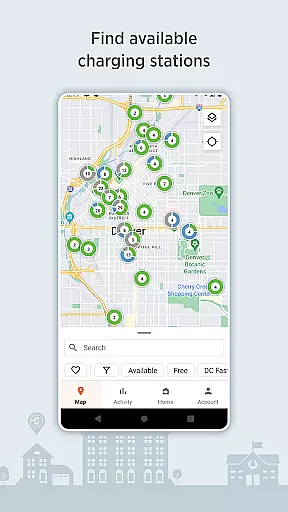
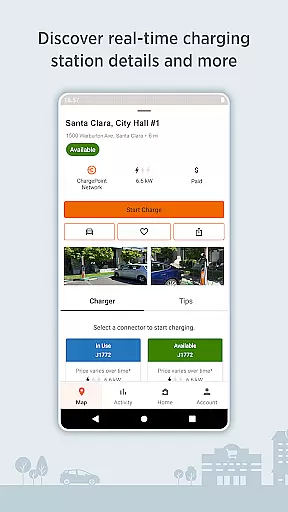
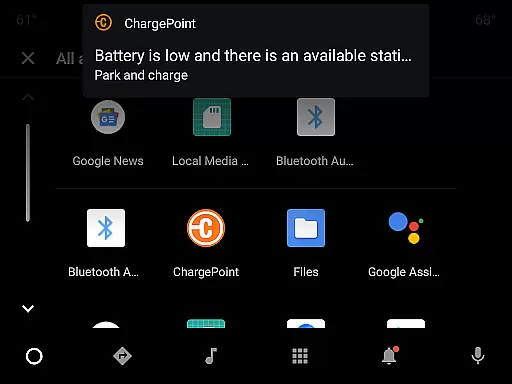
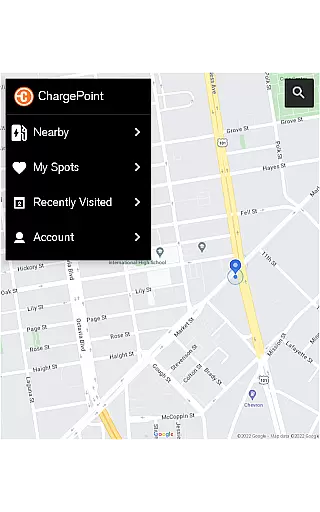
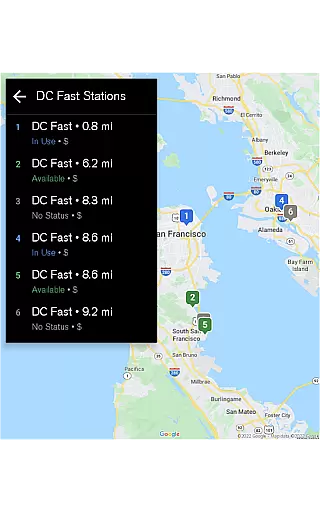
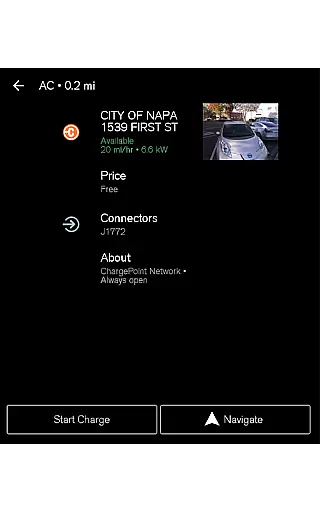
ChargePoint is the ultimate app for electric vehicle (EV) drivers, providing seamless access to the world's largest EV charging network. With hundreds of thousands of stations and roaming partners like FLO, EVgo, and Greenlot, it offers real-time station availability, customizable filters, and essential information including pricing and driver tips.
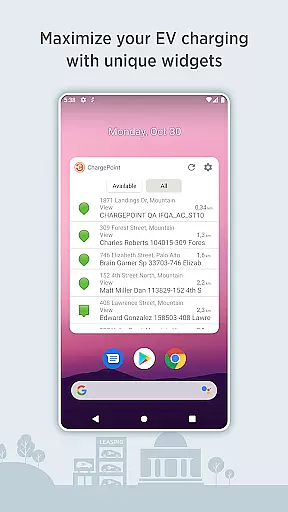
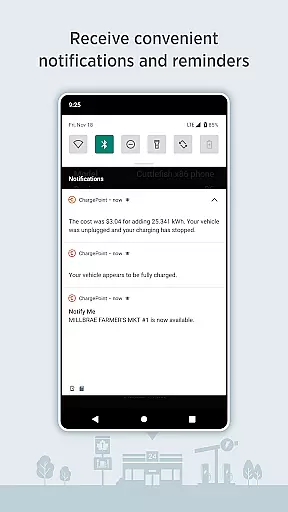
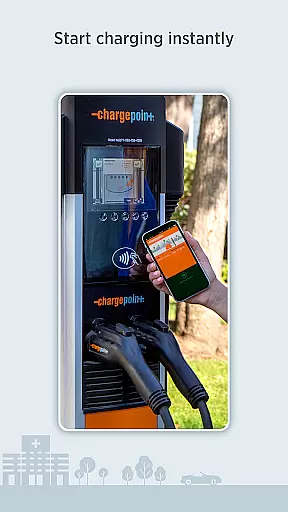
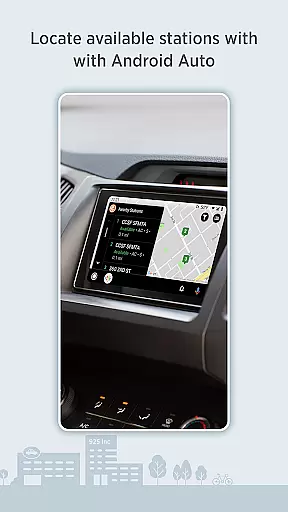
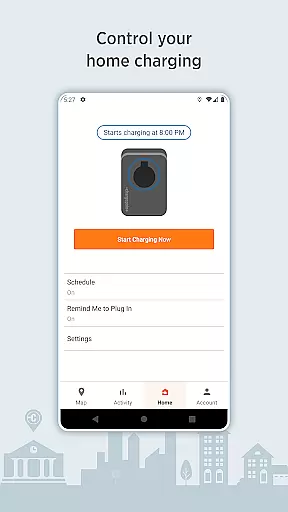
The app allows instant charging through simple tap-to-charge functionality, RFID cards, or in-app controls. It also supports home charging with ChargePoint Home Flex, enabling users to schedule charges, track usage, and receive notifications. Premium features include Android Auto integration, Wear OS compatibility, and widgets for quick access to charging info, making it a comprehensive solution for all EV charging needs.
ChargePoint stands out with its robust feature set tailored for EV drivers. The app provides an intuitive map interface showing real-time station availability and detailed information such as pricing, popular charging times, and user tips. Its roaming capability allows users to charge at partner stations using a single account, streamlining the payment process.
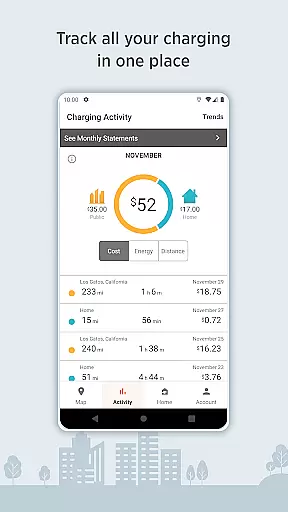
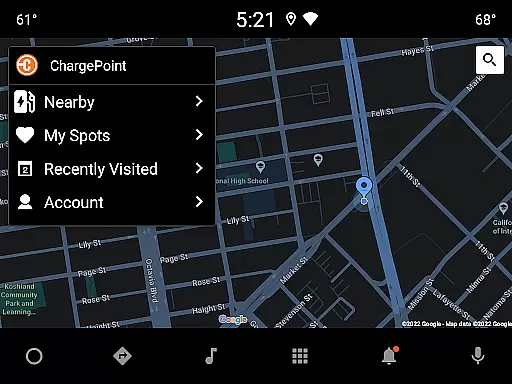
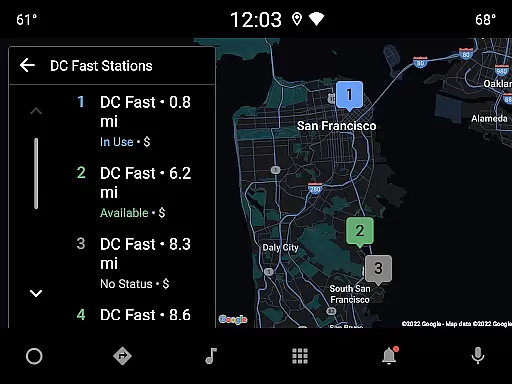
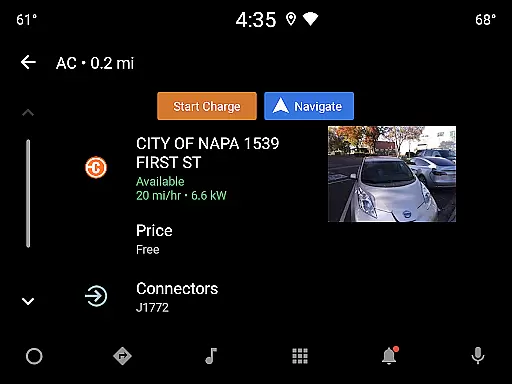
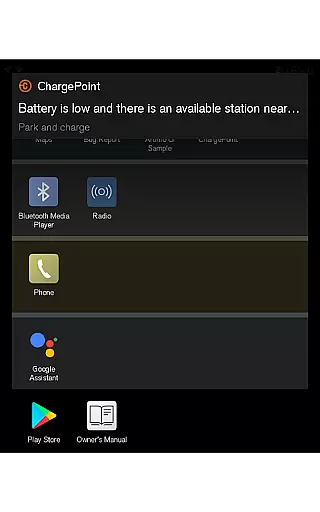
Advanced functionalities include customizable station filters for AC or DC fast chargers, live updates on charging status, and historical data tracking of past sessions. Integration with Android Auto and Wear OS ensures that drivers can locate stations and manage charging directly from their car's display or smartwatch. Additionally, convenient widgets allow users to monitor charging activity without opening the app, offering a truly connected experience.
Companion app integration is essential for a seamless user experience across multiple devices. The ChargePoint app excels in this area by offering comprehensive connectivity between smartphones and Wear OS by Google devices.
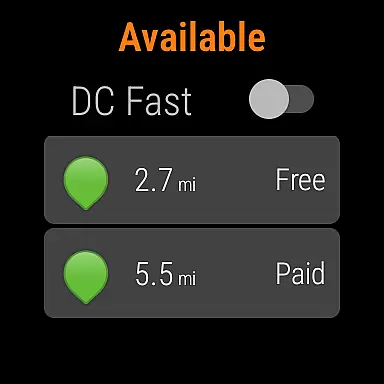
With the ChargePoint app, users can effortlessly start charging their electric vehicles using their Wear OS smartwatches. This feature allows drivers to initiate charging with a simple tap, providing unparalleled convenience when they are on the go.
The integration also enables users to view important information such as the miles added to their vehicle's range directly on their smartwatch. This ensures that drivers have access to critical data without needing to take out their phones.
By bridging the gap between mobile and wearable technology, ChargePoint enhances the overall EV charging experience, making it more accessible and user-friendly for tech-savvy drivers.
Device compatibility is crucial for ensuring that applications function correctly across various platforms. The ChargePoint app supports a wide range of devices, including those running Wear OS by Google, which significantly broadens its accessibility.
Users benefit from the ability to interact with the ChargePoint network through their Wear OS devices, allowing them to locate charging stations, check availability, and even begin charging sessions right from their wrists.
This compatibility not only simplifies the process of managing EV charging but also integrates seamlessly with other smart features, enhancing the overall utility of wearable devices.
By prioritizing cross-device functionality, ChargePoint ensures that its users can enjoy a consistent and reliable experience, regardless of the device they choose to use, thus promoting greater adoption of electric vehicles.
User-friendly interface
Extensive charging network
Real-time station updates
Seamless payment options
Home charging management
Limited offline functionality
Premium features require subscription
Occasional connectivity issues
Higher costs at peak times
Dependent on network coverage

"PER27 Galaxy Digital" is a digital Wear OS watch face designed by PERSONA
 4.10
4.10
Highly customizable hybrid watch face for Wear OS, perfect for everyday use.
4.60
A full-featured Amazon Alexa voice assistant that can show you things.
3.70
The most customizable minimal watch face. For Wear OS 5.0, API 34+ and later
4.70
Connect to your Bluelink equipped Hyundai vehicle from your smartphone.
4.50
Bold weather Digital watchface with forecast & optional animated background
4.40
Viewer for Wyze/Yi/Eufy/Arlo/ONVIF/RTSP/P2P IP cams w/ adv. features & DIY DVR
4.00
Premium hybrid watch face with many customizations for Wear OS devices.
4.40
Hybrid watch face for Wear OS with customizable complications by Matteo Dini MD
4.70
Christmas Theme Watch Face for Wear Os
5.00
Diet tracker for weight loss - track calories, food and macros. Simple and easy!
4.70
WTW M17 is a premium and luxurious hybrid watch face
4.70
Rose gold watch face with festive lights & customizable features.
4.60
The ultimate destination for kids ages 3-8 to explore the Marvel Universe!
4.30
A customizable Christmas watch face for Wear OS with a countdown.
4.20
Your music, your playlists, and more—offline and unlimited.
4.20
Christmas and New Year - Themed Watchface
4.1
A heartwarming Christmas scene featuring a cute image of Santa and Rudolf
4.2
Hybrid Vibrant Health Watch Face for Wear OS
4.0


User Reviews