

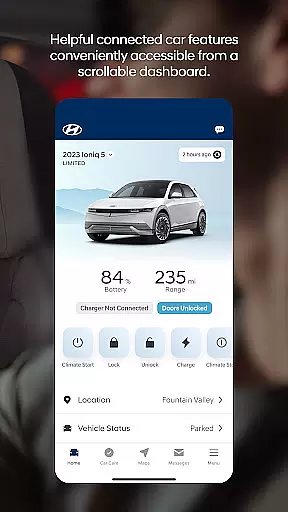
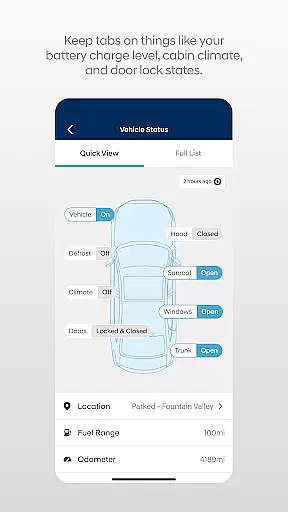

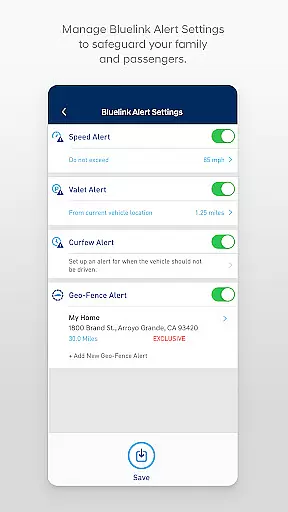
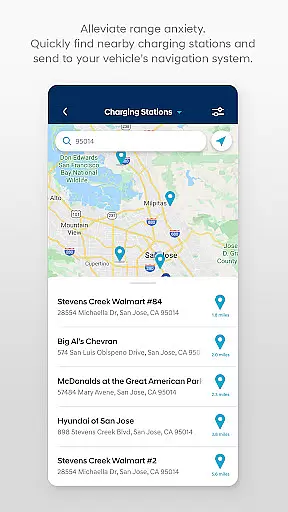
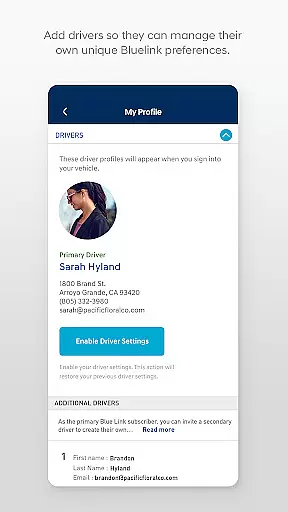
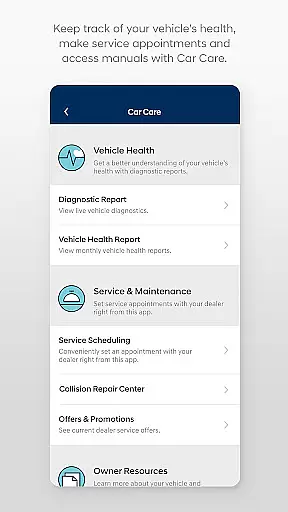
The MyHyundai app with Bluelink is a comprehensive vehicle management solution designed specifically for Hyundai car owners. This innovative application allows users to remotely interact with their Bluelink-enabled vehicles directly from their mobile devices, providing unprecedented convenience and control.
Core features include remote start/stop functionality, door lock/unlock capabilities, horn and light activation, and vehicle location services. The app also offers advanced functionalities for electric and hybrid vehicles, such as charging management and status monitoring. These features are accessible through an intuitive interface that integrates seamlessly with both smartphones and Wear OS devices.
The application's true value shines through its ability to enhance the driving experience while away from the vehicle. Whether it's scheduling service appointments, accessing maintenance information, or sending points of interest directly to the car's navigation system, the MyHyundai app streamlines vehicle ownership and management.
The MyHyundai app distinguishes itself through its comprehensive feature set tailored specifically for modern vehicle owners. One of its most notable capabilities is the remote vehicle management system, which allows users to perform essential functions such as starting the engine, locking/unlocking doors, and activating the horn and lights from virtually anywhere.
For owners of electric and plug-in hybrid vehicles, the app provides sophisticated charging management tools. Users can monitor charging status in real-time, schedule charging sessions during off-peak hours, and customize charging preferences - all through the convenience of their mobile device. The integration with Wear OS smartwatches further enhances accessibility, enabling voice command functionality for key features.
Additional features include comprehensive maintenance tracking, detailed vehicle status reports, and seamless integration with the vehicle's navigation system for sending points of interest. The app also incorporates biometric authentication for enhanced security, ensuring that only authorized users can access and control vehicle functions.
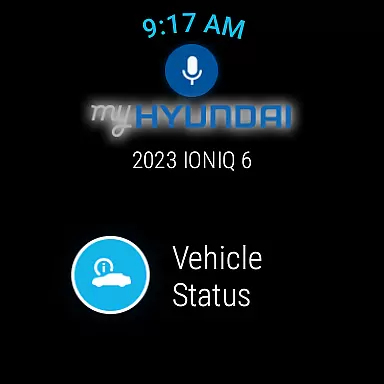
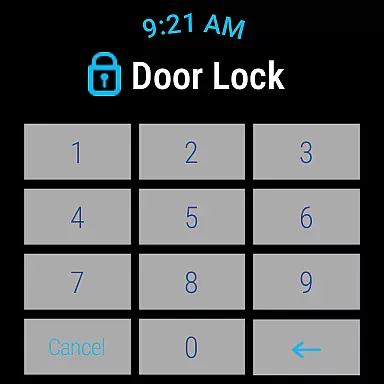
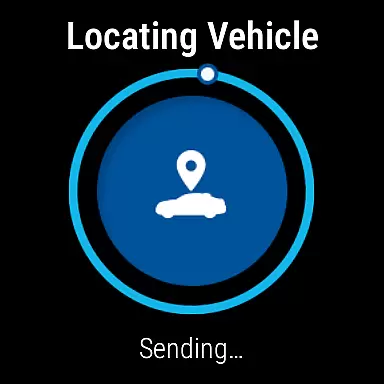
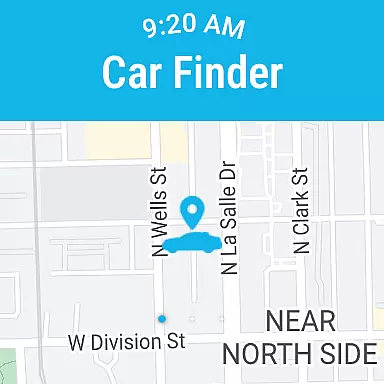
Companion app integration is essential for users who want a seamless experience between their smartphone and wearable devices. The MyHyundai app excels in this area by offering full functionality with Wear OS smartwatches. This means you can remotely start your vehicle, lock or unlock doors, activate the horn and lights, and even locate your car directly from your smartwatch.
The integration goes beyond just basic controls. Users can utilize voice commands or navigate through the smartwatch menu to access these features effortlessly. This level of companion app integration ensures that whether you're in a meeting or have your hands full, you can still manage essential vehicle functions without needing to reach for your phone.
By leveraging biometric authentication like fingerprint or face recognition on your smartphone, the app provides an added layer of security while making it convenient to log in and send commands. This robust integration empowers users to stay connected to their vehicles at all times, enhancing both convenience and peace of mind.
Wear OS and device compatibility are crucial factors when choosing an application that extends its functionalities to wearable technology. The MyHyundai app supports a wide range of Wear OS smartwatches, ensuring that most users can take advantage of its features regardless of their specific device model.
This compatibility allows users to enjoy functionalities such as remote start, door lock/unlock, horn and light activation, and car location directly from their wrists. By supporting various devices, the app ensures that more Hyundai owners can benefit from these advanced capabilities without worrying about hardware limitations.
Moreover, the app's ability to integrate with multiple devices underlines its versatility and commitment to user-centric design. Whether you're using a high-end smartwatch or an entry-level model, the MyHyundai app delivers consistent performance and reliability across different platforms, enhancing overall user satisfaction and engagement.
User-friendly interface
Comprehensive feature set
Wear OS integration
Remote vehicle management
Advanced EV support
Subscription required
Limited vehicle compatibility
Feature restrictions
Connectivity issues
Security concerns

Christmas and New Year - Themed Watchface
 4.3
4.3
Wear Os Watch Face - Animated Snow Effect & Magic Spark - 6 Scenes
4.10
Be an elegant and classy secret agent, with this carefully detailed watch face
4.70
Watch face for Wear OS.
4.20
Bold, Modern Hybrid Watch Face for Wear OS. 10 Colors, Rich Info Display.
4.30
Reliable phone calls with spam protection, caller ID and more helpful features
4.40
Real-time weather radar with temperatures, warnings, hurricanes, and widgets
4.80
Hyper-Realistic Airplane Dashboard Watch Face With 10 Skins and Custom AOD
4.00
Track airplanes and follow flights with our real-time flight tracker
4.50
Period, ovulation & pregnancy tracker. Fertility insights & menstrual calendar.
4.90
Easy Voice Recorder is your everyday companion to record important moments.
4.70
Walking app for weight loss: walk & step tracker, pedometer, indoor treadmill
4.60
Highly customizable hybrid watch face for Wear OS, perfect for everyday use.
4.60
A realistic hybrid watch face with many customization options.
4.60
Stylish, Energizing and Modern Watch Face crafted by Dominus Mathias.
4.50
Digital watch face with big numbers and many customization for Wear OS devices
4.40
Calming & relaxing sounds for sleeping and stress relief. Stay focused all day!
4.20
Christmas is near, let's count together the days left until Santa comes
4.3
Fitness interactive virtual pet super fighter boy watch face
4.3


User Reviews