


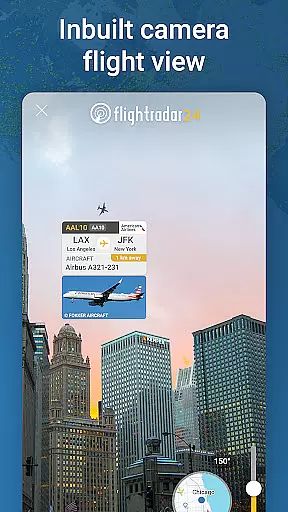
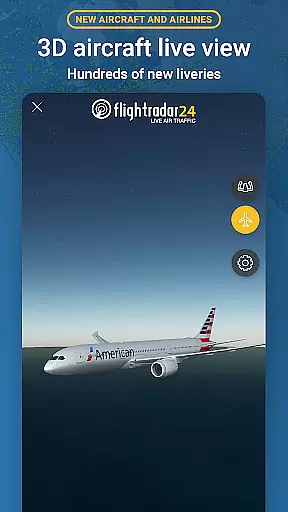
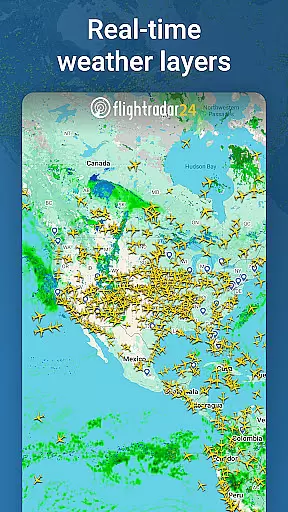
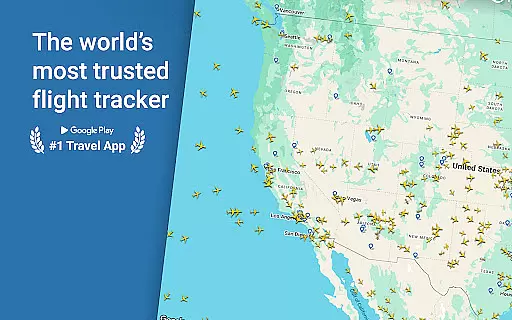

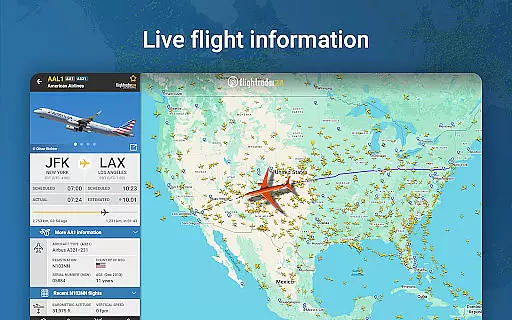
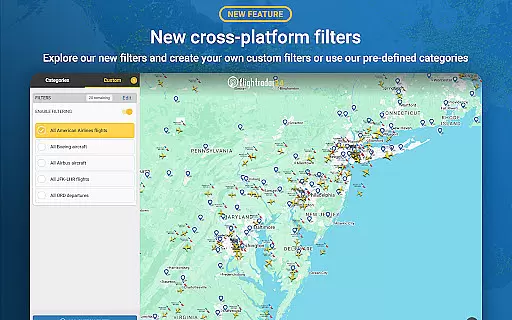
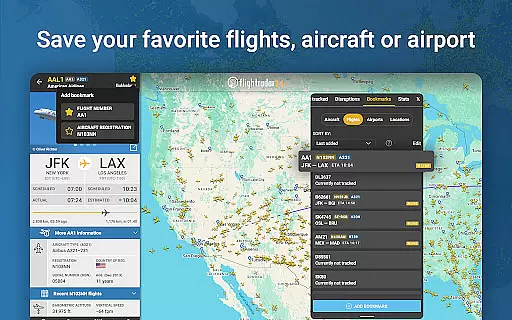
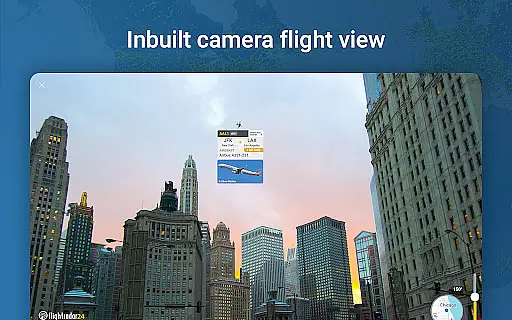
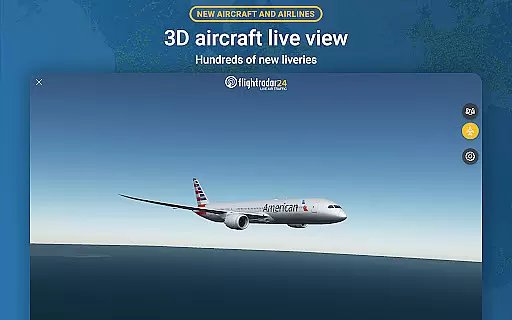
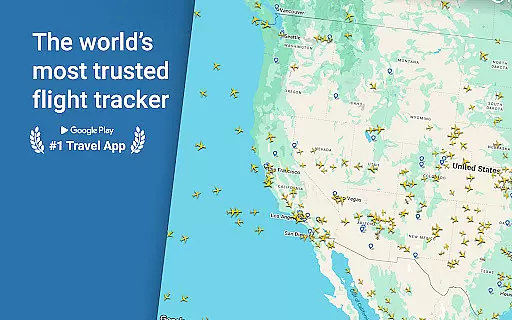

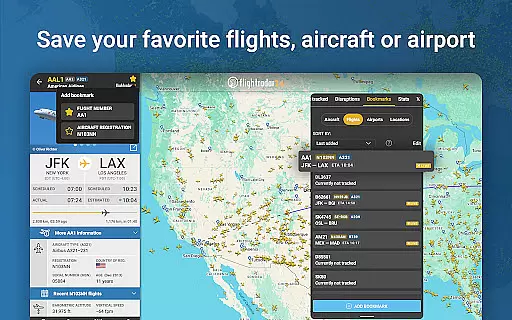
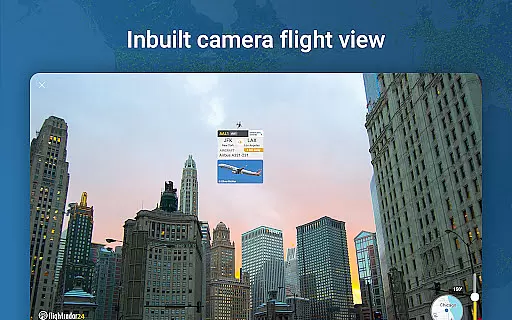
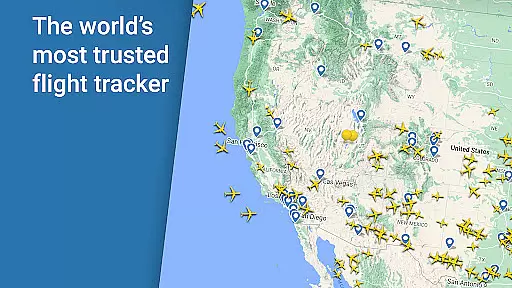

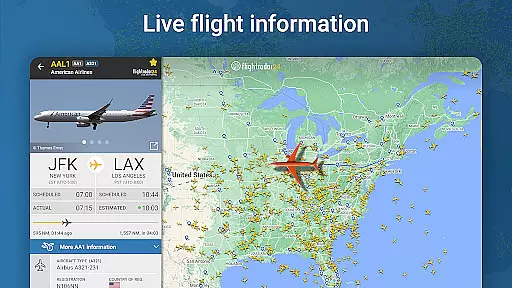
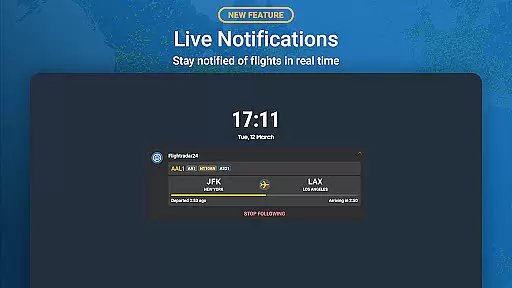
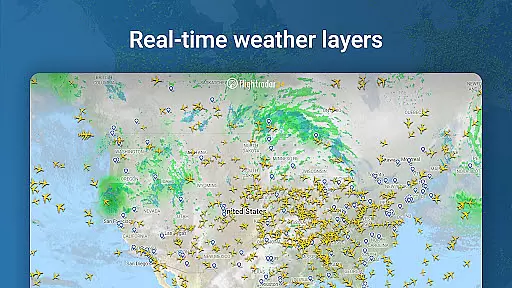
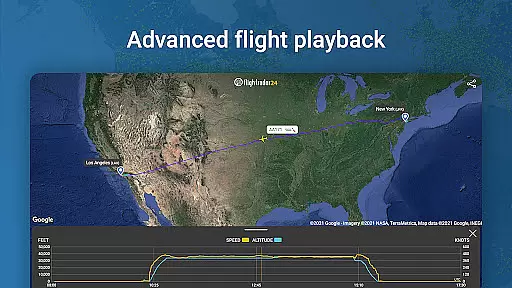
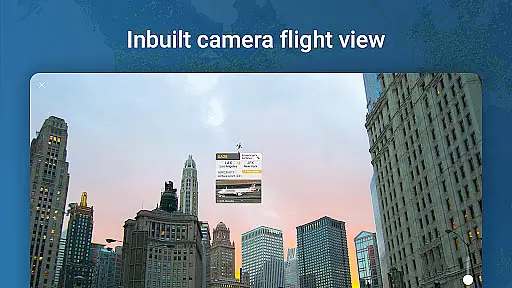
Flightradar24 Flight Tracker is the world's leading flight tracking application, serving as the top travel app in over 150 countries. This innovative tool transforms your mobile device into a real-time plane tracker, displaying global air traffic on a detailed map. By simply pointing your phone at the sky, you can identify overhead flights and access comprehensive flight information.
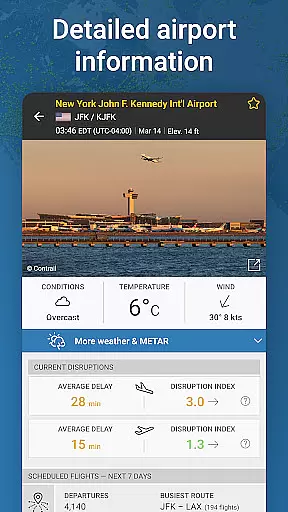
The app offers advanced features like 3D flight visualization, historical flight data playback, and detailed airport information including arrivals, departures, and weather conditions. Its powerful tracking capabilities extend to Wear OS devices, allowing users to view nearby aircraft details directly from their smartwatches. Whether for aviation enthusiasts or casual users, Flightradar24 provides valuable insights into global air traffic patterns.
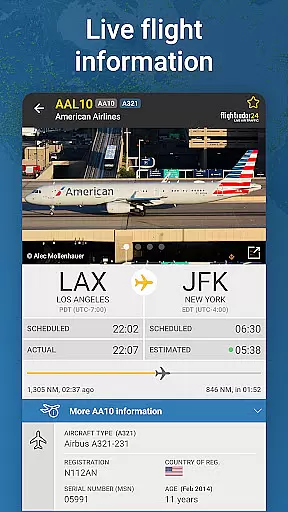
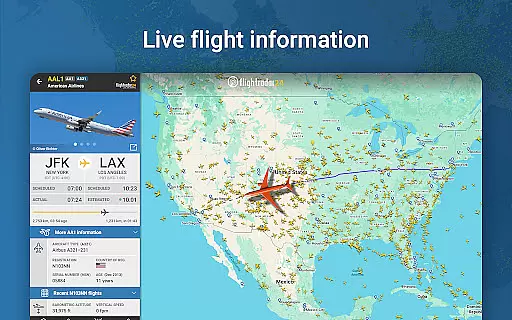
Flightradar24 stands out with its comprehensive feature set designed for both casual and professional aviation tracking. The app's core functionality includes real-time flight tracking through a network of over 50,000 ground stations worldwide, utilizing ADS-B technology. Users can access detailed flight information by tapping on any aircraft, revealing data such as route details, aircraft type, speed, altitude, and high-resolution photos of the actual plane.
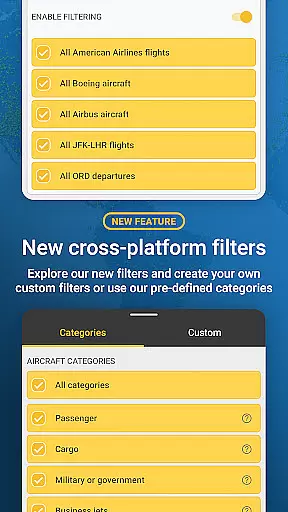
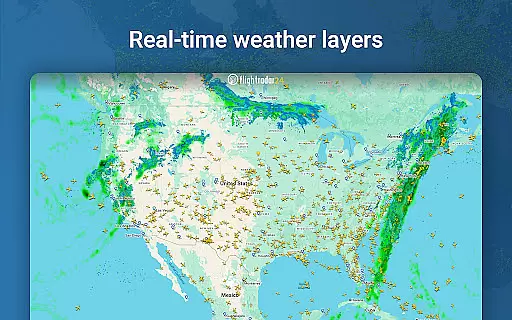
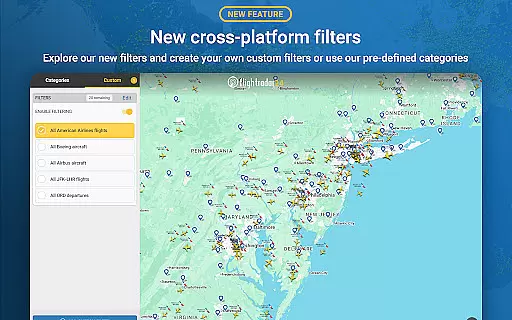
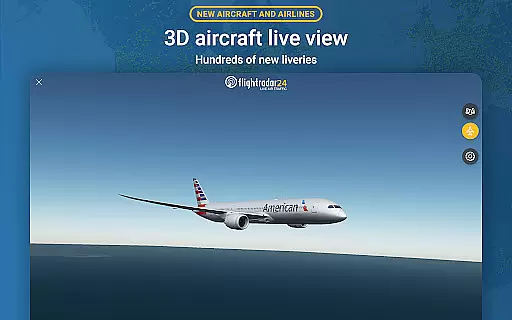
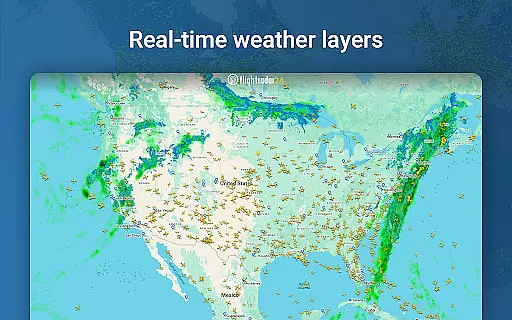
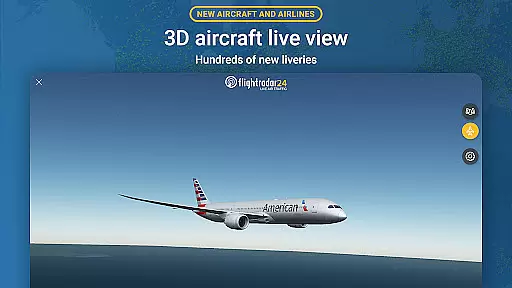
Advanced features include 3D visualization of flights with hundreds of airline liveries, pilot's perspective view, and sophisticated filtering options. The premium versions offer enhanced capabilities like 90-365 days of historical flight data, detailed weather layers, aeronautical charts, and extended Mode S data. The app's integration with Wear OS devices extends its functionality, allowing users to track nearby aircraft directly from their smartwatches.
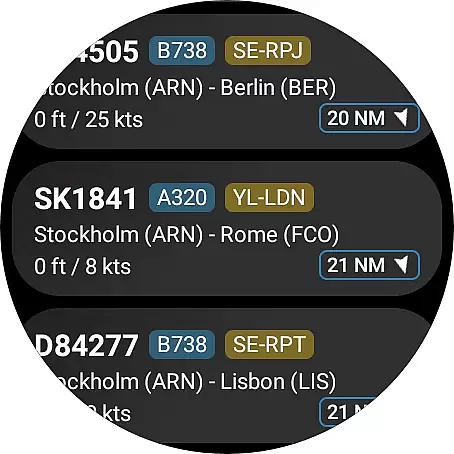
Companion app integration is crucial for wearable devices as it ensures seamless data sharing and functionality between the main application and its wearable counterpart. Flightradar24 Flight Tracker excels in this area by providing users with the ability to view a list of nearby aircraft directly on their Wear OS devices.
The app goes beyond basic flight tracking by allowing users to tap on an aircraft to see essential flight information. This feature provides convenience and accessibility, enabling users to stay informed without needing to reach for their phone or tablet.
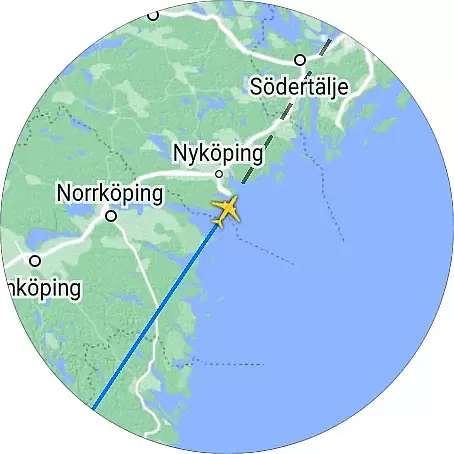
Furthermore, when users tap on a flight within the Wear OS app, they can view the aircraft's position on the map. This interactive capability enhances the user experience by delivering real-time updates and maintaining engagement with the content.
By integrating these features with Wear OS, Flightradar24 ensures that users have access to critical flight data at a glance, making the companion app an indispensable tool for aviation enthusiasts and professionals alike.
Ensuring compatibility with Wear OS and various devices is vital for maximizing the reach and utility of an application. Flightradar24 Flight Tracker achieves this by offering broad support across different Wear OS-enabled devices, ensuring that users can enjoy consistent performance regardless of their hardware choice.
The app's design takes full advantage of Wear OS capabilities, presenting flight data in a clear and organized manner. Users benefit from having quick access to nearby aircraft lists and basic flight details, which are optimized for smaller screens without sacrificing usability.
Moreover, Flightradar24 maintains functional integrity across devices, meaning whether you're using a smartwatch or another compatible device, the experience remains smooth and reliable. This cross-device reliability reinforces user confidence in the application's ability to deliver accurate information whenever needed.
Ultimately, Flightradar24u2019s commitment to Wear OS/device compatibility demonstrates its dedication to providing versatile tools that cater to diverse user preferences and technological ecosystems.
Comprehensive flight data
Real-time tracking
Global coverage
Advanced 3D visualization
Wear OS integration
Premium features costly
Variable coverage areas
Complex for beginners
Some features region-limited
Free version restricted

Christmas and New Year - Themed Watchface
 4.5
4.5
an Analog Watch Face for winter season with freeze winter background for Wear OS
4.4
Snowflake Rose Gold Watch Face - Digital, modern, & sleek with GYRO effect.
4.10
A Wintery Snow Globe on Your Wrist; now celebrating Christmas!
4.1
A heartwarming Christmas scene featuring a cute image of Santa and Rudolf
4.5
Artistic Digital Watchface
4.4
Hyperlocal rain alerts by MyRadar using patent-pending technology, radar & more
4.80
Period, ovulation & pregnancy tracker. Fertility insights & menstrual calendar.
4.90
Toyota app currently supports 2010 or newer vehicles (2018 or newer for Hawaii).
4.50
Hybrid watch face for Wear OS with customizable complications by Matteo Dini MD
4.70
The most customizable minimal watch face. For Wear OS 5.0, API 34+ and later
4.70
Rose gold watch face with festive lights & customizable features.
4.60
A white realistic classic analog watch face with many customization options.
4.40
Find EV charging stations
4.30
The ultimate destination for kids ages 3-8 to explore the Marvel Universe!
4.30
Watch face for Wear OS.
4.20
sleep, alarm, snoring, stress, healing, focus, sound therapy, circadian rhythm
4.10
The #1 source of faces for your smartwatch!
4.00
A watch face that fuses motorsport precision with contemporary smartwatch design
4.4


User Reviews