
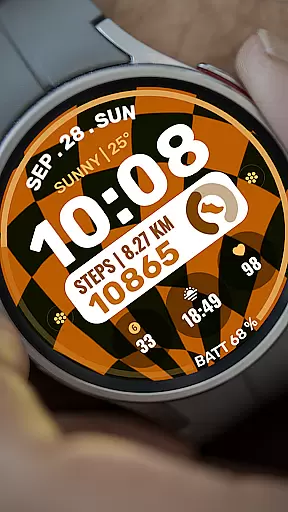
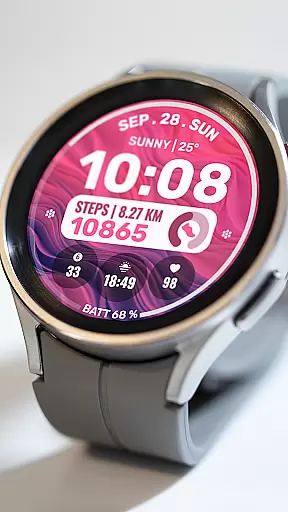
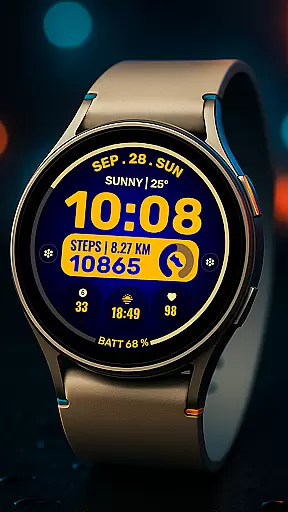
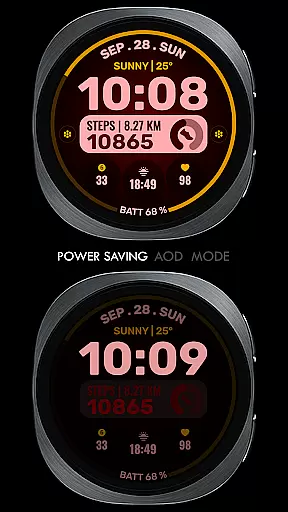
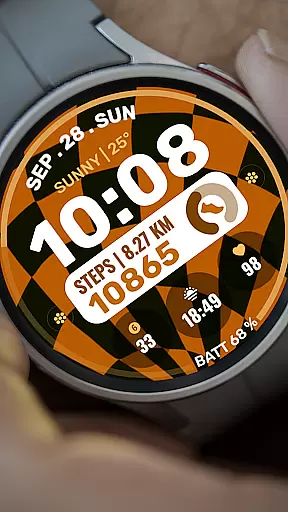
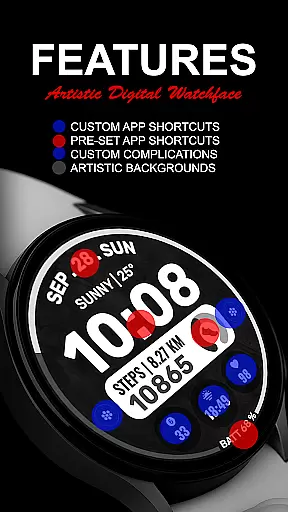
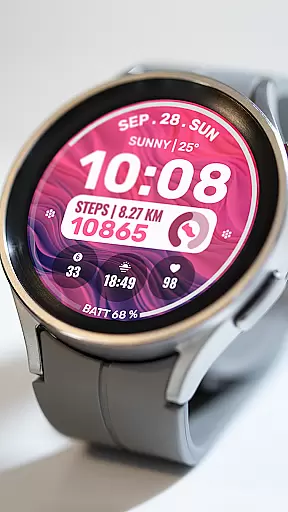
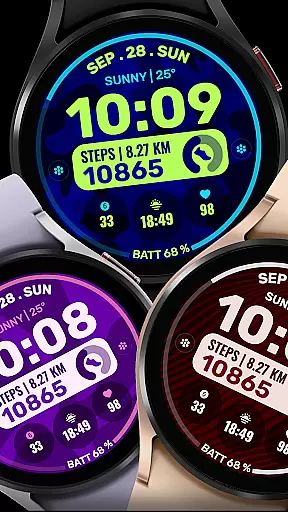
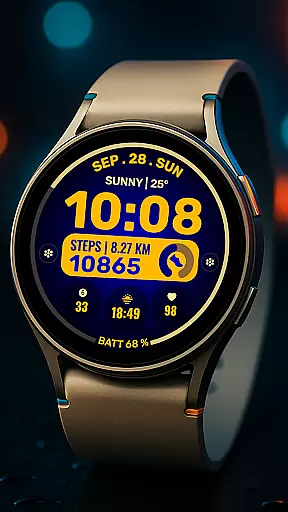
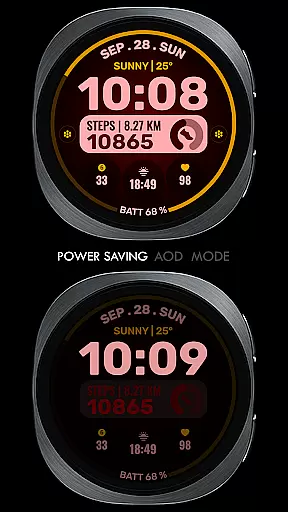
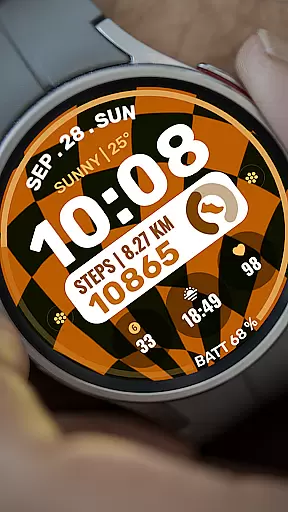
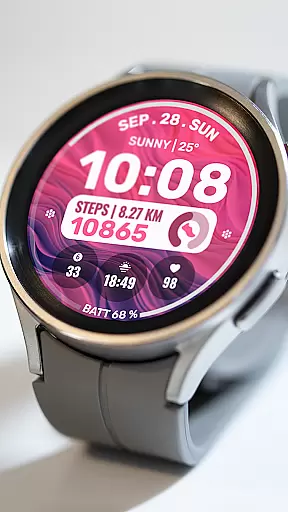
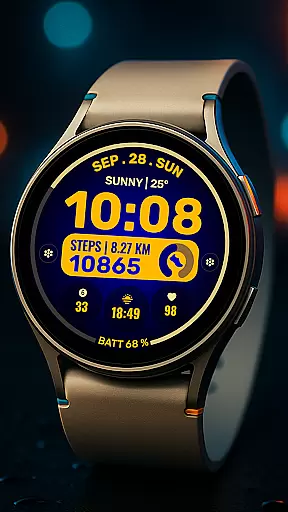
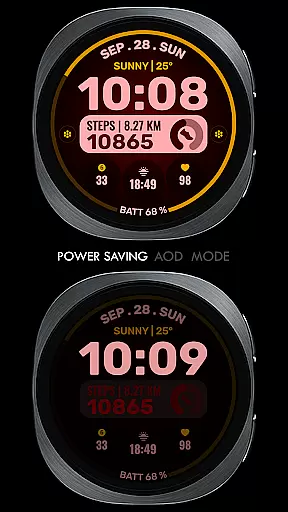
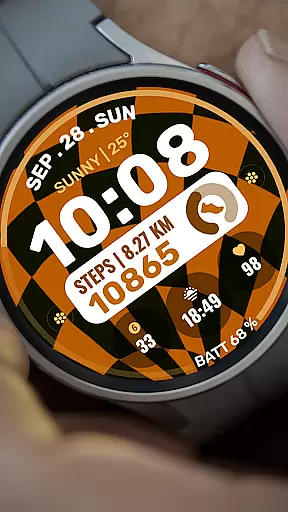
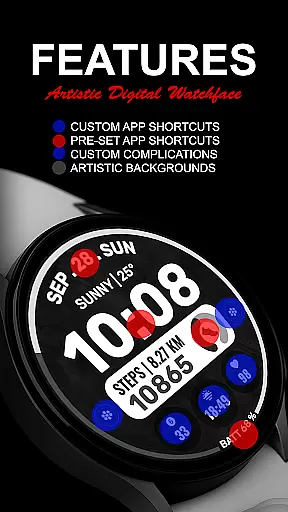
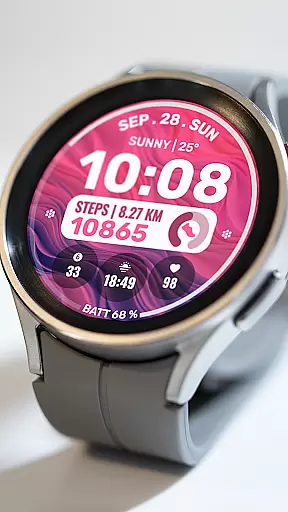
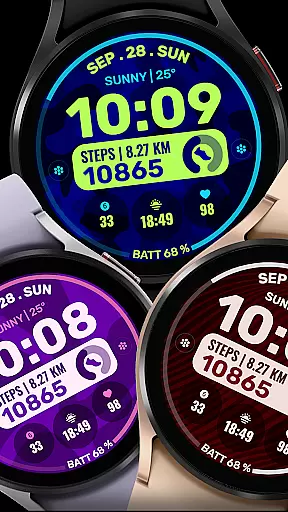
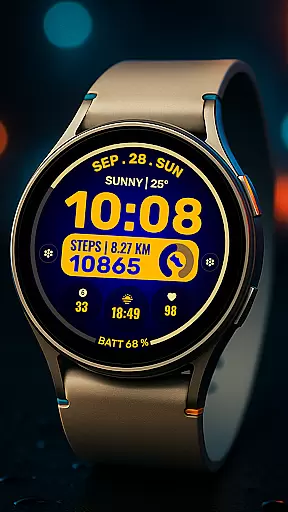
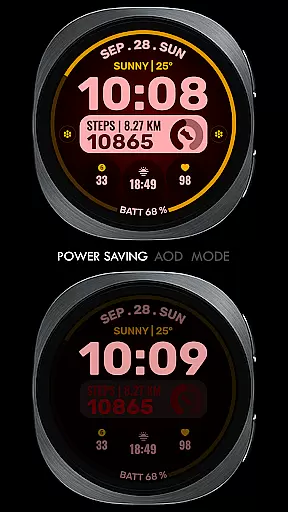
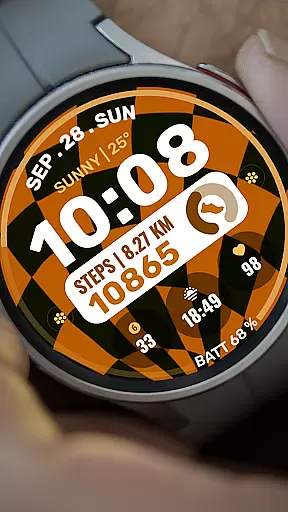
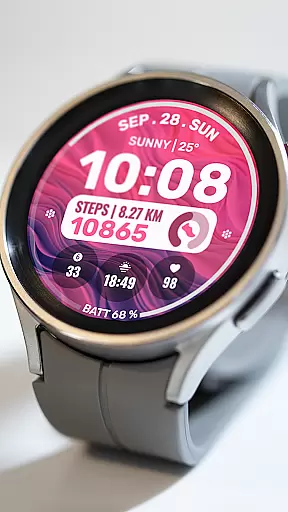
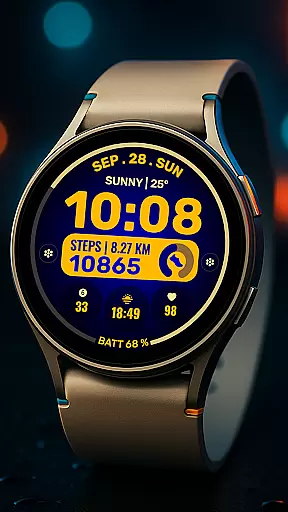
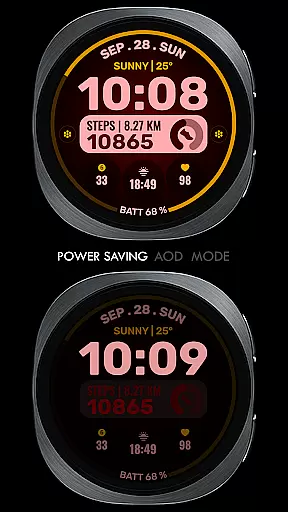
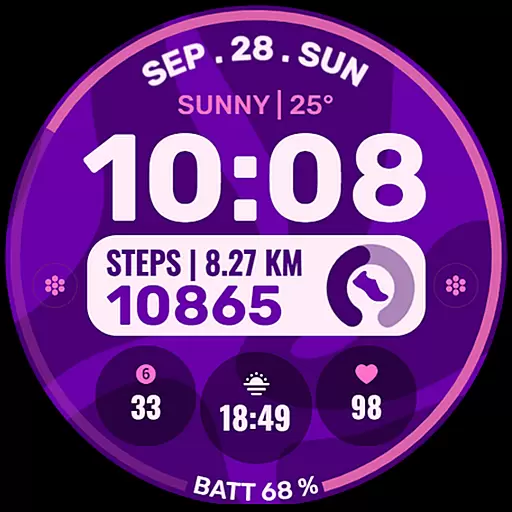
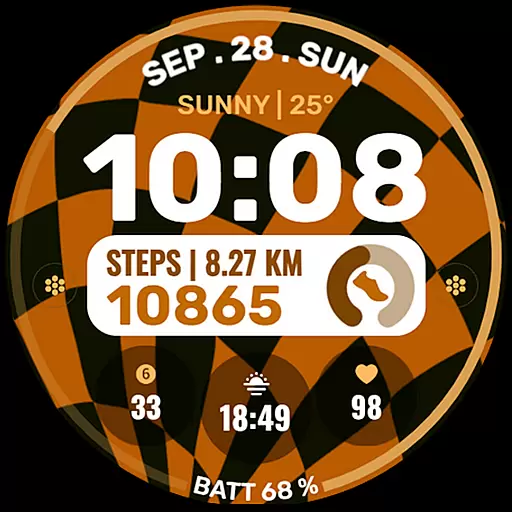
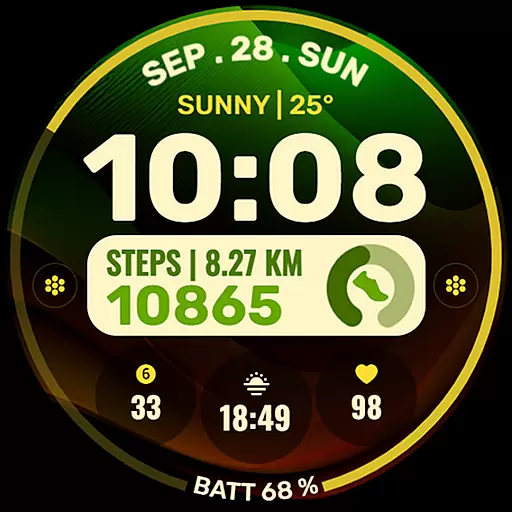
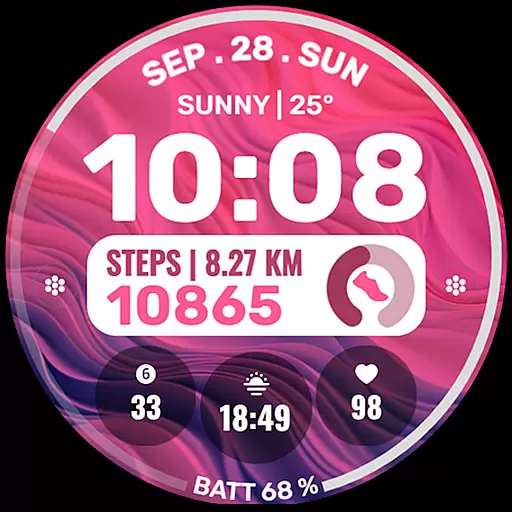
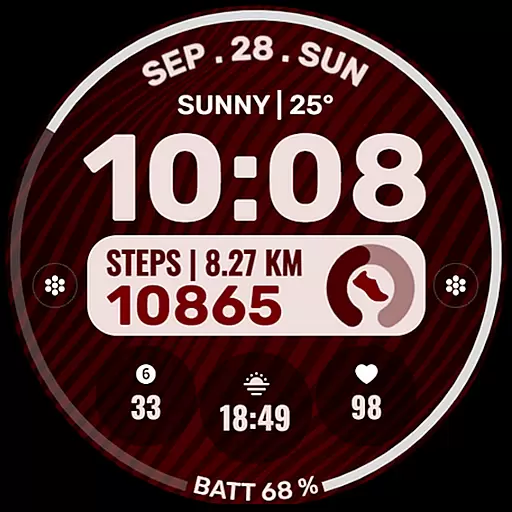
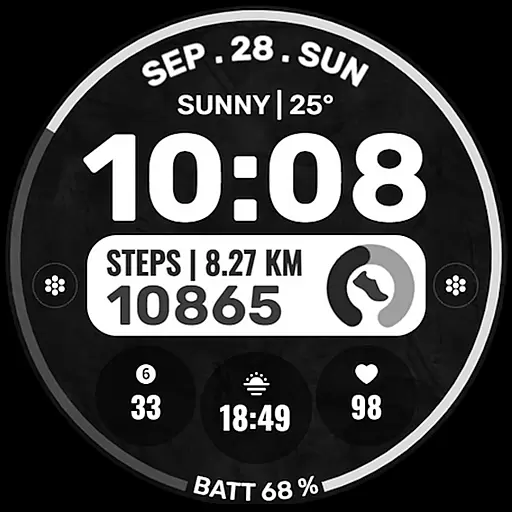
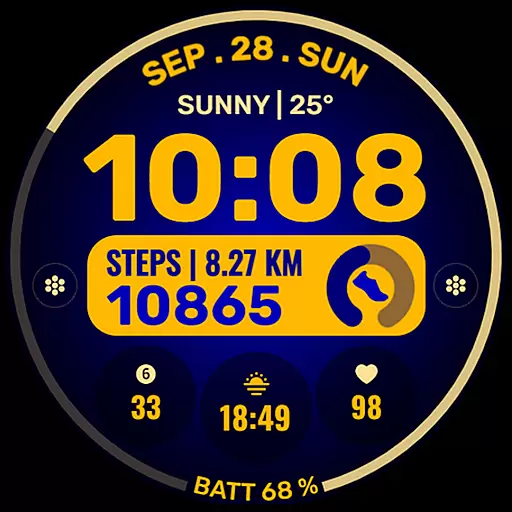
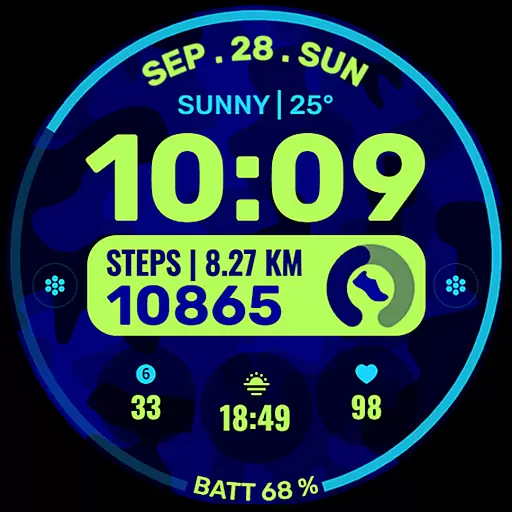
Data Dash is a feature-rich watch face designed specifically for Wear OS devices, supporting all devices with API Level 34+ and Wear OS 4 or later. This artistic digital clock offers users the ability to customize their watch faces directly on their device, providing an unparalleled level of personalization.
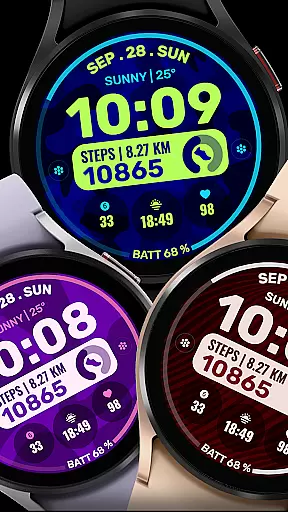
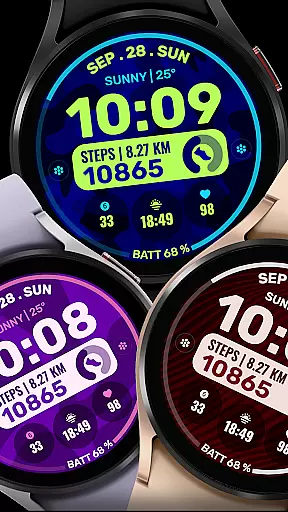
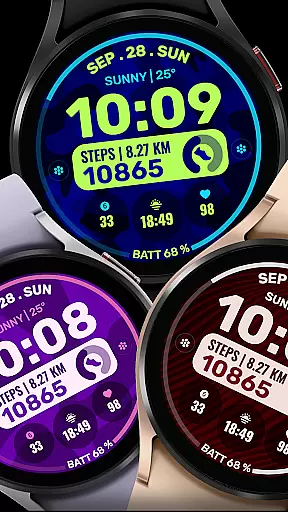
With pre-set app shortcuts, custom app shortcuts, and customizable complications, Data Dash allows users to tailor their watch face to display the information most important to them, such as date, weather, steps, world clock, and more. The customization extends to background and color themes, ensuring each user can create a unique look that suits their style.
Whether you're a tech enthusiast looking to maximize your smartwatch's potential or simply someone who appreciates a personalized touch, Data Dash delivers both functionality and aesthetics in one comprehensive package.
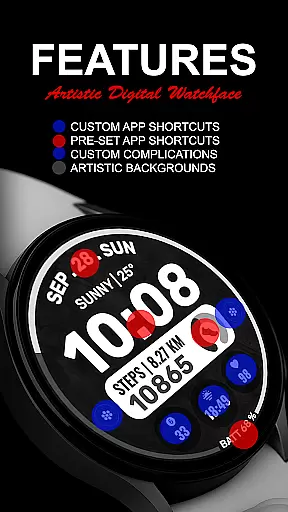
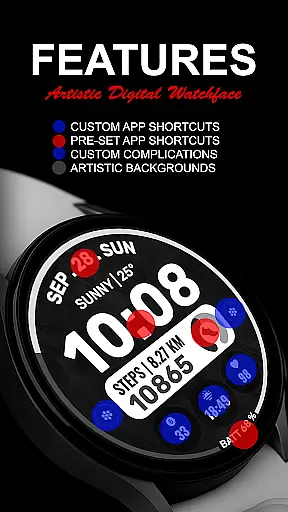
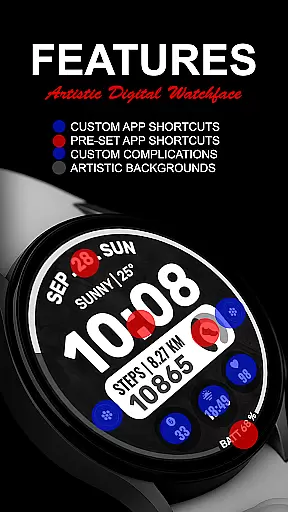
Data Dash stands out with its array of features tailored for personalization enthusiasts. The artistic digital clock serves as the centerpiece, surrounded by options for customization that cater to individual preferences.
Users can take advantage of pre-set app shortcuts like Alarm, Calendar, Battery, and Steps, while also having the freedom to set up two custom app shortcuts. With three customizable complications, the watch face becomes a hub of information, displaying anything from date and weather to next appointments and distance walked.
The ability to install additional third-party complications further expands the watch face's capabilities. Custom backgrounds and color themes ensure that each user's watch face is uniquely theirs, offering a seamless blend of form and function that enhances the overall smartwatch experience.
Companion app integration is essential for a seamless wearable experience. Data Dash ensures that your watch face data syncs perfectly with the companion app on your smartphone.
This watch face supports all Wear OS devices with API Level 34+ and later versions, ensuring broad compatibility. The synchronization process uses the same email address across devices, guaranteeing smooth data transfer and management.
Users can customize their watch faces directly on their watches, thanks to the intuitive interface provided by Data Dash. This feature is particularly useful until Samsung resolves syncing issues within its own apps.
By enabling all permissions through settings, users can maximize the functionality of Data Dash. This includes access to crucial features like calendar events, battery status, and step counts, enhancing the overall utility of the watch face.
Device compatibility is a cornerstone of any successful Wear OS application. Data Dash offers extensive support for Wear OS devices, ensuring that users with API Level 34+ and later versions can enjoy its features.
Some advanced functionalities may not be available on every device, but core features such as artistic digital clocks, pre-set app shortcuts, and customizable complications are widely accessible. These include options for date, weather, steps, world clock, and more.
Installation is straightforward; after downloading, the watch face automatically transfers to your WEAR OS watch. A notification confirms successful installation, though users might need to search for 'Data Dash' in the Play Store on their watch if issues arise.
To fully utilize Data Dash, ensure that all necessary permissions are enabled via settings. This allows for an enriched user experience, integrating various data points into a cohesive and visually appealing watch face.
Highly customizable
Artistic design
Wide compatibility
User-friendly interface
Comprehensive features
Complex setup process
Limited initial features
Potential sync issues
Third-party dependencies
Refund time constraints

Animated Watch Face and Customizable with 24 Backgrounds. Perfect for Christmas!
 3.90
3.90
Wear Os Watch Face - Animated Snow - Sesonal for Christmas & Winter
4.5
Beautiful, colorful and practical watch face. For Wear OS devices.
5.00
Digital, flexibly customizable watch face. For Wear OS 5.0, API 34+ and later.
5.00
Connect to your Bluelink equipped Hyundai vehicle from your smartphone.
4.50
The #1 source of faces for your smartwatch!
4.00
Stylish, Energizing and Modern Watch Face crafted by Dominus Mathias.
4.50
Simple, helpful messaging by Google
4.60
Download full tracks, listen to music offline, make unlimited playlists.
4.80
Christmas Theme Watch Face for Wear Os
5.00
MyNISSAN® lets you remotely control your car from your phone.*
4.50
The ultimate destination for kids ages 3-8 to explore the Marvel Universe!
4.30
Elegant animated Christmas tree with multiple customization options
4.20
Your music, your playlists, and more—offline and unlimited.
4.20
Snowflake Rose Gold Watch Face - Digital, modern, & sleek with GYRO effect.
4.10
Connect, create, and collaborate with Gmail, part of Google Workspace.
4.10
Want to take charge of your health? Let Google Fit help you reach your goals.
3.50
an Analog Watch Face for winter season with freeze winter background for Wear OS
4.2
Sleek, highly customizable watch face inspired by Galaxy Watch Circle Dashboard.
4.2


User Reviews