
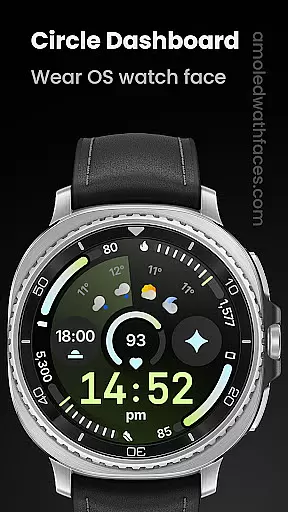
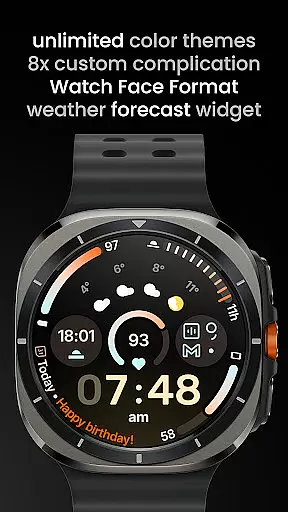
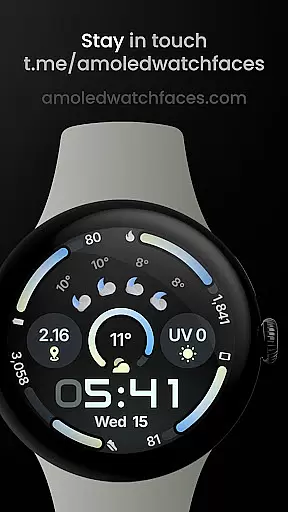
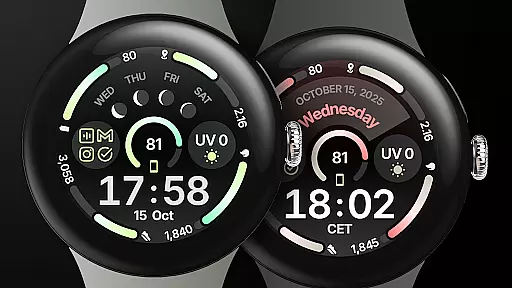
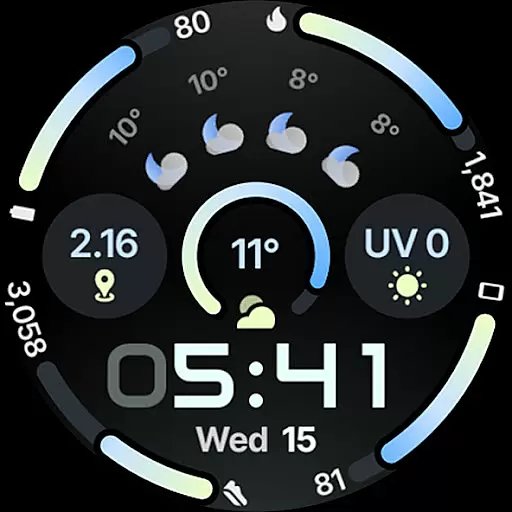
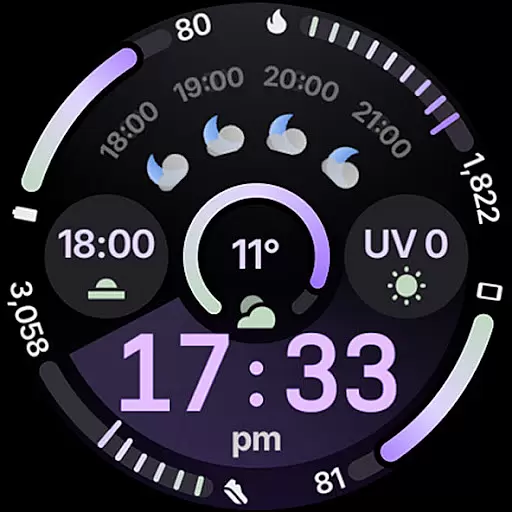
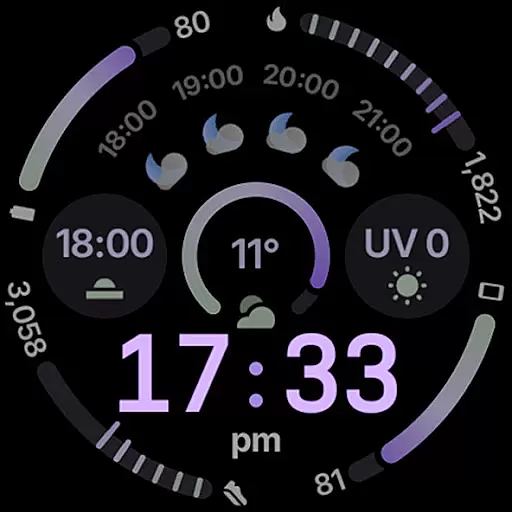
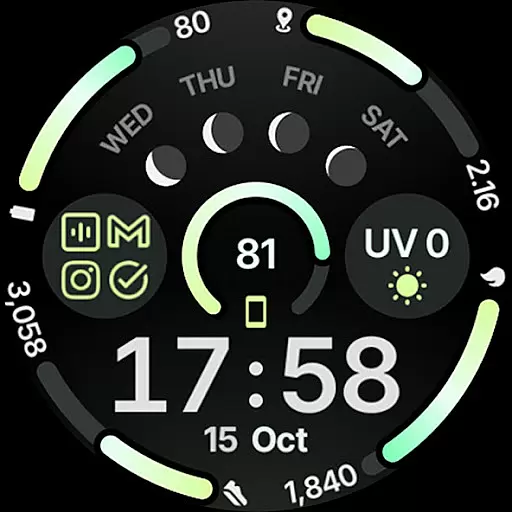
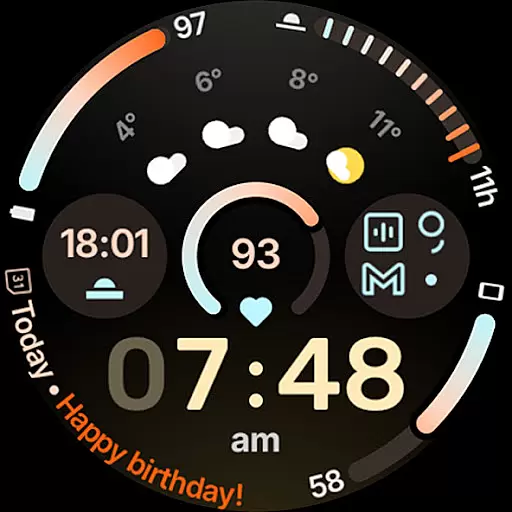
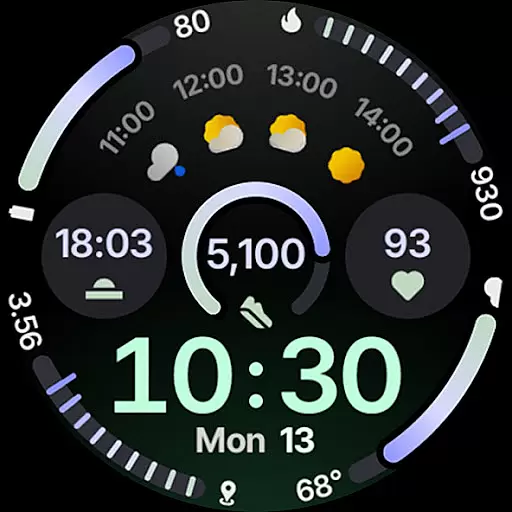
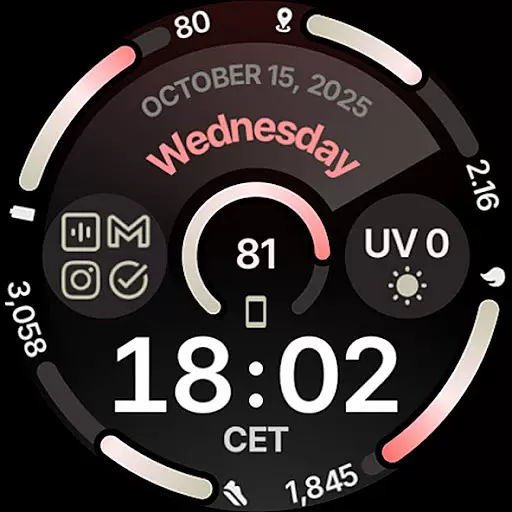
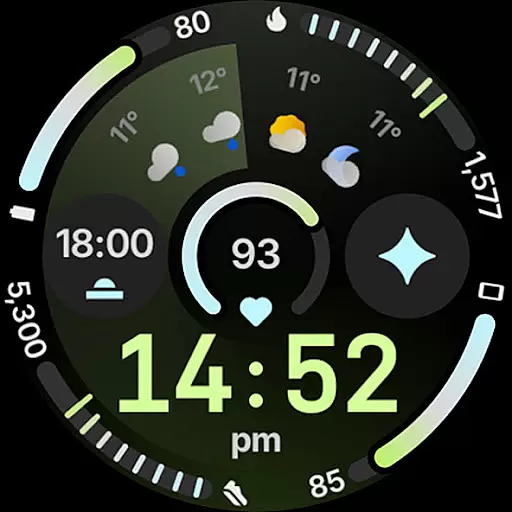
Circle Dashboard Watch Face is a feature-rich watch face designed exclusively for Wear OS 4+ devices. Inspired by the Galaxy Watch 8 series, it offers advanced customization options and supports multiple complications. The watch face provides users with an expressive, battery-friendly interface that includes progress bars, optional seconds indicators, and multilingual support. Its true black background and unlimited color themes make it ideal for AMOLED displays.
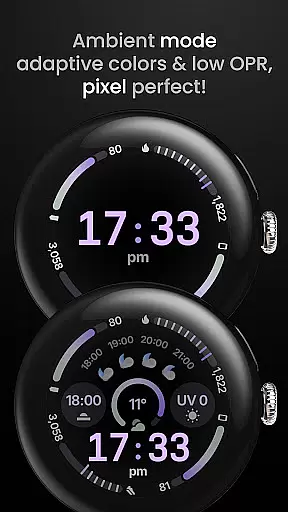
This versatile watch face stands out with its adaptive complication text size, animated AOD entering (Wear OS 6+), and three always-on display styles. Users can choose from various digital clock fonts and enjoy the blinking colon effect. With support for weather forecast and moon phases widgets, Circle Dashboard keeps wearers informed and stylish. The included custom app shortcut functionality adds another layer of personalization.
Perfect for users who want both form and function on their smartwatch, this watch face combines aesthetic appeal with practical features. Whether you're tracking your fitness goals or staying updated with notifications, Circle Dashboard offers a comprehensive solution for managing your daily information right from your wrist.
Circle Dashboard Watch Face showcases impressive technical capabilities while maintaining user-friendly features. Built using Android Studio and powered by Watch Face Format 4, it supports up to eight custom complication slots with various supported types including SHORT_TEXT, LONG_TEXT, and RANGED_VALUE. The implementation of Material 3 design principles brings expressive progress bars and modern visual elements to the wearable experience.
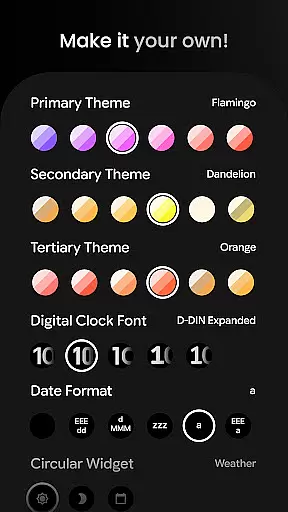
One of the watch face's standout features is its extensive customization options. Users can select from over 60 theme variations across primary, secondary, and tertiary color schemes. The inclusion of different date formats, weather icon packs, and digital clock fonts (with five options) demonstrates the developer's attention to detail. Notably, the watch face supports three distinct always-on display styles and offers adaptive complication text sizing for optimal readability.
The technical sophistication extends to its compatibility with future Wear OS versions. Features like animated AOD entering and vivid digital clock effects are designed specifically for Wear OS 6+, while weather forecast and moon phase widgets become available in Wear OS 5+. These forward-thinking implementations ensure the watch face remains relevant as the platform evolves, making it a worthwhile investment for early adopters of new smartwatch technology.
Companion app integration is essential for a seamless wearable experience. Circle Dashboard Watch Face offers robust companion app support, ensuring that users can easily sync and manage their watch face settings directly from their smartphone. This includes the ability to customize themes, configure complications, and adjust various display options through a user-friendly mobile interface.
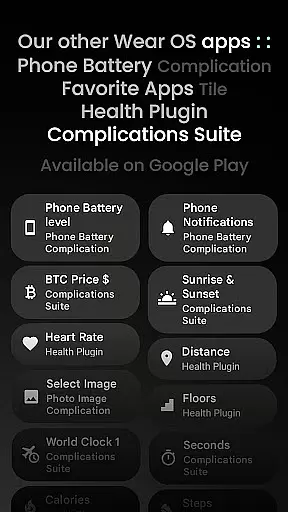
The integration extends to specialized apps like the Phone Battery Complication app, which provides crucial battery information directly on the watch face. This interconnected ecosystem allows for real-time updates and notifications, making sure users have access to the most current information at all times. The companion app also enables quick installation of new features and presets, keeping the watch face experience fresh and up-to-date.
By maintaining strong companion app integration, Circle Dashboard enhances user convenience and control. Wearers can enjoy the flexibility of managing their watch face without needing to interact directly with the wearable device. This feature significantly improves the overall usability of the watch face, allowing users to tailor their experience to match their personal preferences and needs.
Ensuring broad Wear OS and device compatibility is crucial for any watch face application. Circle Dashboard Watch Face is designed specifically for Wear OS 4+ devices, guaranteeing optimal performance on the latest smartwatch models. This compatibility ensures that users can take full advantage of advanced features like Watch Face Format 4, adaptive complication text sizes, and animated AOD entering available in Wear OS 6+.
The application supports a wide range of customizations that work seamlessly across different devices. With support for eight custom complication slots and various complication types including SHORT_TEXT, LONG_TEXT, and RANGED_VALUE, users can personalize their watch faces while maintaining consistent functionality regardless of their specific Wear OS device model.
This broad compatibility extends to unique features such as weather forecast widgets and moon phase displays, which are supported on Wear OS 5+. By focusing on comprehensive device support, Circle Dashboard guarantees that users will enjoy a feature-rich experience that takes full advantage of their smartwatch's capabilities while maintaining stability and performance across different hardware configurations.
Highly customizable
Battery efficient
Modern design
Feature rich
Future proof
Wear OS 4+ only
Some features limited
Paid complications
Complex setup
Weather premium

A customizable Christmas watch face for Wear OS with a countdown.
 4.20
4.20
Christmas - Festive - Christmas Village - Winter - Christmas lights
5.00
Stunning modern digital watch face with 7 complications and strong contrast
4.5
Watch face for Wear OS.
4.20
Digital, flexibly customizable watch face. For Wear OS 5.0, API 34+ and later.
5.00
Connect to your Bluelink equipped Hyundai vehicle from your smartphone.
4.50
Hybrid watch face for Wear OS with customizable complications by Matteo Dini MD
4.70
Track your active life in one place and share the journey with friends.
4.40
Start and succeed with PAP
4.10
Beautiful, colorful and practical watch face. For Wear OS devices.
5.00
Real-time weather radar with temperatures, warnings, hurricanes, and widgets
4.80
Kia Access makes getting your vehicle information easier than ever
4.60
Locate your family members by GPS phone location tracker everywhere and anytime
4.30
Snowflake Rose Gold Watch Face - Digital, modern, & sleek with GYRO effect.
4.10
Daily Weather forecast with 15 weather images for Day & Night plus Big Bold time
4.10
Structured watch face with seven complications and modular UI elements
3.90
Authentic military-tactical design with ZULU time! Realistic and functional!
3.80
Christmas and New Year - Themed Watchface
4.4
A Wintery Snow Globe on Your Wrist; now celebrating Christmas!
4.2


User Reviews