
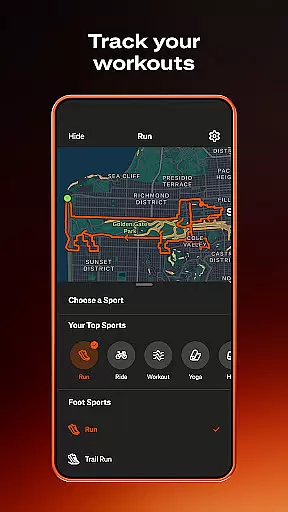
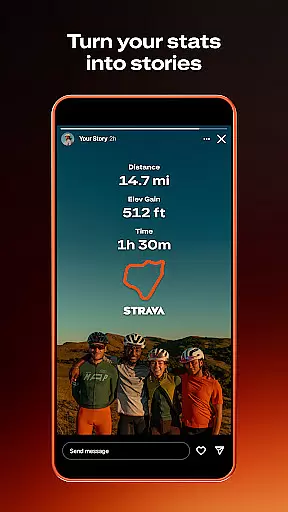
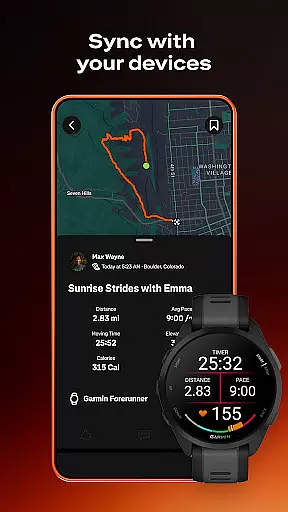
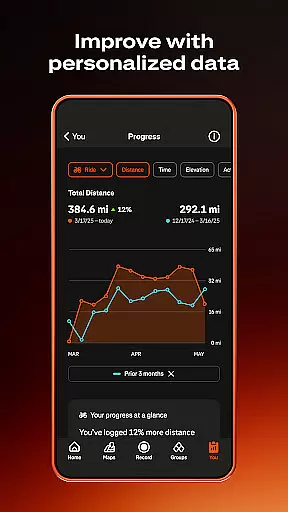
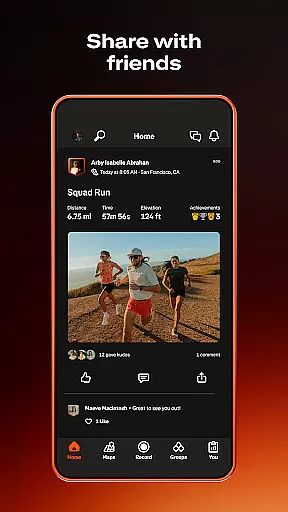
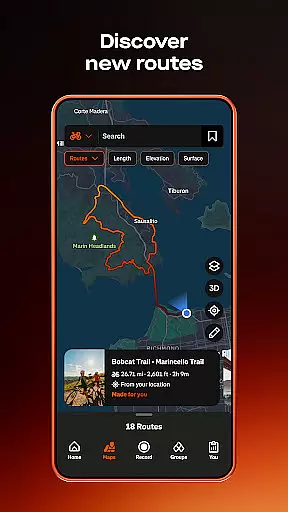
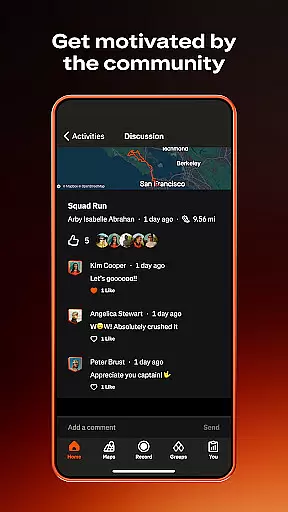
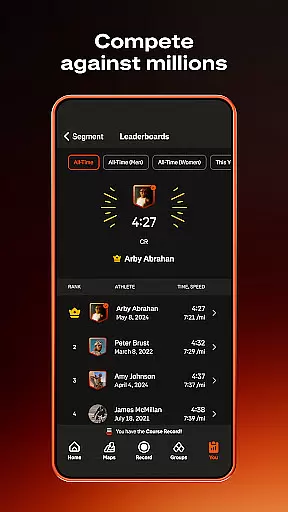
Strava is the ultimate fitness tracking app that combines community building with performance monitoring, designed specifically for athletes and fitness enthusiasts. With over 180 million active users, Strava supports a wide range of activities including running, cycling, walking, hiking, and yoga, along with over 40 other sport types. The app syncs seamlessly with thousands of devices such as Apple Watch, Garmin, Fitbit, and Peloton, offering users comprehensive data insights to track their progress over time. Whether you're competing on segments to reach the top of leaderboards or connecting with a global community of like-minded individuals, Strava provides the tools to keep you motivated and engaged.
One of Strava's standout features is its ability to enhance safety and privacy. Users can share their real-time location with loved ones through Beacon, while also controlling who sees their activities and personal data. Additionally, Strava offers advanced subscription features like intelligent route recommendations, live segment updates, and AI-driven athlete insights, making it easier than ever to achieve your fitness goals. Whether you're a world-class athlete or just starting your fitness journey, Strava ensures you have the support, motivation, and tools needed to succeed.
Strava stands out with its extensive feature set tailored for both casual and serious athletes. One of its core functionalities is activity tracking, which covers over 40 sport types, allowing users to record runs, rides, hikes, and more. The app integrates with popular devices like Apple Watch, Garmin, and Fitbit, ensuring accurate data collection and synchronization. Beyond basic tracking, Strava offers in-depth analysis tools such as segment leaderboards, where users can compete against others, and training logs that provide detailed insights into personal bests and overall progress.
Another key aspect of Strava is its strong community focus. Through Clubs, users can join local groups or create their own, fostering real-life connections and support networks. Monthly challenges and group activities help maintain motivation, while features like Beacon enhance safety by sharing real-time locations with trusted contacts. For those seeking more advanced capabilities, Strava's subscription service includes intelligent route planning, live segment updates, and AI-driven performance insights. These premium features ensure users can continually push their limits while staying connected with a vibrant community of athletes.
Companion app integration is essential for users who want a seamless experience between their wearable devices and smartphones. Strava excels in this area by offering robust companion app features that ensure data synchronization and functionality across platforms.
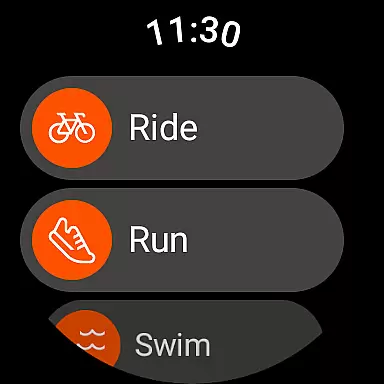
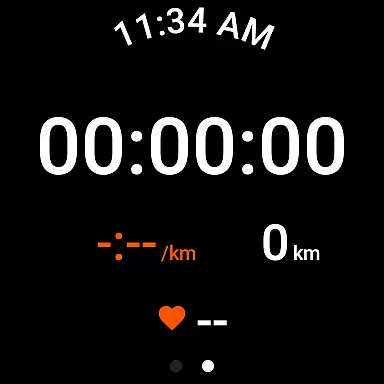
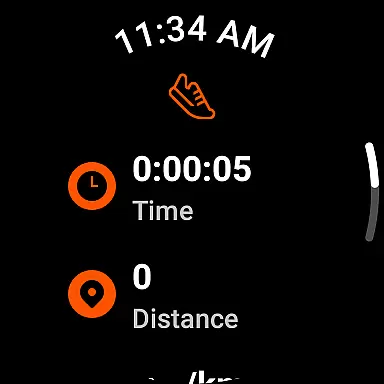
The Strava Wear OS app includes a dedicated tile and complication, allowing users to quickly launch activities directly from their smartwatch interface. This instant access enhances the user experience, making it easier to track workouts without needing to reach for a phone.
Strava also supports syncing with thousands of devices, including popular options like Apple Watch, Garmin, Fitbit, and Peloton. This extensive device compatibility ensures that no matter what wearable technology you use, your data will be accurately reflected in the Strava ecosystem.
By maintaining strong companion app integration, Strava provides users with a unified platform where all their fitness data is accessible and manageable from multiple devices, thus enhancing both convenience and data reliability.
Device compatibility is crucial for any application targeting the wearable technology market. Strava offers comprehensive support for Wear OS, ensuring that users can enjoy a full range of features on their smartwatches.
Strava's Wear OS app is designed to work seamlessly with various devices, providing users with the ability to track their activities directly from their wrists. This compatibility extends to popular models, ensuring broad accessibility for the user base.
In addition to Wear OS, Strava supports a wide array of other devices, such as Apple Watch, Garmin, Fitbit, and Peloton. This extensive compatibility ensures that users are not limited by their choice of hardware and can integrate Strava into their existing tech ecosystem effortlessly.
Overall, Strava's commitment to Wear OS and device compatibility guarantees that users have a reliable and versatile tool for tracking their fitness journeys, regardless of the specific wearable technology they choose to use.
User-friendly interface
Extensive device compatibility
Comprehensive activity tracking
Strong community engagement
Advanced safety features
Premium subscription required
Limited free features
Occasional GPS issues
High battery consumption
Complex for beginners

Diet tracker for weight loss - track calories, food and macros. Simple and easy!
 4.70
4.70
Embrace the holiday spirit with this magical animated watch face!
4.40
Digital, flexibly customizable watch face. For Wear OS 5.0, API 34+ and later.
5.00
Period, ovulation & pregnancy tracker. Fertility insights & menstrual calendar.
4.90
Funny animated watch face for Thanksgiving
4.0
Stylish, Energizing and Modern Watch Face crafted by Dominus Mathias.
4.50
Retro digital watch face with customizable colors and a unique lighting effect
4.60
Premium hybrid watch face with many customizations for Wear OS devices.
4.40
Toyota app currently supports 2010 or newer vehicles (2018 or newer for Hawaii).
4.50
Real-time weather radar with temperatures, warnings, hurricanes, and widgets
4.80
Walking app for weight loss: walk & step tracker, pedometer, indoor treadmill
4.60
Locate your family members by GPS phone location tracker everywhere and anytime
4.30
Animated video-game inspired “secret agent” simulation, right on your wrist!
4.20
Daily Weather forecast with 15 weather images for Day & Night plus Big Bold time
4.10
Connect, create, and collaborate with Gmail, part of Google Workspace.
4.10
A full-featured Amazon Alexa voice assistant that can show you things.
3.70
Your local weather forecast, storm tracker, radar maps & live weather news
3.40
A heartwarming Christmas scene featuring a cute image of Santa and Rudolf
4.2
3 Complications. All shadow on/off. 30 Themes color palette...
4.3


User Reviews