
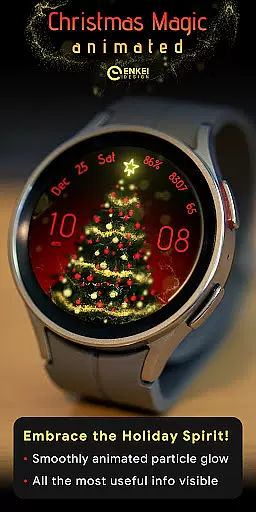
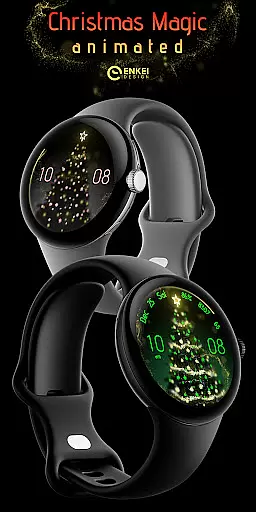
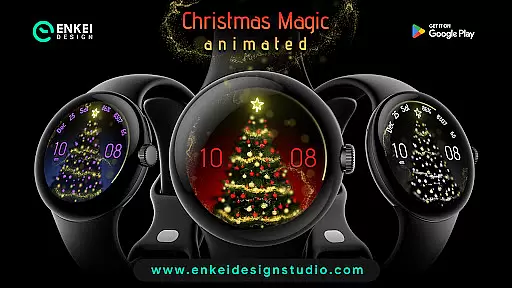
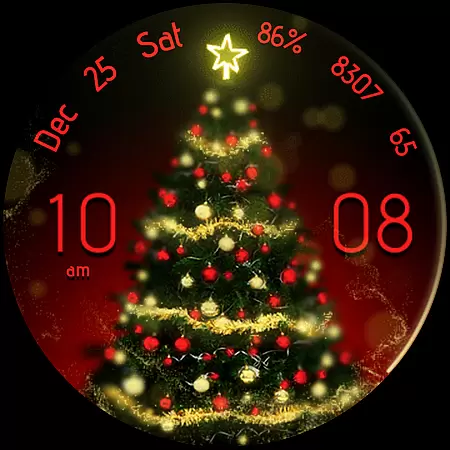
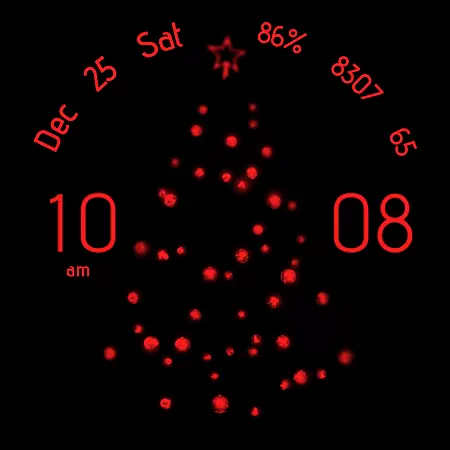
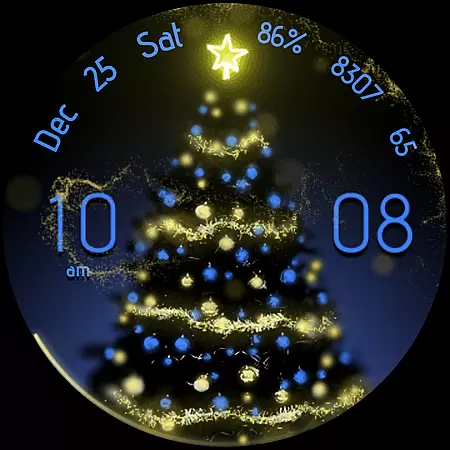
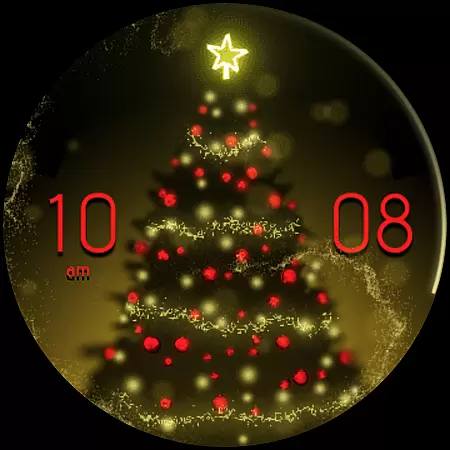
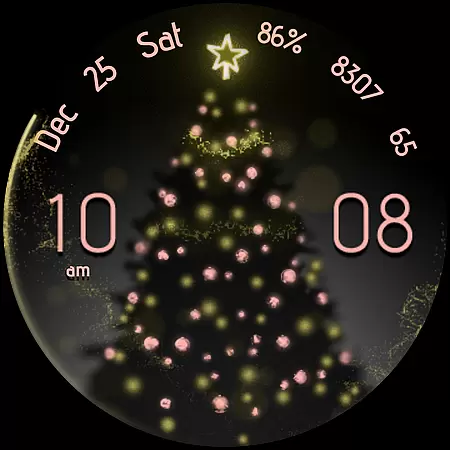
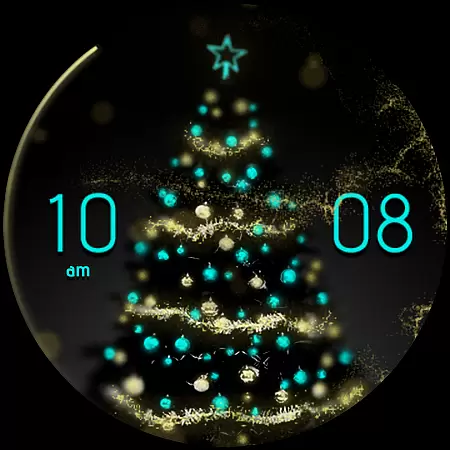
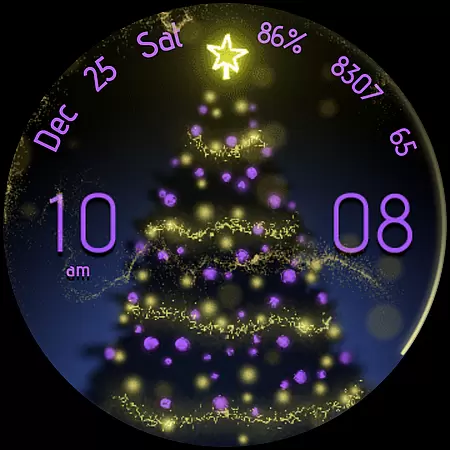
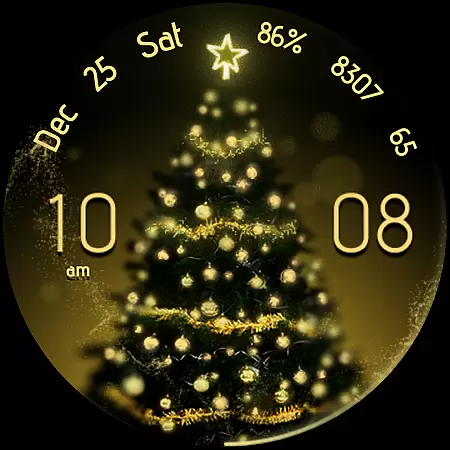
Christmas Magic is a premium watch face designed exclusively for Wear OS devices running version 5.0 and above. This magical timepiece features stunning golden 'fairy dust' animations that bring your watch to life, creating an enchanting visual experience. The watch face offers extensive customization options through the Watch Face Format, allowing users to personalize their display while accessing practical indicators.
The app provides essential functionalities such as digital clock with hidden custom app shortcuts, multi-language date display, battery percentage indicator, step counter, and BPM monitoring. Each interactive element can be tapped to access specific functions or settings. With its battery-efficient Always-On Display (AOD) mode and various customization choices including accent colors, background options, and tree styles, Christmas Magic ensures both functionality and personalization in one elegant package.
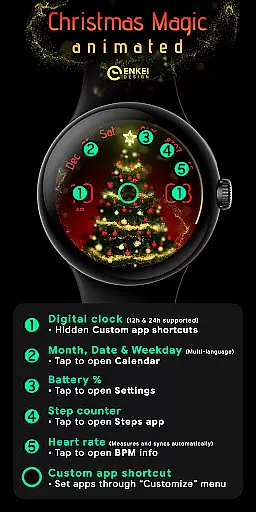
Christmas Magic stands out with its comprehensive feature set tailored for smartwatch users. The digital clock supports both 12-hour and 24-hour formats and includes three customizable app shortcuts hidden within the hour, minute, and center elements. Users can tap on different sections of the watch face to access calendar, settings, steps tracker, and BPM information, making daily tasks more efficient.
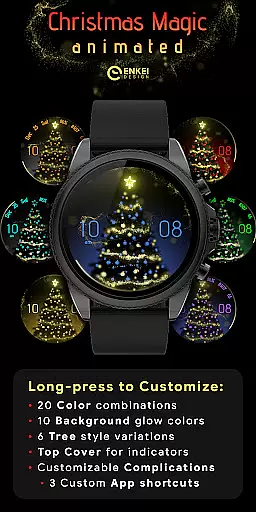
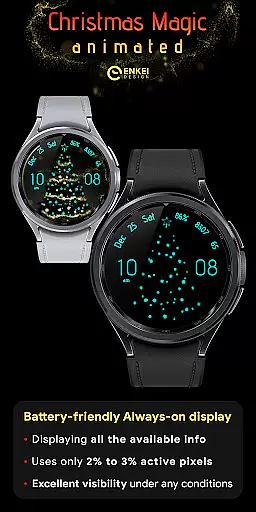
Customization is at the heart of this watch face. Through long-press gestures, users can access an extensive customize menu offering 20 accent colors, 10 background color options, six tree styles, and the ability to show or hide top indicators. The watch face also features a battery-efficient Always-On Display mode that uses less than 3% of active pixels, ensuring extended battery life without compromising visibility or functionality.
Additional features include month, date, and weekday displays in multiple languages, watch battery percentage indicator, steps counter, and BPM monitoring with automatic synchronization. These practical indicators are complemented by useful installation tips and responsive customer support, guaranteeing a seamless user experience for those seeking both style and substance in their wearable technology.
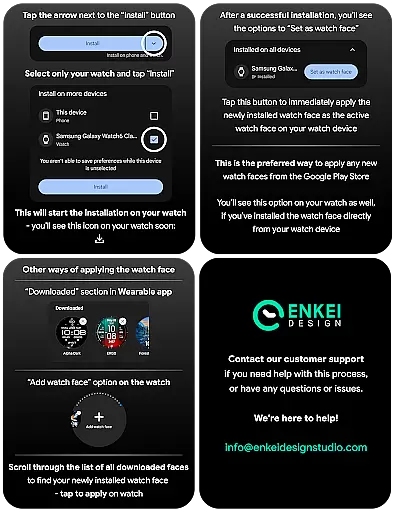
Companion app integration is crucial for Android Wear applications as it ensures seamless synchronization between the watch and paired smartphone. Christmas Magic - watch face demonstrates excellent implementation of this feature by providing a dedicated phone companion app that facilitates direct installation to the watch device.
The companion app serves as an installation bridge, ensuring users can easily set up the watch face without complications. This direct approach eliminates potential setup issues and provides clear guidance for users who may be new to Wear OS devices.
While the companion app's primary function is installation assistance, its presence guarantees that users maintain control over their watch face management from their smartphones. This creates a reliable backup and management system that enhances user confidence in using advanced watch faces.
By implementing this companion app solution, Christmas Magic ensures that users can focus on enjoying their customized watch experience without worrying about technical installation challenges, ultimately delivering a more satisfying user experience.
Device compatibility is a fundamental aspect of any Android Wear application, and Christmas Magic - watch face excels in this area by specifically targeting Wear OS 5.0 and newer versions (API 34+). This deliberate compatibility choice ensures optimal performance on modern devices while taking full advantage of the latest Wear OS features.
The watch face's compatibility parameters demonstrate strategic development planning. By focusing on newer API levels, the developers can implement advanced features like the Watch Face Format, which enables expanded customization options and enhanced functionality that wouldn't be possible on older systems.
This targeted compatibility approach also guarantees better stability and performance optimization. Users with supported devices can be confident that all features, including the magical golden 'fairy dust' animation and various customizable elements, will function as intended without compatibility issues.
Furthermore, by clearly stating these requirements, Christmas Magic helps prevent potential installation errors and ensures that only users with compatible devices download the application, leading to higher customer satisfaction rates and fewer support requests related to compatibility problems.
Stunning animations
Extensive customization
Battery-efficient AOD
Interactive elements
Useful indicators
Wear OS 5.0+ only
Complex setup
Premium price
Limited compatibility
Feature overload

Gym Log & Workout Tracker | Fitness Journal, Training & Weight Lifting Planner
 4.90
4.90
Beautiful, colorful and practical watch face. For Wear OS devices.
5.00
The #1 source of faces for your smartwatch!
4.00
Reliable phone calls with spam protection, caller ID and more helpful features
4.40
Get helpful reminders, take progress photos and find answers to your questions.
3.90
A digital watch face that celebrates Christmas.
4.00
Hybrid Vibrant Health Watch Face for Wear OS
4.5
Your local weather forecast, storm tracker, radar maps & live weather news
3.40
Track your active life in one place and share the journey with friends.
4.40
Kia Access makes getting your vehicle information easier than ever
4.60
Current temperature, weather hourly, weather radar by the weather forecast app
4.40
Animated video-game inspired “secret agent” simulation, right on your wrist!
4.20
"PER27 Galaxy Digital" is a digital Wear OS watch face designed by PERSONA
4.10
Snowflake Rose Gold Watch Face - Digital, modern, & sleek with GYRO effect.
4.10
sleep, alarm, snoring, stress, healing, focus, sound therapy, circadian rhythm
4.10
Structured watch face with seven complications and modular UI elements
3.90
Watch the sharpness of the sky on your wrist..
3.70
Want to take charge of your health? Let Google Fit help you reach your goals.
3.50
Stylish digital watch face for Wear OS devices with customizable features
4.4


User Reviews