
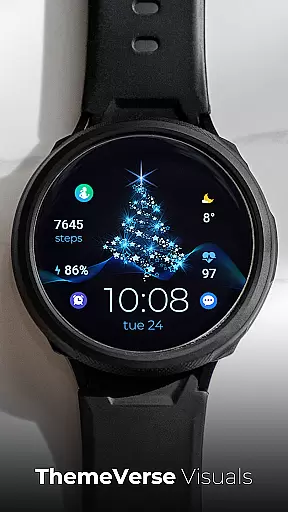
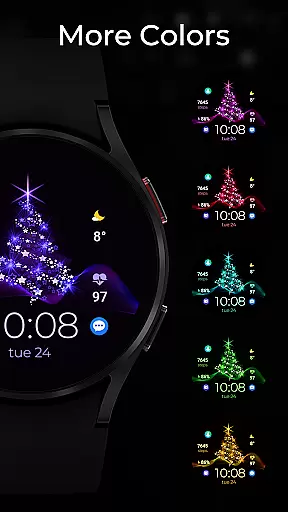
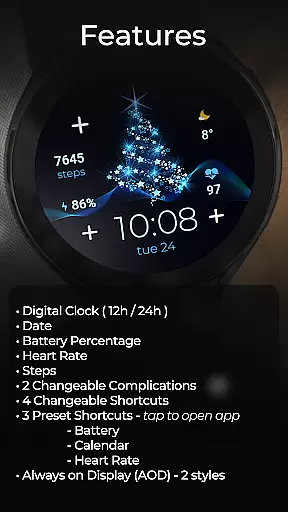
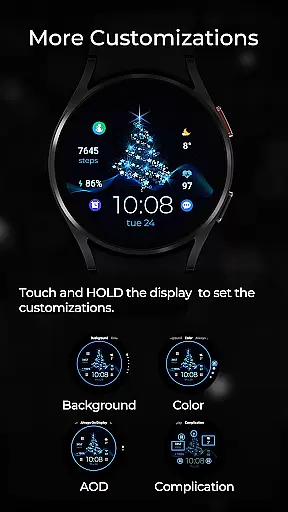
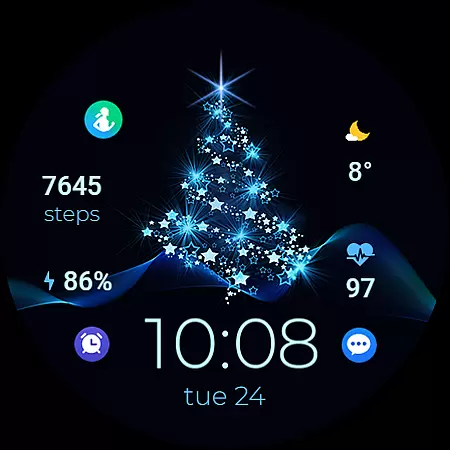
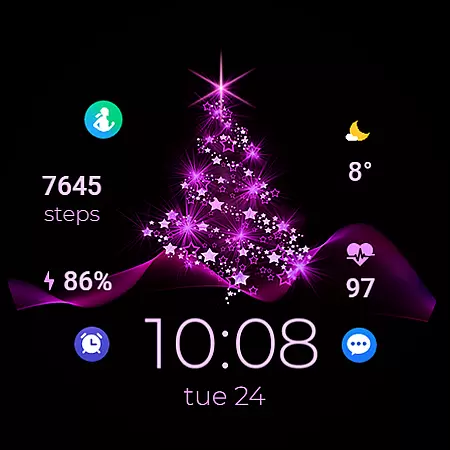
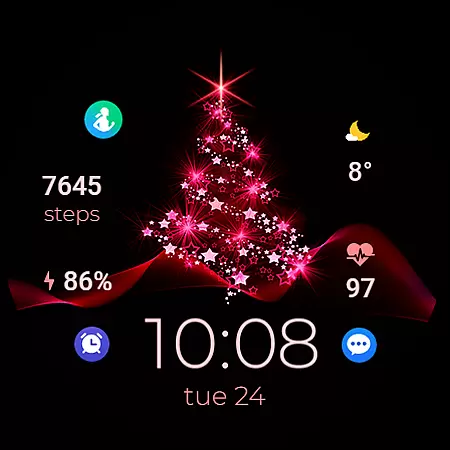
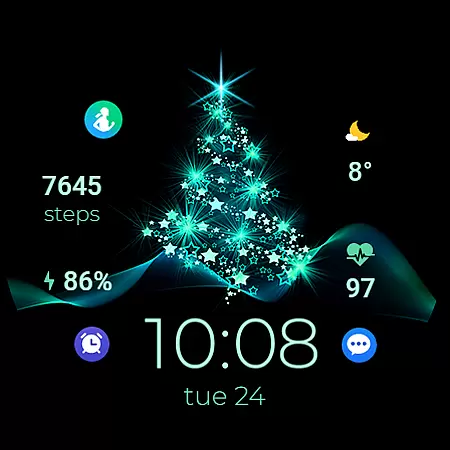
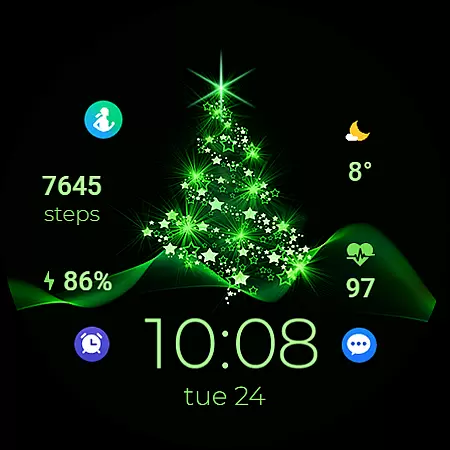
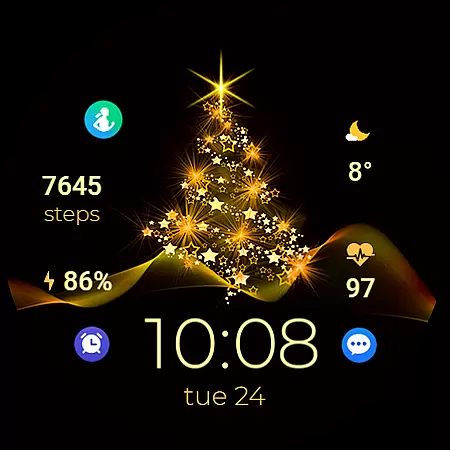
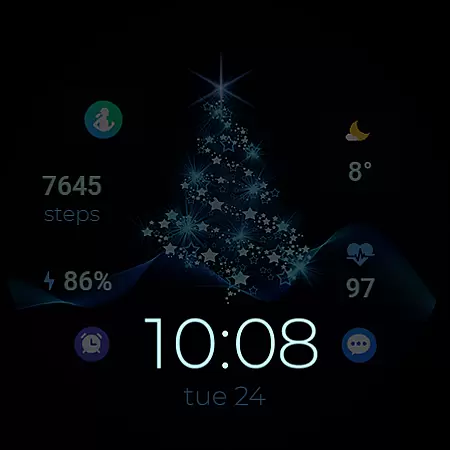
TVV Christmas 2 Watch Face is a festive-themed digital watch face designed for WEAR OS devices running API LEVEL 33+. This app brings the holiday spirit to your smartwatch with its vibrant design and customizable features. Users can enjoy essential functionalities such as a digital clock that supports both 12h and 24h formats, date display, battery percentage indicator, heart rate monitor, step counter, and more.
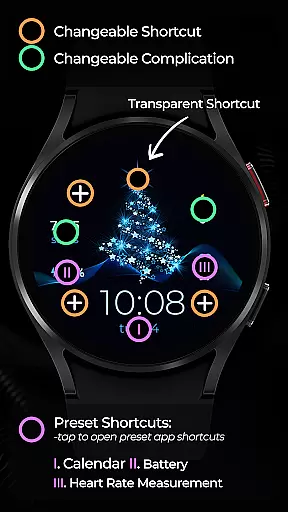
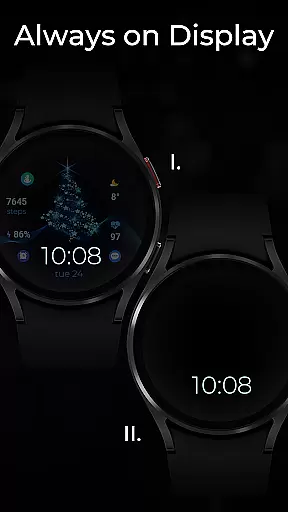
The watch face offers two changeable complications and four customizable shortcuts, allowing users to tailor their experience according to personal preferences. With three preset shortcuts, users can quickly access frequently used apps like Battery, Calendar, and Heart Rate. Additionally, the Always on Display (AOD) feature provides two stylish options, ensuring time and other important details are always visible even when the watch is idle.
TVV Christmas 2 Watch Face stands out with its rich set of features tailored for WEAR OS users. The app includes a digital clock that automatically adjusts to the phone's time settings, displaying either a 12h or 24h format. It also shows the current date, battery level, heart rate, and step count, making it an all-in-one solution for daily wear.
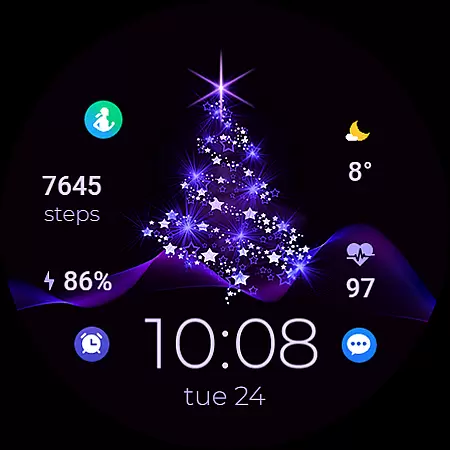
Customization is key with this watch face. Users can personalize their watch face by changing colors and complications through a simple interface. By touching and holding the display, then tapping the customize option, users can modify various elements. The app supports two changeable complications and four changeable shortcuts, including three preset ones for Battery, Calendar, and Heart Rate. Furthermore, the Always on Display (AOD) feature offers two distinct styles, enhancing usability without compromising aesthetics.
Companion app integration is essential for a seamless wearable experience. TVV Christmas 2 Watch Face offers robust connectivity with its companion app, ensuring that all your preferences and settings are perfectly synchronized between your smartphone and Wear OS device.
The synchronization process is straightforward and reliable. By accessing the customization options through a simple tap and hold on the display, users can effortlessly adjust colors and complications. This ensures that your watch face not only looks festive but also aligns with your functional needs.
This synchronization extends to various features such as heart rate monitoring, always-on display styles, and preset shortcuts. Users can trust that their data is consistently updated across devices, providing an integrated and hassle-free experience.
Ensuring broad compatibility with Wear OS devices, especially those running API LEVEL 33+, TVV Christmas 2 Watch Face provides a versatile and accessible option for many users. This compatibility guarantees that you can enjoy a feature-rich digital watch face regardless of your specific Wear OS device model.
The watch face supports a comprehensive array of functionalities including a digital clock, date, battery percentage, heart rate, steps, changeable complications, and shortcuts. These features collectively enhance user interaction and provide valuable information at a glance.
Additionally, the inclusion of Always on Display (AOD) with two style options caters to different user preferences and device capabilities. While certain features like 'Open App' actions may vary in availability, overall, the watch face delivers a consistent and engaging experience across compatible devices.
User-friendly interface
Highly customizable
Festive design
Comprehensive health tracking
Compatible with latest WEAR OS
Limited to WEAR OS
Requires API LEVEL 33+
Some features device-specific
No automatic heart rate shortcut
AOD styles not previewed

Highly customizable hybrid watch face for Wear OS, perfect for everyday use.
 4.60
4.60
Christmas Theme Watch Face for Wear Os
5.00
Wear Os Watch Face - Animated Snow Effect & Magic Spark - 6 Scenes
4.10
Let's celebrate Thanksgiving - Wear Os watch face
4.20
Fitness interactive virtual pet super fighter boy watch face
4.4
Locate your family members by GPS phone location tracker everywhere and anytime
4.30
Real-time results, stats, schedules and player profiles for all leagues
4.60
Hyper-Realistic Airplane Dashboard Watch Face With 10 Skins and Custom AOD
4.00
Fast and smart typing with Emojis, GIFs, and more
4.50
Christmas - Festive - Christmas Village - Winter - Christmas lights
5.00
The most customizable hybrid watch face. For Wear OS 5.0, API 34+ and later
4.70
Hybrid watch face for Wear OS with customizable complications by Matteo Dini MD
4.70
Nutrition, Macro tracker: Food, fitness & healthy diet tracking for weight loss
4.60
A realistic hybrid watch face with many customization options.
4.60
Deck out your Wear OS Watch face with a beautifully decorated pine wreath!
4.50
Embrace the holiday spirit with this magical animated watch face!
4.40
Digital watch face with big numbers and many customization for Wear OS devices
4.40
Wear Os Watch Face - Animated Snow Effect & Christmas Lights
4.5
Stunning modern digital watch face with 7 complications and strong contrast
4.2


User Reviews