
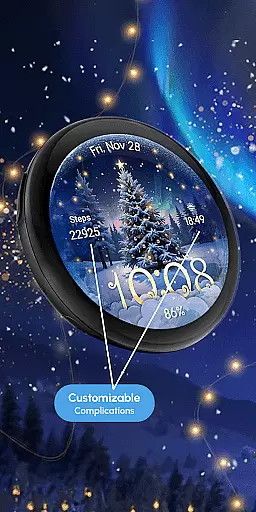
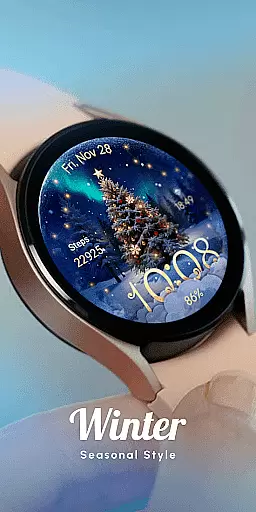
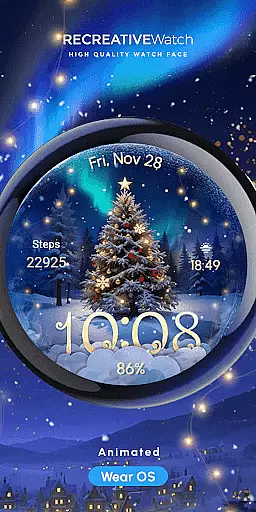
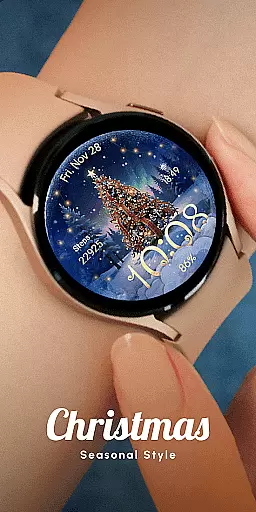
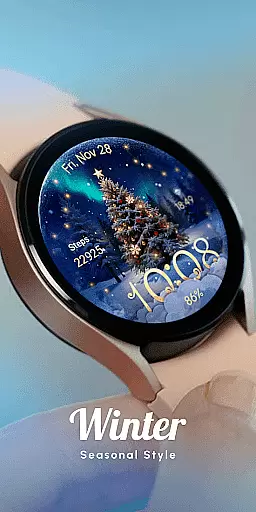
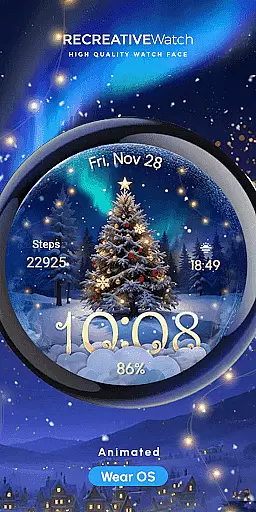
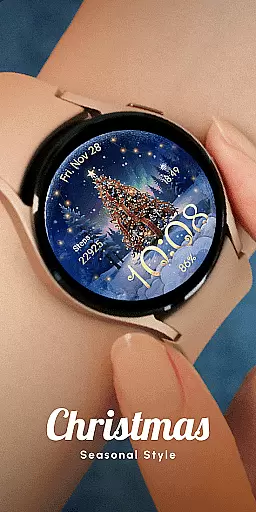
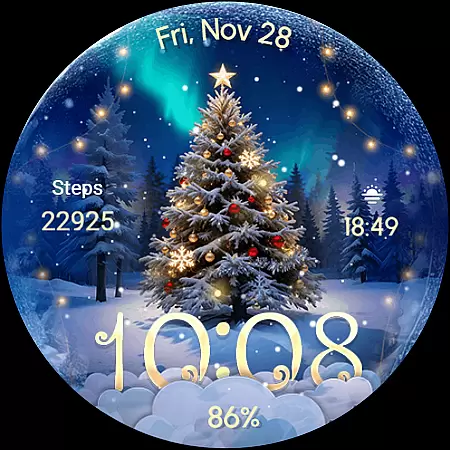
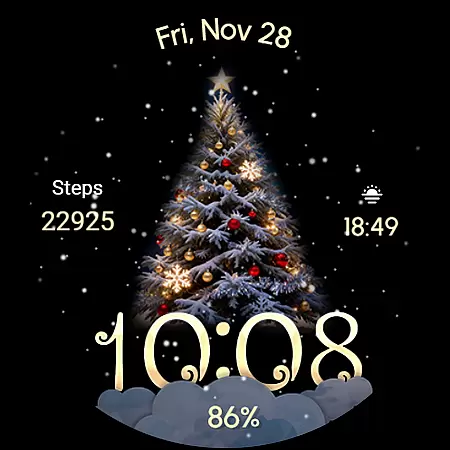
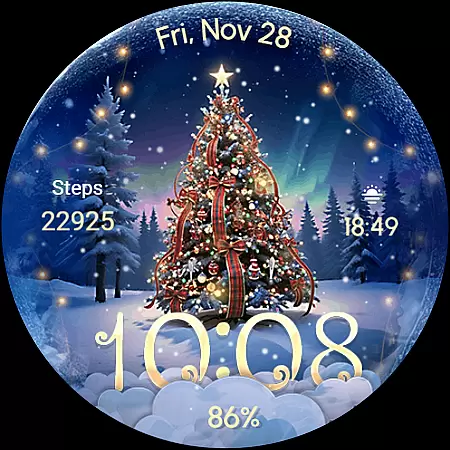
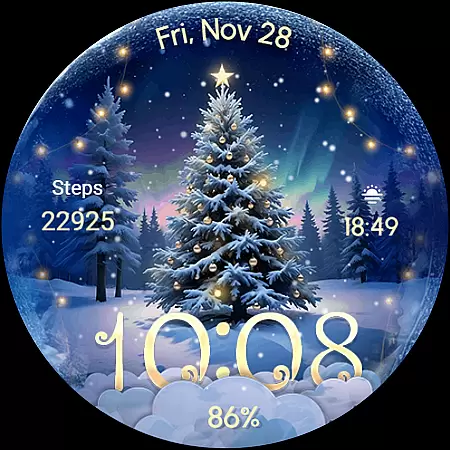
ReS71 - Northern Christmas is a captivating Wear OS watch face that brings the magic of the holiday season to your smartwatch. Featuring an enchanting Christmas tree at the North Pole, this app creates a festive atmosphere with animated holiday lights and a beautiful snow effect. The watch face not only serves as a stylish accessory but also provides essential functionalities.
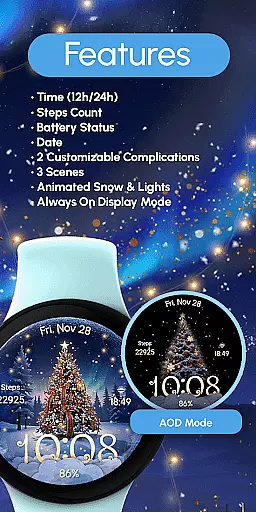
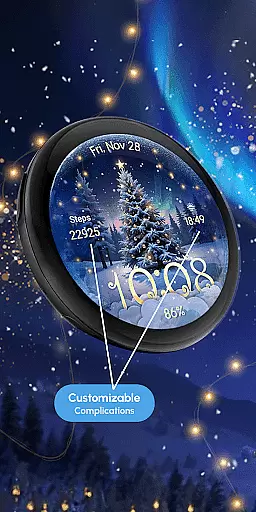
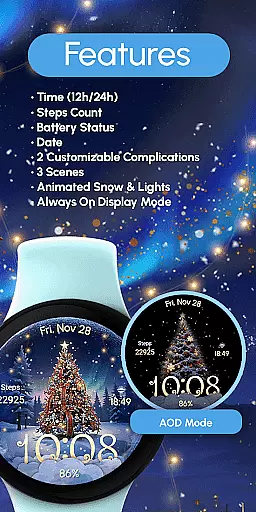
The design includes digital time display in 12/24hr format, date, battery status, and two customizable complications. With three different scenes to choose from and an Always ON Display feature, users can personalize their experience while enjoying both aesthetics and practicality. This makes it an ideal choice for those who wish to celebrate Christmas with a tech-savvy twist.
ReS71 - Northern Christmas stands out with its unique set of features designed to enhance user experience. The watch face displays digital time, date, and battery status, ensuring you stay informed at a glance. Two customizable complications allow users to tailor information according to their preferences, making it highly versatile.
One of the key highlights is the animated snow and lights that add a dynamic element to the static watch face. Users can choose from three distinct scenes, each offering a different visual treat. The Always ON Display feature ensures that these delightful visuals are accessible even when the watch is not active, providing both functionality and festivity.
Companion app integration is essential for a seamless wearable experience. ReS71 - Northern Christmas offers robust companion app features that enhance the core functionalities of this Wear OS watch face.
The application allows users to customize their watch face with ease through its intuitive companion app interface. Users can access various customization options by simply touching and holding the display, then tapping on the Customize option.
This level of integration ensures that users can personalize complications, adjust scenes, and control features like Animated Snow & Lights directly from their mobile device.
By providing a comprehensive companion app, ReS71 not only enhances user convenience but also maximizes the potential of wearable technology, creating a cohesive ecosystem between the smartphone and watch.
Device compatibility is crucial for ensuring optimal performance across different Wear OS devices. ReS71 - Northern Christmas boasts extensive compatibility with API level 33+ devices, including popular models like Google Pixel and Galaxy Watch series.
The watch face is designed to work seamlessly on a range of devices, maintaining consistent performance and visual quality regardless of the specific model.
For better battery performance, the application recommends disabling the Always On Display mode, demonstrating its commitment to optimizing device functionality.
This broad compatibility ensures that users can enjoy the magical Christmas theme and all its features without worrying about technical limitations or device restrictions.
Unique Holiday Theme
Animated Snow Effects
Customizable Complications
Always ON Display
Multiple Scenes
Battery Consumption
Limited Compatibility
No Advanced Features
Basic Time Display
Few Customization Options

Gym Log & Workout Tracker | Fitness Journal, Training & Weight Lifting Planner
 4.90
4.90
Highly customizable hybrid watch face for Wear OS, perfect for everyday use.
4.60
an Analog Watch Face for winter season with freeze winter background for Wear OS
4.3
A heartwarming Christmas scene featuring a cute image of Santa and Rudolf
4.4
A modern premium sporty hybrid watch face for Wear OS by Ballozi
4.70
Hyperlocal rain alerts by MyRadar using patent-pending technology, radar & more
4.80
Nutrition, Macro tracker: Food, fitness & healthy diet tracking for weight loss
4.60
Reliable phone calls with spam protection, caller ID and more helpful features
4.40
Track your active life in one place and share the journey with friends.
4.40
Christmas - Festive - Christmas Village - Winter - Christmas lights
5.00
The most customizable hybrid watch face. For Wear OS 5.0, API 34+ and later
4.70
To-Do List: daily schedule planner, task organizer, to do reminder app, calendar
4.60
Connect to your Bluelink equipped Hyundai vehicle from your smartphone.
4.50
Fast and smart typing with Emojis, GIFs, and more
4.50
Current temperature, weather hourly, weather radar by the weather forecast app
4.40
Beautiful artistic animated digital watch face, with a customizable layout!
4.40
Authentic military-tactical design with ZULU time! Realistic and functional!
3.80
Your local weather forecast, storm tracker, radar maps & live weather news
3.40
Christmas and New Year - Themed Watchface
4.5


User Reviews