

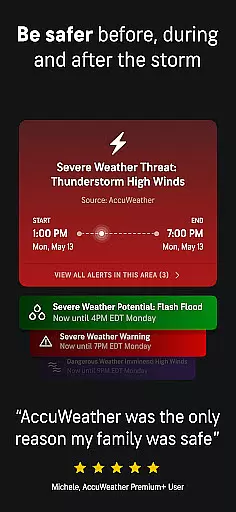
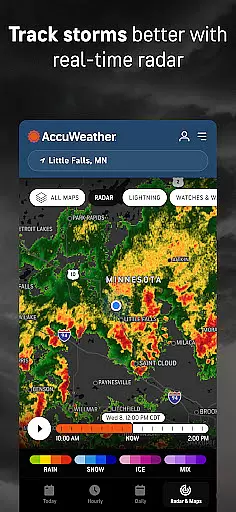
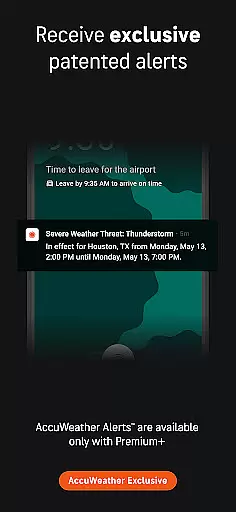
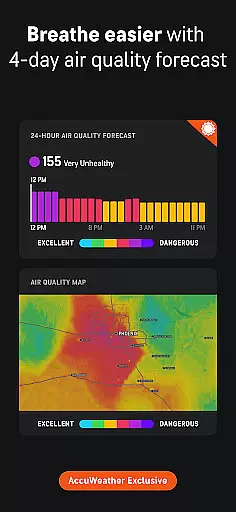
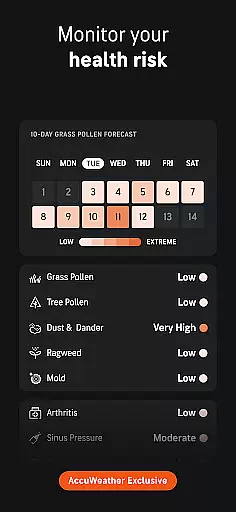
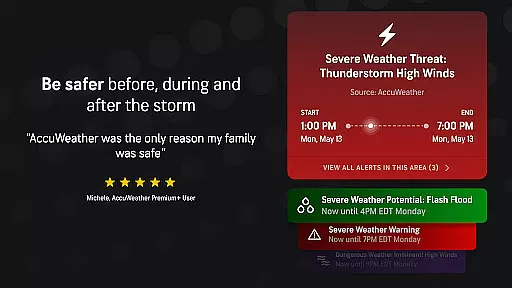
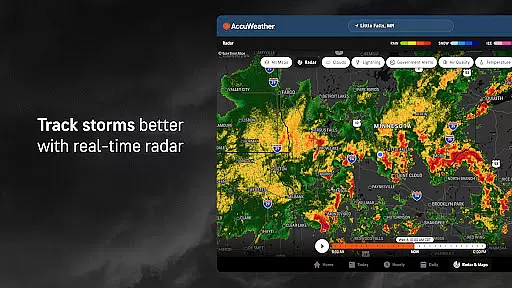
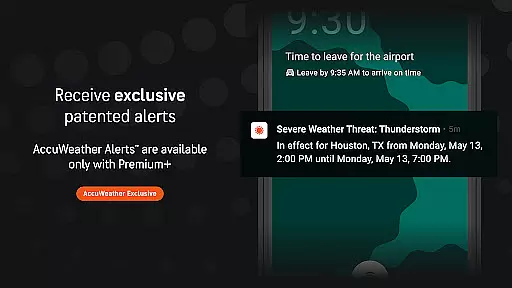
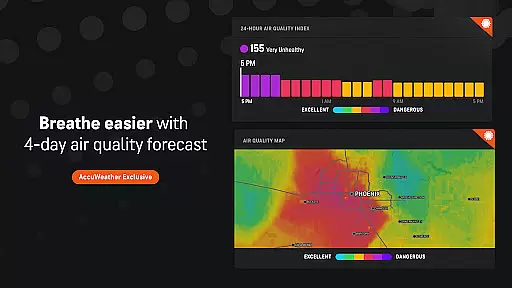
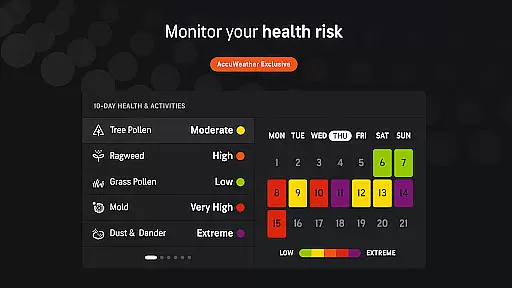
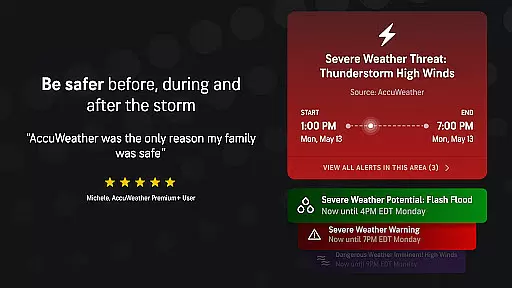
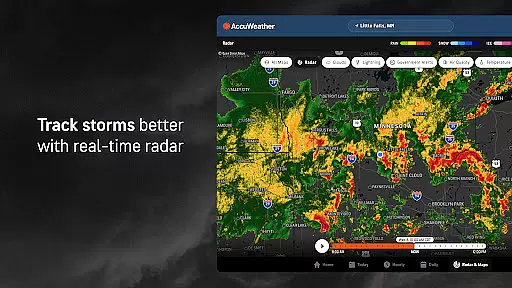
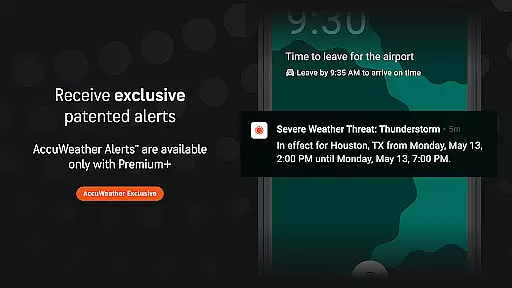
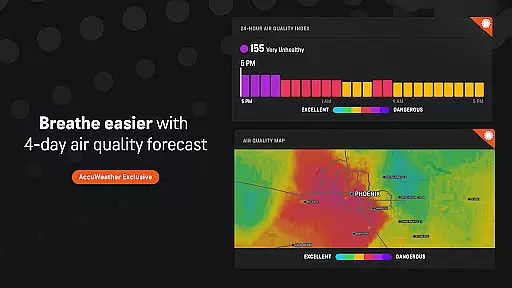
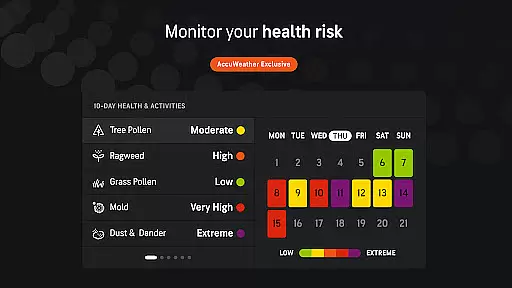
AccuWeather is the most trusted weather app, providing real-time weather alerts and hyperlocal updates with Superior Accuracy™. It helps users make informed decisions by offering detailed weather information for any location worldwide. The app's advanced features include hurricane tracking, live radar, and exclusive forecasting tools that deliver precise weather data tailored to users' exact locations.
This app is particularly valuable for Android Wear users who need instant access to critical weather information on their smartwatches. Whether it's severe weather warnings or daily forecasts, AccuWeather ensures you stay prepared and safe in changing weather conditions. Its comprehensive weather data makes it an essential tool for outdoor planning and safety.
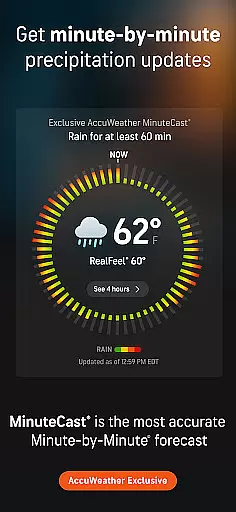
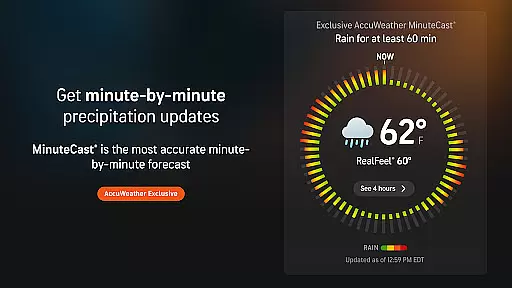
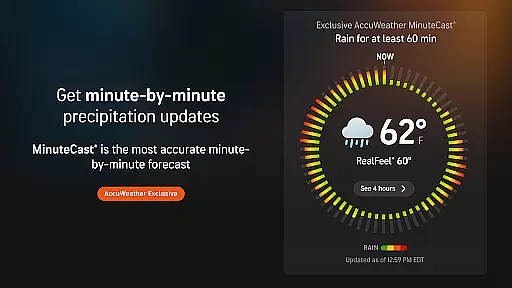
AccuWeather stands out with its innovative features designed to provide the most accurate weather information. The app's MinuteCast® offers hyperlocal precipitation forecasts for the next four hours, pinpointed to the user's exact location. This level of precision is unmatched and proves invaluable for planning outdoor activities.
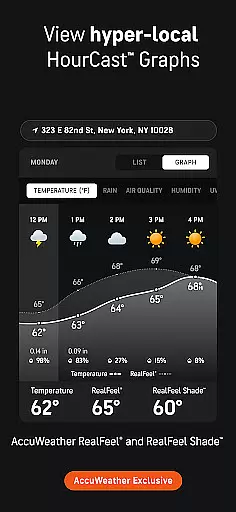
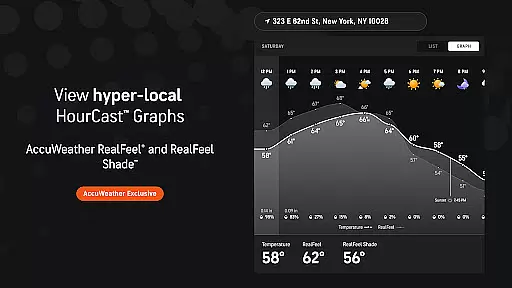
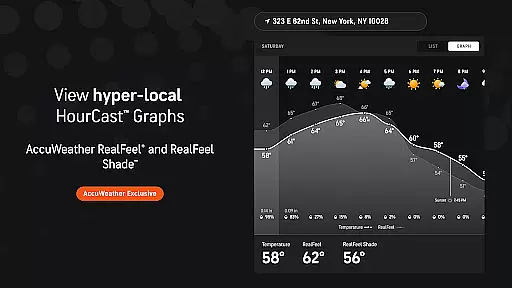
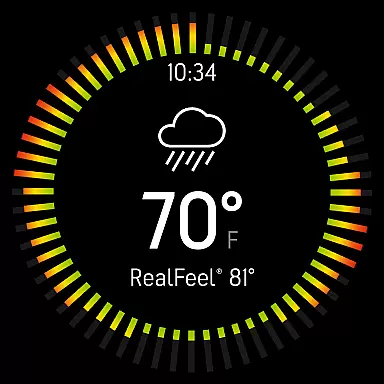
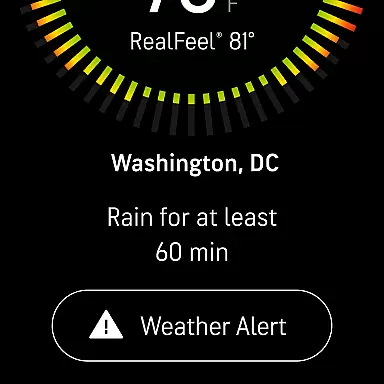
The app also includes unique metrics like the AccuWeather RealFeel® Temperature and RealFeel Shade™, which give users a more accurate sense of how the weather feels compared to standard temperature readings. Additionally, features like the AccuWeather Lightning Network™ and WinterCast® offer specialized insights into storm tracking and snow predictions, respectively. These tools ensure users are well-prepared for various weather scenarios.
For AccuWeather, seamless companion app integration is a cornerstone of its Android Wear offering. The app ensures that all data captured on your wearable device is perfectly synchronized with the main mobile application. This includes real-time weather alerts, hyperlocal updates, and detailed forecasts tailored to your exact location.
The level of integration allows users to receive MinuteCastu00ae notifications directly on their Wear OS devices, providing hyperlocal predictions for precipitation type and intensity. Whether you're tracking an incoming storm or planning outdoor activities, this synchronization ensures you have critical weather information at your fingertips, no matter which device you're using.
Furthermore, the app's exclusive features like RealFeelu00ae Temperature and Lightning Networku2122 data are consistently available across all connected devices. This comprehensive integration enables users to access vital weather information even when they're away from their phones, maintaining the same level of Superior Accuracyu2122 that AccuWeather is known for across platforms.
AccuWeather demonstrates exceptional Wear OS and device compatibility, ensuring its sophisticated weather tracking capabilities are accessible on various Android Wear devices. The app is optimized to function smoothly on different screen sizes and resolutions, from smartwatches to tablets, maintaining consistent performance and visual clarity across all platforms.
The application's adaptive design maintains full functionality regardless of the device type. Users can access crucial features like live radar, storm warnings, and detailed hourly forecasts on their Wear OS devices with the same precision and reliability as on their smartphones. This cross-device consistency helps users stay informed about severe weather conditions without being tied to their primary mobile device.
Moreover, AccuWeather's compatibility extends to its premium features. Subscribers to Premium Plus can access advanced alerts and extended forecasts on their wearables, enjoying an ad-free experience across all devices. This comprehensive device support strategy ensures that users receive accurate weather information in any situation, whether they're commuting, exercising, or simply away from their phone.
Superior Accuracy™
Real-time Alerts
Hyperlocal Forecasts
Exclusive Metrics
Comprehensive Data
Premium Subscription
Ad-heavy Free Version
Complex Interface
Limited Free Features
High Data Usage

Diet tracker for weight loss - track calories, food and macros. Simple and easy!
 4.70
4.70
Christmas - Festive - Christmas Village - Winter - Christmas lights
5.00
A Wintery Snow Globe on Your Wrist; now celebrating Christmas!
4.0
Artistic Digital Watchface
4.1
Kia Access makes getting your vehicle information easier than ever
4.60
Professional weather radar and more
3.90
Fitbit is dedicated to helping people lead healthier, more active lives.
4.10
Start and succeed with PAP
4.10
Spam call blocker and caller ID for automatic call protection!
4.40
A modern premium sporty hybrid watch face for Wear OS by Ballozi
4.70
Highly customizable hybrid watch face for Wear OS, perfect for everyday use.
4.60
Retro digital watch face with customizable colors and a unique lighting effect
4.60
Ideal for surviving in the wasteland left after nuclear fallout
4.50
Digital watch face with big numbers and many customization for Wear OS devices
4.40
Reliable phone calls with spam protection, caller ID and more helpful features
4.40
an Analog Watch Face for winter season with freeze winter background for Wear OS
4.2
Stunning modern digital watch face with 7 complications and strong contrast
4.3
Fitness interactive virtual pet super fighter boy watch face
4.3
Funny animated watch face for Thanksgiving
4.2


User Reviews