
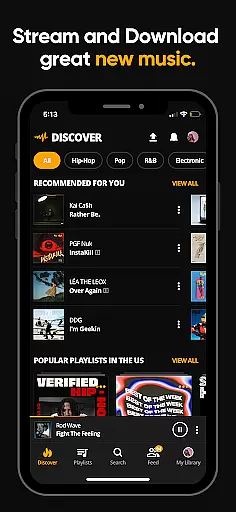
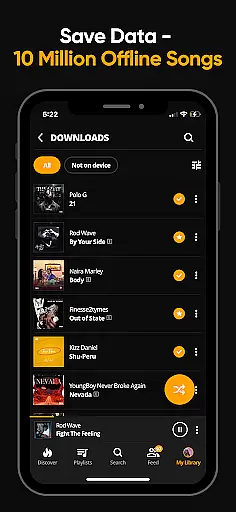
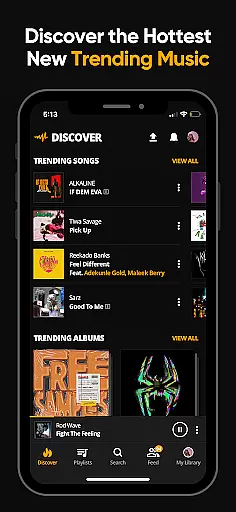

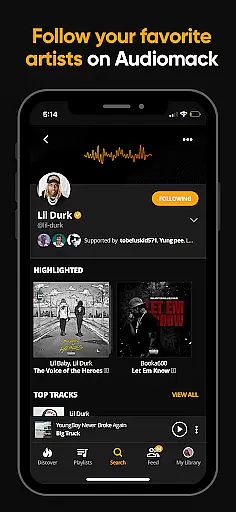
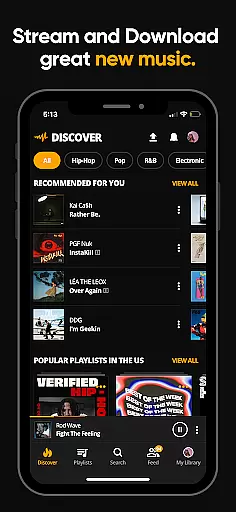
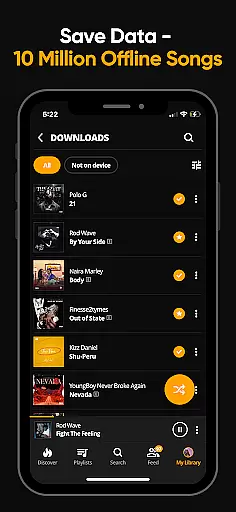
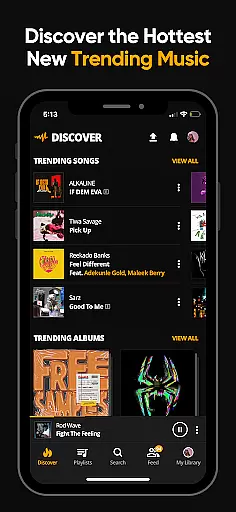

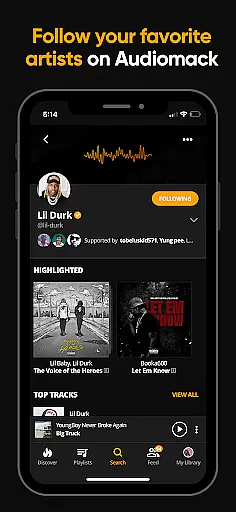
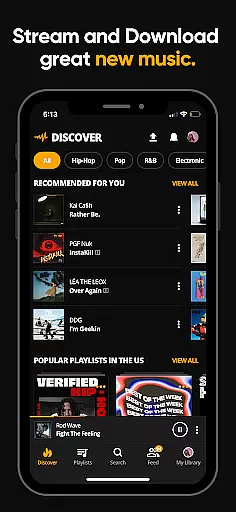
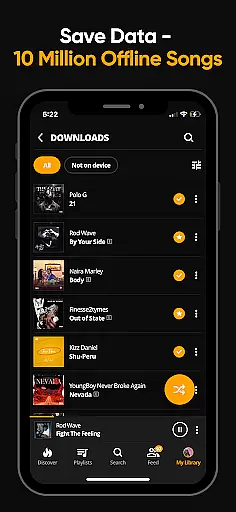
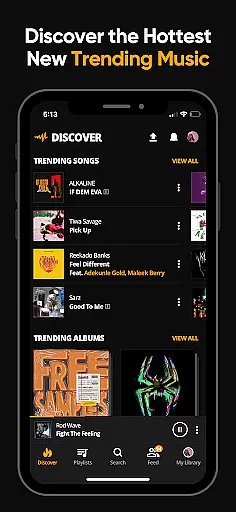

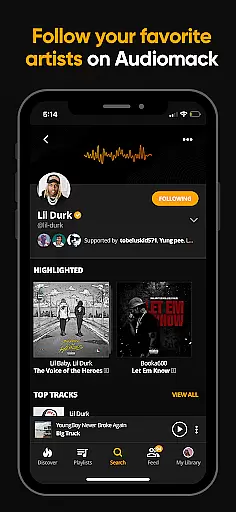
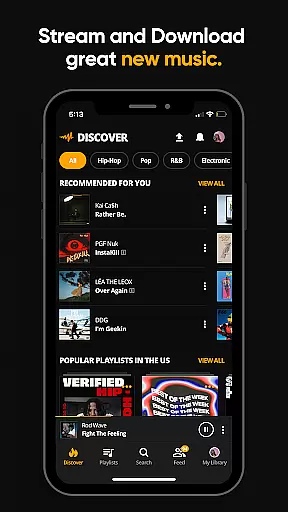
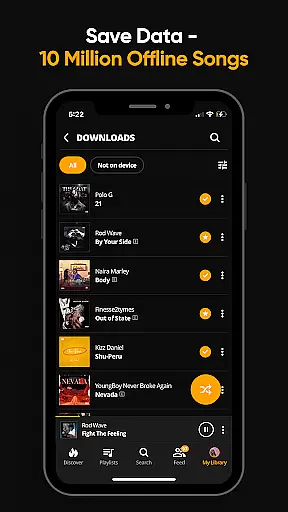
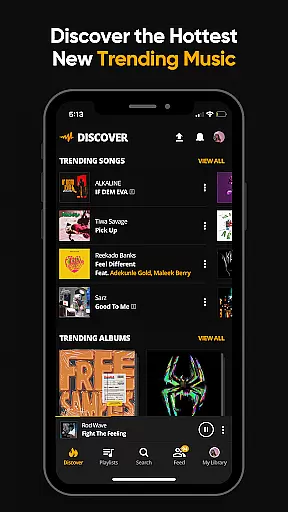
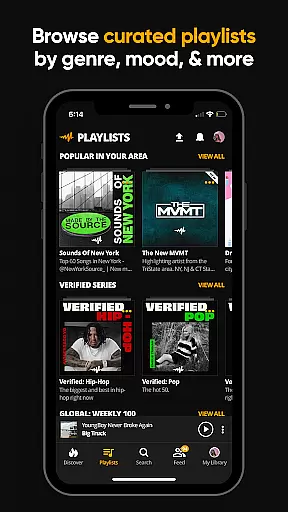
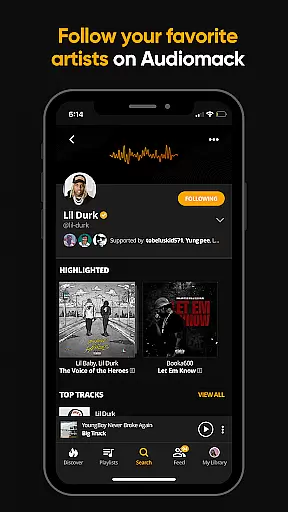

Audiomack is a premier music streaming application tailored for Android Wear, offering users the ability to stream and download trending full tracks offline without using data. It provides access to an extensive library of Hip-Hop, Rap, R&B, EDM, Afropop, and Reggae music from top artists worldwide. With Audiomack, you can enjoy unlimited streaming and explore new music with curated playlists by mood and genre.
One of the standout features of Audiomack is its offline mode, allowing users to download songs and albums for data-free listening. Whether commuting or traveling, this feature ensures uninterrupted music enjoyment. Additionally, the app supports local file playback, enabling users to listen to their personal MP3 collections directly from the app. This makes Audiomack not just a streaming service but also a versatile music player.
The app's integration with platforms like Wear OS and Android Auto enhances user experience, making it convenient to control music playback hands-free. For those looking to eliminate ads, Audiomack offers an ad-free subscription for $4.99 per month. Overall, Audiomack stands out as a comprehensive music solution that caters to diverse musical tastes while providing seamless functionality across various devices.
Audiomack boasts a rich array of features designed to enhance your music streaming experience. The app allows unlimited streaming of full tracks and mixtapes that are either new or trending, ensuring you stay ahead in discovering what's next in the music world. Its powerful download feature enables offline listening without consuming data, perfect for environments where internet connectivity might be limited.
Users can create unlimited playlists and favorite tracks, albums, and playlists for easy access. The app's interface is intuitive, supporting multitasking so you can use other apps while enjoying your music. Moreover, Audiomack's compatibility with local files such as MP3s, WAV, M4A, AAC adds another layer of versatility, letting you manage and play all your music from one place.
Another significant advantage is Audiomack's cross-platform support, including Wear OS and Android Auto. This ensures that whether you're at home, in your car, or on the go, your music is always within reach. With expertly curated playlists spanning various moods and genres, Audiomack delivers a personalized listening experience that adapts to your preferences and lifestyle.
Companion app integration is essential for a seamless experience across multiple devices. Audiomack excels in this area by providing users with the ability to sync their music libraries and preferences effortlessly between their smartphones and Wear OS devices. This ensures that whether you're on the go or at home, your music and playlists are always up-to-date and accessible.
The Audiomack app allows users to download songs and albums for offline listening directly to their wearable devices. This feature is particularly beneficial for those who enjoy listening to music while exercising or when they are in areas with limited connectivity. By having your favorite tracks available on your smartwatch, you can enjoy uninterrupted playback without needing to carry your phone.
Furthermore, Audiomack's compatibility with Android Auto enhances the driving experience by allowing users to control their music through the car's infotainment system. This hands-free operation improves safety and convenience, enabling drivers to focus on the road while still enjoying their personalized music selections.
Overall, Audiomack's companion app integration offers a cohesive ecosystem where users can enjoy their music library across various platforms, ensuring that their listening experience is both flexible and comprehensive.
Ensuring compatibility with Wear OS and other devices is crucial for delivering a versatile and user-friendly music application. Audiomack stands out by offering robust support for Wear OS, allowing users to access their music libraries directly from their smartwatches. This compatibility enables users to manage their playlists, control playback, and even download songs for offline listening right from their wrists.
Audiomack's device compatibility extends beyond just Wear OS. The app supports a wide range of Android devices, ensuring that users can enjoy high-quality music streaming regardless of their device type. Whether you're using a smartphone, tablet, or any other Android-powered gadget, Audiomack provides a consistent and reliable performance.
In addition to supporting multiple devices, Audiomack also integrates seamlessly with Android Auto. This compatibility enhances the driving experience by allowing users to control their music via the car's infotainment system, promoting safer driving practices. With Audiomack, users can enjoy their favorite tracks without compromising on safety or convenience.
By prioritizing Wear OS and device compatibility, Audiomack delivers a versatile and accessible music streaming service that caters to the diverse needs of its users, ensuring an optimal listening experience across all supported platforms.
User-friendly interface
Offline listening mode
Wide range of music genres
Local file playback support
Cross-platform compatibility
Limited free version features
Occasional app crashes
Ads in free version
Subscription cost
High data usage for streaming

Walking app for weight loss: walk & step tracker, pedometer, indoor treadmill
 4.60
4.60
Embrace the holiday spirit with this magical animated watch face!
4.40
Precision analog watch face with 7 complications and style options
4.0
Christmas is near, let's count together the days left until Santa comes
4.5
Analog watch face with 8 complications and expedition styling
4.0
Easy Voice Recorder is your everyday companion to record important moments.
4.70
Period, ovulation & pregnancy tracker. Fertility insights & menstrual calendar.
4.90
Fast and smart typing with Emojis, GIFs, and more
4.50
Control your Samsung Smart TVs, appliances, and SmartThings-compatible devices
4.60
A modern premium sporty hybrid watch face for Wear OS by Ballozi
4.70
A realistic hybrid watch face with many customization options.
4.60
Bold, Modern Hybrid Watch Face for Wear OS. 10 Colors, Rich Info Display.
4.30
Watch face for Wear OS.
4.20
Connect, create, and collaborate with Gmail, part of Google Workspace.
4.10
Get helpful reminders, take progress photos and find answers to your questions.
3.90
Professional weather radar and more
3.90
A full-featured Amazon Alexa voice assistant that can show you things.
3.70
Sleek, highly customizable watch face inspired by Galaxy Watch Circle Dashboard.
4.2
Fitness interactive virtual pet super fighter boy watch face
4.5


User Reviews