
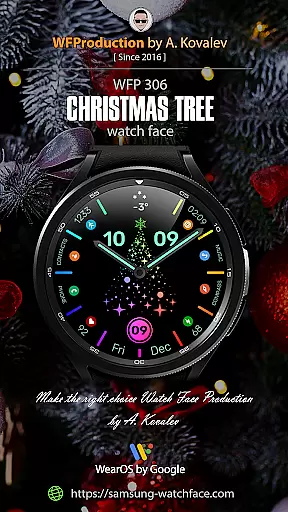
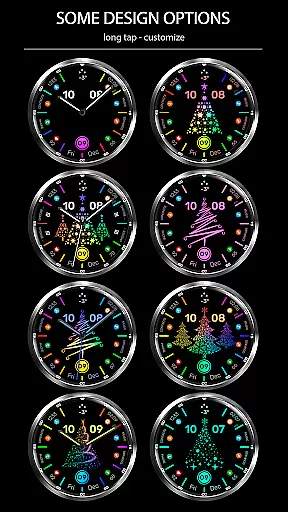
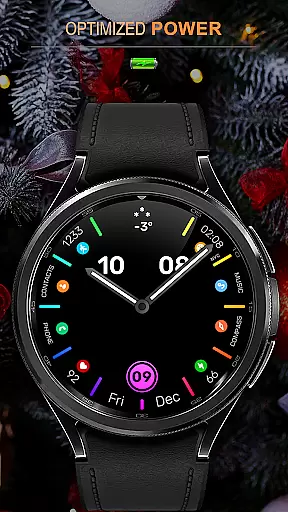
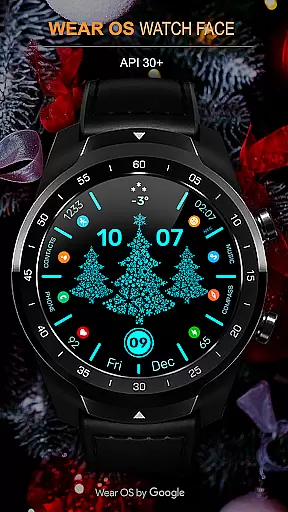
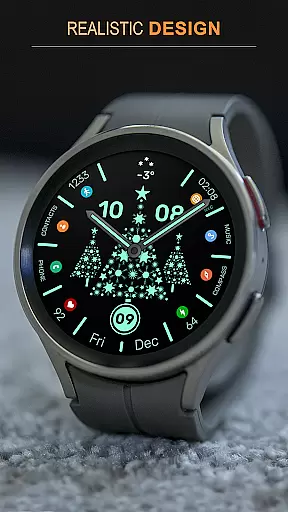
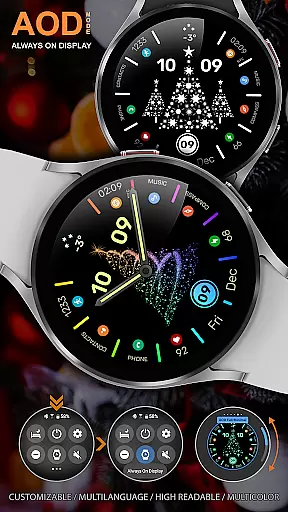
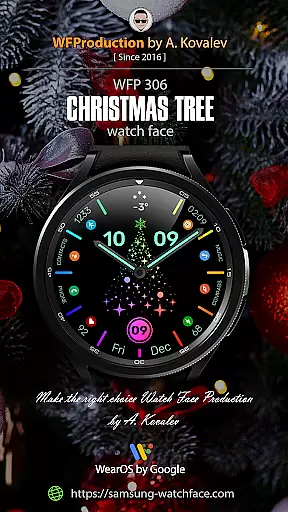
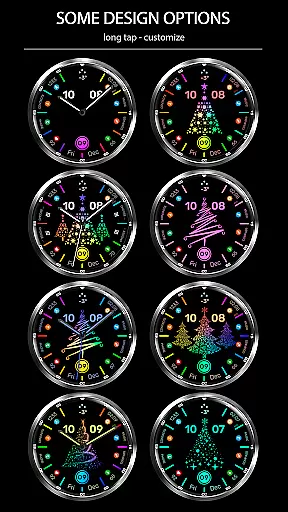
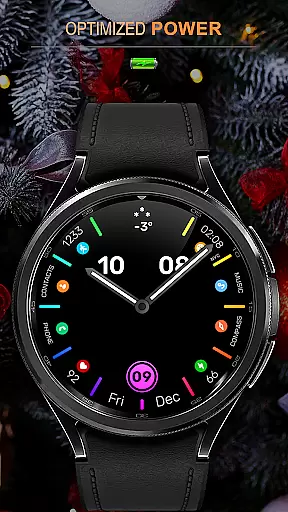
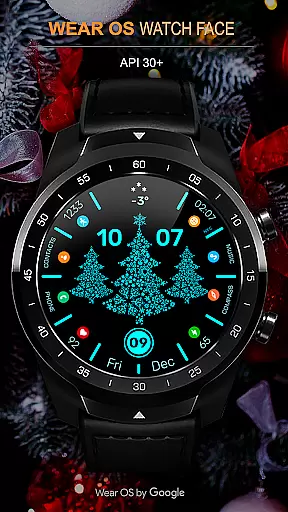
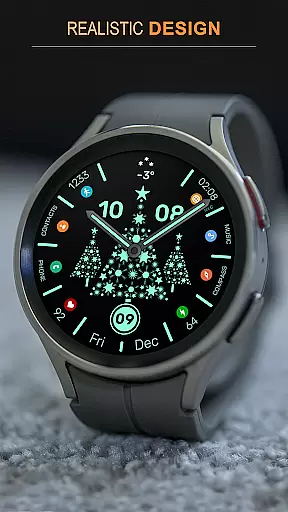
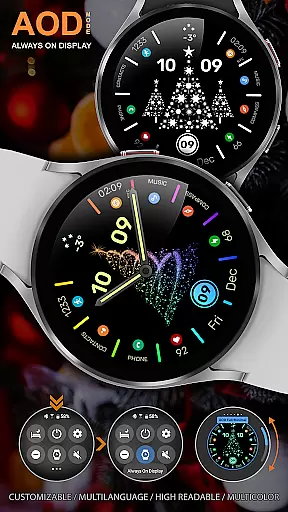
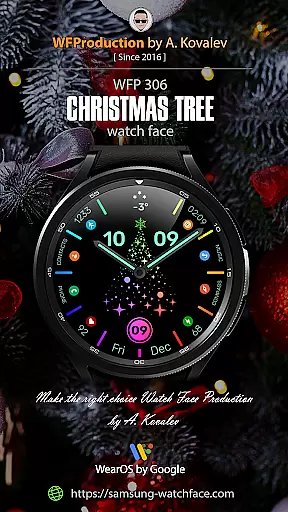
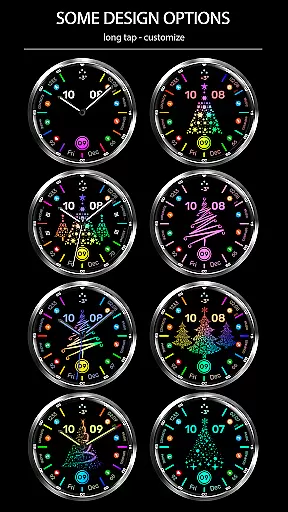
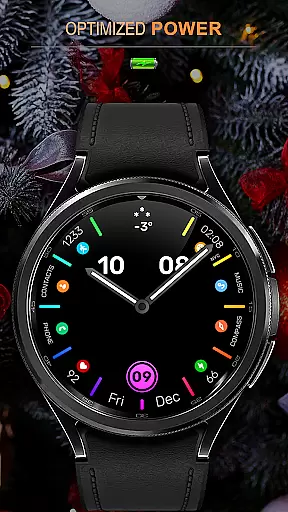
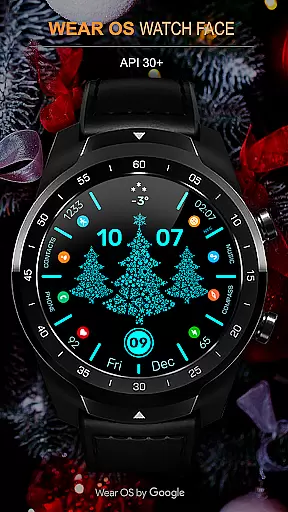
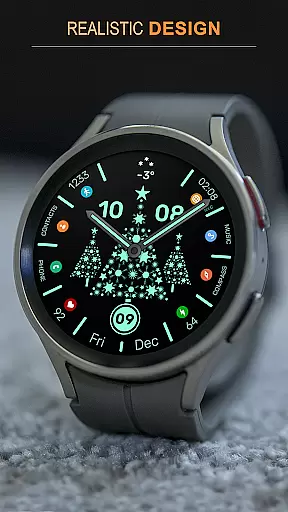
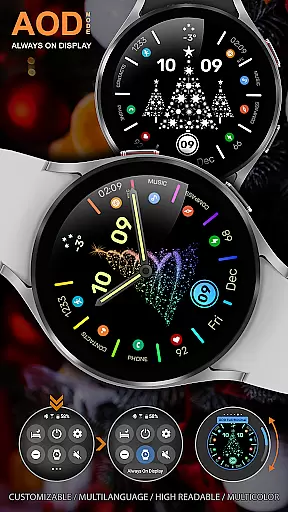
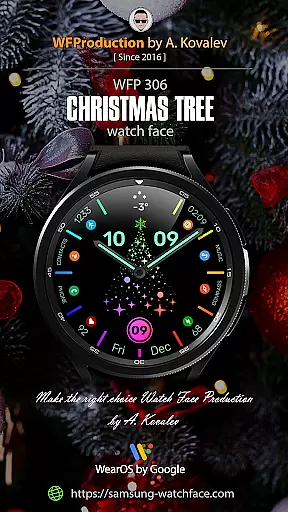
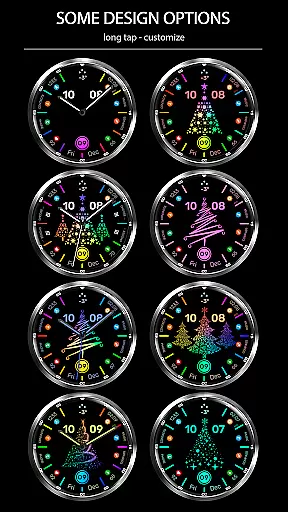
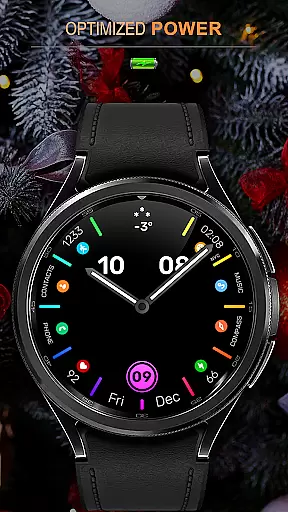
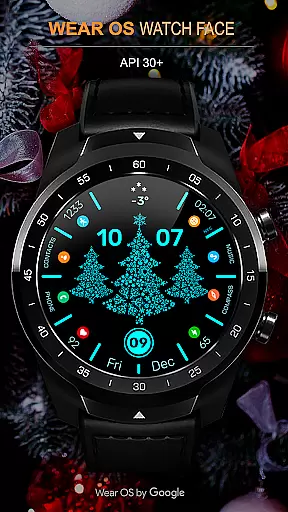
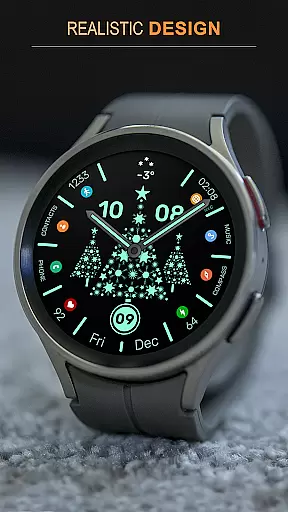
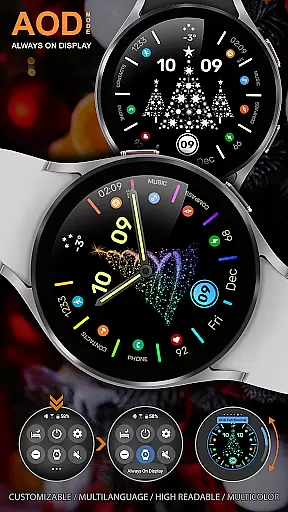
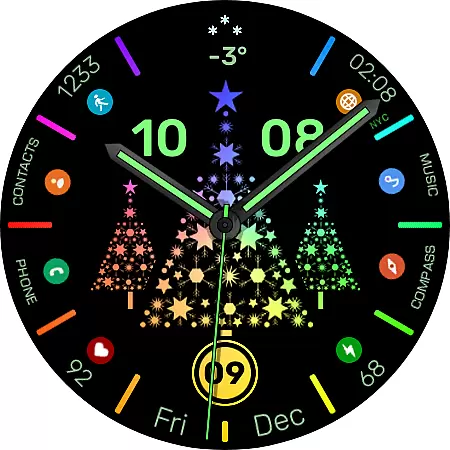
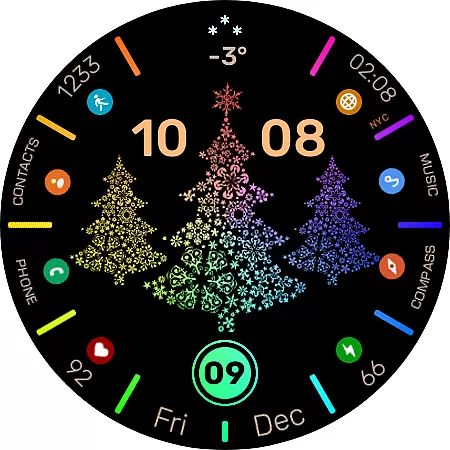
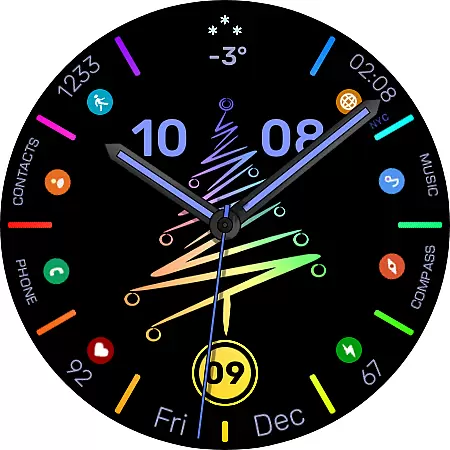
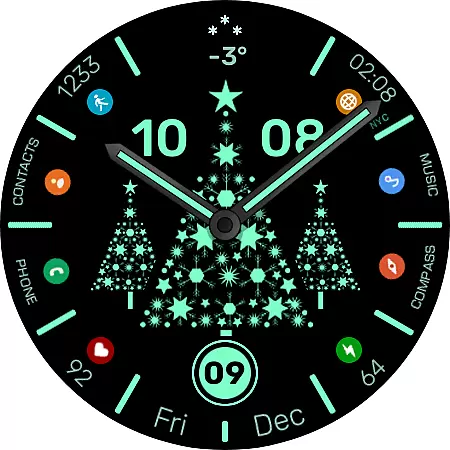
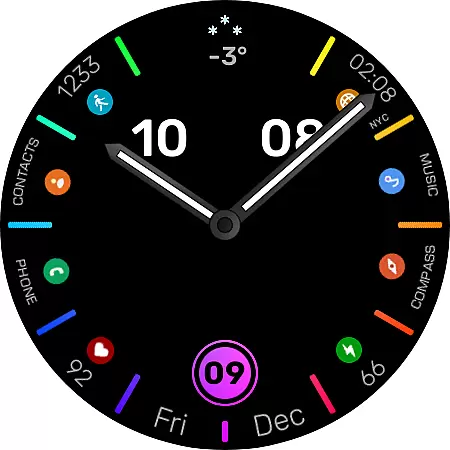
WFP 306 Christmas tree is a festive-themed watch face designed for devices running WearOS 4 with API Level 30+. This application brings holiday spirit to your smartwatch with its unique Christmas tree designs and customizable features. Users can enjoy high-resolution graphics, optimized performance, and low battery consumption while customizing their watch faces with various widgets and settings.
The watch face supports multiple languages and offers both 12/24 hour time formats. With interactive elements like tap-to-animate and color-changing options in multi-color mode, it provides an engaging user experience. Additionally, users have the option to disable hands or the Christmas tree image entirely, offering flexibility in personalization.
This Android Wear app stands out with its array of features tailored for the holiday season. The WFP 306 Christmas tree includes six types of Christmas trees that can be turned off if desired, allowing for a traditional watch face look when preferred. Animation is activated by tapping on the center, adding an interactive element to the design.
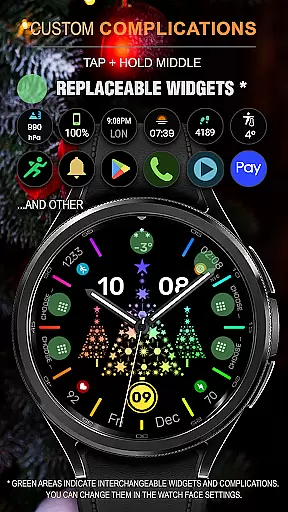
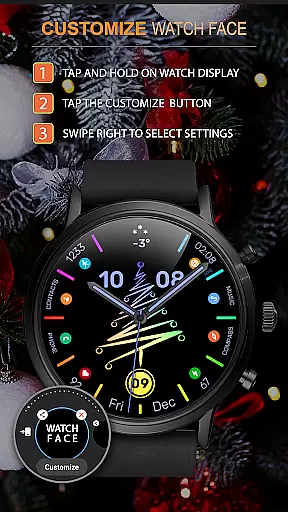
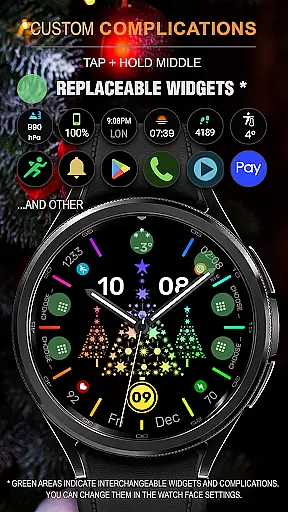
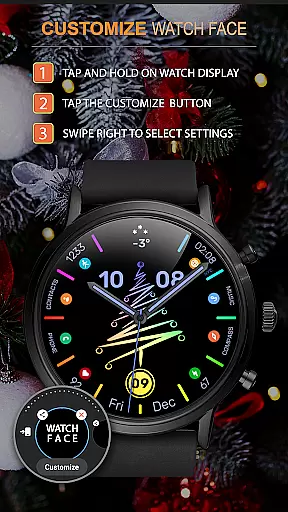
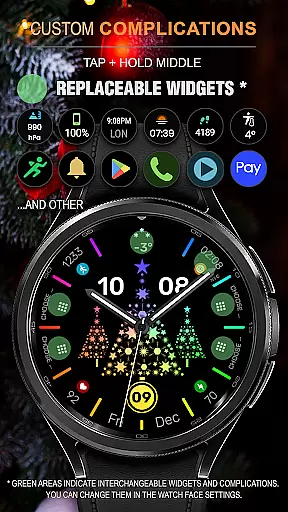
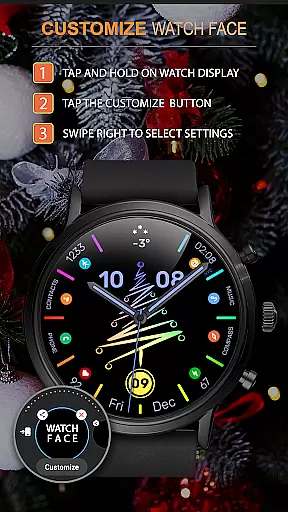
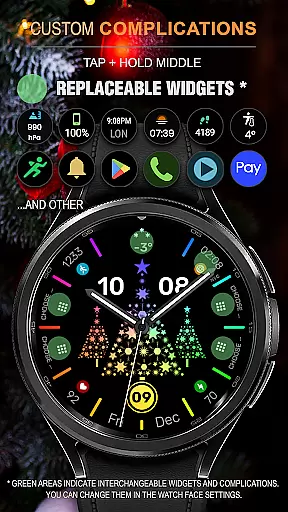
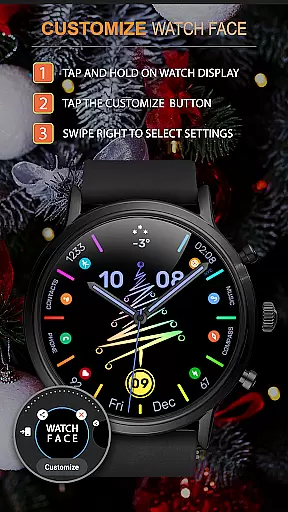
Customization is key with this app, as it allows users to modify AOD (Always-On Display) settings, choose from full or minimal display modes, and customize application shortcuts and widgets. These features ensure that each user's watch face is uniquely theirs while maintaining optimal device performance through high optimization techniques.
For the WFP 306 Christmas tree watch face, companion app integration is essential for a seamless experience. This feature ensures that your wearable device can sync effectively with your smartphone, providing real-time updates and notifications.
The watch face supports WearOS 4 and API Level 30+, guaranteeing compatibility with the latest technology. By following the installation instructions available at samsung-watchface.com/instructions, users can effortlessly integrate their devices.
With this integration, users can access phone charge widgets, calorie information, floor counts, and more. Detailed guidance on utilizing these features can be found at samsung-watchface.com/settings, enhancing the overall utility of the watch face.
Ensuring broad device compatibility, the WFP 306 Christmas tree watch face is designed to work seamlessly with WearOS 4 and API Level 30+. This compatibility allows users to enjoy advanced features without worrying about technical limitations.
Users benefit from high optimization and low battery consumption, thanks to the watch face's efficient design. These features are crucial for maintaining performance across various devices, ensuring a smooth user experience.
Additionally, the watch face offers extensive customization options, including multi-color modes, different types of Christmas trees, and customizable AOD settings. Such flexibility makes it suitable for a wide range of personal preferences and device specifications.
Highly customizable
Low battery usage
Interactive animations
Multilingual support
Optimized performance
Limited to WearOS 4
Requires API Level 30+
No built-in games
Premium features cost extra
Complex setup for beginners

Wear Os Watch Face - Animated Snow Effect & Christmas Lights
 4.0
4.0
Animated Watch Face and Customizable with 24 Backgrounds. Perfect for Christmas!
3.90
Current temperature, weather hourly, weather radar by the weather forecast app
4.40
Analog watch face with 8 complications and expedition styling
4.2
A modern premium sporty hybrid watch face for Wear OS by Ballozi
4.70
Structured watch face with seven complications and modular UI elements
3.90
Period, ovulation & pregnancy tracker. Fertility insights & menstrual calendar.
4.90
Hybrid watch face for Wear OS with customizable complications by Matteo Dini MD
4.70
Track airplanes and follow flights with our real-time flight tracker
4.50
Gym Log & Workout Tracker | Fitness Journal, Training & Weight Lifting Planner
4.90
The Chevron App allows you to pay for fuel from the comfort of your car!
4.80
Be an elegant and classy secret agent, with this carefully detailed watch face
4.70
The most customizable minimal watch face. For Wear OS 5.0, API 34+ and later
4.70
Embrace the holiday spirit with this magical animated watch face!
4.40
Premium hybrid watch face with many customizations for Wear OS devices.
4.40
A white realistic classic analog watch face with many customization options.
4.40
A digital watch face that celebrates Christmas.
4.00
Get helpful reminders, take progress photos and find answers to your questions.
3.90
Fitness interactive virtual pet super fighter boy watch face
4.2


User Reviews