
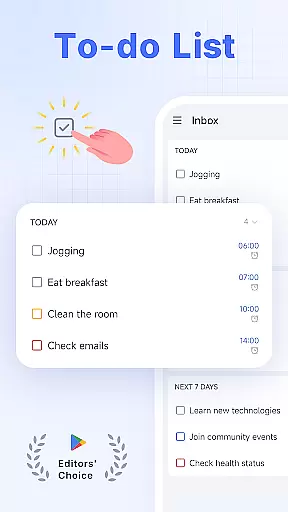
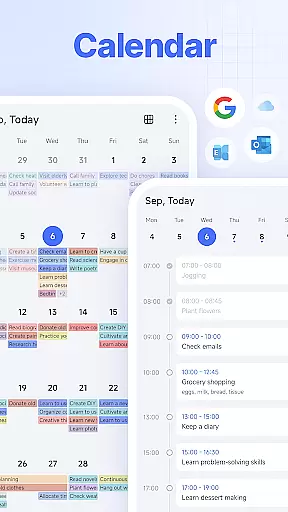
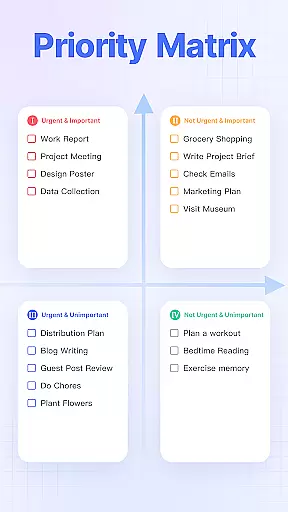
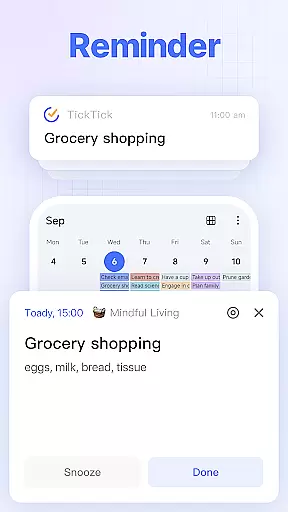
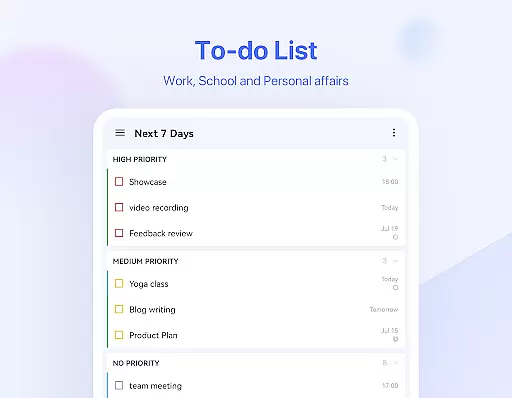
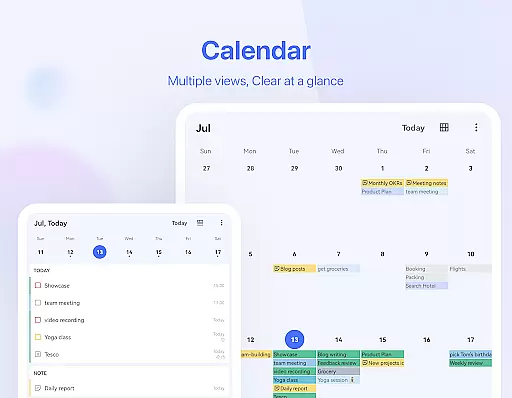
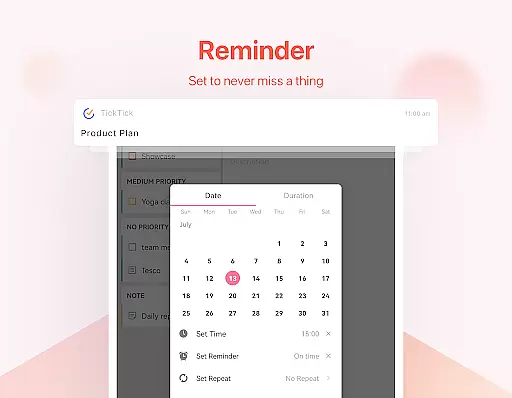
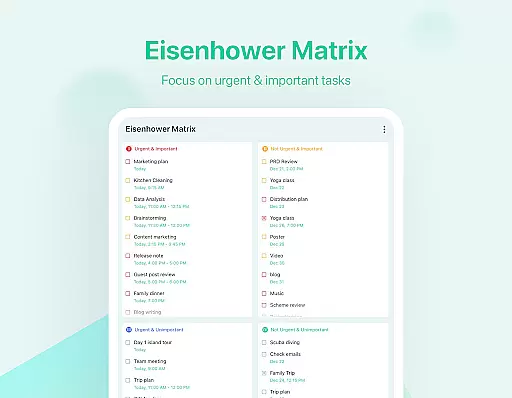
TickTick is a comprehensive productivity app designed to help users manage their tasks, schedules, and habits efficiently. As a multi-dimensional task manager, it consolidates all your to-dos, reminders, and calendars into one intuitive platform. Whether you're at home, in the office, or on the move, TickTick ensures you stay organized and make the most of every moment.
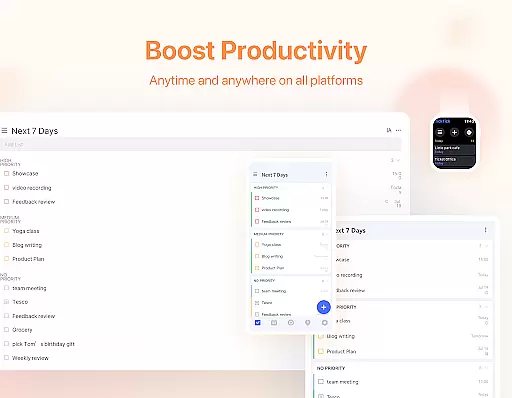
The app offers a range of powerful features including a Pomodoro timer for focus, habit tracking for personal development, and seamless synchronization across multiple devices such as Android, iOS, Mac, and PC. With its sleek calendar view, handy widgets, and instant reminders, TickTick provides a complete solution for both personal and professional productivity needs.
Users can benefit from TickTick's collaboration tools that allow sharing lists and assigning tasks among team members, friends, or family. This makes it an ideal choice for project management and teamwork, ensuring everyone stays aligned and informed. The premium version unlocks additional benefits like beautiful themes, enhanced list capabilities, and advanced calendar views, making TickTick a top choice for those seeking a robust productivity tool.
TickTick stands out with its rich set of features tailored to boost productivity. One of its core functionalities is the ability to create tasks and notes quickly using either typing or voice commands. The Smart Date Parsing feature automatically sets due dates and alarms based on user input, streamlining the process of managing deadlines and appointments.
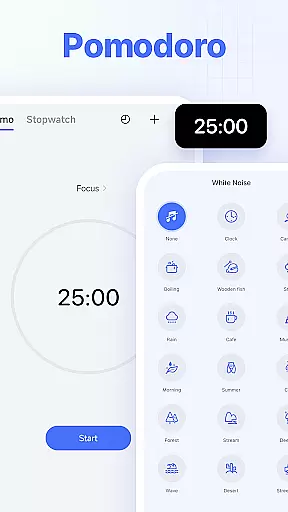
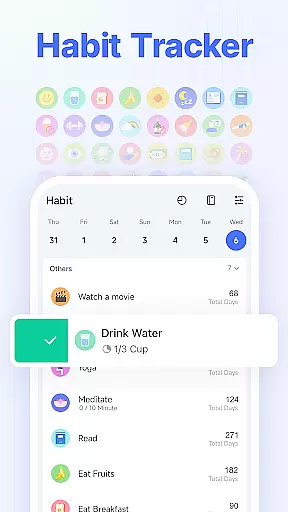
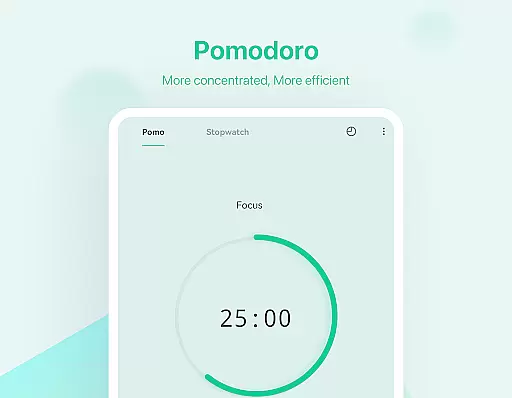
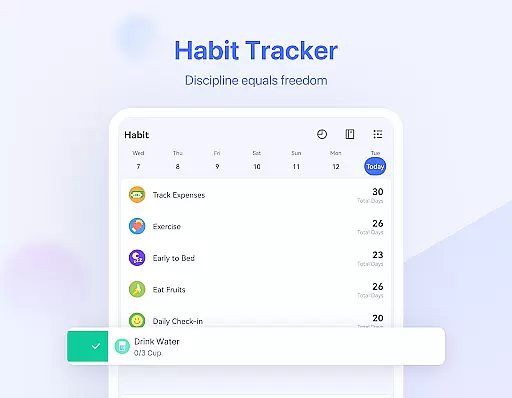
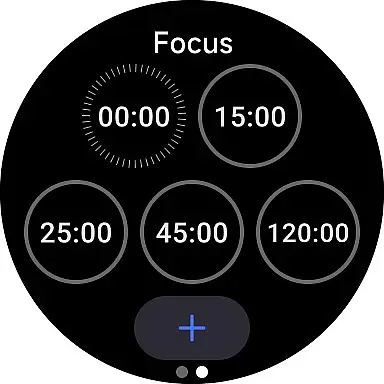
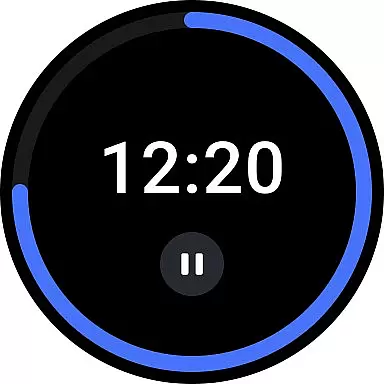
Another notable feature is the Pomodoro Timer, which helps users maintain focus by breaking work into intervals separated by short breaks. Additionally, the Habit Tracker allows users to build and monitor positive habits over time, providing a scientific approach to personal growth. These tools are complemented by a sleek calendar interface that supports third-party integrations like Google Calendar and Outlook, offering a unified view of your schedule.
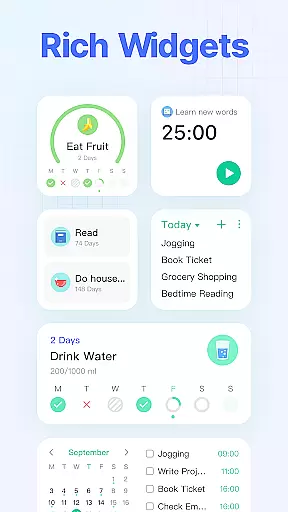
TickTick also excels in collaboration, enabling users to share task lists and assign responsibilities within teams. Its recurring task scheduling is highly customizable, accommodating various frequencies and specific patterns. Furthermore, the availability of widgets and instant reminders ensures that important tasks are never overlooked. For power users, TickTick Premium offers extended capabilities such as managing large numbers of tasks and subtasks, adding multiple reminders per task, and sharing lists with up to 29 members, enhancing its utility for complex projects and team environments.
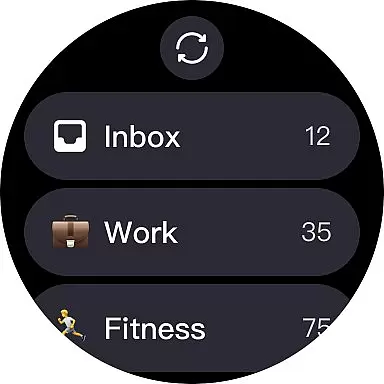
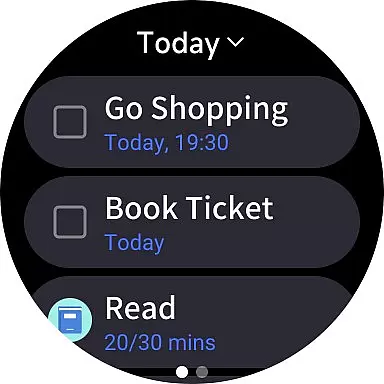
For Android Wear users, TickTick offers seamless companion app integration that ensures all your tasks and schedules are synced across devices. This means whether you're checking your phone or your smartwatch, your to-do list is always up-to-date.
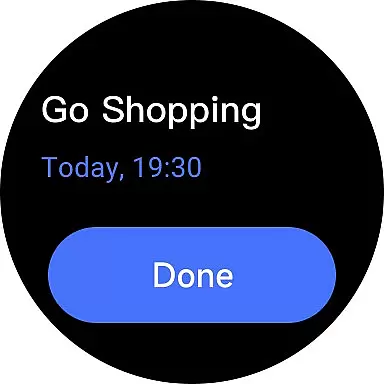
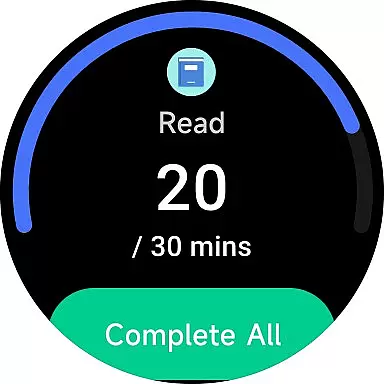
The app's design allows for quick access to your tasks directly from your wearable device. With just a glance at your watch, you can view pending tasks, receive reminders, and even complete tasks without needing to reach for your phone.
Furthermore, TickTick's Wear OS app supports voice commands, making it easier than ever to add new tasks on the go. This hands-free approach enhances accessibility and convenience, particularly when you're engaged in activities where using your phone isn't practical.
By integrating with the main TickTick application, users benefit from a unified productivity ecosystem. Changes made on the Wear OS app reflect instantly on all other platforms, ensuring consistency and reliability in managing daily responsibilities.
TickTick stands out in its comprehensive compatibility with Wear OS and a multitude of devices, making it an ideal choice for users invested in the Android ecosystem. The app runs smoothly on various Android-powered smartwatches, providing a consistent experience regardless of your device.
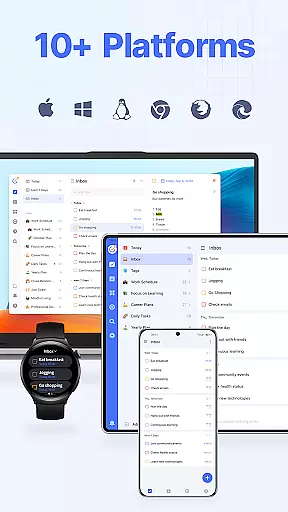
Beyond Wear OS, TickTick extends its support to include Web, Android, iOS, Mac, and PC platforms. This cross-device functionality ensures that no matter where you are or what device you have handy, your tasks and schedules are accessible.
The synchronization across these platforms is near-instantaneous, allowing for real-time updates and collaboration. Whether you're transitioning from your phone to your computer at work or checking off tasks on your tablet at home, TickTick keeps everything aligned.
This level of device compatibility not only broadens the app's usability but also reinforces its position as a versatile tool in personal productivity. Users can trust that their data is secure and available, whenever and wherever they need it.
User-friendly interface
Effective Pomodoro timer
Comprehensive habit tracker
Seamless cross-device sync
Robust collaboration tools
Limited free features
Premium subscription cost
Occasional sync delays
Complexity for new users
Advanced options require learning

Gym Log & Workout Tracker | Fitness Journal, Training & Weight Lifting Planner
 4.90
4.90
Diet tracker for weight loss - track calories, food and macros. Simple and easy!
4.70
Wear Os Watch Face - Animated Snow Effect & Christmas Lights
4.1
Highly customizable hybrid watch face for Wear OS, perfect for everyday use.
4.60
Deck out your Wear OS Watch face with a beautifully decorated pine wreath!
4.50
Authentic military-tactical design with ZULU time! Realistic and functional!
3.80
Ideal for surviving in the wasteland left after nuclear fallout
4.50
Kia Access makes getting your vehicle information easier than ever
4.60
Bold weather Digital watchface with forecast & optional animated background
4.40
Fast and smart typing with Emojis, GIFs, and more
4.50
Daily Weather forecast with 15 weather images for Day & Night plus Big Bold time
4.10
Embrace the festive spirit with our Christmas Countdown watchface for Wear OS
4.10
A digital watch face that celebrates Christmas.
4.00
Watch the sharpness of the sky on your wrist..
3.70
Precision analog watch face with 7 complications and style options
4.0
Contemporary digital watch face with five complications
4.3
Sleek, highly customizable watch face inspired by Galaxy Watch Circle Dashboard.
4.4
3 Complications. All shadow on/off. 30 Themes color palette...
4.1
Fitness interactive virtual pet super fighter boy watch face
4.4


User Reviews