
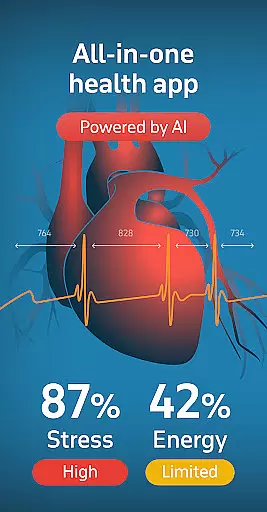
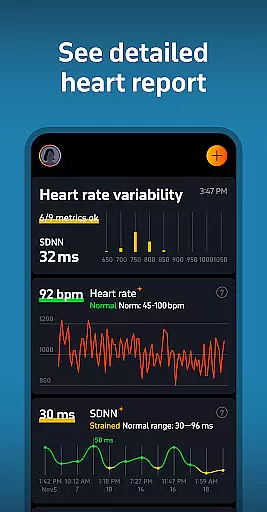
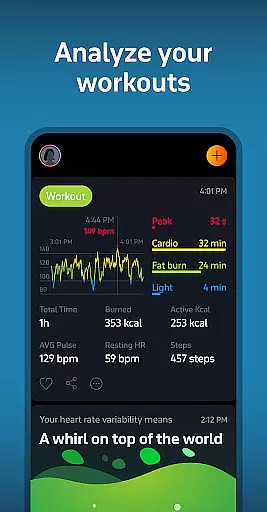
Welltory is a comprehensive health tracking application designed specifically for Android Wear devices. This innovative app serves as a smart heart rate monitor, allowing users to check their heart rate, pulse, and analyze heart rate variability (HRV). With over 16 million users and endorsements from reputable institutions like Johns Hopkins University and Harvard Medical School, Welltory has established itself as a reliable health companion.
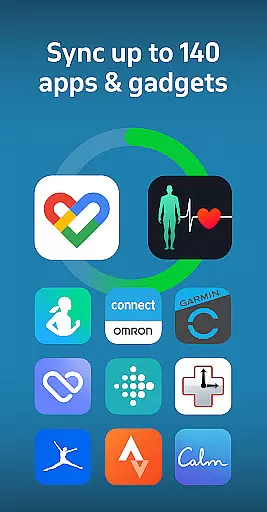
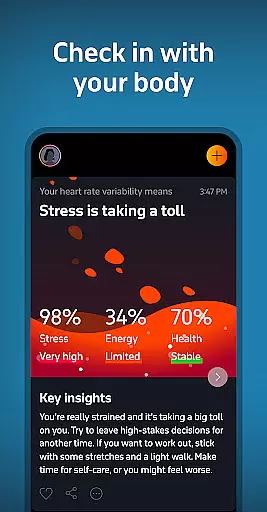
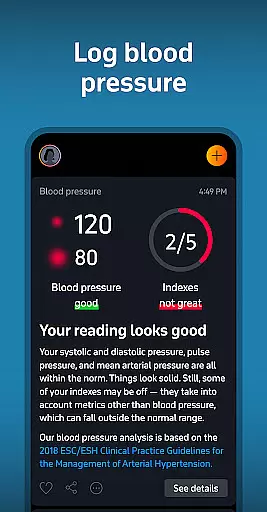
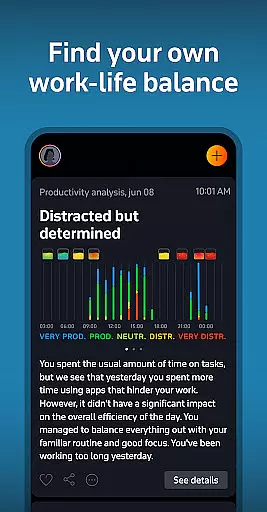
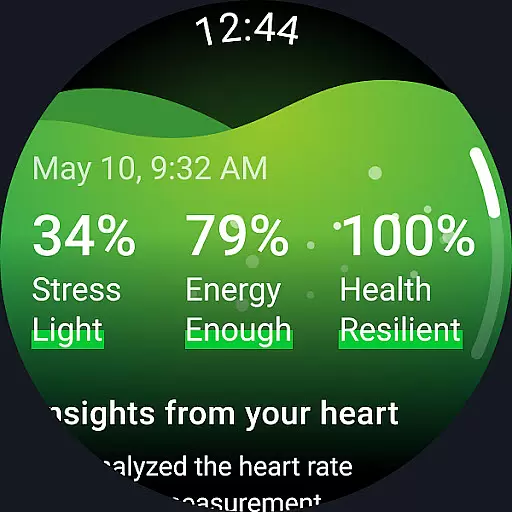
The app's functionality extends beyond basic heart monitoring. It provides detailed insights into overall wellness by syncing with more than 1,000 apps and devices, including Garmin, FitBit, and Samsung wearables. Users can track various aspects of their health such as activity levels, sleep patterns, stress, and even blood pressure trends through manual input or synced monitors. The built-in AI analyzes this data to offer personalized health reports and actionable recommendations.
Whether you're an athlete looking to optimize performance or someone seeking better stress management techniques, Welltory offers valuable tools. Its unique features like bedtime stories tailored to your heartbeat and stress-relief guidance make it an indispensable tool for maintaining both physical and mental well-being on-the-go.
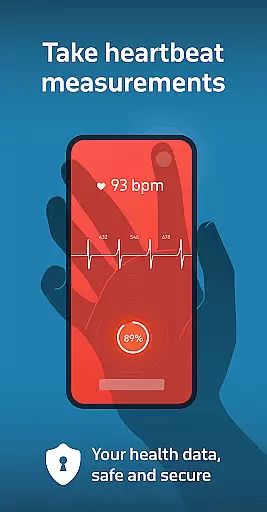
Welltory stands out in the Android Wear category due to its advanced feature set that transforms how users interact with their wearable technology. One of its key features is the ability to measure Heart Rate Variability using just the smartphone camera or compatible watches. This method has been validated by numerous studies and provides accuracy comparable to ECGs, offering users scientifically-backed insights without additional hardware.
Beyond HRV monitoring, Welltory integrates seamlessly with a wide array of third-party apps and devices, enhancing its utility. Users can sync data from fitness trackers, smart scales, and other health-related gadgets to get a holistic view of their lifestyle habits. The app also includes a symptom tracker and blood pressure analysis tool, which although not directly measured via the phone, allows for comprehensive health monitoring when manually entered or synced from external devices.
Additional standout features include stress level tracking throughout the day, guided stress relief exercises, and Sleep Flow - a collection of bedtime stories and calming sounds designed based on scientific research to improve sleep quality. These elements combined create a robust platform that not only tracks but actively helps improve various facets of personal health, making Welltory a top choice among health-conscious individuals.
Companion app integration is essential for users who want a seamless experience between their mobile devices and wearables. Welltory excels in this area by offering robust synchronization capabilities with over 1,000 apps and gadgets, including popular brands like Garmin, FitBit, and Samsung.
The app ensures that your health data from various sources are centralized and accessible in one place. This includes activity levels, sleep patterns, productivity metrics, nutrition information, meditation sessions, and more. By aggregating these diverse data points, Welltory provides a comprehensive view of your overall well-being.
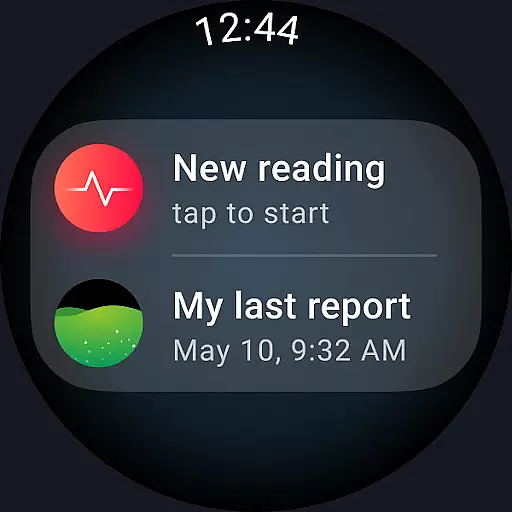
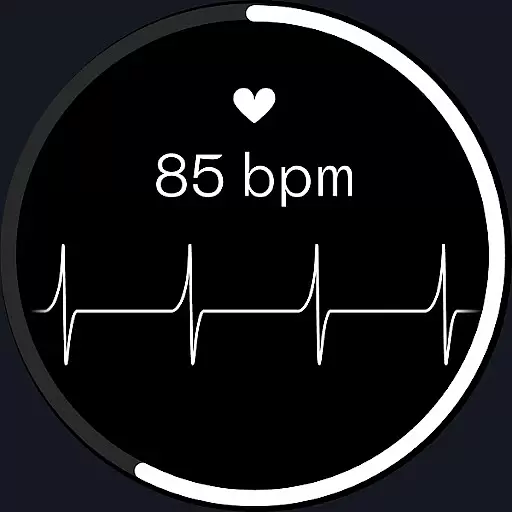
For users of Wear OS devices, Welltory offers an intuitive watch app that enhances accessibility. You can easily access your latest measurements through a dedicated tile on your watch face or start new measurements directly from the watch interface. This level of integration simplifies daily tracking and encourages consistent use.
Ultimately, Welltory's companion app integration empowers users to make informed decisions about their health by leveraging synchronized data across multiple platforms, ensuring no critical insight is missed.
Device compatibility is crucial for ensuring that wearable technology functions optimally with companion apps. Welltory supports specific models within the Wear OS ecosystem, such as Samsung Galaxy Watch4, Galaxy Watch4 Classic, Galaxy Watch5, and Galaxy Watch5 Pro. These devices benefit from tailored functionalities designed to enhance user interaction.
Welltoryu2019s Wear OS app includes complications that allow quick initiation of new measurements right from the watch face. This feature streamlines the process of monitoring vital signs without needing to navigate through multiple menus, providing convenience and efficiency.
However, it's important to note that while Welltory is compatible with certain Wear OS devices, it does not support all models within this category. Users should verify compatibility before purchasing a new device if they intend to use Welltory extensively.
By focusing on select high-performance devices, Welltory ensures optimized performance and reliability, delivering accurate health insights and maintaining user trust in its service offerings.
User-friendly interface
Accurate HRV readings
Wide device compatibility
Comprehensive health insights
Personalized wellness reports
No direct BP measurement
Limited Wear OS support
Premium features require subscription
Occasional LED overheating
Data entry can be manual

A heartwarming Christmas scene featuring a cute image of Santa and Rudolf
 4.5
4.5
Stunning modern digital watch face with 7 complications and strong contrast
4.0
Artistic Digital Watchface
4.0
Watch face designed for Thanksgiving Day. 7 Background Styles included.
3.20
Be an elegant and classy secret agent, with this carefully detailed watch face
4.70
Structured watch face with seven complications and modular UI elements
3.90
Hyperlocal rain alerts by MyRadar using patent-pending technology, radar & more
4.80
Connect to your Bluelink equipped Hyundai vehicle from your smartphone.
4.50
A modern hybrid informative watch face for Wear OS designed by BALLOZI
4.80
Christmas Theme Watch Face for Wear Os
5.00
Hybrid watch face for Wear OS with customizable complications by Matteo Dini MD
4.70
Let's celebrate Thanksgiving - Wear Os watch face
4.20
Animated video-game inspired “secret agent” simulation, right on your wrist!
4.20
Wear Os Watch Face - Animated Snow Effect & Magic Spark - 6 Scenes
4.10
sleep, alarm, snoring, stress, healing, focus, sound therapy, circadian rhythm
4.10
Hyper-Realistic Airplane Dashboard Watch Face With 10 Skins and Custom AOD
4.00
A full-featured Amazon Alexa voice assistant that can show you things.
3.70
Stay in touch with your friends and family using LINE!
3.40
3 Complications. All shadow on/off. 30 Themes color palette...
4.5


User Reviews