
Plague Inc: Scenario Creator is a powerful content creation tool that allows users to develop custom scenarios for the popular strategy game Plague Inc. With this app, players can create new plague types, modify world attributes, and design unique events, offering an unprecedented level of customization. The tool is particularly useful for those who want to push their creativity by designing complex and personalized gameplay experiences.
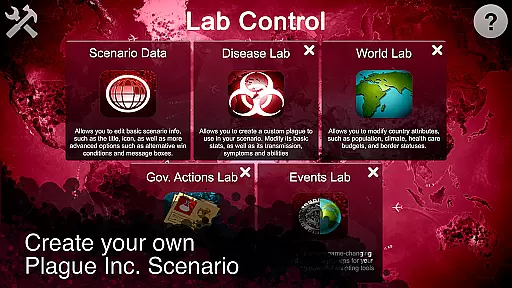
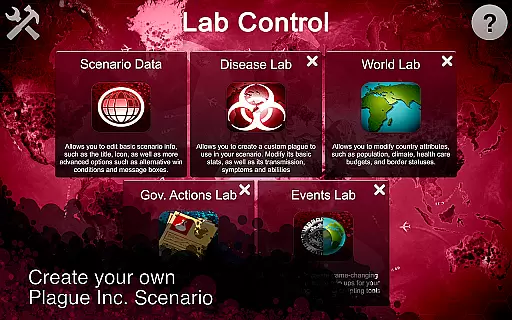
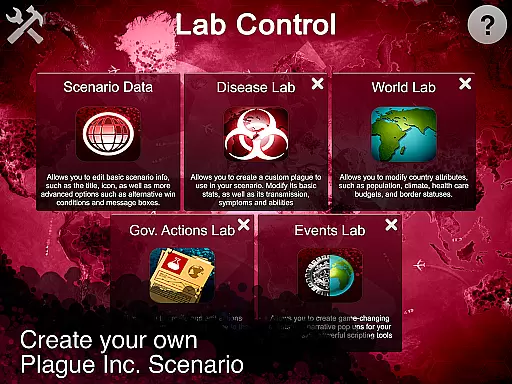
The app provides five specialized labs for scenario development, including Core, Disease, World, Government, and Events labs. These labs enable creators to fine-tune every aspect of their scenarios, from basic narrative elements to intricate governmental responses. Whether you're interested in modeling real-world diseases or crafting bizarre hypothetical situations, this app offers the tools needed to bring your ideas to life. Its seamless integration with the main game ensures that your creations can be easily shared and enjoyed by over 85 million players worldwide.
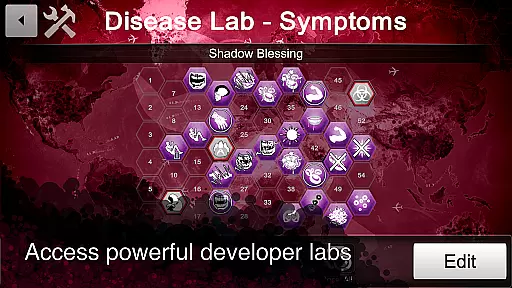
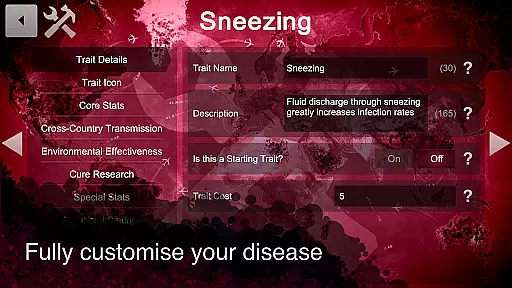
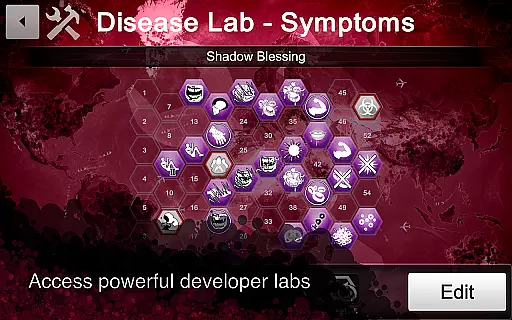
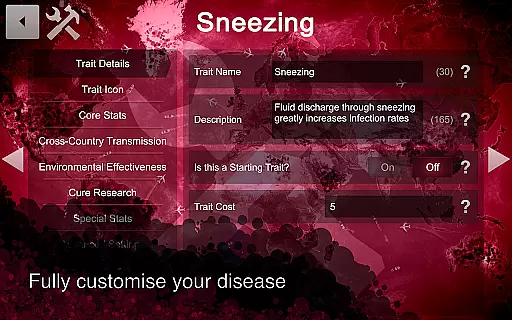
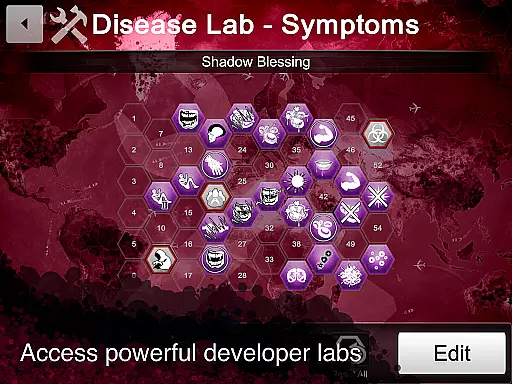
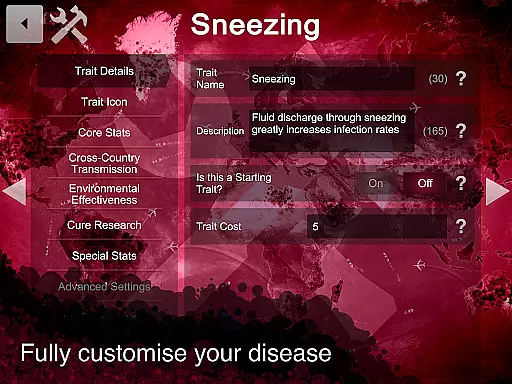
Plague Inc: Scenario Creator stands out with its comprehensive suite of creation tools. The Core lab lets you define essential scenario details and win conditions, while the Disease lab allows for detailed customization of symptoms, abilities, and transmissions. This granular control ensures that each plague behaves exactly as intended, providing a tailored experience for players.
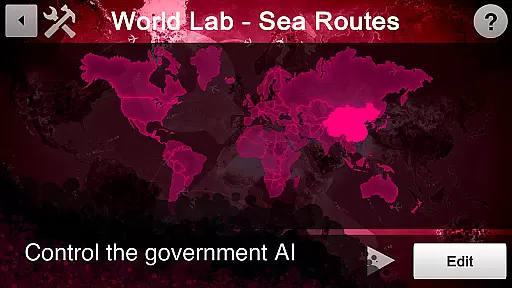
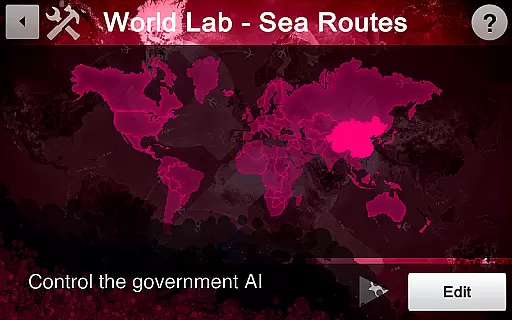
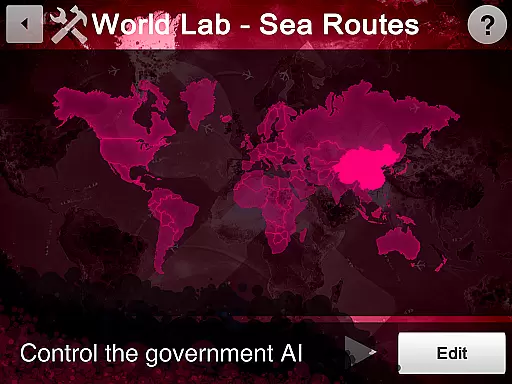
In the World lab, users can adjust country-specific attributes such as population size, climate, and healthcare budgets. Meanwhile, the Government lab enables the simulation of various policy responses to outbreaks. Advanced users will appreciate the Events lab, which uses scripting tools to introduce dynamic narrative elements. These features collectively empower creators to build rich, immersive scenarios that extend the longevity and replayability of the Plague Inc. experience.
Core task management in the Plague Inc: Scenario Creator refers to the app's ability to help users organize and execute the creation of custom scenarios effectively. This feature is crucial for ensuring that users can bring their creative ideas to life without unnecessary complications.
The app provides five specialized labs, each designed to manage different aspects of scenario creation. The Core lab allows users to edit basic scenario information and set win conditions, while the Disease lab lets them develop unique plague stats and customize symptoms. The World lab controls country attributes, and the Government lab dictates governmental responses to diseases. For advanced users, the Events lab offers powerful scripting tools for creating game-changing events.
Users benefit from this structured approach as it simplifies complex tasks, allowing both novice and experienced creators to design detailed and engaging scenarios. By breaking down the creation process into manageable sections, the app ensures that users can focus on their creativity rather than getting overwhelmed by technical details.
This comprehensive task management system ultimately empowers users to fully realize their creative visions, whether they aim to model real-life disease spread or explore imaginative concepts like alien parasites or political memes. The result is a highly versatile tool that caters to a wide range of creative ambitions within the Plague Inc. universe.
Cross-device synchronization reliability is essential for users who wish to access their scenario creations across multiple devices seamlessly. In the context of the Plague Inc: Scenario Creator, this means ensuring that any progress or changes made on one device are accurately reflected on others, providing a consistent experience regardless of where the user is working.
While specific details about the synchronization mechanisms are not provided in the app description, the Scenario Creator supports sharing scenarios directly with friends via email or social media links. Additionally, users can publish their best scenarios worldwide to over 85 million players, indicating a robust infrastructure capable of handling data transfer and updates efficiently.
For users, reliable cross-device synchronization translates to enhanced flexibility and productivity. They can start developing a scenario on their mobile device during a commute and continue refining it on a tablet or computer at home without worrying about losing progress or encountering inconsistencies.
Ultimately, dependable synchronization ensures that users can collaborate more effectively, share their work effortlessly, and engage with a large community of Plague Inc. enthusiasts. This reliability fosters a seamless creative workflow, encouraging users to experiment and innovate within the rich ecosystem of Plague Inc.
User-friendly interface
Extensive customization options
Active community support
Seamless sharing capabilities
Comprehensive tutorial resources
Requires original game
Steep learning curve
Limited standalone functionality
Premium pricing model
Occasional performance issues

Seamlessly integrate data and reports to build your presentation to impress
 4.80
4.80
The long-awaited modern gallery app for your Nextcloud server
4.70
Direct Chat without saving contacts & Dual WA Account on Single Device
4.70
Android Wallet Password Manager
4.80
Absolutely the best CNC machinist speed and feed calculator around. fswizard.com
4.60
Simple and reliable communication between inmates, friends and family
3.20
ID.me Authenticator is a simple and free Two Factor Authentication solution
3.50
Calendar 2023 widget for Android. Appointment scheduler, planner, and reminder
4.60
Access your phone's notifications, calls, apps, photos & texts on your PC
3.90
Protect and view your important info on your phone and tablet with eWallet®
4.80
Scan paperwork into PDF/JPG, generate your own e-signature and send fax or email
4.70
A simple Whisper AI keyboard for reliable speech transcription and rewording
4.60
To do list widget with a notebook organizer, checklist, simple shopping list
4.60
Subscribe to Webcal & .ics calendars and keep them up-to-date!
4.50
Share files & memories safely. Keep your photos and videos secure.
4.40
Ultimate Virtual AI Character for immersive Roleplay Chat. Perfect Companion
3.90
Ads Free App! Editor, Hide File, Copy, Move, Delete and Rename.. all facility av
1.70
AI Video AI Image Private LLM AI Browser Llama Gemma Ollama Connect LLM Studio
4.0
Create study competitions, track your hours, and stay consistent with friends
4.0


User Reviews