
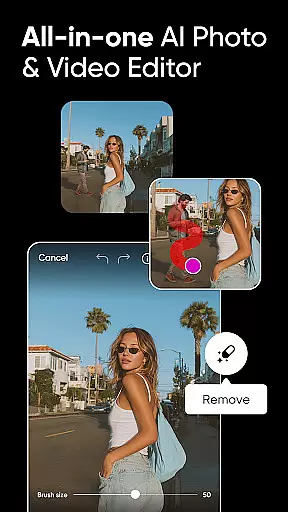
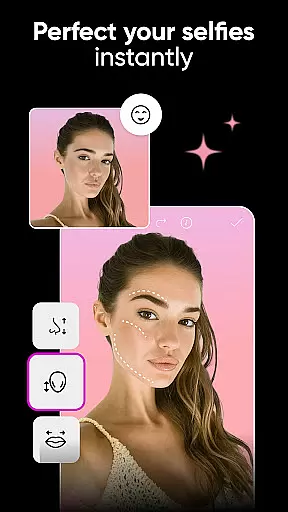
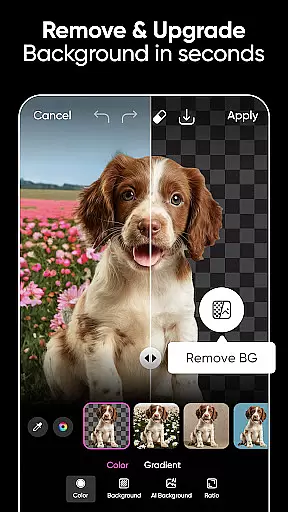
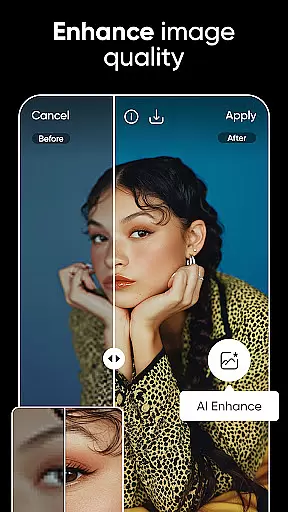
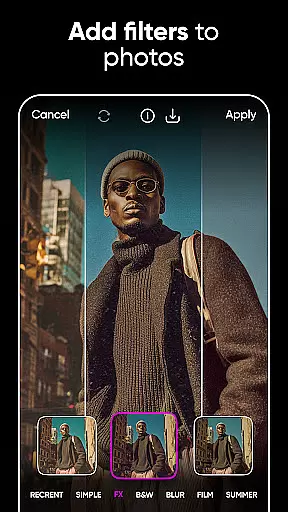
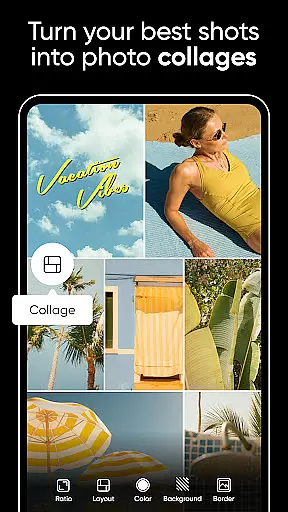
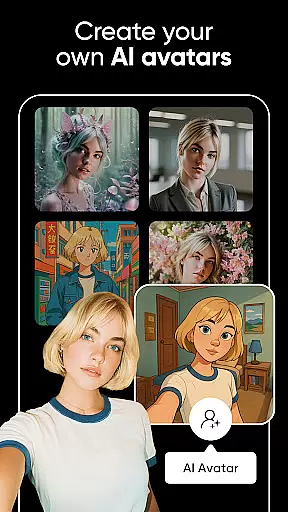

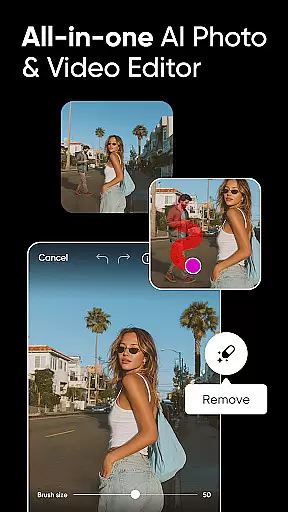
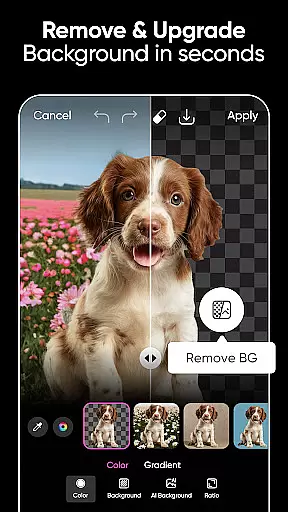
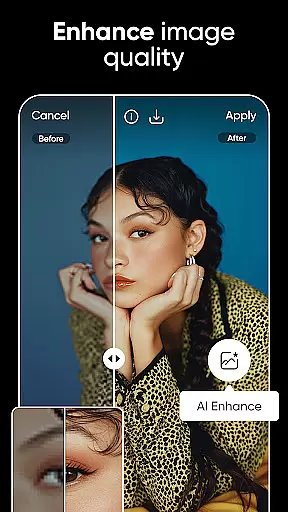
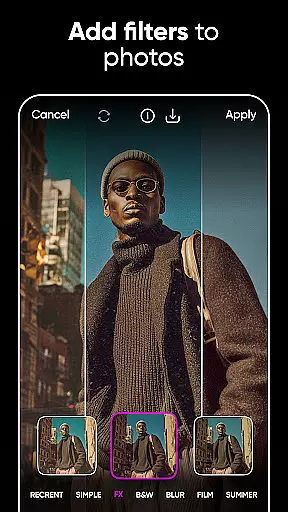

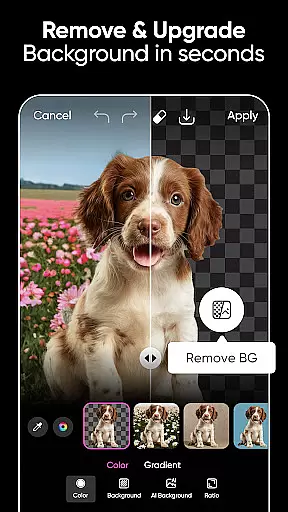
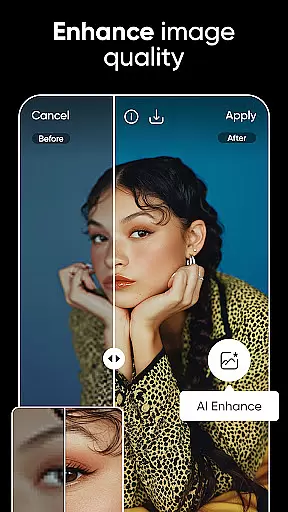
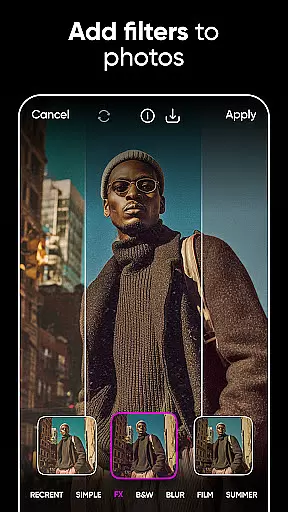
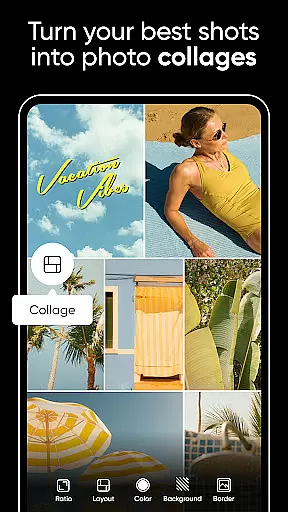

Picsart AI Photo Editor, Video is a comprehensive design studio powered by artificial intelligence, offering users the ability to create professional-quality designs effortlessly. The app provides an extensive suite of tools for photo and video editing, including features like Background Remover, AI Enhance, and a variety of filters and effects. Whether you're a business owner looking to create stunning product shots or a social media enthusiast aiming to enhance your posts, Picsart caters to all your creative needs.
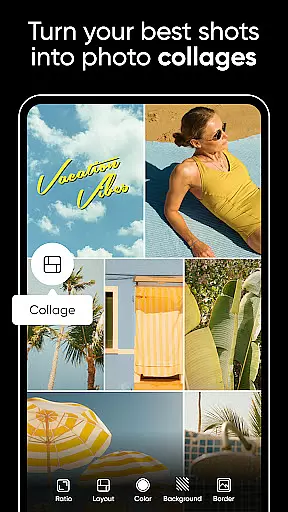
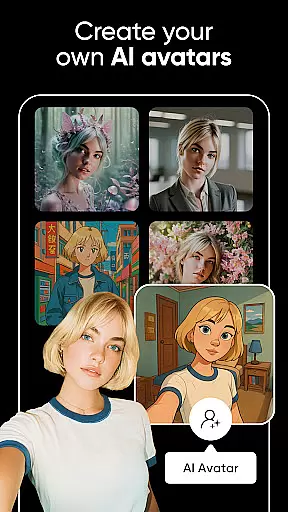
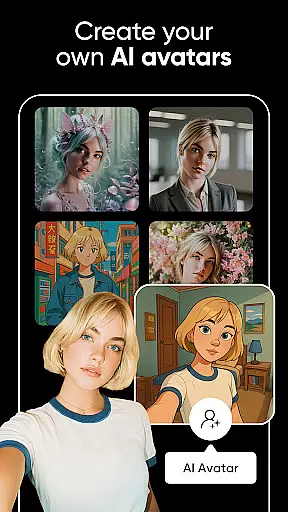
With customizable templates, advanced AI capabilities, and intuitive graphic design tools, Picsart allows users to produce everything from brand logos to engaging video content. Its versatility extends to creating mood boards, collages, and even AI-generated avatars, making it suitable for both personal projects and professional endeavors. The app's user-friendly interface ensures that anyone can achieve impressive results without prior design experience.
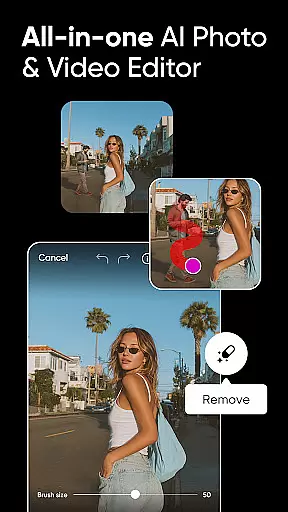
Picsart stands out with its powerful AI-driven features that simplify complex design tasks. Users can leverage the Background Remover tool to create polished product images, while AI Enhance transforms low-quality photos into sharp, vibrant visuals. The app also includes AI Replace, which enables fun edits such as face swaps and hair color changes, adding a playful element to photo editing.
In addition to photo editing, Picsart offers robust video editing capabilities. Users can create dynamic videos enhanced with music, trendy filters, and retouch effects. The app's sticker maker provides access to millions of stickers, allowing for personalized and eye-catching designs. With hundreds of fonts and customization options in the Text Editor, users can craft unique textual content that complements their visual creations.
Real-time capture and preview functionality is essential for ensuring that every photo or video taken meets the user's expectations immediately. Picsart AI Photo Editor offers a seamless experience by providing users with instant feedback on their shots before they finalize them.
The app leverages advanced AI to enhance the real-time editing process, allowing users to apply filters, effects, and adjustments while seeing the results instantly. This feature is particularly beneficial for content creators who need to produce high-quality visuals quickly and efficiently.
With Picsart, users can experiment with different creative options without any lag, making the photography process more intuitive and engaging. The ability to preview changes in real time not only saves time but also enhances the overall quality of the final output, ensuring that users can achieve their desired aesthetic effortlessly.
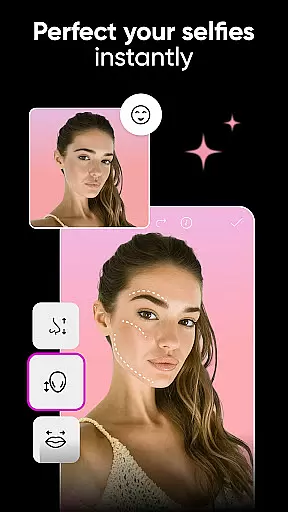
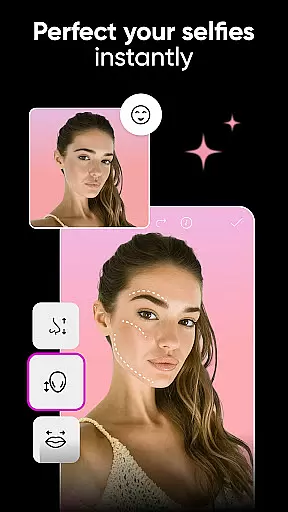
Picsart's AI Beauty and Enhancement features focus on delivering natural-looking edits that enhance the subject's best features without appearing over-processed. This balance is crucial for maintaining authenticity in digital content creation.
The AI-powered tools intelligently identify facial features and apply enhancements that complement the natural structure, ensuring that skin tones, eye details, and other elements remain true to life. Users can smooth skin, whiten teeth, and brighten eyes with precision, avoiding the artificial look that often comes with heavy editing.
This approach not only boosts the appeal of personal photos but also serves professional needs by providing reliable and realistic touch-ups. The result is an enhanced yet genuine appearance that resonates well with audiences across social media platforms and professional portfolios.
User-friendly interface
Extensive AI features
Versatile design tools
Rich template library
Powerful video editor
Some features require subscription
Occasional ads in free version
Advanced tools may overwhelm beginners
Limited offline functionality
High storage usage

Photo prints, cards, & gifts at Walgreens. Easy ordering & fast local pickup !
 4.80
4.80
Take videos and pictures with the popular TikTok TIME WARP SCAN filter.
4.60
A reflected light meter with spot metering and incident light metering.
4.40
USB Storage Access for Photos, Videos, Music and Documents
3.80
Fit multiple photos on one post. Create carousels & scroll layouts for Instagram
4.50
RAW video capture with advanced controls
4.40
Snap photos remotely using your Garmin watch as the camera trigger
4.5
A unique animation app. Powerful, easy to use, and lots of fun.
4.30
Your Family Calendar + Photos. Manage your Skylight Calendar and Skylight Frame.
4.40
Add Watermark - Sign your pictures with a text or logo. Effective, quick, easy!
4.50
Transform photos into videos! Create realistic or anime-style images easily!
4.50
Movie camera, supports pro recording settings for filming. Try it and be amazed!
4.50
Use AI Video Generator to turn your words to ai generated videos.
4.50
Create AI Photos, Improve and restore quality of blurry, old or damaged pics.
4.20
Professional photography on your mobile phone
4.20
Luminar: Photo Editor - easy picture editing with AI
4.20
How would you look like with a differently shaped nose, chin or lips?
3.90
Professional video recording application with manual controls for filmmakers!
2.80
HD Photo gallery and photo manager to edit, hide private photos, videos & albums
4.3


User Reviews