
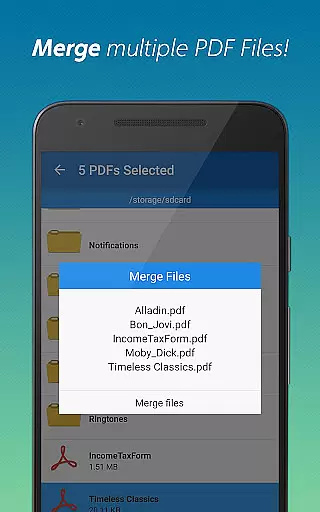
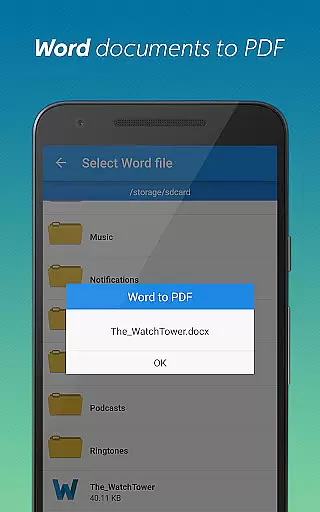
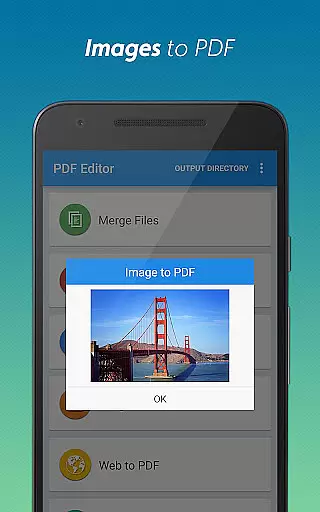
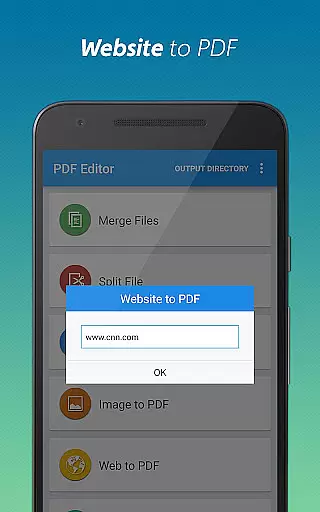
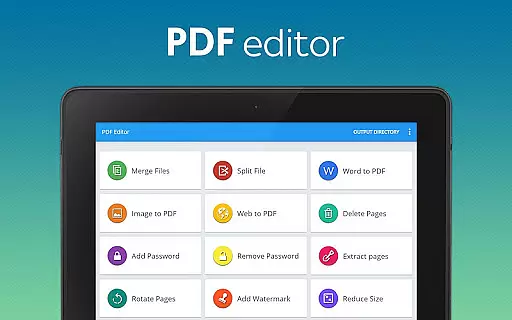
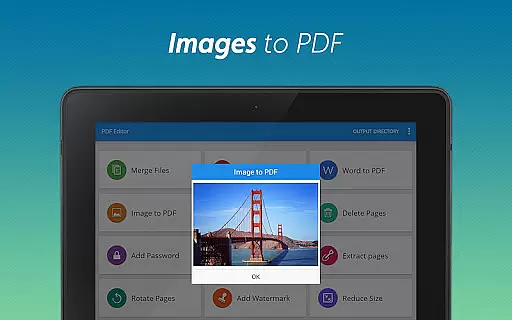
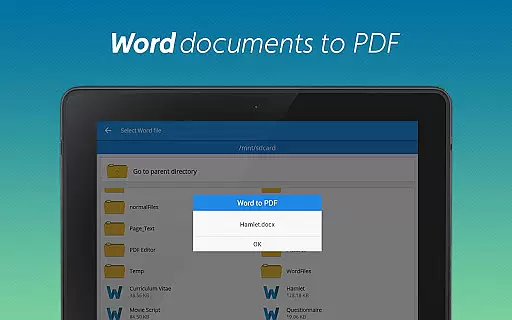
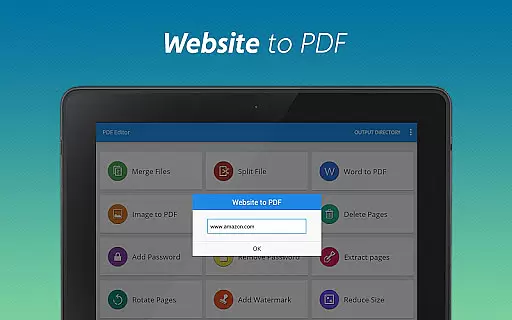
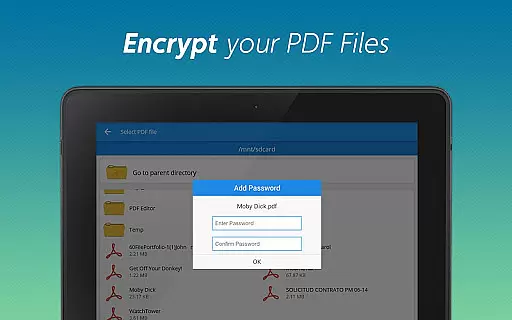
PDF Editor & PDF Converter Pro is a comprehensive document management tool designed to boost productivity through its versatile features. This all-in-one app allows users to convert Word documents and images into PDFs, merge multiple PDFs, and save webpages as PDFs for offline reading. With options to split documents, add or remove passwords, delete or extract pages, and add watermarks, it provides extensive control over PDF files. The app also offers page rotation and compression capabilities, ensuring optimized documents for easy sharing and enhanced presentation.
This powerful tool is particularly useful for professionals and students who regularly handle various document formats. Whether you need to secure sensitive information with password protection or compress large files for efficient transmission, this app streamlines the process. Its intuitive interface makes document management accessible to users of all skill levels, providing a seamless experience across Android devices.
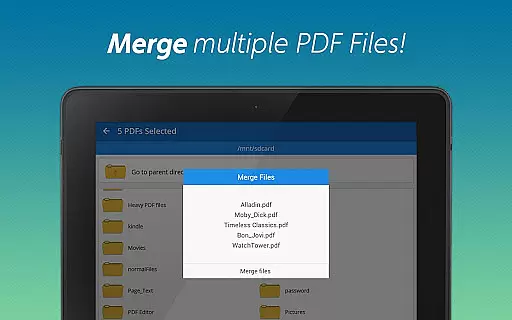
PDF Editor & PDF Converter Pro stands out with its rich feature set tailored for efficient document handling. One of its key strengths is the ability to convert different file types into PDFs, including Word documents and images, which facilitates easy sharing and archiving. The app's merge functionality combines multiple PDFs into a single, organized file, simplifying document management significantly.
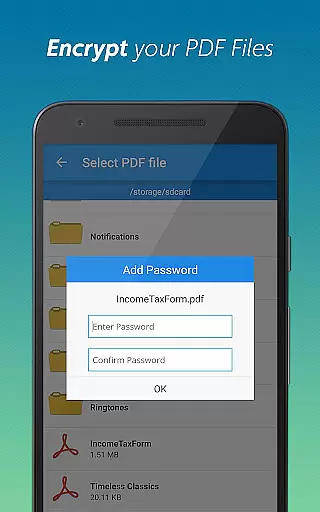
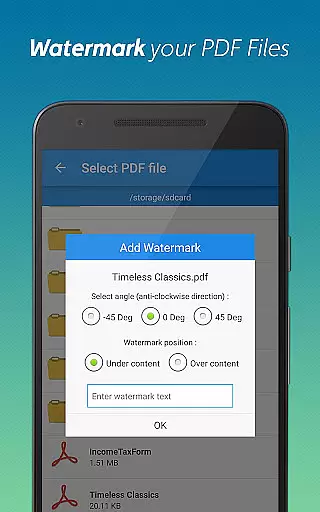
Security features are another highlight, allowing users to add or remove passwords to protect sensitive information. The app also enables precise editing of PDFs by deleting unnecessary pages, extracting specific pages, and adding personalized watermarks. Additionally, users can rotate pages for better readability and compress files to reduce size without compromising quality. These features collectively ensure that users can tailor their documents to exact specifications while maintaining professional standards.
When it comes to document management tools, the precision and reliability of core functions are paramount. PDF Editor & PDF Converter Pro offers an extensive suite of features that ensure both accuracy and effectiveness in handling PDF files.
The app provides seamless conversion capabilities, allowing users to effortlessly transform Word documents into professional PDFs or convert images into standardized formats. Its batch processing functionality maintains the integrity of original files while optimizing them for various uses.
Advanced editing features such as page splitting, merging, rotation, and extraction enable users to customize their documents with surgical precision. These tools work in harmony to deliver consistent results without compromising document quality.
Furthermore, the application's compression algorithms intelligently reduce file sizes while preserving visual fidelity. This balance between efficiency and quality makes it an indispensable tool for professionals who require reliable document processing on a daily basis.
A well-designed user interface can significantly enhance productivity by streamlining workflows. PDF Editor & PDF Converter Pro excels in this aspect by offering an intuitive workspace that caters to both novice and experienced users.
The app's layout follows a logical structure, grouping related functions together for easy navigation. Essential tools like file conversion, page manipulation, and security features are readily accessible from the main menu, eliminating unnecessary steps.
Visual indicators and clear labeling help users identify functions quickly, while context-sensitive options appear when needed. This thoughtful design approach minimizes learning time and maximizes operational efficiency.
Additionally, the application maintains consistency across its various modules, ensuring that once users learn one function, they can easily apply that knowledge to other areas. This uniformity, combined with responsive controls and real-time previews, creates a seamless user experience that enhances overall productivity.
User-friendly interface
Comprehensive editing tools
Efficient file conversion
Robust security options
Versatile document management
Premium features require subscription
Occasional performance lags
Limited free usage
Ads in the free version
Complexity for beginners

Change your GPS location instantly. Simulate routes anywhere in the world.
 4.90
4.90
Quickly switch to an encrypted DNS server on Android TV
4.50
Canon PRINT is a companion app for your Canon printer.
4.60
Optimize your WiFi network, turn your phone into Wifi Analyzer
4.70
ADB support Android 4.X-Android 13(Support wireless pair mode).No root required!
4.70
MS-DOS in your pocket. Play old DOS games anywhere you are ;)
4.10
Mirror your screen to Chromecast and Android TV - Super fast and simple
4.60
Planner and Tracker for Stardew Valley
4.60
Screen recorder with audio to record high-quality videos and take screenshots.
4.40
The ultimate tool for network analysis, wifi scanning and problem detection.
4.90
Navigate with Ease and Style
4.90
Extremely fast, secure, and protects your privacy
4.80
NFC Tools can read and write NFC tags.
4.70
FV File Manager Pro, Fast and powerful file manager for Android
4.60
Signal Strength, Mobile, Wifi, Speed Test, Bad Signals, Cellular, 5G, LTE, 4G
4.20
Screen Mirroring with sound for Samsung TV, LG TV, Sony TV, Smart TV and Browser
4.20
Automate everything from settings to photos, SMS to speech. ADC2 prize winner.
4.10
Unleash gamepad precision for ultimate mobile gaming dominance.
3.90
Transfer Files, APK from Phone to Watch & Install.
4.2


User Reviews