
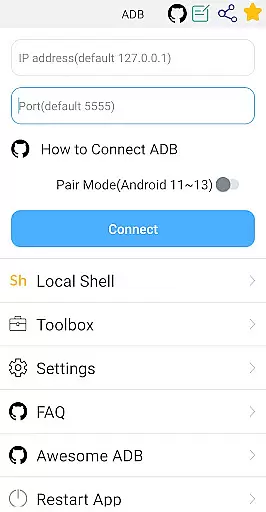
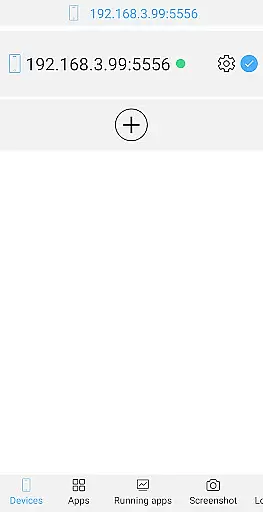

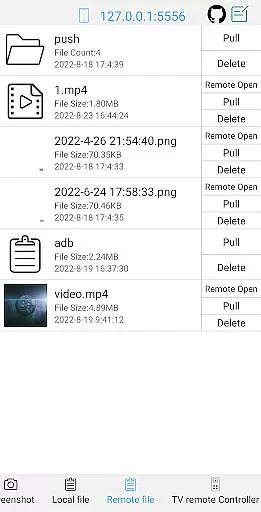
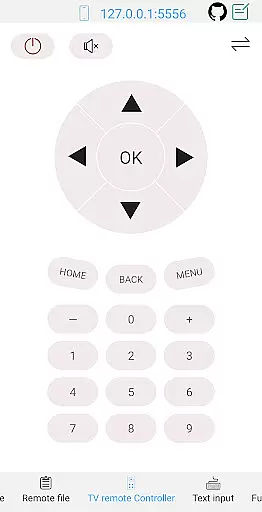
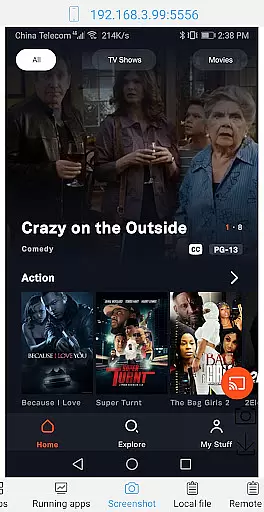
ADB Shell is a comprehensive and powerful toolbox application designed for Android developers and power users. This app provides an extensive suite of device management tools and shell features that cater to various development and debugging needs. With support for Android versions 4.X through Android 13, it enables users to perform critical tasks such as launching, uninstalling, and managing applications, taking screenshots, transferring files, and monitoring system performance.
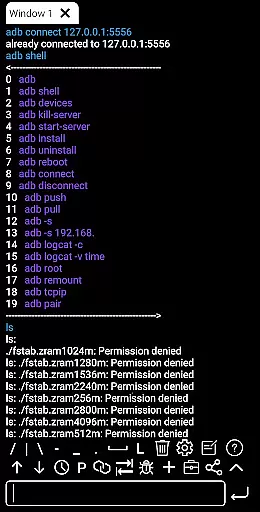
The app's standout feature is its versatile ADB (Android Debug Bridge) shell capabilities. It supports both wireless and local ADB connections, command history, multi-window operations, and even runs in the background. These features make it an indispensable tool for streamlining development workflows and troubleshooting device issues efficiently.
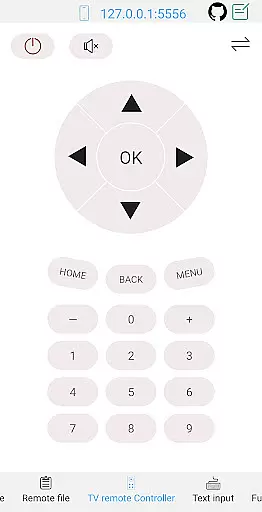
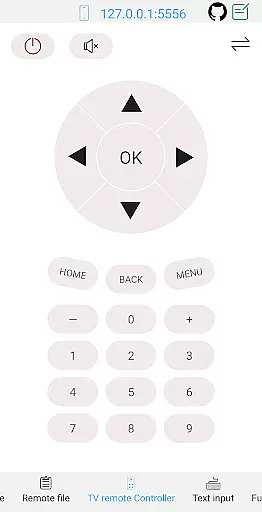
ADB Shell proves particularly useful in scenarios where remote device management is required. For instance, developers can use this app to control a TV remotely or open media files directly on a device. Its ability to save outputs and share them with team members enhances collaborative efforts in debugging and testing phases.
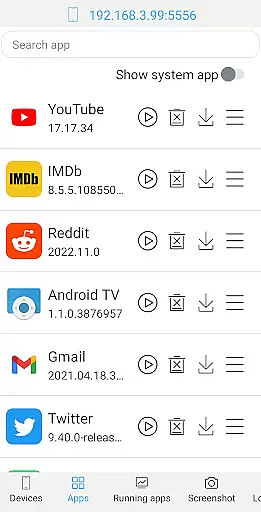
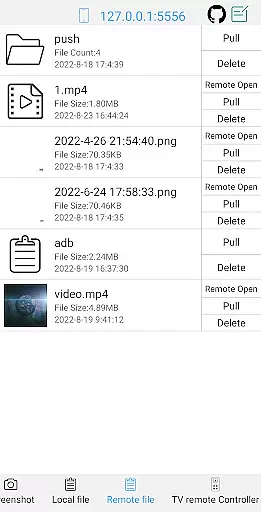
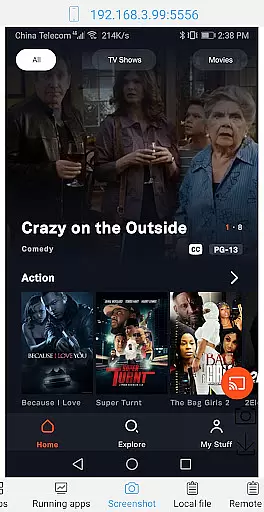
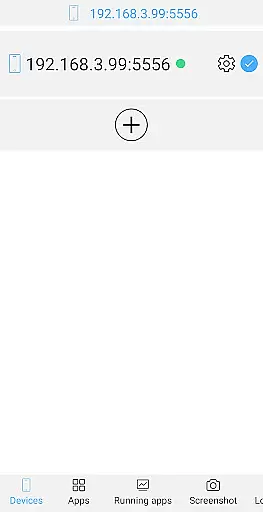
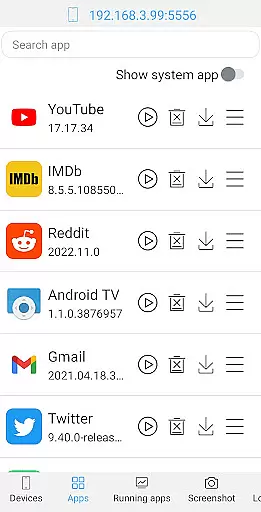
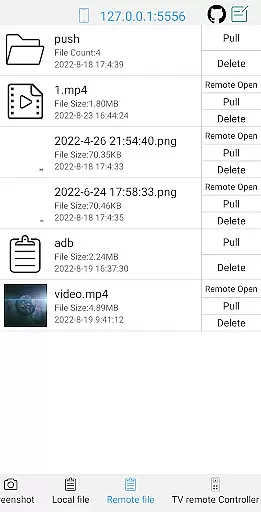
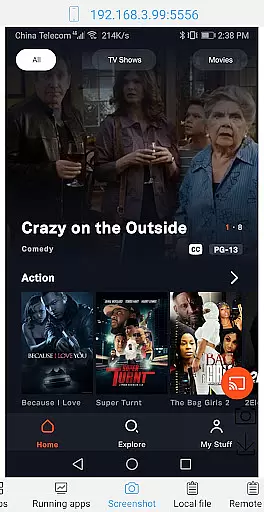
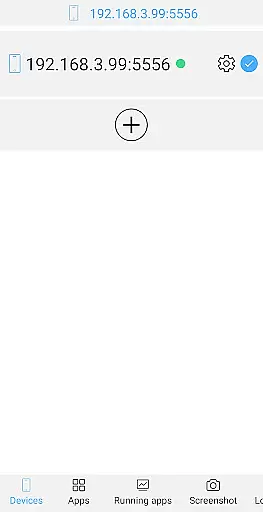
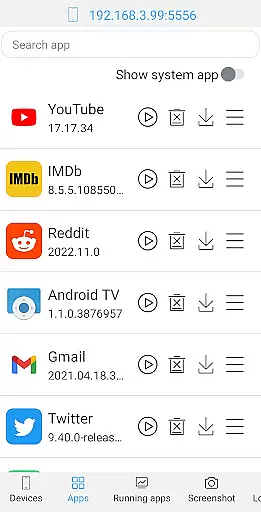
ADB Shell distinguishes itself through its rich feature set tailored for advanced Android users. The toolbox functionality includes launching and managing applications, viewing running apps, taking screenshots, transferring files, installing APKs, and monitoring system information. Each feature is designed to provide granular control over connected devices, making it easier to manage multiple aspects of Android systems from one interface.
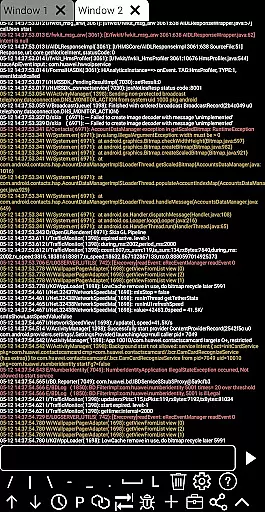
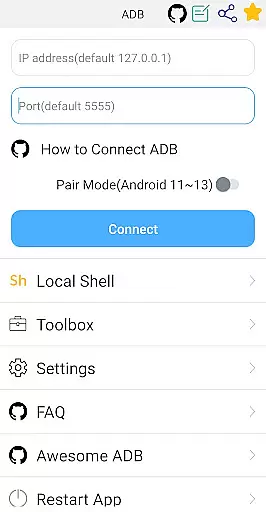
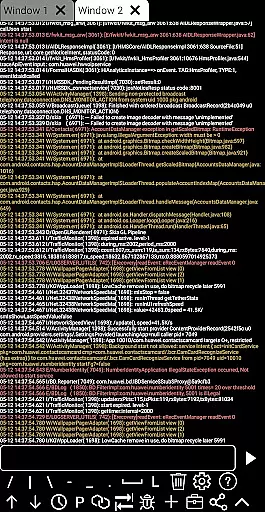
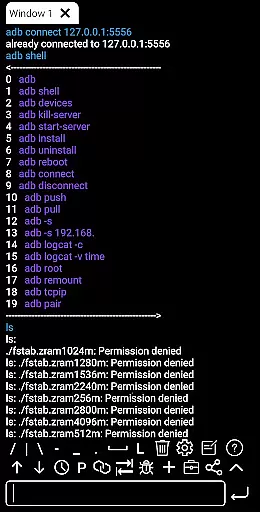
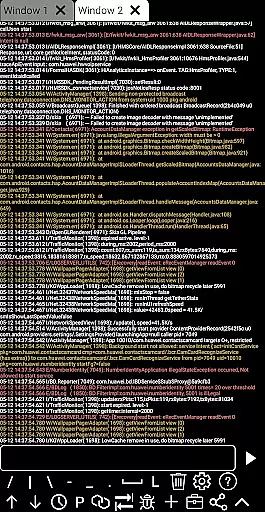
The shell features are equally impressive, supporting various Android versions and offering wireless pairing modes for newer devices. Users can execute commands via Wi-Fi, utilize associative input suggestions, automatically save outputs, and share results effortlessly. The inclusion of color-coded text, multi-window support, and prefab commands significantly improves usability and productivity during development sessions.
These features collectively enhance the app's value by providing efficient ways to interact with Android devices. Whether you're debugging applications, monitoring system performance, or transferring files between devices, ADB Shell offers practical solutions that streamline these processes while maintaining security and reliability.
ADB Shell stands out for its comprehensive and accurate implementation of core functions essential for Android device management. The application supports a wide range of operations, from launching and uninstalling applications to managing devices and viewing system information.
Each tool within the ADB Shell is designed with precision, ensuring that users can execute commands such as taking screenshots, pushing and pulling files, and installing APKs without errors. This reliability is crucial for developers and advanced users who depend on these functions for their workflow.
The effectiveness of ADB Shell is further enhanced by features like wireless pair mode, support for Android versions 4.X through 13, and the ability to run shell commands over Wi-Fi. These capabilities ensure that users can perform tasks efficiently, regardless of their working environment or specific needs.
Ultimately, the value of ADB Shell lies in its ability to streamline complex processes, saving time and reducing the potential for human error. Whether it's through managing running applications or monitoring system performance, users gain a powerful ally in maintaining and optimizing their Android devices.
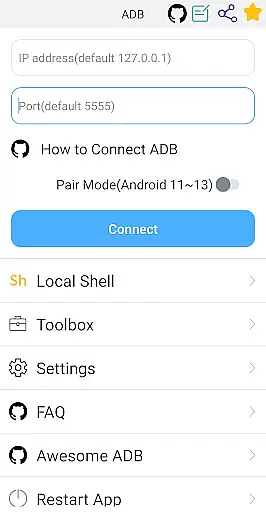
A key aspect of ADB Shell's design philosophy is its commitment to interface simplicity and intuitiveness, making it accessible even to those new to Android development. Despite its powerful features, the app maintains an approachable layout that guides users through its functionalities without overwhelming them.
The application provides clear options for executing commands, whether users are managing applications, handling files, or exploring system information. This straightforward presentation ensures that each feature is easy to locate and use, enhancing the overall user experience.
Moreover, ADB Shell incorporates intuitive elements such as associative input, command history, and fast copy commands. These features not only simplify navigation but also accelerate task completion, allowing users to focus more on their projects than on learning the tool itself.
By prioritizing an intuitive interface, ADB Shell empowers users to harness the full potential of their Android devices confidently. Its blend of powerful functionality with user-friendly design establishes it as an invaluable resource for both novice and experienced developers alike.
User-friendly interface
Comprehensive toolbox
Wireless ADB support
Multi-version compatibility
Efficient file transfer
Advanced technical knowledge required
Limited appeal for casual users
Potential security risks
Complex setup process
Occasional connection issues

HD Camera captures every special moment.
 4.60
4.60
Amateur Radio app for APRS: Track friends, exchange messages, get tactical info.
3.90
View detailed information about your Nissan Leaf the dealer never shows you.
4.10
Bedrock Together: Join any bedrock server on Xbox/PS
4.80
With videos, electrical calculators, and built-in ebook, Ugly’s has your answer.
4.50
Screen Mirroring for Roku Sticks, Roku TCL TV and Roku Hisense TV
4.50
NFC Tools can read and write NFC tags.
4.70
Remote Play with FSR upscaling, low latency & full controller support
4.80
Clean up large files and similar photos, fast and easy to use
4.40
Powerful collection of electronics tools and reference.A must for any enthusiast
4.90
WiFi Signal Strength Meter help you detect WiFi Signal Strength in real time.
4.80
Learn the vast amount of system information about device and monitor it's state
4.70
Fast Video Downloader, Movie Downloader, Torrent Downloader & Adblock Browser
4.70
Head tracking for PC sim games such as MSFS 2024 or Elite:Dangerous. No headset!
4.50
An easy-to-use calculator designed to save time calculating and bending conduit
4.30
PC precision for mobile gaming: dominate with keyboard and mouse!
4.30
Just one-tap to easy translate in any language after calls within seconds.
4.20
An open-source APK explorer for Android!
4.10
Create your own live wallpaper or check out thousands already made presets
3.90


User Reviews