
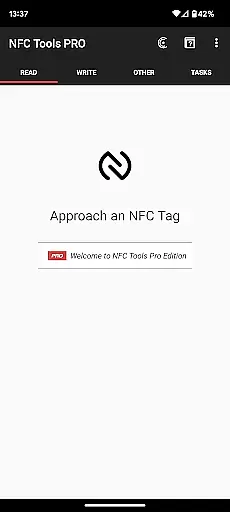
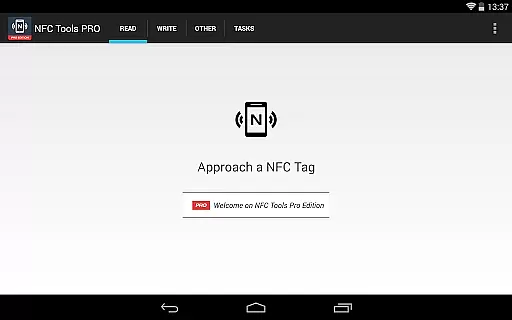
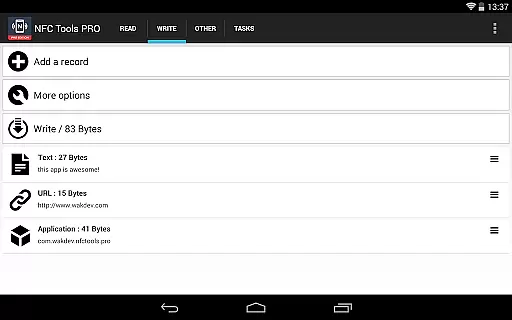
NFC Tools - Pro Edition is a powerful application designed to unlock the full potential of NFC technology. This tool allows users to read, write, and program tasks on NFC tags and compatible chips through an intuitive interface.
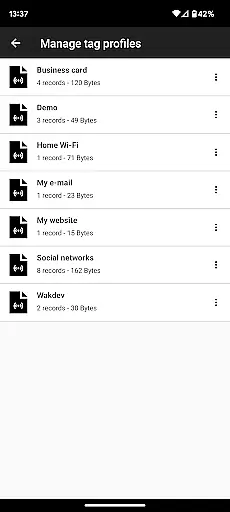
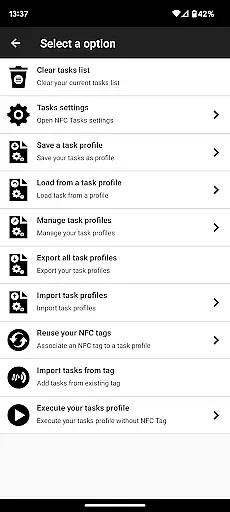
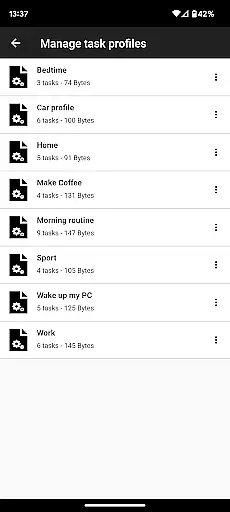
With the Pro Edition, users gain unrestricted access to all available tasks within NFC Tools, enabling them to create complex routines and automate actions without limitations. The app also offers exclusive features such as profile management, importing from existing NFC tags, executing tasks without physical tags, emulating NFC tags, and using conditional blocks for advanced task automation.
Ideal for tech enthusiasts and professionals, this app transforms your NFC-enabled device into a versatile tool for automating everyday tasks and unleashing creative possibilities.
The NFC Tools - Pro Edition stands out with its comprehensive suite of features tailored for NFC tag programming and automation. It provides unlimited access to over 200 tasks that can be combined in infinite ways, allowing users to craft personalized and intricate routines.
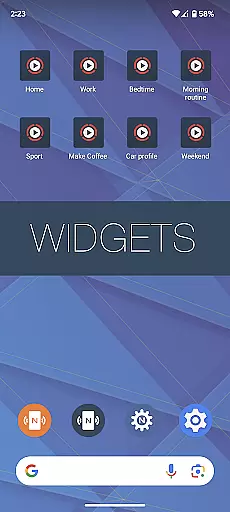
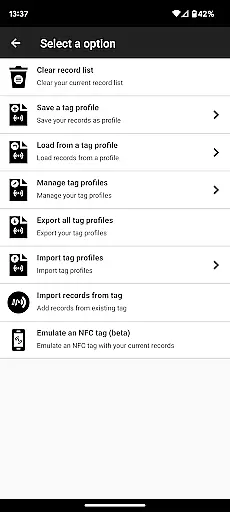
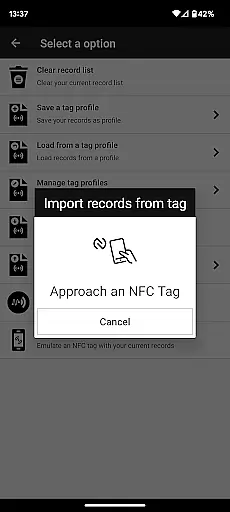
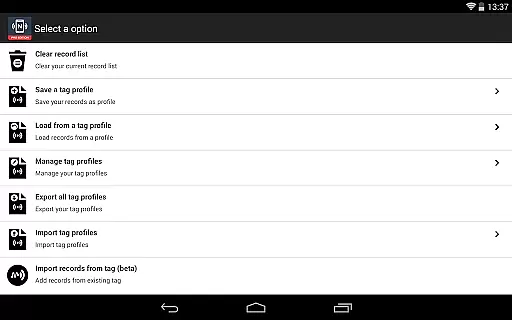
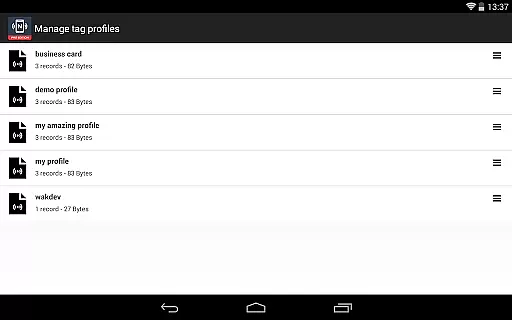
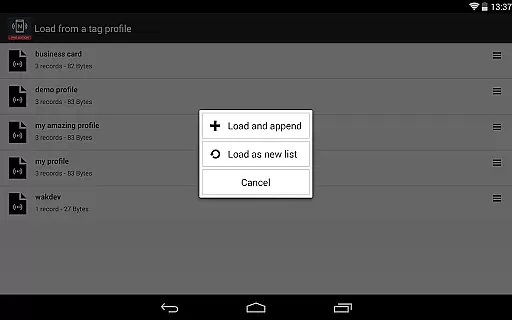
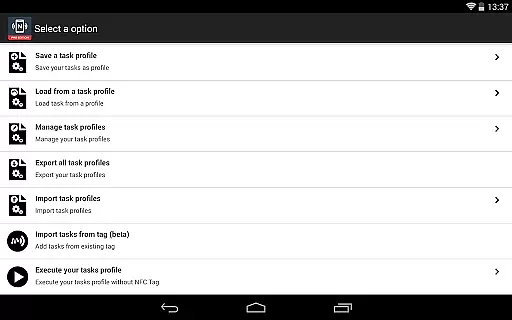
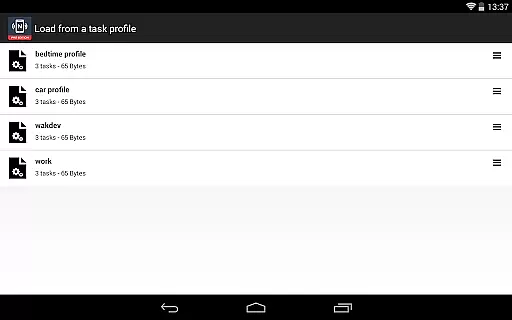
One of the key highlights is the profile management system, which lets users save and reuse profiles containing records and tasks. Additionally, the app supports importing data from existing NFC tags, making it easy to edit and manage records swiftly. Users can execute tasks directly from their home screen without needing physical NFC tags and even emulate NFC tags using their device.
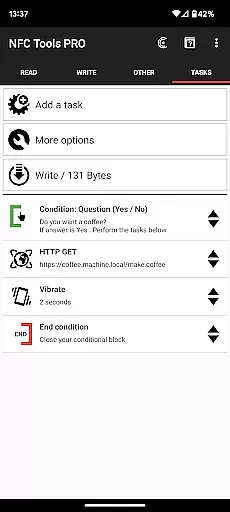
Advanced functionalities like conditional blocks enable users to set up complex actions based on specific conditions, enhancing the flexibility and power of task automation. These features collectively make NFC Tools - Pro Edition an indispensable tool for leveraging NFC technology to its fullest extent.
NFC Tools - Pro Edition stands out for its precision and effectiveness in performing core NFC-related functions. The app allows users to read, write, and program tasks on NFC tags with remarkable ease and reliability. This ensures that every interaction with an NFC tag is executed flawlessly, providing a seamless experience.
The application supports over 200 tasks, offering infinite combinations that cater to both simple and complex routines. Whether it's automating device settings or triggering specific actions, the app handles each task with high accuracy. This extensive task library ensures that users can create customized routines tailored to their needs without limitations.
Additionally, the app includes advanced features such as conditional blocks, which allow users to set up intricate actions based on specific conditions. This level of detail and control enhances the overall functionality, making it a powerful tool for both personal and professional use. Users can trust that their programmed tasks will execute as intended every time.
The user interface of NFC Tools - Pro Edition is designed to be simple and intuitive, ensuring that users can navigate and utilize its features without any hassle. With a lightweight design, the app provides a straightforward platform for managing NFC tags and executing tasks efficiently.
One of the key highlights is the profile management system, which allows users to save and reuse profiles effortlessly. This feature simplifies the process of managing records and tasks, enabling quick access and modifications whenever needed. The ability to import from existing NFC tags further streamlines the workflow, enhancing productivity.
Moreover, the app offers unique functionalities like emulating NFC tags and executing tasks via home screen shortcuts, which are integrated seamlessly into the interface. These features not only add to the app's versatility but also maintain an easy-to-use environment, making NFC Tools - Pro Edition accessible even to those new to NFC technology.
Unlimited task access
User-friendly interface
Advanced automation options
Exclusive Pro features
Comprehensive support
Requires NFC device
Premium cost
Complex for beginners
Limited use without NFC Tasks app
Device compatibility issues

 4.50
4.50
Transfer Files, APK from Phone to Watch & Install.
4.4
Enjoy smooth gameplay with Game Booster
4.90
VESC Tool can monitor and configure VESC-compatible devices over BLE and Wifi
4.20
Create your own live wallpaper or check out thousands already made presets
3.90
Smart and comfortable browsing experience.
3.80
The Ultimate Flex Drivers Utility App - Convenient Tapping & Block Filters
4.70
Download any file easily and quickly with Downloader
4.3
Clean up your phone, find files, play media, and share files offline
4.50
Support Fossify apps with a warm thank you!
5.00
Remote Play with FSR upscaling, low latency & full controller support
4.80
Play your X-Box games remotely in 1080p with any controller and zero latency
4.60
Screen Mirroring for Roku Sticks, Roku TCL TV and Roku Hisense TV
4.50
Mirror your screen to Fire TV - Super fast and simple
4.40
An easy-to-use calculator designed to save time calculating and bending conduit
4.30
Quickly check the frequency of the Earth
4.30
Screen Mirroring with sound for Samsung TV, LG TV, Sony TV, Smart TV and Browser
4.20
This app unlocks the Pro features of the Central for DayZ app
3.60
A non-root local ADB shell client. READ BELOW!
3.40


User Reviews