
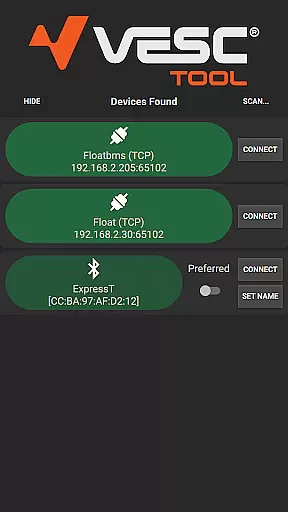
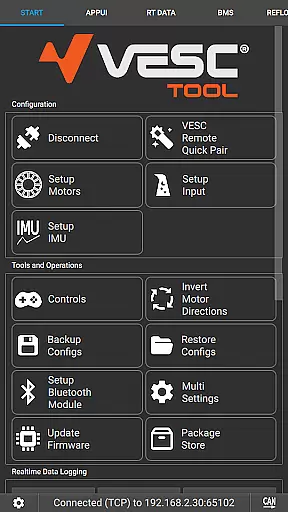
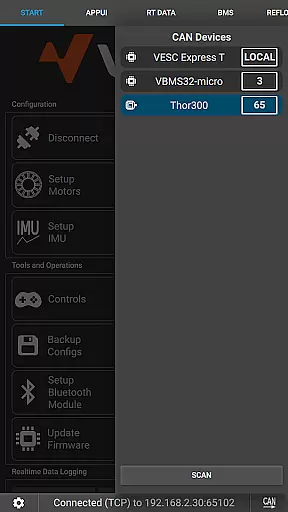
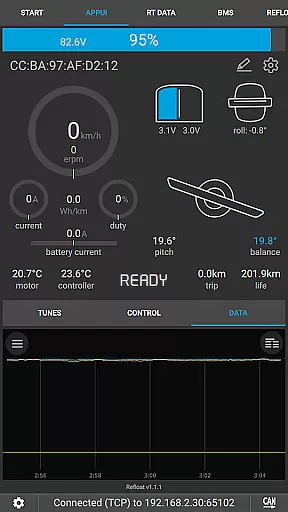
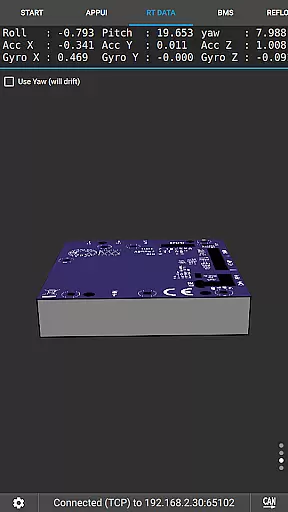
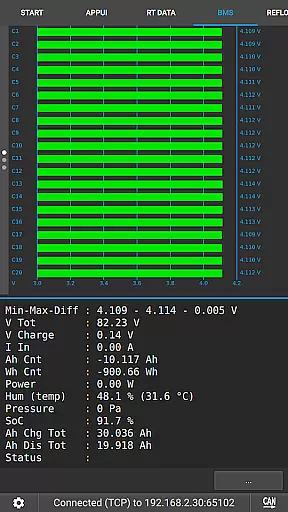
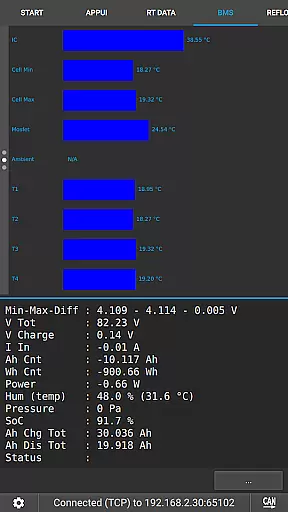
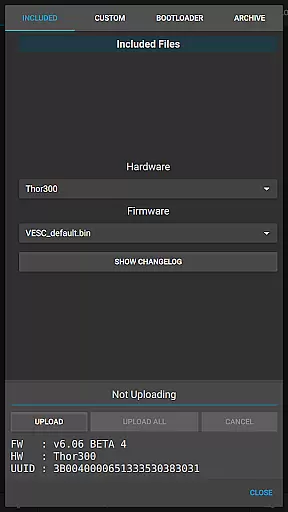
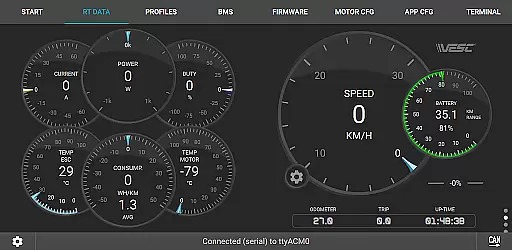
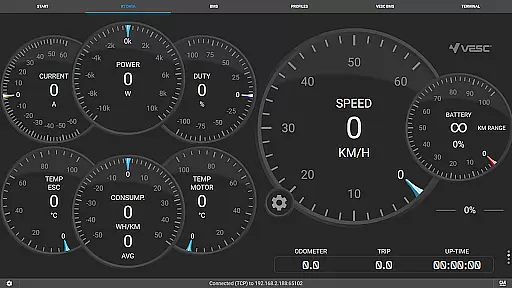
VESC Tool is a powerful mobile application designed for configuring and managing VESC-based hardware. The app supports both BLE and WiFi connections, enabling users to adjust settings, update firmware, stream live data, and log important information. With its comprehensive functionality, VESC Tool serves as an essential utility for engineers, developers, and hobbyists working with electric vehicles or motor control systems.
One of the standout features of VESC Tool is its ability to interface seamlessly with VESC Original hardware, which is meticulously designed by the VESC developer team. Whether you're calibrating motor parameters or troubleshooting system performance, this app provides all the necessary tools in one place. Its compatibility with ESP32C3 and NRF52 chipsets also makes it versatile for custom-built modules.
This app is particularly useful for professionals who need real-time insights into their hardware's operation. By offering advanced configuration options and reliable connectivity, VESC Tool ensures optimal performance while saving time during development and testing phases.
VESC Tool stands out due to its extensive feature set tailored for motor control applications. First and foremost, the app allows users to configure various parameters of VESC-based hardware through either BLE or WiFi connections. This flexibility ensures that users can work in environments where specific wireless protocols are preferred or required.
In addition to configuration capabilities, VESC Tool offers robust firmware management. Users can easily update their device's firmware directly from the app, ensuring they always have access to the latest features and security patches. The live data streaming function is another highlight, providing real-time feedback on critical metrics such as voltage, current, and temperature.
Data logging is yet another valuable feature, allowing users to record sessions for later analysis. These logs help identify trends, diagnose issues, and optimize system performance over time. Furthermore, the app integrates seamlessly with resources available at vesc-project.com and vesclabs.com, giving users additional support and purchasing options for compatible modules.
VESC Tool is designed to provide precise control and configuration of VESC-based hardware, ensuring that users can effectively manage their devices. The app supports both BLE and WiFi connections, enabling seamless interaction with the hardware to configure settings, stream live data, and update firmware. This level of connectivity ensures that all operations are executed accurately, providing a reliable tool for both novice and experienced users.
The effectiveness of VESC Tool is demonstrated through its comprehensive functionality, which includes the ability to log data and perform firmware updates. These features allow users to maintain their hardware efficiently, reducing downtime and enhancing performance. By offering these capabilities in a mobile format, the app ensures that users have access to powerful tools at their fingertips, regardless of their location.
For users who require detailed control over their VESC hardware, VESC Tool delivers an intuitive interface that simplifies complex tasks. Whether adjusting parameters or monitoring real-time data streams, the app provides accurate feedback and control options. This precision empowers users to optimize their hardware's performance, achieving the desired outcomes with minimal effort.
VESC Tool stands out for its user-friendly interface, which makes configuring and managing VESC-based hardware straightforward and accessible. The design prioritizes simplicity, ensuring that even those new to VESC technology can navigate the app with ease. Clear menus and well-organized options guide users through various tasks, from establishing a connection to executing advanced configurations.
The intuitive layout of VESC Tool enhances the overall user experience by minimizing the learning curve associated with new software. Users can quickly locate features such as live data streaming, firmware updates, and data logging without needing extensive technical knowledge. This accessibility encourages more individuals to explore and utilize the full potential of their VESC hardware.
Moreover, the app's interface is engineered to facilitate efficient workflows, allowing users to accomplish tasks swiftly. With streamlined processes for connecting via BLE or WiFi, configuring settings, and monitoring performance metrics, VESC Tool ensures that users spend less time on setup and more time on leveraging their hardware's capabilities. This focus on usability ultimately leads to higher productivity and satisfaction among users.
User-friendly interface
Comprehensive configuration options
Real-time data streaming
Firmware update capability
Wide chipset compatibility
Requires compatible hardware
Limited use without BLE/WiFi module
Advanced knowledge needed
No offline mode
Dependent on third-party modules

Transfer Files, APK from Phone to Watch & Install.
 4.3
4.3
1-Click close all background apps on Android TV
3.90
Save any video in HD - paste the link, download fast and watch offline.
4.3
Quickly & easily calculate the spacing of handrail balusters
4.20
eXtended Permission Manager - a small app to manage permissions and AppOps
4.50
With videos, electrical calculators, and built-in ebook, Ugly’s has your answer.
4.50
Screen Mirroring for Roku Sticks, Roku TCL TV and Roku Hisense TV
4.50
Game Booster, GFX Tool is now compatible with newer game update
4.50
Clean up your phone, find files, play media, and share files offline
4.50
Excellent scientific calculator with symbolic algebra, integrals, derivatives
4.80
The one-and-only remote control for PC, Mac, and Linux
4.70
Play your X-Box games remotely in 1080p with any controller and zero latency
4.60 4.50
4.50
Clean up large files and similar photos, fast and easy to use
4.40
Just one-tap to easy translate in any language after calls within seconds.
4.20
Effortlessly run ADB commands directly on your device without a PC.
4.20
MS-DOS in your pocket. Play old DOS games anywhere you are ;)
4.10
View detailed information about your Nissan Leaf the dealer never shows you.
4.10
Create your own custom widget with endless possibilities
3.90


User Reviews