
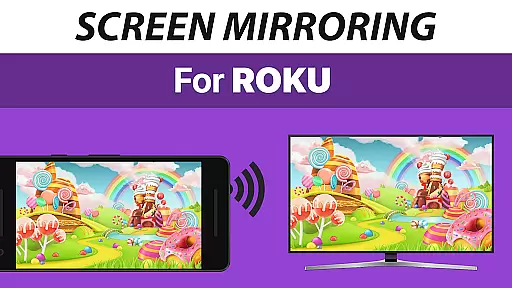
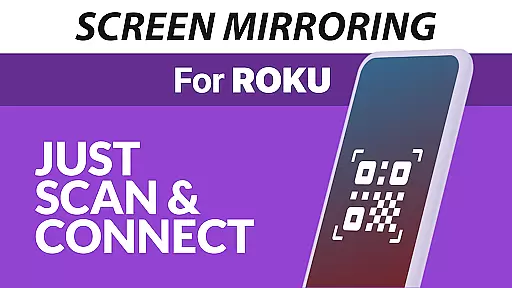
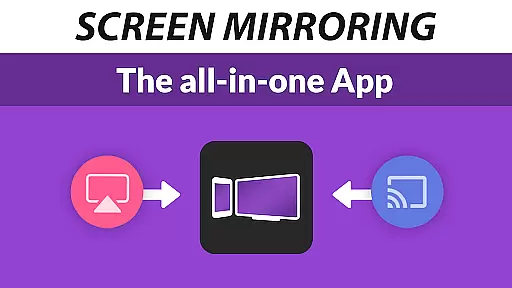
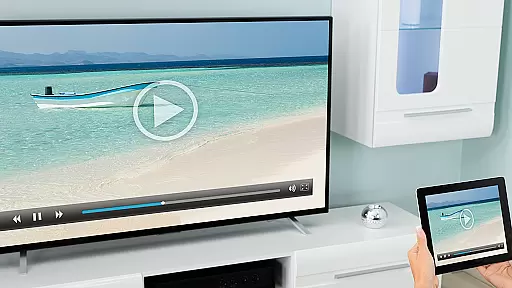
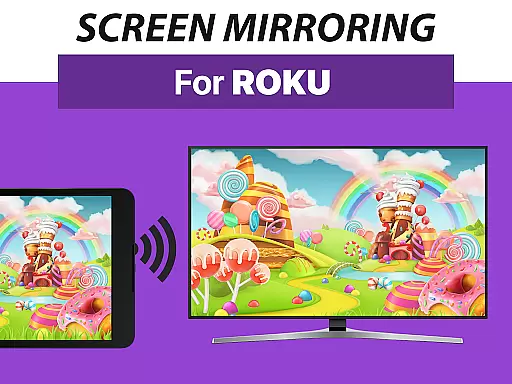
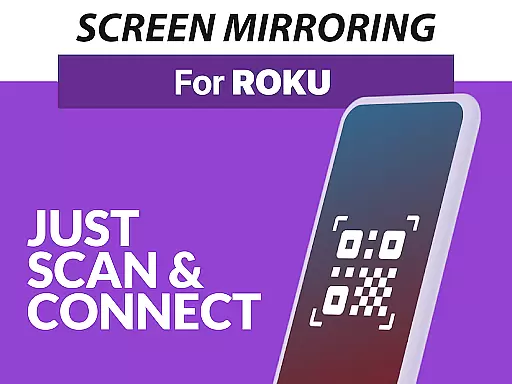
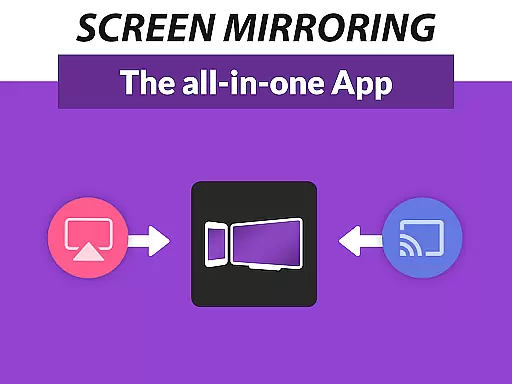
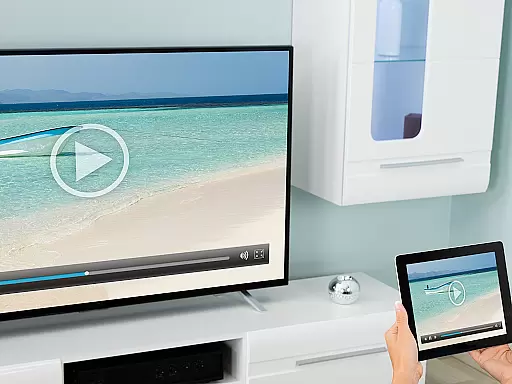
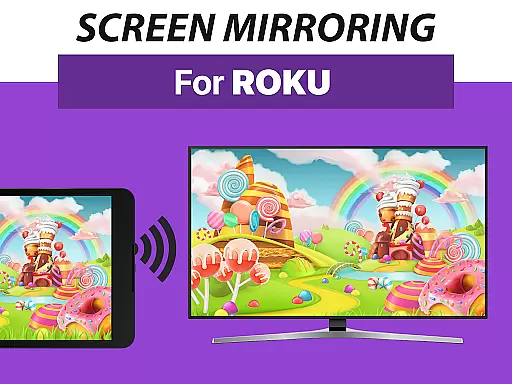
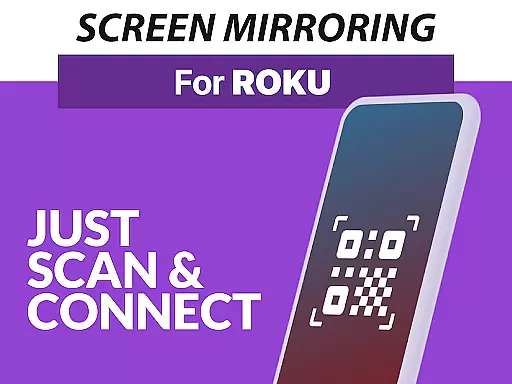
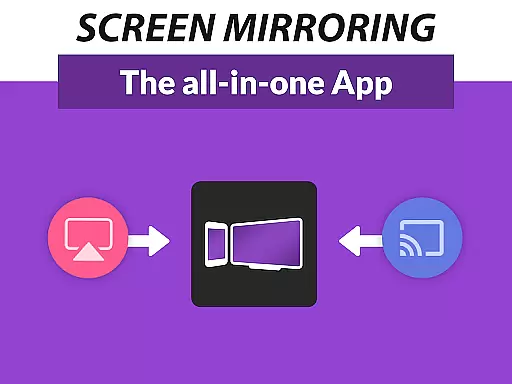
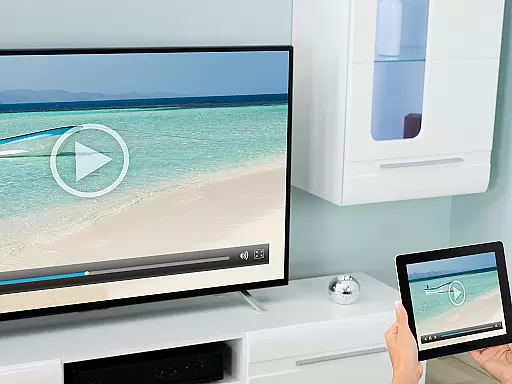
Screen Mirroring Pro for Roku is a powerful tool designed to mirror your Android device's screen to any Roku-enabled display seamlessly. This includes Roku Sticks, Boxes, Roku TVs from brands like TCL and Hisense. The app eliminates the need for wires, providing an easy setup process while maintaining HD quality streaming.
What sets this application apart is its superior device compatibility and user-friendly interface. Supporting all Android devices with version 5.0 and above, it ensures a smooth mirroring experience without requiring changes to your device settings or Wi-Fi configurations. Ideal for sharing photos, videos, games, presentations, and more in both personal and professional settings.
The true value of Screen Mirroring Pro lies in its ability to enhance connectivity and collaboration. Whether you're looking to share content with family at home or conduct presentations in the office, this app delivers high-quality mirroring that meets various needs efficiently.
One of the standout features of Screen Mirroring Pro for Roku is its extensive device support. It works flawlessly with all Android devices running version 5.0 and above, as well as every Roku device including Sticks, Boxes, TVs, and Roku Express models 3700 and 3710.
Another key feature is the simplified setup process. Unlike other mirroring solutions, this app doesn't require users to adjust their Android settings or Wi-Fi options. As long as both the Android device and Roku are connected to the same Wi-Fi network (preferably 5GHz for optimal performance), the mirroring process is seamless.
Additionally, the app offers significant advantages over Roku's built-in screen mirroring based on Miracast technology. Users can expect faster connections, better stability, and overall improved performance, making it a preferred choice for anyone seeking reliable screen sharing capabilities.
Screen Mirroring Pro for Roku delivers exceptional core functionality by enabling seamless screen mirroring from Android devices to any Roku device. This includes Roku Sticks, Boxes, TVs, and Roku Express models 3700 and 3710.
The app ensures high performance through an easy and unified setup process across all Android devices with version 5.0 and above. There is no need to adjust Android settings or Wi-Fi options, making the user experience straightforward and hassle-free.
For optimal results, both the Android device and Roku must be connected to the same Wi-Fi network, preferably a 5GHz network to ensure the best streaming quality. The app's design prioritizes speed and ease of use, offering significant advantages over Roku's built-in Miracast feature.
By supporting HD quality streaming, Screen Mirroring Pro allows users to share photos, videos, games, websites, apps, presentations, and documents effortlessly. This makes it an invaluable tool for sharing content with friends, family, and co-workers in real-time.
Screen Mirroring Pro for Roku boasts an intuitive interface that simplifies the screen mirroring process. Its user-friendly design ensures that even those unfamiliar with technology can easily navigate and utilize its features.
The app eliminates the need for complex configurations by providing a streamlined setup that works uniformly across all supported Android devices. Users are not required to change any Android settings or Wi-Fi options, significantly reducing setup time and complexity.
With clear instructions and support for all Roku devices, including TCL and Hisense TVs, the app offers a seamless experience without unnecessary steps or confusion. This simplicity extends to its recommendation to avoid using VPNs, proxies, VLANs, and subnets, ensuring a stable connection.
Overall, Screen Mirroring Pro combines essential functions with an accessible interface, enhancing user satisfaction and making screen sharing an effortless task for everyone involved.
User-friendly interface
Wide device compatibility
Seamless mirroring experience
No additional settings required
High-definition streaming quality
Requires stable Wi-Fi connection
Not compatible with older Android versions
Limited to Roku devices only
Performance varies with network conditions
Premium version may be costly

 4.50
4.50 4.50
4.50
Learn the vast amount of system information about device and monitor it's state
4.70
Family Locator, Share location, StayConnect with your family in real time
3.90
Amateur Radio app for APRS: Track friends, exchange messages, get tactical info.
3.90
Forza Tuning Calculator App for Forza Horizon 5, Motorsport and Earlier Titles
4.40
The Ultimate Flex Drivers Utility App - Convenient Tapping & Block Filters
4.70
A simple app to back up and restore SMS & MMS messages and call logs.
4.10
Introducing Smart Printer, your ultimate destination for printing solutions!
4.00
Small and simple app to Verify Root Access and BusyBox Install!
4.70
ADB support Android 4.X-Android 13(Support wireless pair mode).No root required!
4.70
The one-and-only remote control for PC, Mac, and Linux
4.70
HD Video player and downloader for all formats, fast & smooth 4K video playback.
4.60 4.50
4.50
Fluid navigation gestures for all of us!
4.30
Carry a FTP server in your pocket and avoid USB cables for file transfer
4.20
MS-DOS in your pocket. Play old DOS games anywhere you are ;)
4.10
A powerful, easy-to-use flight computer on your phone or tablet!
3.80
A non-root local ADB shell client. READ BELOW!
3.40


User Reviews