
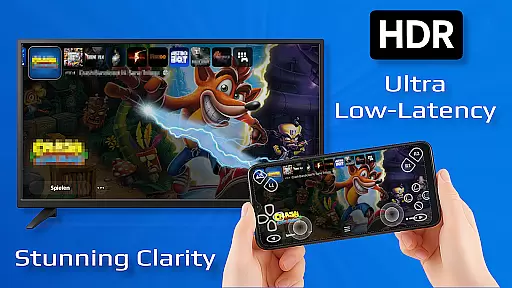
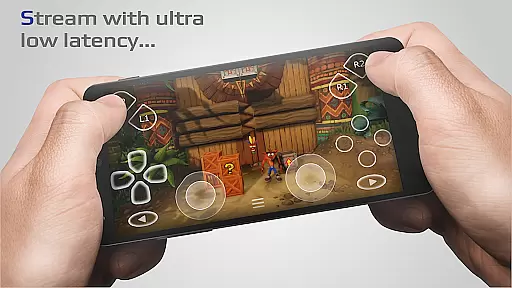
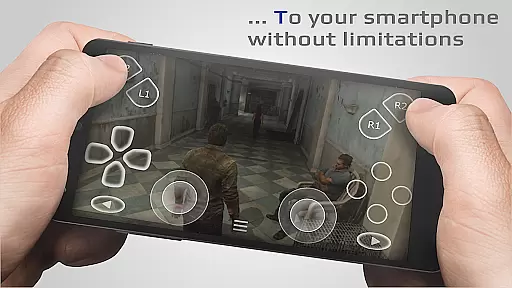
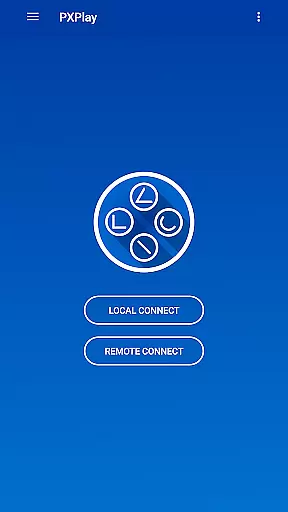
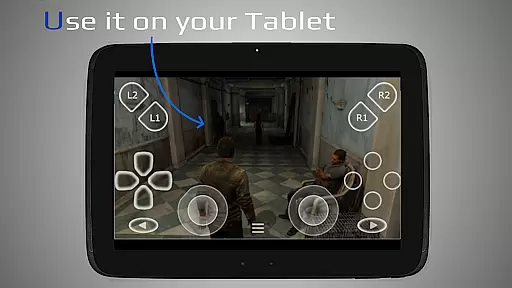
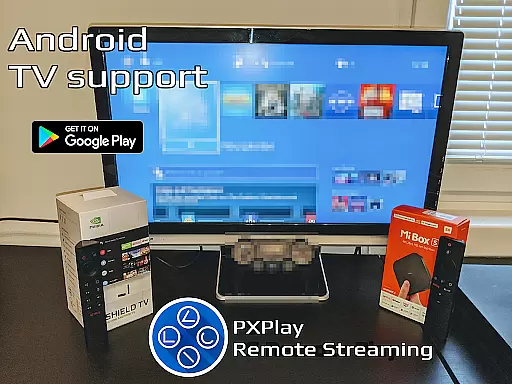
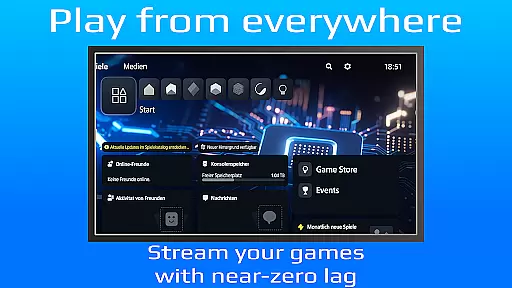
PXPlay is a powerful remote control application designed for gaming enthusiasts who want to access their gaming devices from anywhere. The app offers an optimized streaming experience with minimal latency, supporting third-party controllers and mobile data connections. PXPlay is compatible with Android TV devices and rooted Android smartphones, providing users with flexible options for remote gameplay.
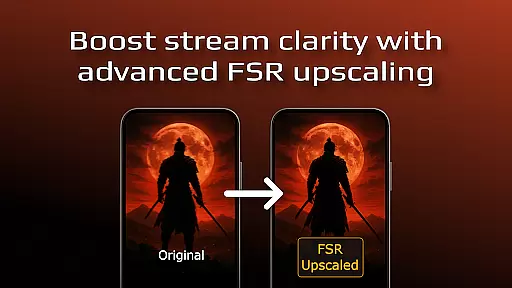
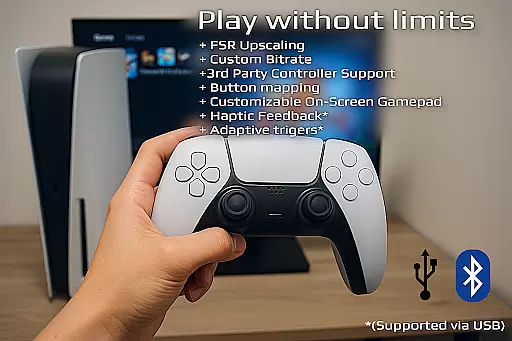
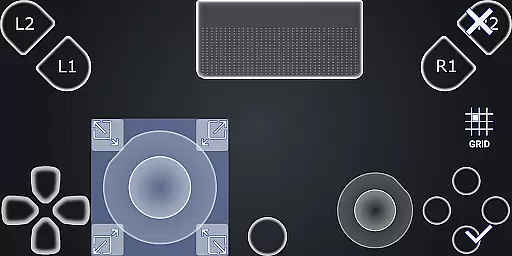
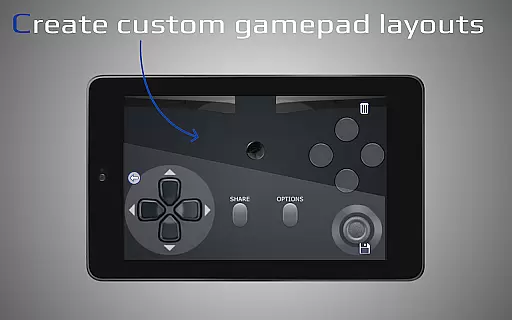
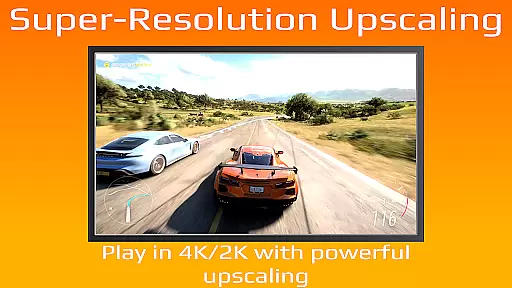
Key features include FSR upscaling for enhanced video quality, customizable onscreen gamepad layouts, and support for multiple profiles. The app also supports picture-in-picture mode and multi-window functionality on eligible devices. With PXPlay, users can enjoy seamless remote play sessions or use the app as a virtual game controller, making it an essential tool for modern gamers.
This application is particularly useful for gamers who travel frequently but still want to access their console-quality games remotely. By connecting through a stable 5GHz WiFi network and ensuring sufficient internet bandwidth, users can enjoy high-quality streaming experiences without location constraints. PXPlay's versatility makes it a valuable solution for extending gaming capabilities beyond physical hardware limitations.
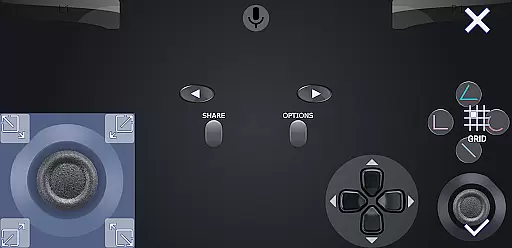
PXPlay stands out with its comprehensive feature set tailored for remote gaming. The app supports gamepad button mapping, allowing users to customize control schemes according to their preferences. Its compatibility with various Android versions enables advanced functionalities like screen recording (with third-party apps) and picture-in-picture mode for multitasking during gameplay sessions.
The application's support for older firmware versions (from 5.05) ensures broader device compatibility while maintaining optimal performance. PXPlay's ability to function as a virtual controller provides additional flexibility for users who prefer touch-based controls or need an alternative input method. Furthermore, the app's robust connection setup process simplifies the initial configuration, making it accessible even for less technical users.
Advanced users will appreciate PXPlay's support for rooted devices and its capability to handle multiple user profiles efficiently. These features, combined with the app's optimization for low-latency streaming, demonstrate its commitment to delivering professional-grade remote gaming solutions across different device configurations and network conditions.
PXPlay excels in delivering core functionalities that are both accurate and effective, ensuring users can remotely control their gaming devices with precision. The app supports third-party controllers across all Android devices, enhancing its versatility and user adaptability.
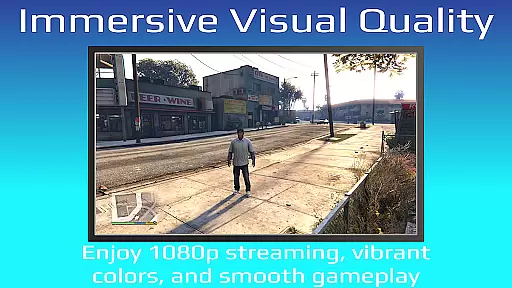
With features like FSR upscaling and sharpening, PXPlay ensures the video quality remains top-notch during streaming sessions. This attention to detail in maintaining clarity and enhancing visuals directly translates to an immersive user experience, crucial for gamers who demand high performance.
The application's support for gamepad button mapping and customizable onscreen gamepad layouts allows users to tailor their controls according to personal preferences. Such customization not only boosts comfort but also improves gameplay efficiency, making it a reliable tool for both casual and serious gamers.
PXPlay offers an interface designed with simplicity and intuitiveness in mind, allowing users of all tech levels to navigate and utilize its features effortlessly. Key functionalities such as Easy Connection Setup and Picture-In-Picture mode are readily accessible, promoting ease of use without compromising on advanced capabilities.
The app's support for Multi-Window operations and compatibility with older firmware from 5.05 ensure that users can multitask and access PXPlay's features without unnecessary complexity. These aspects contribute to a seamless user experience, accommodating various usage scenarios without overwhelming the user.
Additionally, by providing comprehensive resources like demonstration videos and community forums, PXPlay fosters an environment where users can quickly resolve queries and optimize their setup. This commitment to user education and support further underscores the app's dedication to maintaining an intuitive and helpful interface.
Low-latency streaming
Third-party controller support
Customizable gamepad layouts
Picture-in-picture mode
Multi-profile management
Firmware version limitations
Requires stable internet
Account login issues
Complex setup for beginners
Device compatibility concerns

Just one-tap to easy translate in any language after calls within seconds.
 4.20
4.20
Fluid navigation gestures for all of us!
4.30
Quickly & easily calculate the spacing of handrail balusters
4.20
Create your own live wallpaper or check out thousands already made presets
3.90
Unleash gamepad precision for ultimate mobile gaming dominance.
3.90
Excellent scientific calculator with symbolic algebra, integrals, derivatives
4.80
With videos, electrical calculators, and built-in ebook, Ugly’s has your answer.
4.50
Enhance your Beats
3.70
The ideal app to be the digital eye of your family
3.40
Bedrock Together: Join any bedrock server on Xbox/PS
4.80
The one-and-only remote control for PC, Mac, and Linux
4.70
HD Camera captures every special moment.
4.60 4.50
4.50 4.50
4.50
Clean up large files and similar photos, fast and easy to use
4.40
An easy-to-use calculator designed to save time calculating and bending conduit
4.30
App that Recover your pictures, videos or files after you delete them.
4.20
Effortlessly run ADB commands directly on your device without a PC.
4.20
Transfer Files, APK from Phone to Watch & Install.
4.0


User Reviews