
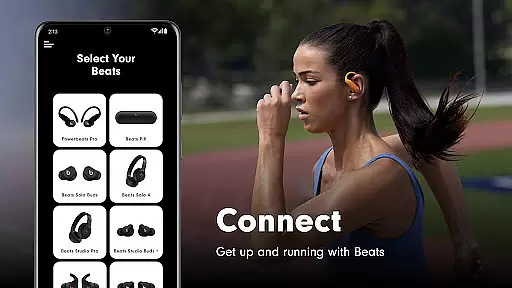
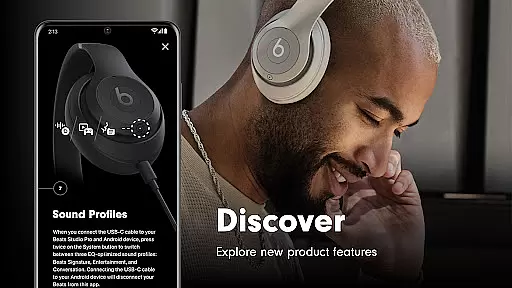
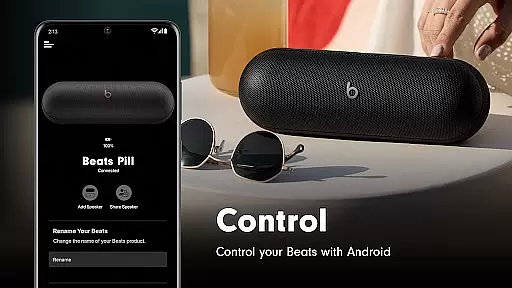
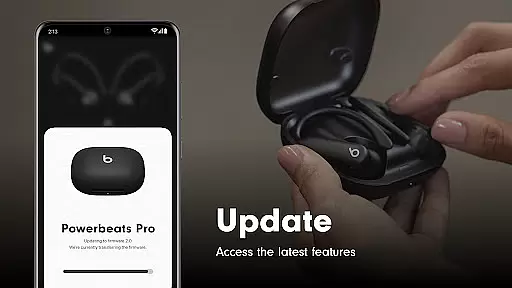
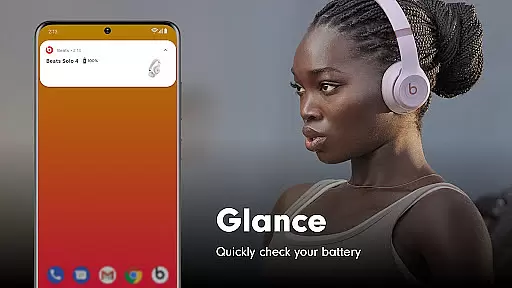
Beats is a dedicated management tool for Beats headphones and speakers, offering users comprehensive control over their audio devices. The app provides essential features such as one-touch pairing, battery status monitoring, and firmware updates, ensuring optimal performance and user experience. With support for a wide range of Beats products, including Powerbeats Fit, Beats Solo Buds, and Beats Studio Pro, this app serves as an all-in-one solution for managing your Beats devices.
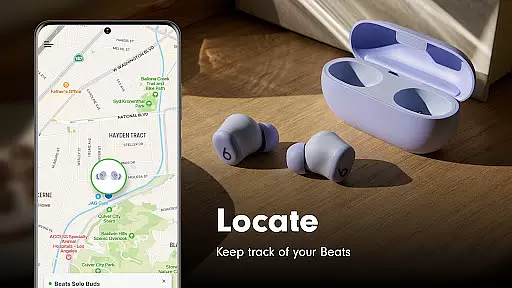
In addition to device management, Beats app allows users to create custom Android widgets for quick access to frequently used settings. The built-in map functionality helps locate misplaced devices, while the analytics option enables users to contribute to product improvements. Whether you're looking to optimize your listening experience or keep your devices up-to-date, the Beats app delivers both convenience and advanced features in a single platform.
The Beats app stands out with its comprehensive feature set designed specifically for Beats product owners. One of its key strengths is the seamless device connectivity through one-touch pairing, which simplifies the setup process significantly. Users can easily monitor battery levels, customize device settings, and receive notifications about firmware updates, ensuring their Beats products always operate at peak performance.
What sets this app apart is its ability to create personalized Android widgets, giving users quick access to essential controls. The location tracking feature adds extra peace of mind by helping users find their misplaced devices on a map. Furthermore, the optional analytics sharing allows Apple to gather valuable usage data to enhance future product iterations. These features collectively make the Beats app an indispensable tool for anyone invested in the Beats ecosystem.
When it comes to tools like the Beats app, core function accuracy and effectiveness are paramount. This application ensures precise Bluetooth connectivity for seamless pairing with a wide range of Beats products. It provides users with essential features such as battery status updates, firmware upgrades, and customizable Android widgets.
The app's design focuses on delivering an effective user experience by simplifying complex processes into one-touch operations. Whether it's locating misplaced devices on a map or accessing critical settings quickly, every feature is crafted to serve its purpose efficiently without unnecessary complications.
For audiophiles and everyday listeners alike, having reliable access to their audio equipmentu2019s status enhances the overall utility. The Beats app not only maintains your headphones and speakers at optimal performance levels but also empowers you with knowledge about each connected device's health and functionality.
A tool is only as good as its interface, and the Beats app excels in providing simplicity and intuitiveness. Upon launching the app, users are greeted with a clean layout that prioritizes ease of navigation. Key functionalities such as checking battery life, adjusting settings, or updating firmware are readily accessible from the main screen.
This straightforward design philosophy extends to more advanced features too. For instance, creating personalized widgets doesn't require any technical expertiseu2014just a few taps will suffice. Additionally, optional permissions for location services and notifications can be managed effortlessly within the settings menu.
By minimizing clutter and focusing on what truly matters, the Beats app ensures that even first-time users feel right at home. Its intuitive nature makes managing your entire suite of Beats products not just possible but enjoyable, enhancing both convenience and satisfaction during daily use.
User-friendly interface
Comprehensive device support
Regular firmware updates
Customizable Android widgets
Device location tracking
Requires location permission
Limited to Beats products
Optional features need consent
No cross-brand compatibility
Analytics opt-in required

A recovery soft,it features photo recovery, video recovery, file recovery.
 3.40
3.40
Quickly & easily calculate the spacing of handrail balusters
4.20
eXtended Permission Manager - a small app to manage permissions and AppOps
4.50
Amateur Radio app for APRS: Track friends, exchange messages, get tactical info.
3.90
Monitor car performance in real time and troubleshoot malfunctions.
4.80
NFC Tools can read and write NFC tags.
4.70
Automate everything from settings to photos, SMS to speech. ADC2 prize winner.
4.10
Introducing Smart Printer, your ultimate destination for printing solutions!
4.00
Your personal health butler
3.60
Small and simple app to Verify Root Access and BusyBox Install!
4.70
Creation, Learning, Entertainment & More — The All-in-One AI Search Engine
4.70 4.50
4.50
With videos, electrical calculators, and built-in ebook, Ugly’s has your answer.
4.50
Game Booster, GFX Tool is now compatible with newer game update
4.50
Just swipe the edge to do something!
4.40
An open-source APK explorer for Android!
4.10
MS-DOS in your pocket. Play old DOS games anywhere you are ;)
4.10
Clean the junk files on your device
3.40
Undelete and recover your lost or deleted files with DiskDigger!
3.40


User Reviews