
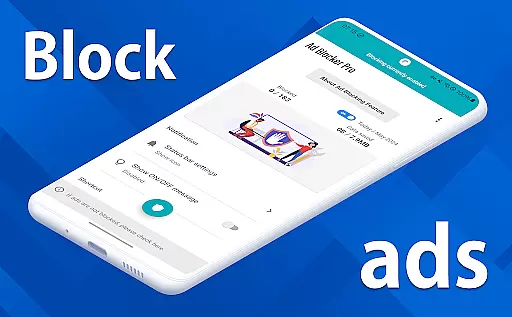
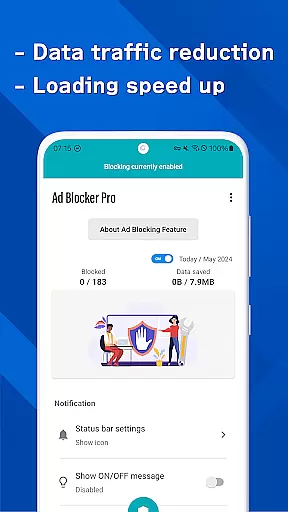
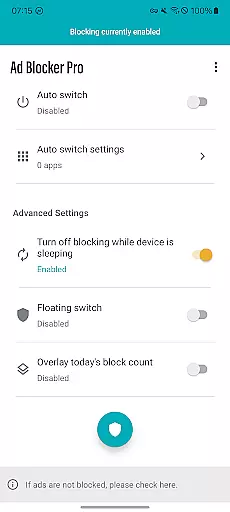
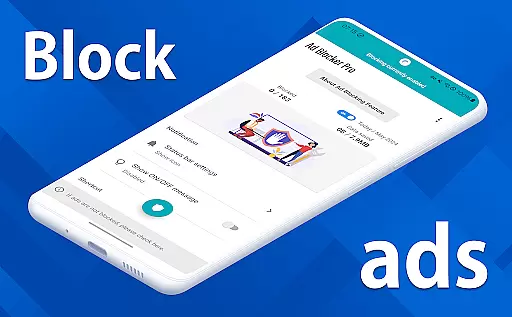
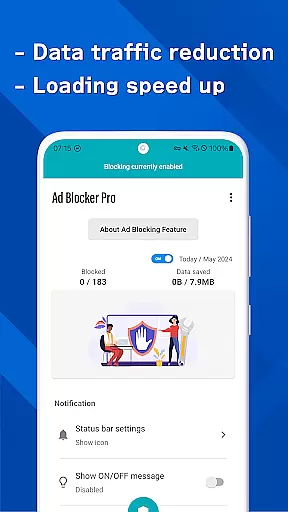
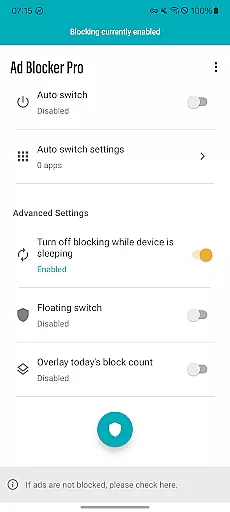
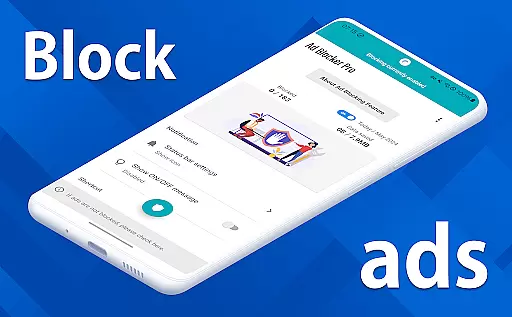
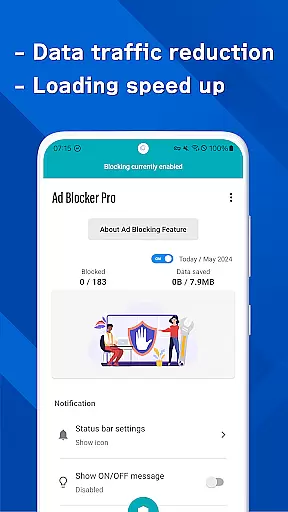

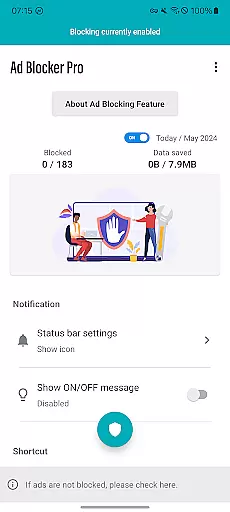
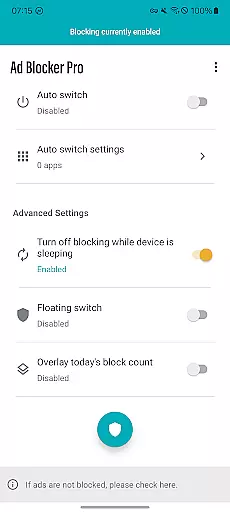
Ad Blocker Pro is a powerful ad-blocking application designed to enhance your browsing experience on Android devices. The app's core functionality revolves around blocking unwanted advertisements, malware, and trackers across all browser apps, ensuring a faster, safer, and more comfortable web surfing session. With its unique features like the one-tap ON/OFF switch, automatic ad blocking during device sleep, and real-time block count display, users can effortlessly manage their ad-free environment.
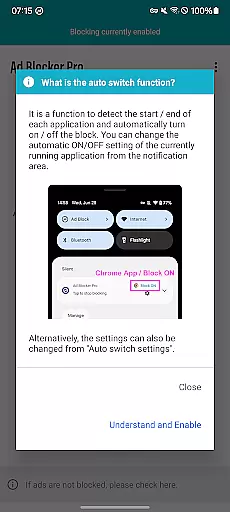
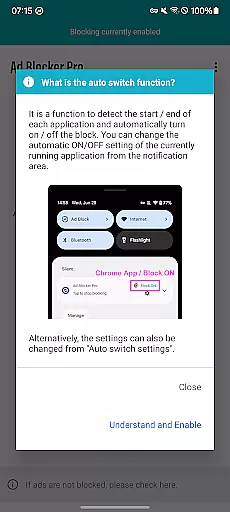
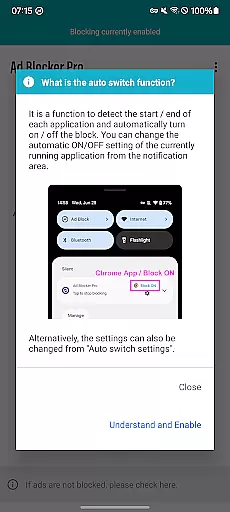
Beyond basic ad blocking, Ad Blocker Pro offers advanced capabilities such as Auto Switch, which intelligently toggles ad blocking based on the specific apps in use. This ensures seamless operation without hindering essential data downloads or app functionalities. Additionally, the app contributes to reduced data usage and improved website design layouts, making it an ideal choice for users seeking enhanced security, faster browsing speeds, and a cleaner interface. Whether you're visiting ad-heavy websites or prioritizing privacy, Ad Blocker Pro delivers significant value by creating a smoother and more secure online experience.
Ad Blocker Pro stands out with its comprehensive set of features tailored to optimize browsing comfort and security. One of its key highlights is compatibility with all browser apps, allowing users to enjoy an uninterrupted, ad-free experience regardless of their preferred browser. The app significantly speeds up webpage loading times by eliminating ads, while also simplifying website layouts for a more intuitive user interface. Furthermore, its robust security measures block malware and trackers, safeguarding users' personal information and reducing unnecessary data consumption.
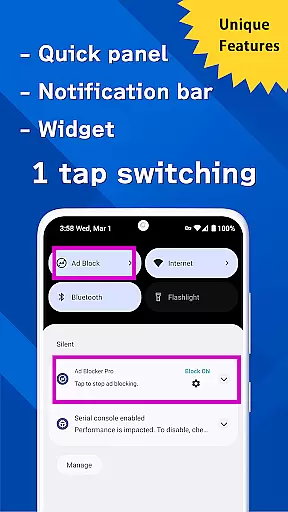
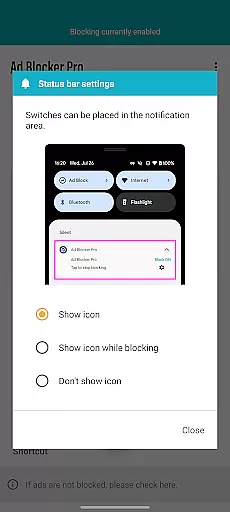
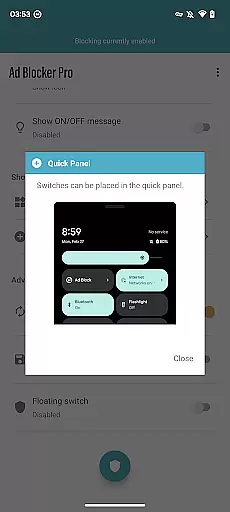
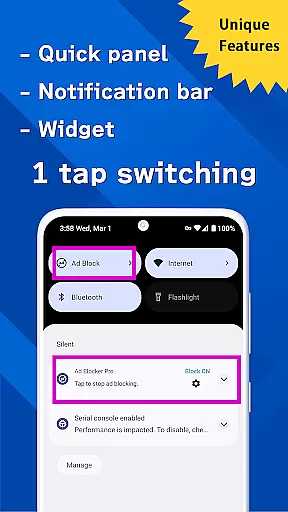
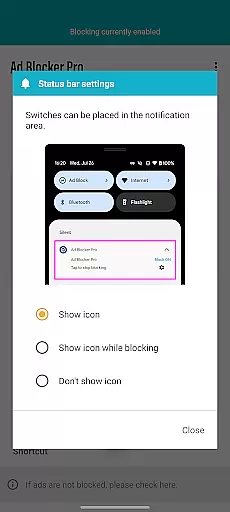
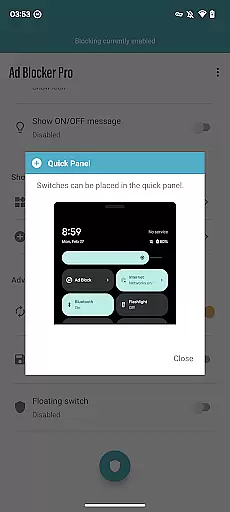
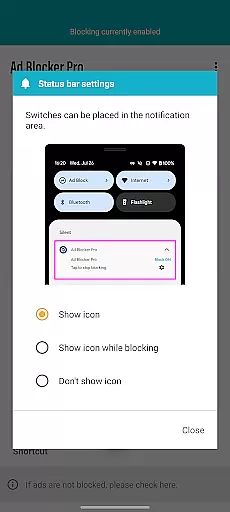
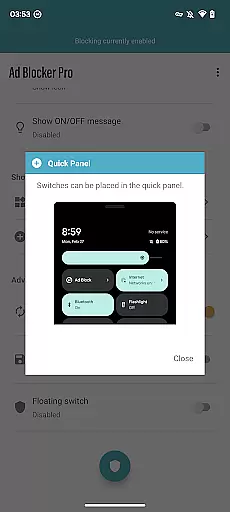
Among its innovative features, the one-tap ON/OFF switch provides unparalleled convenience, enabling users to toggle ad blocking from various access points such as the notification area, quick panel, widget, or floating switch. The Auto Switch functionality adds another layer of intelligence by activating ad blocking only within specific apps, ensuring other apps operate without interference. Additionally, the overlay display of today's block count offers real-time insights into the number of blocked ads and trackers, reinforcing the app's transparency and effectiveness. These thoughtful features collectively make Ad Blocker Pro a top choice for users seeking both simplicity and advanced control over their browsing experience.
Ad Blocker Pro exemplifies core function accuracy through its robust ad-blocking capabilities. The app ensures that ads are effectively blocked across all browser apps, which is crucial for a seamless browsing experience. This precision in blocking unwanted content enhances both speed and security.
The effectiveness of Ad Blocker Pro is evident in its unique features like the one-tap ON/OFF switch and auto-switch functionality. These features allow users to manage ad blocking with ease, ensuring that it works only when needed. Such smart management prevents interference with other apps' operations, maintaining overall device performance.
Users benefit significantly from the app's ability to block malware and trackers. By doing so, it not only speeds up webpage loading but also contributes to reduced data usage. This dual advantage makes web surfing more comfortable and secure, addressing key user concerns effectively.
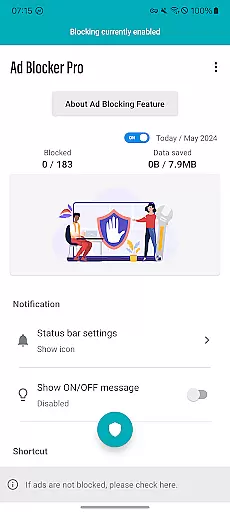
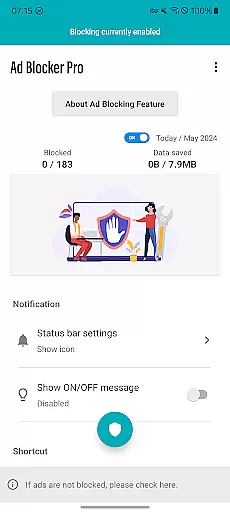
Ad Blocker Pro stands out with its interface simplicity and intuitiveness, making it accessible even to non-tech-savvy users. The design focuses on providing a straightforward user experience, where essential functions are easily accessible without clutter.
The app includes an overlay display showing today's block count, offering real-time feedback on its performance. This feature adds transparency, allowing users to see the tangible benefits of using the app. Such visibility enhances trust and satisfaction with the product.
Moreover, the improved design simplifies website and app layouts, contributing to a more intuitive browsing experience. With fast browsing speeds and enhanced security measures, users enjoy a streamlined interaction with digital content. This simplicity ensures that users can focus on their primary tasks without unnecessary distractions.
Blocks ads across all browsers
Improves browsing speed
Enhances online security
Reduces mobile data usage
User-friendly interface
Doesn't block in-app ads
Limited to browser ads
No iOS version available
Occasional compatibility issues
Paid app with no free trial

Change your GPS location instantly. Simulate routes anywhere in the world.
 4.90
4.90
PDF Reader - Document Viewer: Read, Manage & Organize Your Documents
3.10
Complete kernel toolbox with features to manage and tweak your rooted device
4.30
Use your phone as a webcam on your computer over WiFi or USB.
4.40
HD Video player and downloader for all formats, fast & smooth 4K video playback.
4.60
Unleash gamepad precision for ultimate mobile gaming dominance.
3.90
The one-and-only remote control for PC, Mac, and Linux
4.70
NFC Tools can read and write NFC tags.
4.70
Mobile Security with Scam Protection | Malware & Virus Cleaner | Safe Browser
4.70
Enjoy smooth gameplay with Game Booster
4.90
Bedrock Together: Join any bedrock server on Xbox/PS
4.80
App to pay for FUTO Keyboard
4.60
Head tracking for PC sim games such as MSFS 2024 or Elite:Dangerous. No headset!
4.50
Just swipe the edge to do something!
4.40
An easy-to-use calculator designed to save time calculating and bending conduit
4.30
Screen Mirroring with sound for Samsung TV, LG TV, Sony TV, Smart TV and Browser
4.20
MS-DOS in your pocket. Play old DOS games anywhere you are ;)
4.10
Automate everything from settings to photos, SMS to speech. ADC2 prize winner.
4.10
Amateur Radio app for APRS: Track friends, exchange messages, get tactical info.
3.90


User Reviews