
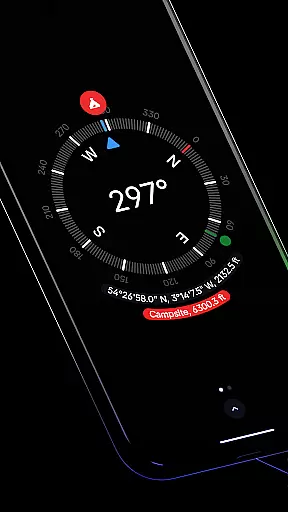
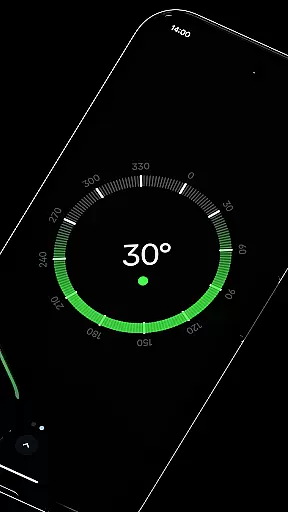
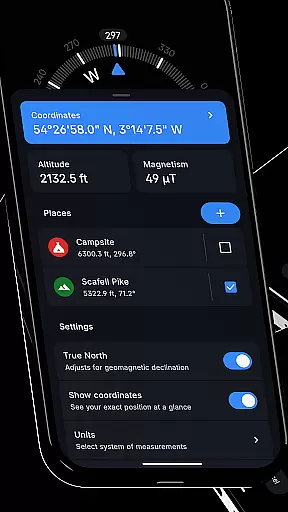
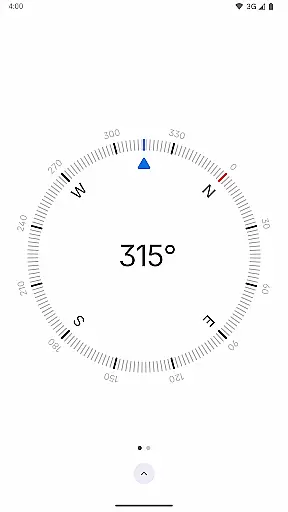
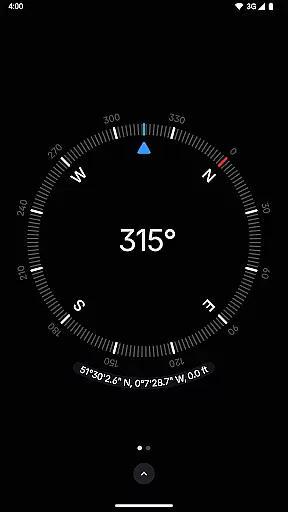
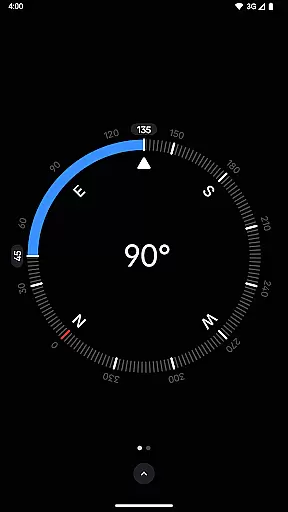
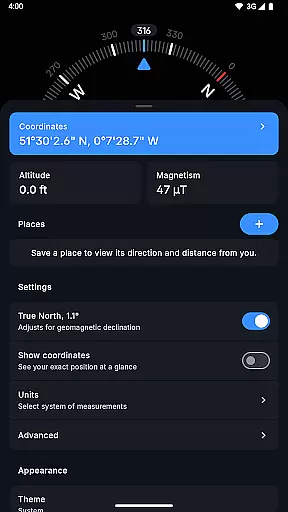
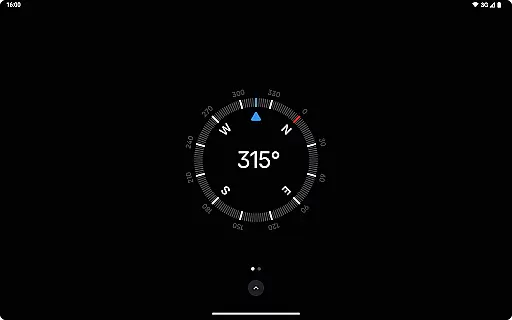
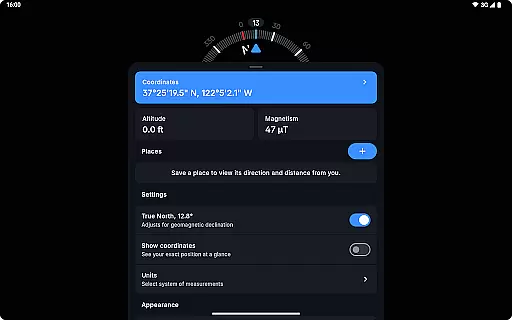
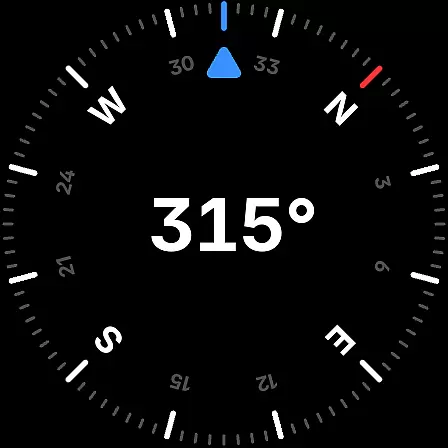
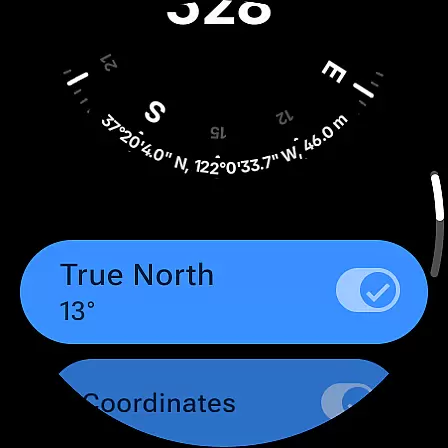
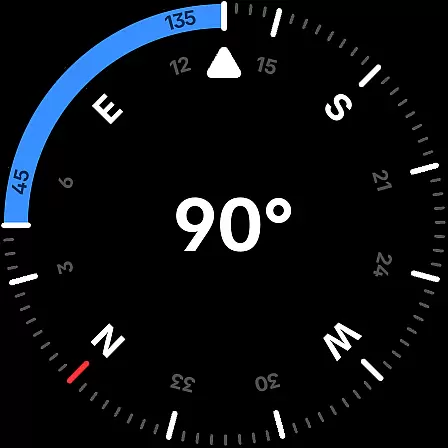
Compass is a sleek and minimalistic navigation app that combines simplicity with elegance. Designed for both Android phones and select Wear OS smartwatches, it offers users precise navigation through a modern dark-themed interface. The app provides essential features like coordinates display in multiple formats, altitude information, and the ability to save places for quick reference of direction and distance.
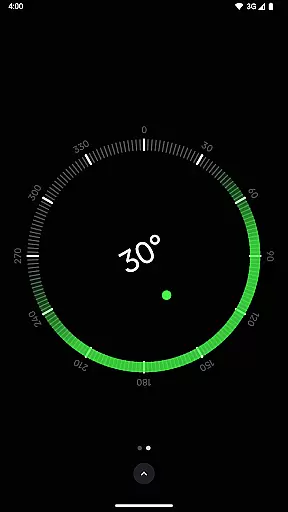
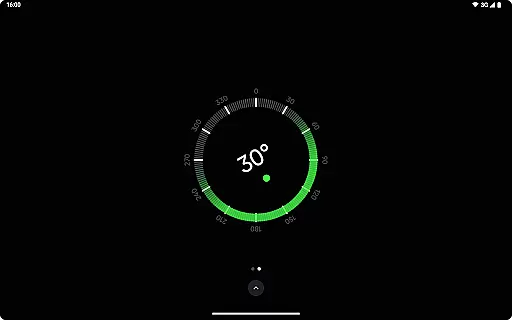
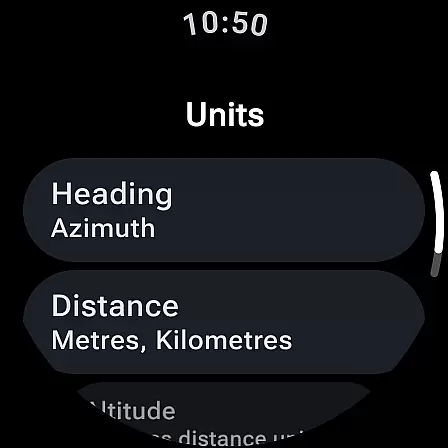
Beyond basic navigation, Compass includes advanced functionalities such as geomagnetic declination adjustment for true north alignment, an integrated bubble level, and angle difference measurement. Users can customize their experience by changing units, switching themes, and even matching app colors to their wallpaper using Android 12's dynamic colors. With rich haptic feedback, high contrast display options, and a red screen filter for night use, this app ensures optimal usability in all conditions.
This application is especially valuable for explorers, hikers, travelers, and DIY enthusiasts who need reliable navigation without compromising privacy or aesthetics. Its offline functionality and absence of trackers or ads make it an ideal choice for those seeking a focused and uninterrupted journey.
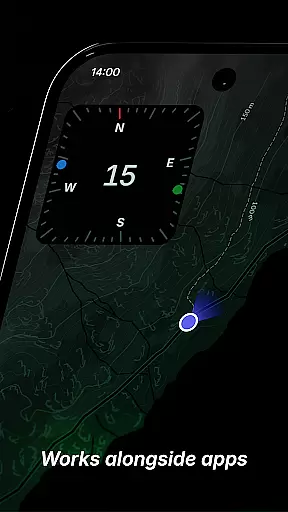
Compass stands out with its comprehensive feature set tailored for navigation enthusiasts. One of its key strengths is the support for multiple coordinate formats including DMS, DDM, DD, UTM, MGRS, and OLC (Plus Codes), catering to various user preferences. The app allows docking the compass to the edge of the screen while multitasking, ensuring that directional guidance remains accessible at all times.
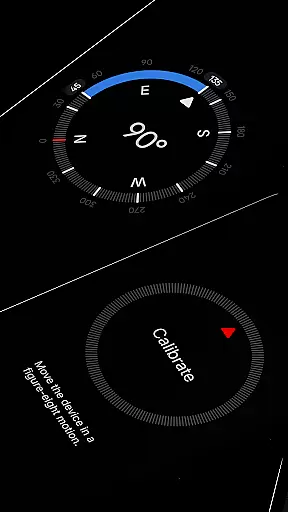
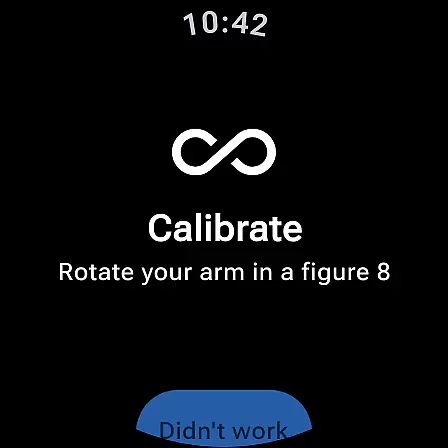
Accuracy is further enhanced through features like geomagnetic declination adjustment and a simple calibration guide. Practical tools such as the integrated bubble level and angle difference measurement provide additional utility for specific tasks. Users can personalize their experience extensively - from changing units for angles and distances to choosing between dark and light themes based on lighting conditions.
Privacy-focused design ensures that Compass operates fully offline without any trackers or analytics. The absence of ads creates an uninterrupted user experience. Additional highlights include rich haptic feedback, magnetic field magnitude display with anomaly detection, and a red screen filter option for better visibility at night. These thoughtful features collectively deliver a superior navigation tool that prioritizes both functionality and user comfort.
Compass stands out for its precision and reliability in delivering navigation data. The app provides users with exact location coordinates, including altitude, in multiple formats such as DMS, DDM, DD, UTM, MGRS, and OLC (Plus Codes). This versatility ensures that users can access geographic information in the format most useful to them, enhancing both professional and casual navigation tasks.
The application's ability to adjust for geomagnetic declination by aligning with true north is a testament to its commitment to accuracy. This feature is crucial for explorers and hikers who depend on precise bearings for safe and efficient travel through varied terrains. Additionally, the integrated bubble level and angle difference measurement tools further augment the app's utility, making it indispensable for carpenters and DIY enthusiasts.
Moreover, Compass offers rich haptic feedback and a high contrast display option, ensuring users feel every turn and maintain visibility in all lighting conditions. These features not only improve usability but also provide a tactile experience that enhances spatial awareness and orientation. With these capabilities, Compass delivers an effective and intuitive navigation tool that caters to a wide range of users.
Compass excels in providing a user-friendly interface that combines elegance with functionality. Its modern, dark-themed design offers a clear and intuitive display, ensuring ease of use even for those new to digital navigation tools. The simplicity of the interface belies the sophisticated technology behind it, allowing users to focus on their journey without distraction.
One of the standout features is the ability to dock the compass to the edge of the screen while using other apps. This multitasking capability ensures that navigation remains accessible without interfering with other activities, streamlining the user experience. Furthermore, the app includes a straightforward calibration guide, which helps users achieve accurate readings quickly and effortlessly.
Customization options like dynamic colours and a red screen filter demonstrate Compass's dedication to user-centric design. These features allow individuals to personalize their experience based on preference or environmental conditions, such as reducing light pollution at night. By prioritizing interface simplicity and intuitiveness, Compass ensures that users can navigate confidently and comfortably, regardless of their expertise level.
User-friendly interface
Highly customizable settings
Accurate navigation features
Offline functionality
No ads or trackers
Limited to basic navigation
Requires manual calibration
Wear OS compatibility limited
No social sharing options
Advanced features need learning

This app unlocks the Pro features of the Central for DayZ app
 3.60
3.60
HD Video player and downloader for all formats, fast & smooth 4K video playback.
4.60
An easy-to-use calculator designed to save time calculating and bending conduit
4.30
Best leveling tool for your Android device. Hang paintings like a pro.
4.90
Screen Mirroring for Roku Sticks, Roku TCL TV and Roku Hisense TV
4.50
Creation, Learning, Entertainment & More — The All-in-One AI Search Engine
4.70
Protect your device with antivirus, storage cleanup, and system monitoring
4.70
Enjoy a smooth mobile reading experience!
3.60
Enhance your Beats
3.70
Connect wirelessly to your computer to watch movies, browse the web, play games
5.00
Change your GPS location instantly. Simulate routes anywhere in the world.
4.90
Unit and currency converter with easy and simple UI.
4.80
Remote Play with FSR upscaling, low latency & full controller support
4.80
HD Camera captures every special moment.
4.60 4.50
4.50
Just one-tap to easy translate in any language after calls within seconds.
4.20
Create your own custom widget with endless possibilities
3.90
Undelete and recover your lost or deleted files with DiskDigger!
3.40
Save any video in HD - paste the link, download fast and watch offline.
4.2


User Reviews