
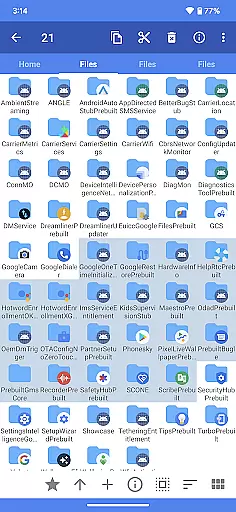
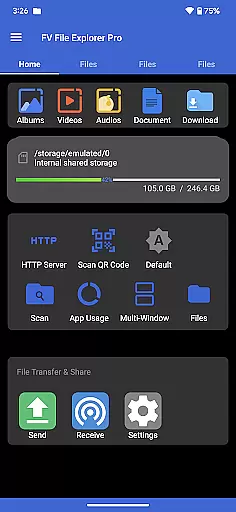
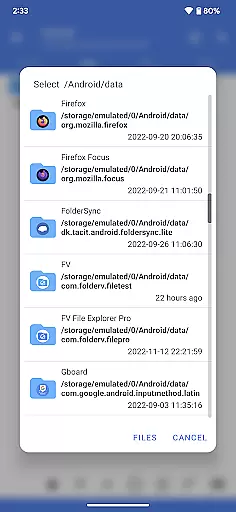
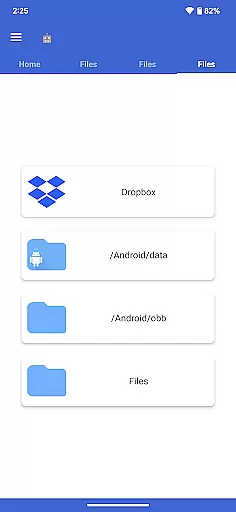
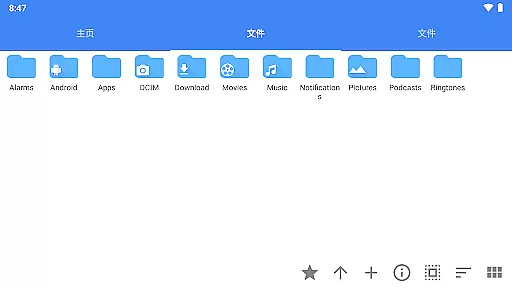
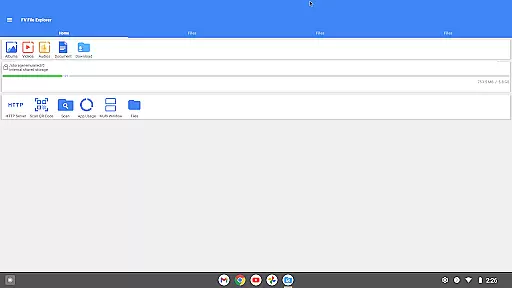
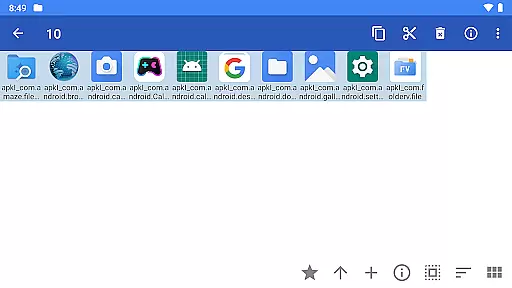
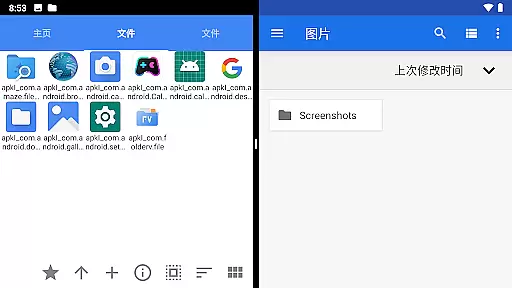
FV File Pro is a robust file management tool designed specifically for Android users. This application allows you to efficiently manage your files, including accessing restricted directories like /Android/data and /Android/obb on Android 13 without requiring root access. With its Material Design UI, the app offers an intuitive and visually appealing interface.
One of the standout features of FV File Pro is its support for viewing multiple image formats such as JPG, PNG, BMP, TIFF, and more. Additionally, it supports extraction of various compressed files like ZIP, RAR, and 7Z, making it a versatile tool for all your file management needs. Whether you're handling documents, images, or other file types, this app provides a seamless experience.
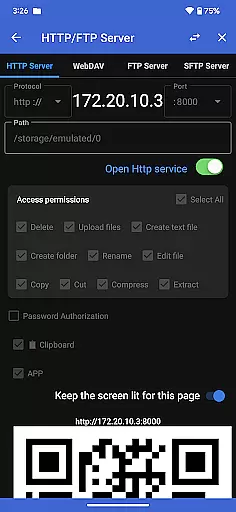
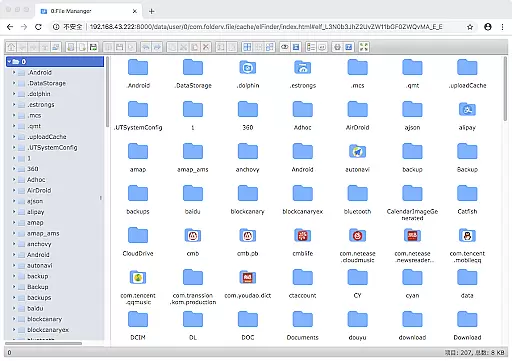
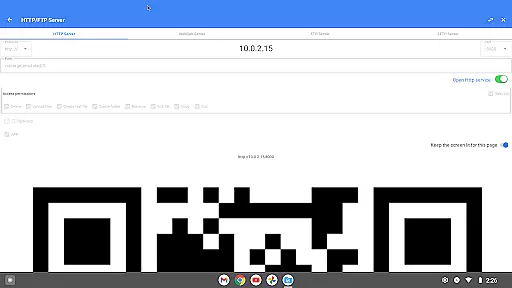
The app also enables wireless file management through HTTP, FTP, or SFTP within your local network, eliminating the need for data cables. This feature facilitates easy transfer of files between your computer and mobile device, saving on mobile data usage. Overall, FV File Pro is an essential tool for anyone looking to enhance their file management capabilities on Android.
FV File Pro stands out with its comprehensive set of features tailored for efficient file management. The app supports a wide array of image formats including JPG, PNG, BMP, TIFF, WEBP, HEIF, AVIF, ICO, and APNG, allowing users to view almost any image file they encounter. Furthermore, it can handle multiple compressed file formats such as ZIP, RAR, 7Z, ISO, and DMG, providing users with the ability to decompress files effortlessly.
Another remarkable feature is the ability to manage files over a wireless network using protocols like HTTP, FTP, or SFTP. This functionality enables users to transfer files between their computer and mobile device without the need for physical cables, thus conserving mobile data. Additionally, the app includes a WebDAV server feature, which allows users to connect to the server from their Mac's Finder by entering the server address.
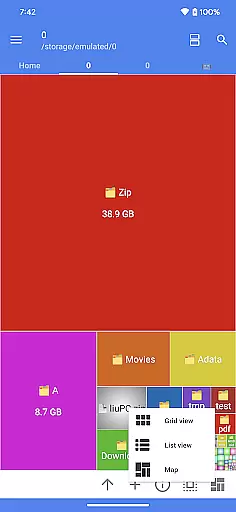
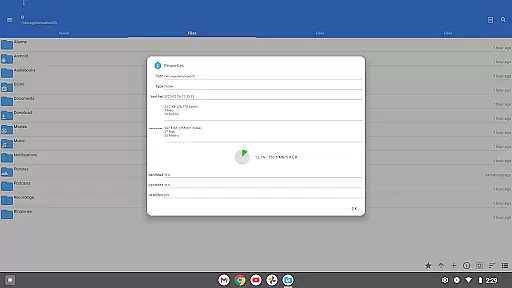
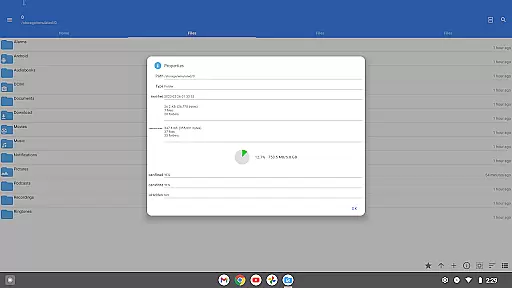
The treemap visualization feature offers a unique way to understand storage usage. Each file is represented as a colored rectangle, the size of which corresponds to the file's size. Directories are depicted as larger rectangles that encompass their files and subdirectories, offering a clear visual representation of your storage structure. These features collectively make FV File Pro a powerful tool for managing and understanding your file system.
FV File Pro stands out as a robust file management tool designed for Android users, offering precise and effective core functionalities that cater to both casual and power users. The app provides unrestricted access to typically restricted directories such as /Android/data and /Android/obb on Android 13 without requiring root, thus ensuring that all user files are manageable without compromise.
With support for a wide array of image formats including jpg, png, bmp, tiff, webp, heif, avif, ico, and APNG, the application ensures that viewing images is trouble-free and versatile. Additionally, its capability to decompress multiple compressed file types like zip, rar, 7z, iso, and dmg makes it an indispensable tool for handling various data formats efficiently.
The app further enhances workflow productivity by allowing file management over wireless networks via HTTP, FTP, or SFTP within the LAN, eliminating the need for cumbersome data cables. This feature facilitates seamless transfers of documents, pictures, and text files between computers and mobile devices, conserving mobile data usage while promoting collaboration.
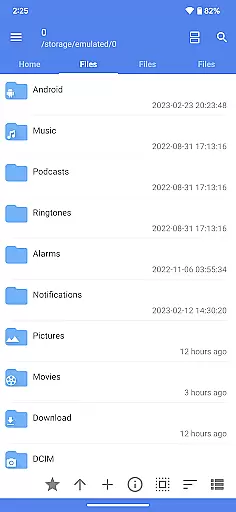
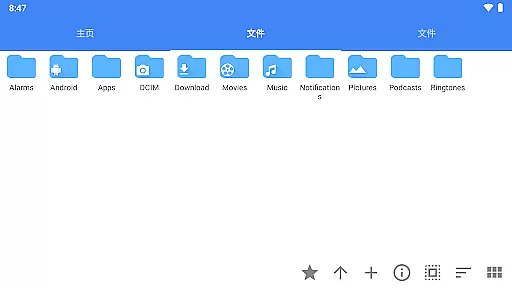
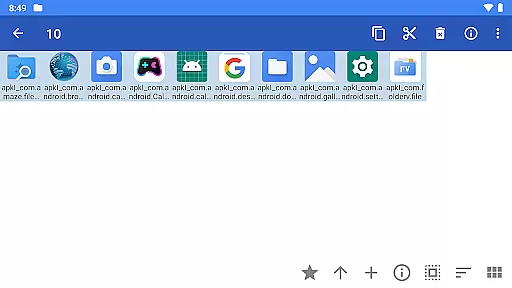
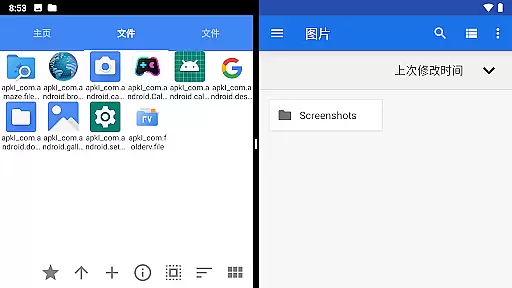
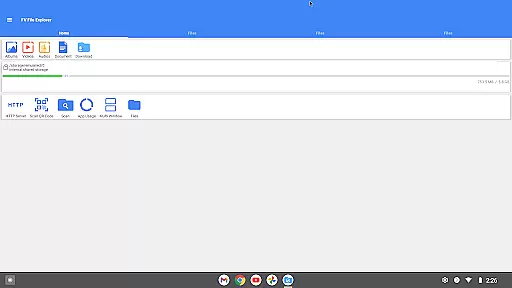
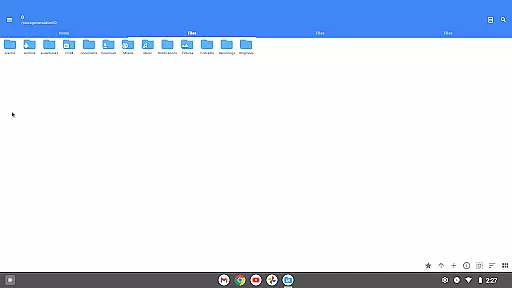
The hallmark of FV File Pro is its intuitive and straightforward interface, which leverages Material Design UI principles to deliver a visually appealing and user-friendly experience. The design ensures that even those new to file management can navigate and utilize the app's features with minimal learning curve.
One of the standout aspects is the treemap visualization for storage, which represents files as colored rectangles whose sizes are proportional to the file dimensions. This innovative visual approach allows users to quickly identify large files and manage their storage effectively by understanding directory structures at a glance.
Moreover, the inclusion of advanced features such as WebDAV server connectivity and QR code scanning for various formats underscores the app's commitment to combining powerful functionality with ease of use. Users can effortlessly connect to WebDAV servers from their Mac's Finder or scan codes to access content, making complex tasks simple and accessible through an intuitive interface.
User-friendly interface
Wide format compatibility
Wireless file transfer
Efficient storage visualization
Versatile file management
Limited iOS support
Advanced features require learning
No cloud integration
Premium version costly
Occasional bugs reported

Quickly switch to an encrypted DNS server on Android TV
 4.50
4.50
ADB support Android 4.X-Android 13(Support wireless pair mode).No root required!
4.70
Signal Strength, Mobile, Wifi, Speed Test, Bad Signals, Cellular, 5G, LTE, 4G
4.20
Mirror your screen to Chromecast and Android TV - Super fast and simple
4.60
Quickly check the frequency of the Earth
4.30
The ultimate tool for network analysis, wifi scanning and problem detection.
4.90
Game Booster, GFX Tool is now compatible with newer game update
4.50
Pro Emulator is an easy to use game console emulator for a range of consoles.
4.40
Screen recorder with audio to record high-quality videos and take screenshots.
4.40
The one-and-only remote control for PC, Mac, and Linux
4.70 4.50
4.50
With videos, electrical calculators, and built-in ebook, Ugly’s has your answer.
4.50
Making emulation easy for everyone!
4.30
App that Recover your pictures, videos or files after you delete them.
4.20
Create your own custom widget with endless possibilities
3.90
A powerful, easy-to-use flight computer on your phone or tablet!
3.80
Fun lie-detection pranks for friends and parties.
3.80
Safely recover deleted photos, videos, and files with a single easy tap.
3.70
Clean the junk files on your device
3.40


User Reviews