
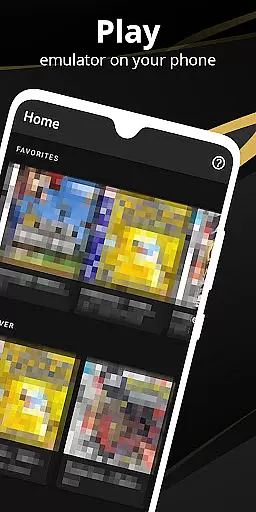

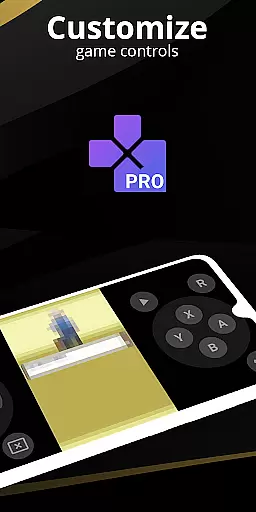
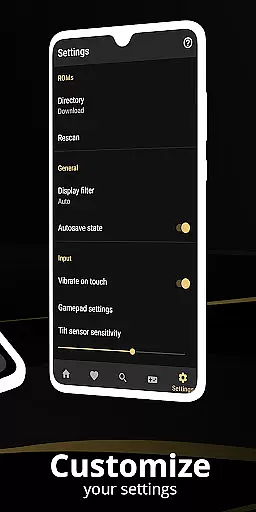
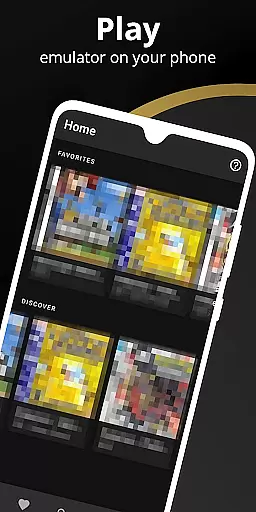
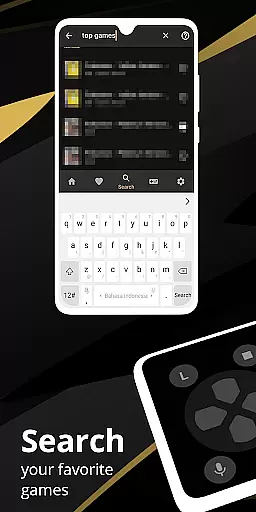
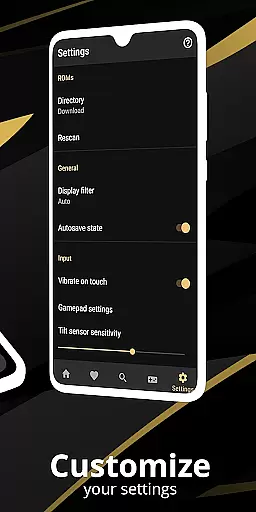
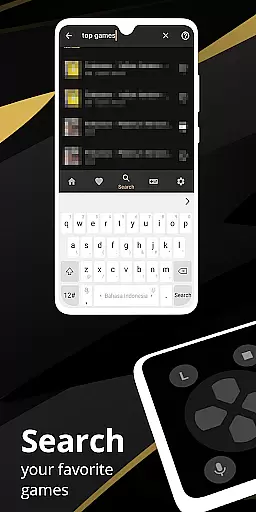
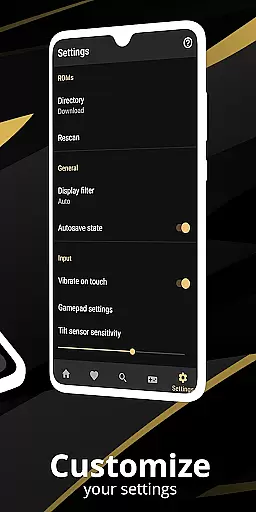
Pro Emulator for Game Consoles is a versatile emulator designed to bring classic gaming experiences to modern Android devices. This powerful tool supports emulation of various game consoles, ensuring high compatibility and seamless performance across different hardware. The app automatically saves and restores game states, provides quick save/load functionality, and offers optimized touch controls that can be customized for size and position.
One of the standout features is its ability to emulate link cable connections either on the same device or across multiple devices using Bluetooth or Wi-Fi. It also includes advanced functionalities like gyroscope, tilt, solar sensor, and rumble emulation. With support for OpenGL rendering and GLSL shaders, users can enjoy cool video filters and enhanced graphics. The emulator is optimized for battery efficiency while maintaining fast emulation speeds, making it an ideal choice for gamers who want to relive their favorite retro games on the go.
The Pro Emulator for Game Consoles boasts an array of sophisticated features tailored to enhance user experience. One notable feature is its high-level BIOS emulation which eliminates the need for BIOS files, streamlining the setup process. Additionally, the software supports ROM scanning and indexing, as well as IPS/UPS zipped ROM patching, allowing users to manage their game libraries efficiently.
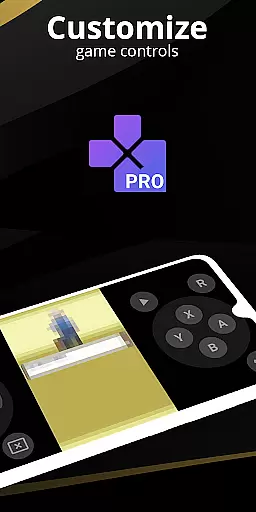
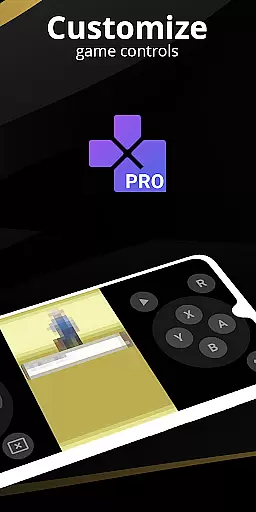
For those seeking customization, the emulator offers a powerful screen layout editor. Users can define the position and size of on-screen controls and game video, tailoring the interface to their preferences. External controller support, including MOGA controllers, ensures that players can use their preferred input devices. Moreover, the emulator facilitates local multiplayer gaming by connecting multiple gamepads to the same device, providing a shared gaming experience. Cloud save sync and display simulation further enrich the gameplay, offering convenience and authenticity in replicating the classic console environment.
At the heart of any emulator lies its ability to accurately replicate the original system's functionality. Pro Emulator for Game Consoles achieves this by offering very high game compatibility, ensuring that nearly all games run without issues. The emulator supports advanced features like link cable emulation across devices using Bluetooth or Wi-Fi, and it emulates sensors such as gyroscope and tilt.
The software is designed with a high-level BIOS emulation, removing the need for BIOS files. This streamlines the user experience, making it accessible even to those less familiar with emulation intricacies. Additionally, the emulator provides support for IPS/UPS zipped ROM patching, catering to users who wish to apply fan-made patches or translations.
For power users, the emulator offers fast-forward functionality to skip lengthy story segments and slow down options to navigate challenging levels. These features not only enhance playability but also contribute to saving device battery life through optimized performance.
Ultimately, the core functions deliver an authentic retro gaming experience on modern Android devices, from phones to TVs. By prioritizing accuracy and effectiveness, Pro Emulator ensures that gamers can relive their favorite console experiences seamlessly and legally when they own the original games.
A successful tool is defined not only by what it does but how easily users can operate it. Pro Emulator for Game Consoles boasts a clean and simple yet well-designed user interface that integrates seamlessly with the latest Android versions. Its intuitive design allows users to effortlessly scan and index ROMs, customize touch controls, and access shortcut buttons for quick save/load actions.
One standout feature is the powerful screen layout editor, which enables players to define the position and size of on-screen controls as well as the game video display. This level of customization ensures that each user can tailor their experience to suit their preferences and hardware capabilities.
Furthermore, external controller supportu2014including MOGA controllersu2014and tilt-to-stick functionality cater to different play styles, enhancing accessibility. Multiplayer options are available locally by connecting multiple gamepads to the same device, adding another layer of engagement without complicating the interface.
By focusing on interface simplicity and intuitiveness, Pro Emulator makes both casual and hardcore retro gaming accessible to a broad audience while maintaining a professional-grade feature set.
User-friendly interface
High game compatibility
Optimized touch controls
Efficient battery usage
Advanced BIOS emulation
Requires powerful device
No legal game downloads
Complex setup for beginners
Limited newer console support
Occasional bugs

Easily install aab(Android App Bundle) files on your Android device with our app
 4.80
4.80
Universal TV remote control all TVs, Roku, LG, Samsung, Fire, Vizio, Sony, TCL.
4.40
VESC Tool can monitor and configure VESC-compatible devices over BLE and Wifi
4.20
Smart and comfortable browsing experience.
3.80
MS-DOS in your pocket. Play old DOS games anywhere you are ;)
4.10
Making emulation easy for everyone!
4.30
With videos, electrical calculators, and built-in ebook, Ugly’s has your answer.
4.50
The ultimate tool for network analysis, wifi scanning and problem detection.
4.90
Create your own custom widget with endless possibilities
3.90
Change your GPS location instantly. Simulate routes anywhere in the world.
4.90
Protect your device with antivirus, storage cleanup, and system monitoring
4.70 4.50
4.50
The Ultimate Bluetooth Keyboard & Mouse. Securely control your PC, Mac, and more
4.50
Use your phone as a webcam on your computer over WiFi or USB.
4.40
PC precision for mobile gaming: dominate with keyboard and mouse!
4.30
Remote for Roku, Fire TV, Samsung TV, LG TV, Android TV, Chromecast and VIZIO TV
4.20
Family Locator, Share location, StayConnect with your family in real time
3.90
This app unlocks the Pro features of the Central for DayZ app
3.60
A recovery soft,it features photo recovery, video recovery, file recovery.
3.40


User Reviews