
Screen Recorder Video Recorder is a versatile screen recording and video editing tool designed for content creators, gamers, and professionals. This all-in-one application allows users to capture high-quality videos of their screen activities with up to 1080P resolution, 16Mbps bitrate, and 120FPS frame rate. The app supports both internal and external audio recording, ensuring crisp sound quality from either the device or an external microphone.
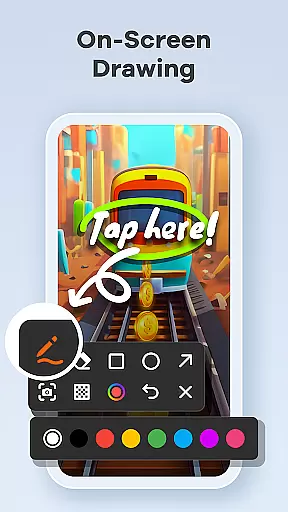
Beyond basic recording, Screen Recorder Video Recorder offers advanced features such as built-in video editing tools, live drawing, and facecam functionality. These features make it ideal for creating engaging tutorials, recording gameplay sessions, or capturing video calls. With customizable settings, gesture controls, and one-tap floating ball functionality, users can seamlessly control their recording process without interruptions.
The app's intuitive interface and powerful capabilities are particularly beneficial for YouTubers, educators, and business professionals who need to produce polished video content on the go. By enabling direct sharing to platforms like YouTube and social media, it streamlines the workflow from recording to publishing, making it an essential tool for anyone looking to create and share professional-grade videos directly from their mobile device.
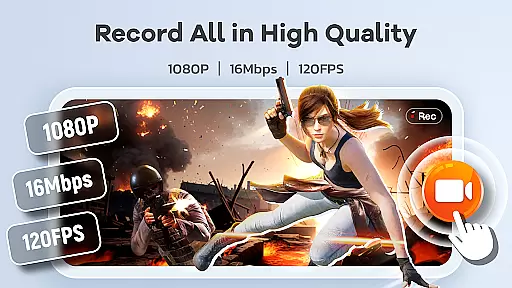
Screen Recorder Video Recorder stands out with its comprehensive feature set tailored for both casual and professional use. One of its core strengths is the ability to record in stunning HD quality, supporting resolutions up to 1080P, bitrates of 16Mbps, and frame rates of 120FPS. This ensures that every detail of your screen activity is captured with crystal-clear precision, whether you're recording a fast-paced game or a detailed tutorial.
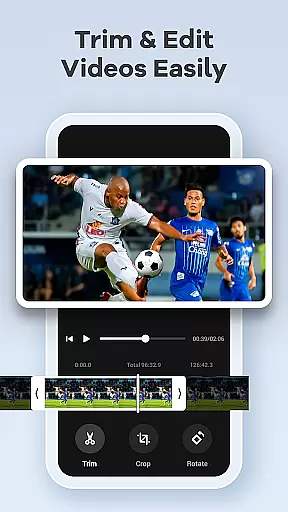
In addition to high-quality recording, the app includes a robust built-in video editor. Users can trim, crop, and rotate videos, as well as convert video clips into GIFs for easy sharing. The live drawing and annotation tools allow for real-time explanations, while the facecam feature lets creators add personal reactions or commentary to their recordings. These functionalities are complemented by customizable settings, including adjustable recording parameters and gesture controls, which enhance the overall user experience.
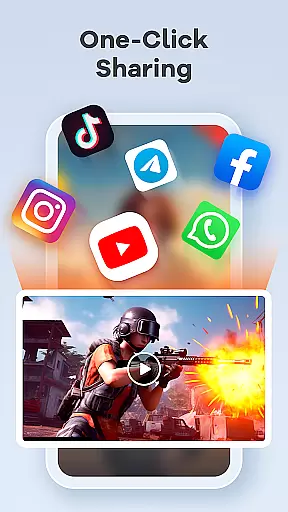
Another notable aspect is the app's seamless integration with popular platforms. Once a video is recorded and edited, users can share their creations directly to YouTube, social media, and other channels with just a single tap. This end-to-end solution not only saves time but also empowers users to maintain a consistent presence across multiple platforms, making Screen Recorder Video Recorder a valuable asset for anyone invested in digital content creation.
Screen Recorder Video Recorder excels in delivering precise and effective core functionalities that cater to diverse video recording needs. The app supports HD recording at 1080P, with a bitrate of 16Mbps and frame rates up to 120FPS, ensuring every detail is captured in stunning clarity.
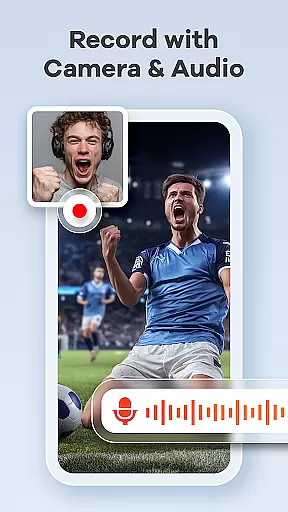
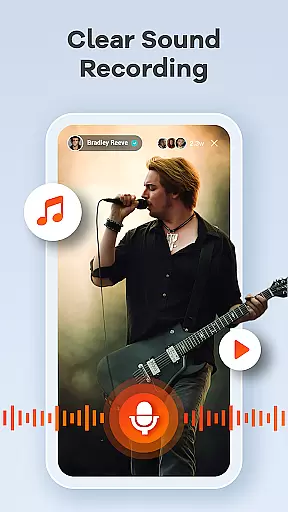
In addition to high-quality video, the app offers comprehensive audio recording options, allowing users to capture crisp internal system sounds or clear external microphone input. This dual capability ensures that audio quality matches the visual fidelity of your recordings.
The built-in video editor provides essential tools such as trimming, cropping, and rotating features, enabling users to refine their videos effortlessly. Moreover, the unique video-to-GIF conversion feature adds versatility, making it easy to create engaging, shareable content for various platforms.
These robust features collectively enhance user productivity by streamlining the entire process from recording to editing and sharing, eliminating the need for multiple applications and thus saving valuable time.
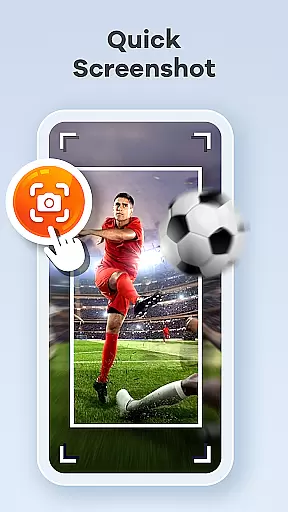
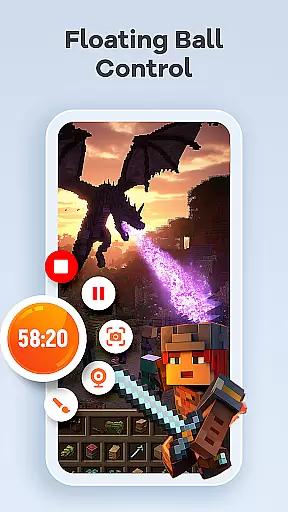
A standout feature of Screen Recorder Video Recorder is its commitment to providing a simple and intuitive user interface. Central to this experience is the one-tap floating ball, which allows users to start, pause, resume recordings, and take screenshots without interrupting their workflow.
Gestures play a crucial role in enhancing control and efficiency within the app. Users can customize specific gestures for quick actions, significantly speeding up the video creation process while maintaining focus on their primary tasks.
Further simplifying the user experience are customizable settings that let individuals adjust recording parameters according to their preferences. Whether it's configuring resolution, bitrate, or frame rate, these options ensure the app adapts seamlessly to different use cases.
By prioritizing an uncluttered design and responsive controls, Screen Recorder Video Recorder empowers users to concentrate on their creative work rather than navigating complex menus, resulting in a more enjoyable and productive recording experience.
User-friendly interface
High-quality recording
Built-in video editor
Live drawing tools
Direct sharing options
No advanced editing features
Limited free version
Occasional bugs
Heavy on storage
Ads in free version

Complete kernel toolbox with features to manage and tweak your rooted device
 4.30
4.30
ADB support Android 4.X-Android 13(Support wireless pair mode).No root required!
4.70
VESC Tool can monitor and configure VESC-compatible devices over BLE and Wifi
4.20
Create your own live wallpaper or check out thousands already made presets
3.90
Monitor car performance in real time and troubleshoot malfunctions.
4.80
Planner and Tracker for Stardew Valley
4.60
Introducing Smart Printer, your ultimate destination for printing solutions!
4.00
Clean up large files and similar photos, fast and easy to use
4.40
Clean up your phone, find files, play media, and share files offline
4.50
Powerful collection of electronics tools and reference.A must for any enthusiast
4.90
Unit and currency converter with easy and simple UI.
4.80
NFC Tools can read and write NFC tags.
4.70
App to pay for FUTO Keyboard
4.60
Play your X-Box games remotely in 1080p with any controller and zero latency
4.60
MS-DOS in your pocket. Play old DOS games anywhere you are ;)
4.10
Detect hidden spy camera with advanced scanning {{ Premium version }}
4.00
Safely recover deleted photos, videos, and files with a single easy tap.
3.70
card-reader app
2.20
Unlock your Essential Key. Create custom shortcuts to your favorite apps!
4.1


User Reviews