
Stardew Valley Tracker is an essential companion tool for players of the popular farming simulation game Stardew Valley. This application serves as a comprehensive tracking system, helping users manage their in-game activities with precision and ease.
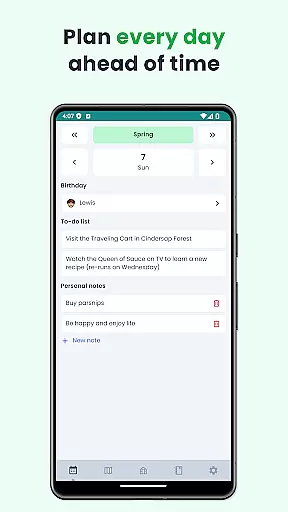
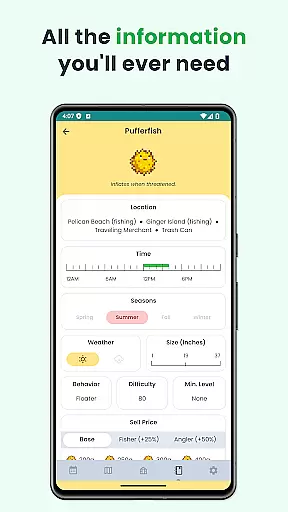
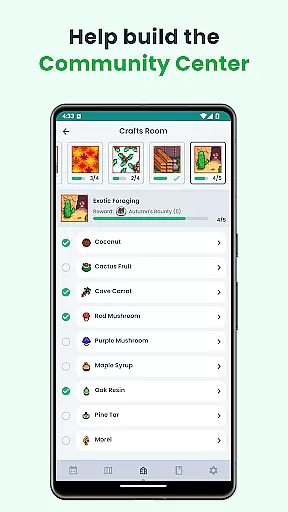
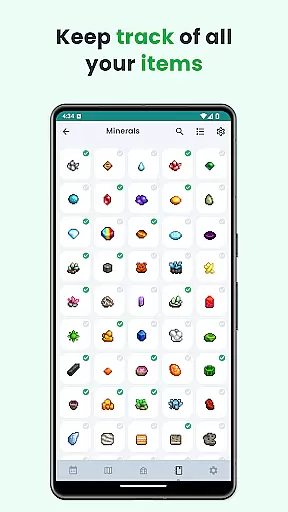
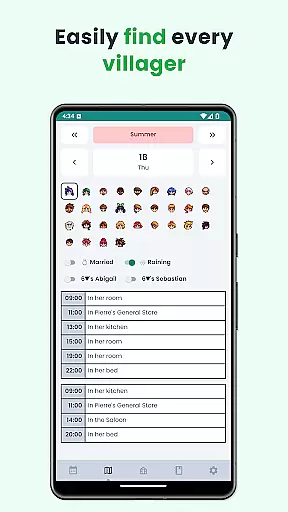
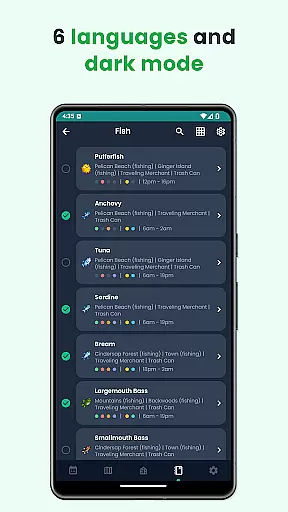
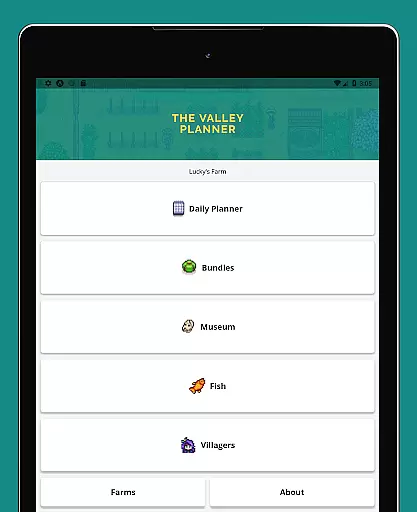
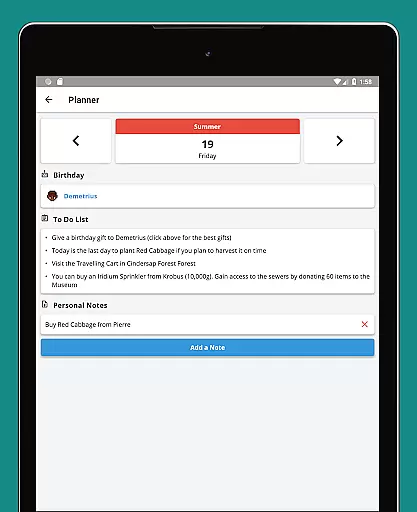
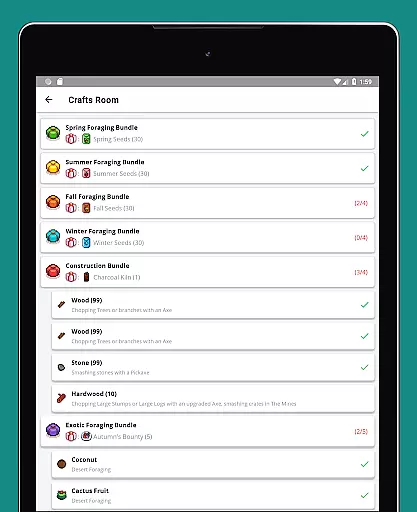
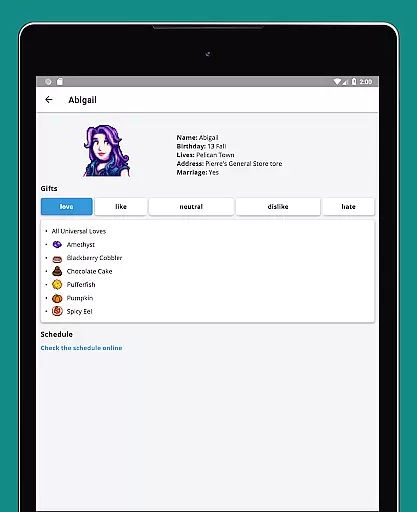
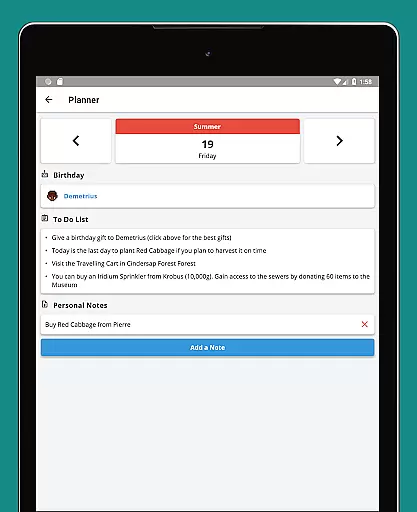
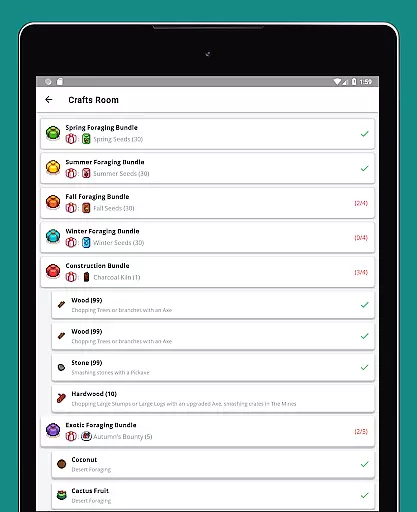
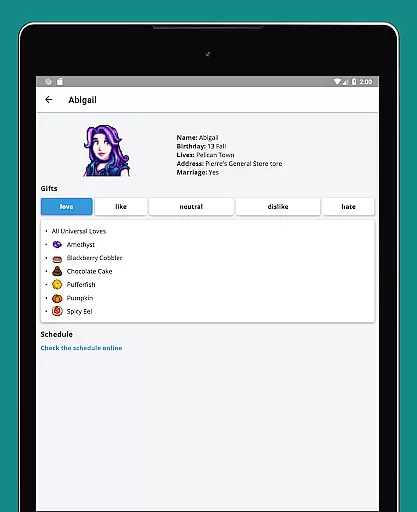
The app provides a detailed to-do list for each season, customizable notes, villager schedules, and an overview calendar. It also includes checklists for Community Center bundles, fish tracking, museum item tracking, and a complete villager gift guide. With support for six languages, dark mode, and offline functionality, this tracker ensures accessibility and convenience for all players.
Whether you're a casual player or a dedicated completionist, Stardew Valley Tracker enhances your gaming experience by keeping all crucial information organized and readily available at your fingertips.
Stardew Valley Tracker offers an array of specialized features designed to optimize gameplay efficiency. One standout feature is its robust to-do list system, which covers every season and allows players to add custom notes, ensuring personalized task management.
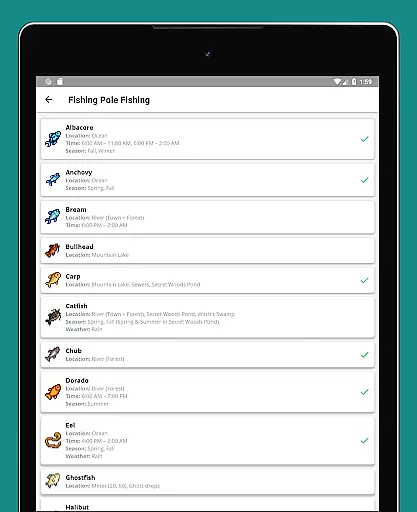
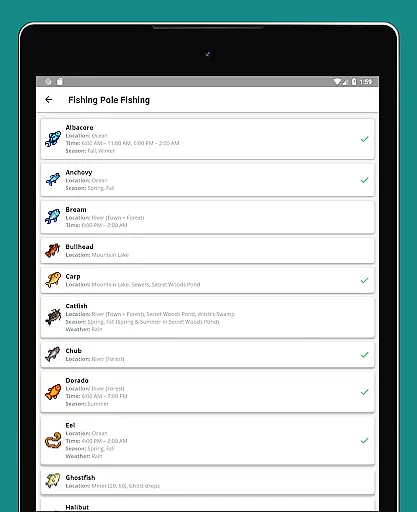
The app excels in providing critical information through various tools such as villager schedules, fishing data, and museum collection tracking. The inclusion of a comprehensive calendar view and detailed villager gift preferences makes strategic planning more manageable. Additionally, the app's multilingual support (English, German, Spanish, French, Italian, Portuguese) caters to a global audience, while its dark mode and offline capabilities enhance user comfort and accessibility.
These features collectively create a powerful toolkit that empowers players to maximize their productivity and enjoyment within the game.
Stardew Valley Tracker excels in providing accurate and effective tools for players to manage their virtual farming lives. The app meticulously tracks daily tasks, villager schedules, and important farming information.
With features like a season-specific to-do list, villager schedules, and comprehensive checklists for community center bundles, the app ensures that no detail is overlooked. This level of detail helps users optimize their gameplay by never missing an important event or task.
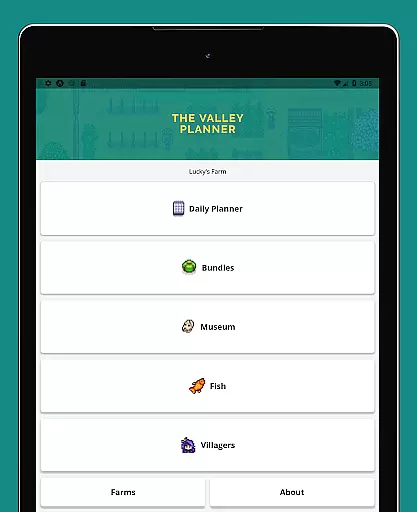
The application's strength lies in its ability to consolidate a wide array of information into a simple, user-friendly interface. Players can easily access data on fish, museum items, and villager preferences, which enhances their gaming strategy and efficiency.
A standout feature of Stardew Valley Tracker is its clean and intuitive interface, designed for ease of use. The straightforward design ensures that even newcomers to the game can navigate the app with ease.
Key functionalities such as the calendar view, bundle checklist, and villager gift preferences are presented clearly. This thoughtful arrangement of information reduces complexity and allows users to focus on enjoying their gaming experience.
Additionally, the app supports multiple languages and includes a dark mode, catering to a diverse user base. These features, combined with offline functionality, ensure that all players have a seamless and accessible tracking tool at their fingertips.
User-friendly interface
Comprehensive tracking
Multilingual support
Offline functionality
Customizable notes
Limited to Stardew Valley
No real-time sync
Basic design
Occasional bugs
Feature limitations

Safely recover deleted photos, videos, and files with a single easy tap.
 3.70
3.70
Canon PRINT is a companion app for your Canon printer.
4.60
Enjoy smooth gameplay with Game Booster
4.90
Carry a FTP server in your pocket and avoid USB cables for file transfer
4.20
Small and simple app to Verify Root Access and BusyBox Install!
4.70
Play your X-Box games remotely in 1080p with any controller and zero latency
4.60
Create your own custom widget with endless possibilities
3.90
Remote Play with FSR upscaling, low latency & full controller support
4.80
Clean up your phone, find files, play media, and share files offline
4.50
ADB support Android 4.X-Android 13(Support wireless pair mode).No root required!
4.70
Keep track of your Palia friendships, tasks, and inventory with Palia Notebook
4.60
Mirror your screen to Chromecast and Android TV - Super fast and simple
4.60
An easy-to-use calculator designed to save time calculating and bending conduit
4.30
pdf merge, word to pdf, jpg to pdf, edit pdf, convert to pdf and much more!
4.20
App that Recover your pictures, videos or files after you delete them.
4.20
1-Click close all background apps on Android TV
3.90
Family Locator, Share location, StayConnect with your family in real time
3.90
Fun lie-detection pranks for friends and parties.
3.80
Transfer Files, APK from Phone to Watch & Install.
4.1


User Reviews