
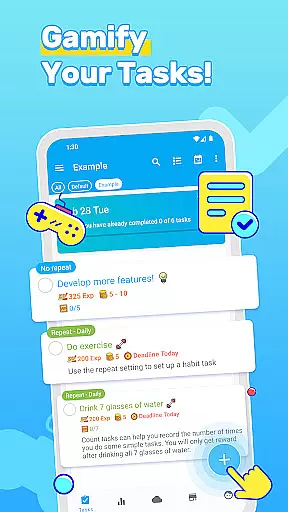
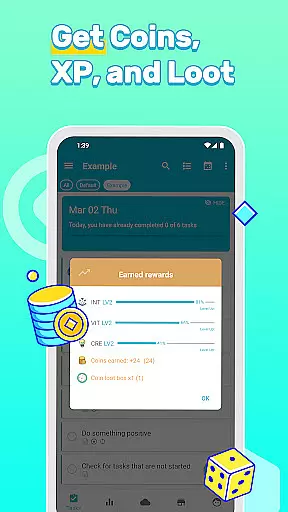
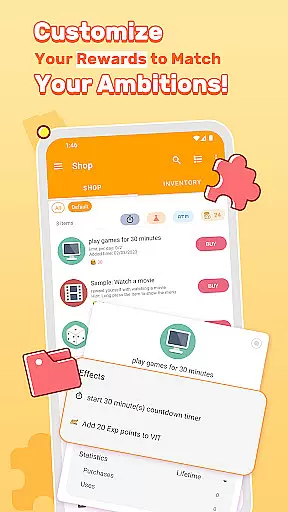
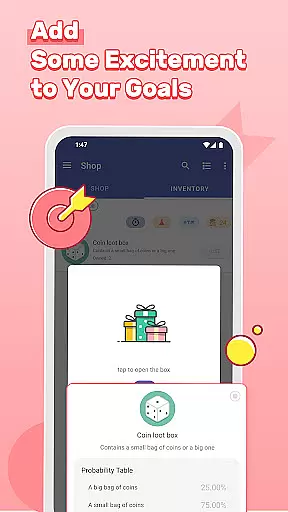

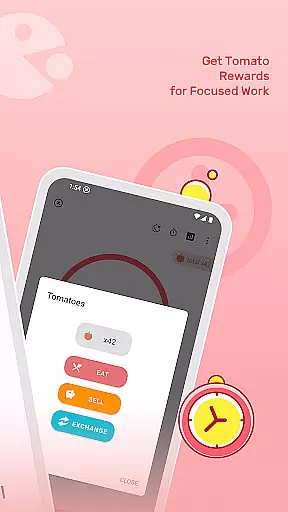
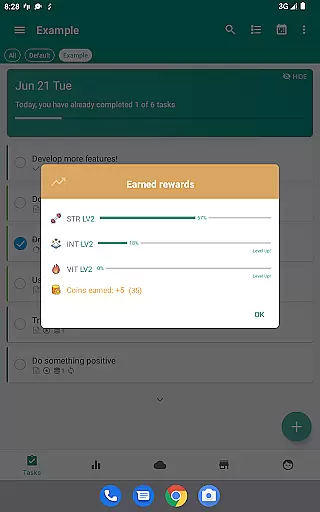
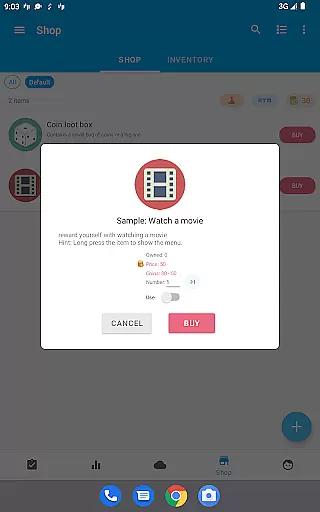


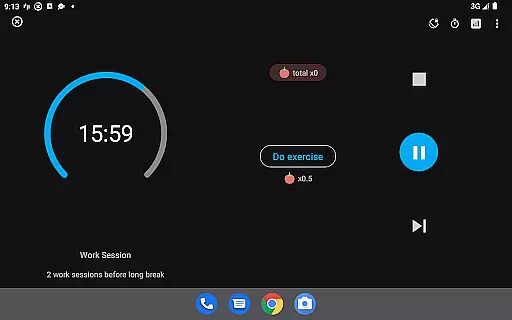
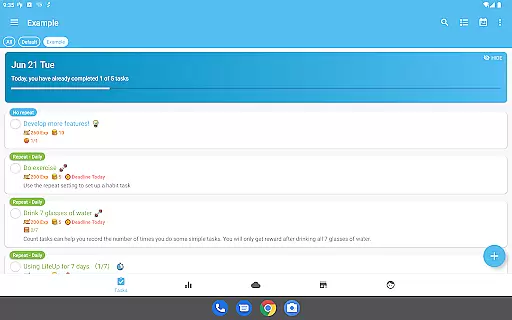
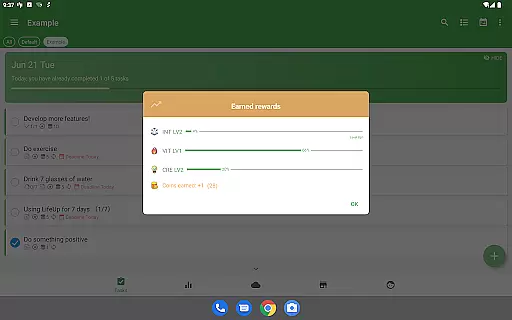

LifeUp redefines productivity by transforming your daily tasks and habits into an engaging role-playing game. This hyper-customizable app allows users to create their own rules, earning experience points for completed goals and virtual coins for real-life rewards. With features like skill trees for personal development and personalized reward systems, LifeUp offers a unique approach to task management.
The application supports complex productivity functions including habit tracking, to-do lists with reminders, and community-shared content. Its offline-first design ensures privacy while optional cloud syncing provides flexibility. Whether you're looking to build better habits or seeking motivation through gamification, LifeUp turns productivity into a personalized adventure.
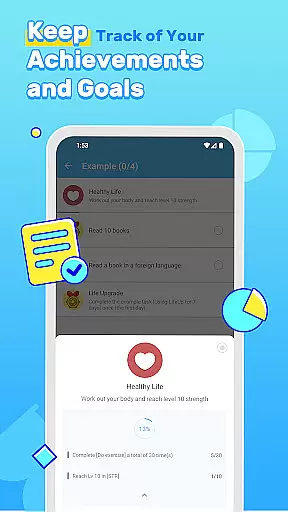
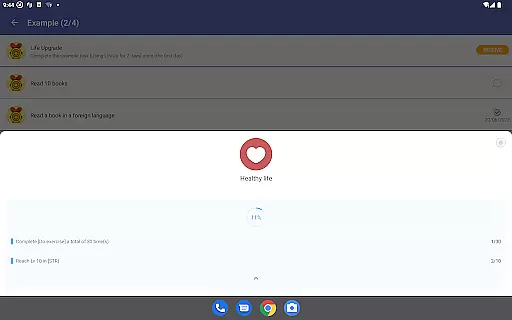
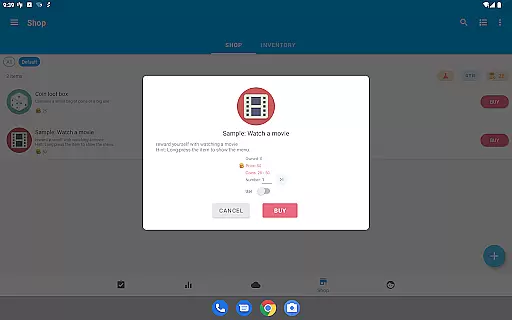
LifeUp stands out with its innovative customization options. Users can design their own skill trees, linking real-world activities to in-game progression. The personal shop feature lets you define meaningful rewards, while the milestone system helps track significant achievements on your terms.
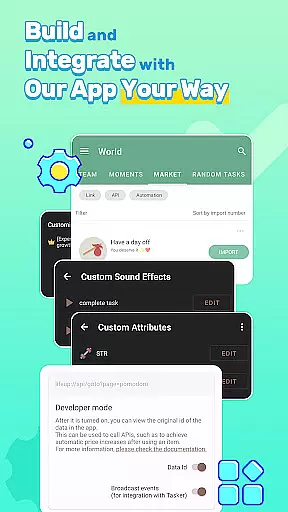
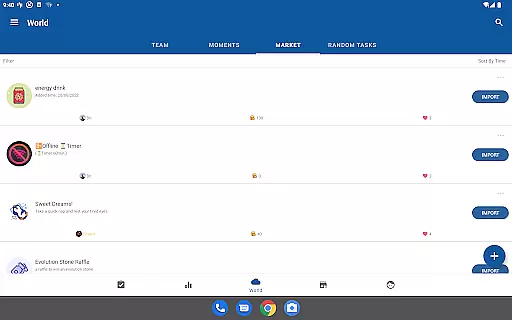
Beyond gamification, the app includes robust productivity tools. These range from advanced to-do functions with attachments and history tracking to habit-building streaks. The world module connects users through task teams and shared content, creating a supportive community. Regular updates ensure the app continues to offer cutting-edge productivity solutions.
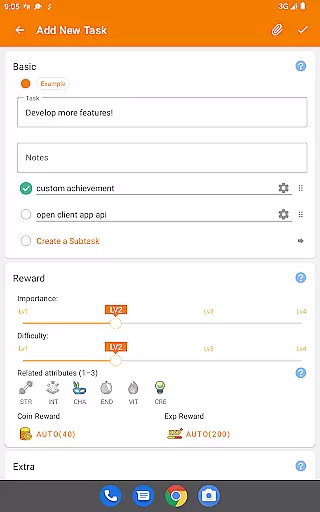
At the heart of LifeUp lies its robust core task management system, designed to transform how users approach productivity. This feature allows individuals to create, organize, and track tasks with remarkable flexibility and precision.
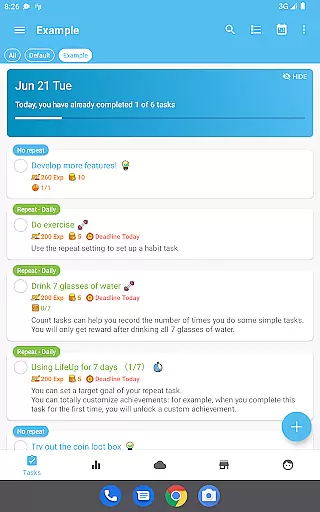
The app supports a comprehensive suite of task management tools including repeats, reminders, notes, deadlines, checklists, attachments, and history tracking. These functionalities ensure that no detail is overlooked and every task can be customized to fit the user's specific needs.
Users benefit from an unparalleled ability to tailor their productivity experience. Whether it's setting up complex recurring tasks or attaching important documents, LifeUp empowers users to manage their responsibilities efficiently and effectively.
This level of control and customization not only enhances productivity but also provides peace of mind, knowing that all aspects of task management are covered within a single, intuitive interface.
LifeUp excels in providing reliable cross-device synchronization, ensuring that users can seamlessly access their productivity data across multiple devices. This functionality is crucial for maintaining continuity and consistency in task management.
The app offers optional synchronization via Google Drive, Dropbox, or WebDAV, allowing users to choose their preferred method of data backup and retrieval. This flexibility ensures that personal information remains secure while being easily accessible when needed.
By prioritizing offline-first operations, LifeUp guarantees that users can continue managing their tasks even without an internet connection. Once connectivity is restored, changes are automatically synced, preserving data integrity and availability.
This reliable synchronization capability means users never miss a beat, whether they're switching between devices at home, in the office, or on the go, thereby enhancing overall productivity and convenience.
User-driven customization
Comprehensive productivity tools
Offline functionality with sync options
Regular feature updates
Active user community
Steep learning curve
Initial setup time
Premium price point
Limited pre-set content
Feature overload possible

QuickBooks Workforce lets teams view pay info and track time in one place.
 4.70
4.70
Native client for Forgejo and Gitea
5.00
Mega cloud explorer plugin for Solid Explorer
3.80
Direct Chat without saving contacts & Dual WA Account on Single Device
4.70
A lightweight JSON & XML files creator, editor and viewer (Premium Version)
4.40
A simple, portable logger for POTA, SOTA, Field Day, and more
4.2
CalenGoo is a very flexible and feature-rich calendar app
4.40
Todo reminder
4.10
Font maker keyboard with your own handwriting
4.10
8 custom complications. Custom Time Fonts. Beautiful color schemes. A++ Design.
5.00
Multilingual translator for text, voice, and image translation!
4.90
Scientific calculator for Android - looks and operates like the real thing!
4.90
The long-awaited modern gallery app for your Nextcloud server
4.70
Total remote control for your Android device, PC and cloud services (IFTTT)!
4.20
Professional calendar app for Google Calendar, MS Outlook & Exchange
4.20
All in One PDF Reader: Manage, Read and Edit your Documents
4.20
Wake up & get tasks done! Add alarms & reminders on the Clock Launcher.
4.00
Secure, open-source, SPICE and SSH Remote Desktop for QEMU KVM virtual machines
4.00
Ultimate Virtual AI Character for immersive Roleplay Chat. Perfect Companion
3.90


User Reviews