
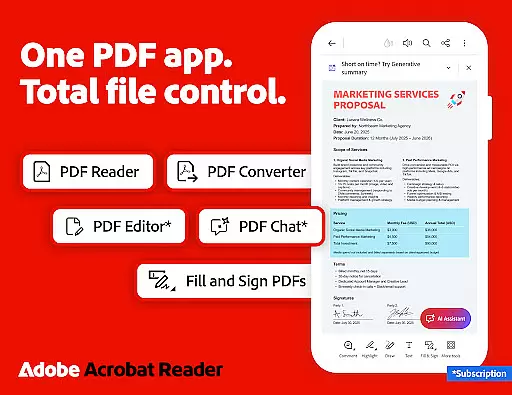
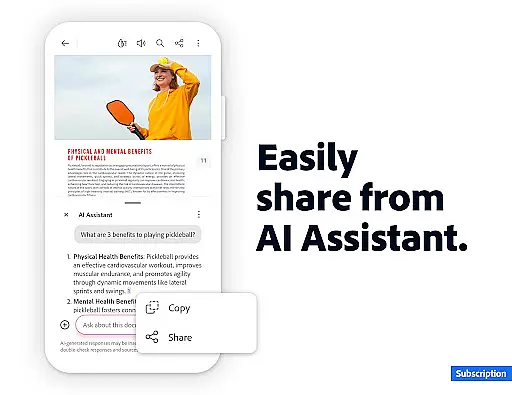
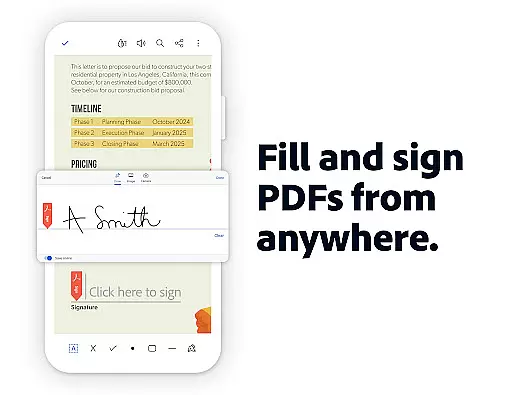
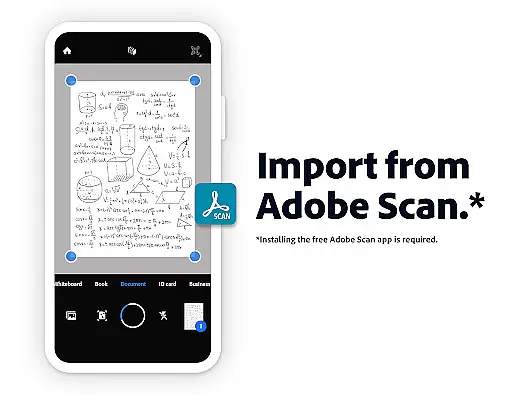
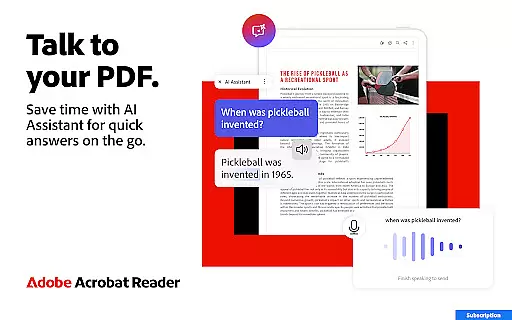
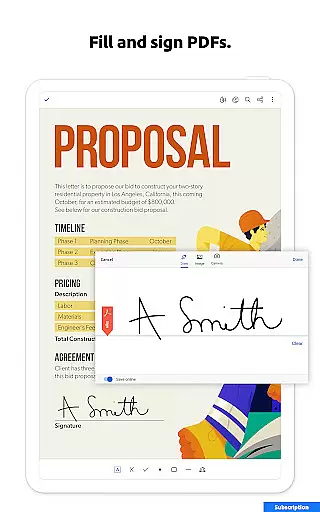
Adobe Acrobat Reader is a comprehensive productivity tool that serves as the world's most trusted PDF reader, editor, and maker. With over 635 million installs, it allows users to view, share, annotate, comment, and sign documents seamlessly in one app. The recent update introduces Adobe Acrobat AI Assistant, which revolutionizes working with PDFs through features like PDF Spaces for collaboration, voice or text prompts for document queries, and instant summaries using Generative AI.
This application is particularly useful for professionals who need to manage multiple files, generate quick summaries, or collaborate on documents. Its ability to integrate with cloud storage services and provide advanced editing tools makes it an indispensable solution for enhancing document workflows across various industries.
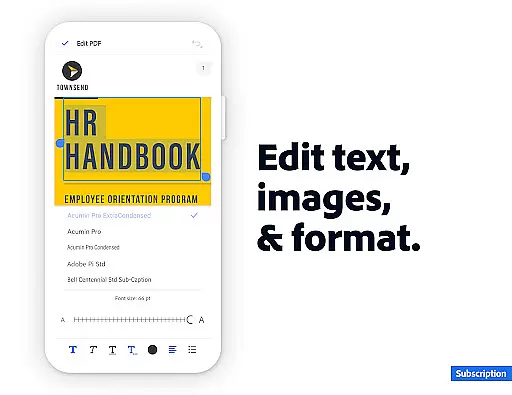
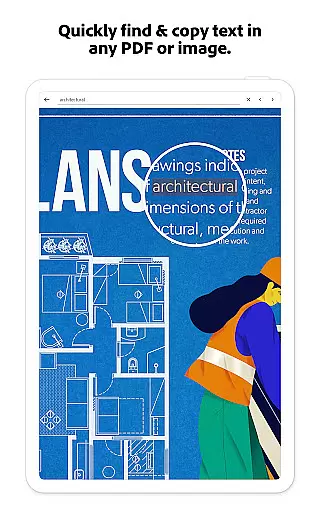
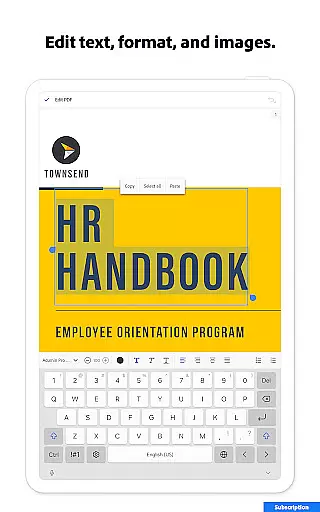
Adobe Acrobat Reader offers an impressive array of features designed to maximize productivity. The app includes a powerful PDF editor that allows users to edit text and images directly within their PDFs, fix typos, add paragraphs, and manipulate images with ease. Advanced functionalities such as Optical Character Recognition (OCR) enable users to convert scanned PDFs into searchable and editable text.
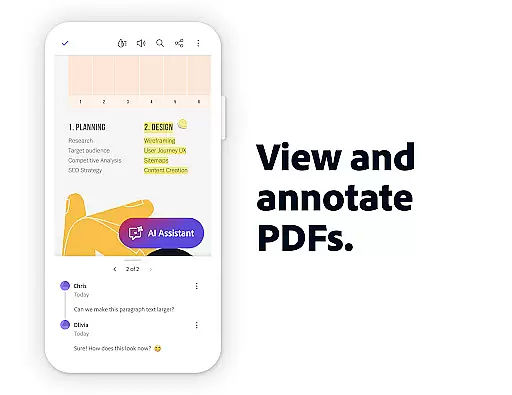
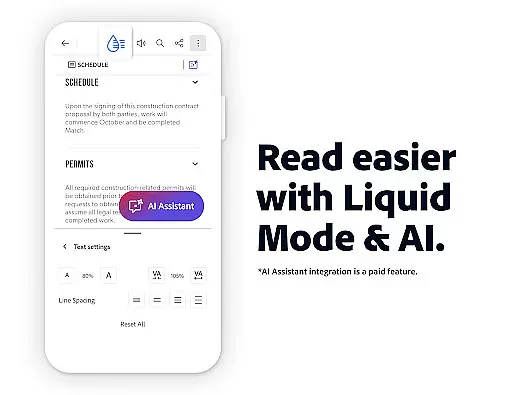
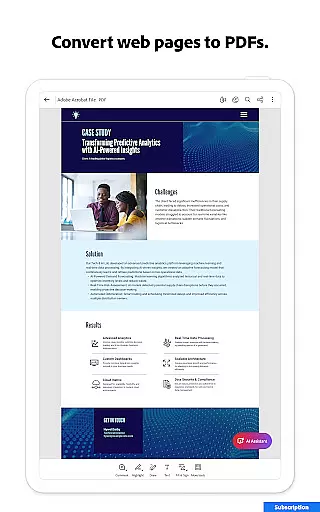
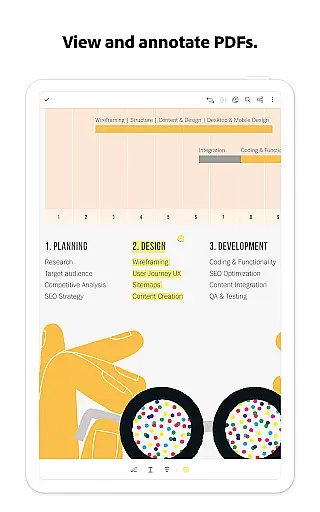
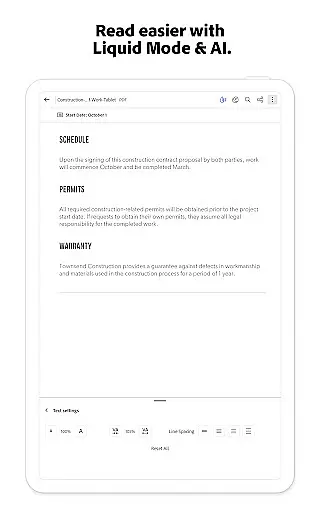
Additional capabilities include merging and organizing PDFs, creating and converting PDFs from various file types, compressing files for easier sharing, and password protection for enhanced security. Users can also benefit from the Liquid Mode for optimal PDF viewing, annotation tools, and integration with cloud storage services like Google Drive, Dropbox, and Microsoft OneDrive.
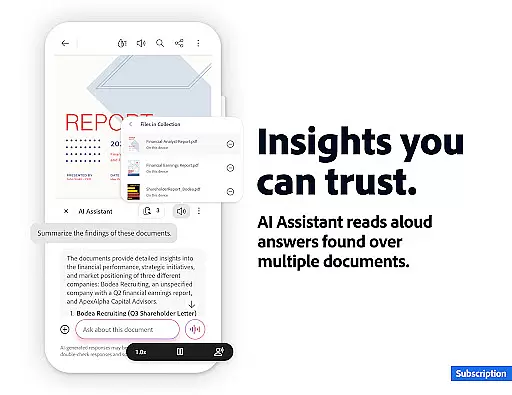
The newly introduced Adobe Acrobat AI Assistant enhances these features by providing cited answers about document details, including charts and graphs, and offering voice support for hands-free operation. These innovations ensure users can efficiently handle complex document tasks while maintaining high-quality standards.
Adobe Acrobat Reader excels in core task management by offering a comprehensive suite of tools designed to handle PDFs efficiently. The app allows users to edit text and images directly within PDFs, fix typos, add paragraphs, and manage images with ease.
One standout feature is the ability to merge, organize, split, or combine multiple files into one PDF using the PDF converter. This functionality streamlines document management, making it simpler to manipulate various pages within a file, including inserting, deleting, rotating, cropping, and reordering pages.
Additionally, the app provides advanced capabilities such as Optical Character Recognition (OCR), which transforms scanned PDFs into searchable and editable text. This feature significantly enhances productivity by enabling users to convert documents into different formats like Microsoft Word, Excel, PowerPoint, or image files.
By integrating these robust task management features, Adobe Acrobat Reader ensures that users can efficiently handle their PDF tasks, from basic edits to complex file manipulations, all within a single, intuitive interface.
Cross-device synchronization is a critical feature of Adobe Acrobat Reader, ensuring that users can access their documents seamlessly across multiple devices. With reliable cloud integration, users can store files online and read documents anywhere, at any time.
The app supports linking to popular online storage services such as Microsoft OneDrive, Dropbox, and Google Drive. This connectivity allows users to manage and star important files for quick access, ensuring that critical documents are always at their fingertips regardless of the device being used.
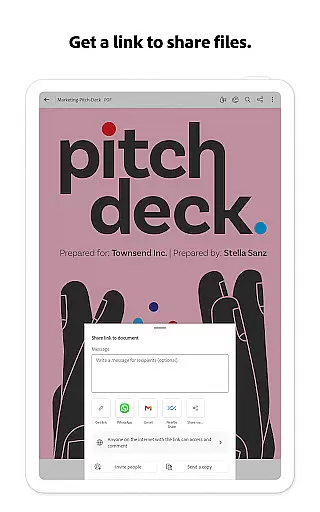
Moreover, Adobe Acrobat Reader offers collaboration features that enhance synchronization reliability. Users can share files for commenting or viewing, tag others with @mentions, and receive activity notifications for shared files. These features ensure that team members stay updated on document changes and feedback.
Overall, Adobe Acrobat Reader's cross-device synchronization not only boosts productivity but also fosters a collaborative environment where document management is both efficient and reliable across all user devices.
Trusted PDF solution
Advanced AI features
Comprehensive editing tools
Cloud integration
Collaboration capabilities
Paid AI features
Complex interface
Large app size
Limited free OCR
Subscription required

Secure, fast, open-source, VNC and SSH Remote Desktop for Windows, Linux and Mac
 4.70
4.70
A customizable calendar for your Wear OS watch
4.20
When you Focus, so will your Bean in this cozy focus timer
4.30
The long-awaited modern gallery app for your Nextcloud server
4.70
Easily read and manage all your PDF files
4.10
Activate Two Factor Authentication (2FA or Multi OTP), Password manager and more
4.10
Tally and goal counter for Wear OS & mobile
4.50
Access your phone's notifications, calls, apps, photos & texts on your PC
3.90
Share files & memories safely. Keep your photos and videos secure.
4.40
We're working to become the best machining app on the market! www.cncdirt.com
4.80
Direct Chat without saving contacts & Dual WA Account on Single Device
4.70
The Pro Version of Android's tiniest Notepad app. Just 0.3MB but feature-packed!
4.60
A lightweight JSON & XML files creator, editor and viewer (Premium Version)
4.40
A Pixel Art watchface inspired by other iconic 90s designs for Wear OS devices!
4.40
Automates browsing any website and notifies you of important changes or events
4.30 4.20
4.20
Device's storage information in a simple and clear graphical form (infographics)
4.10
The ultimate file manager for rooted devices. The original and still the best.
4.00
Ads Free App! Editor, Hide File, Copy, Move, Delete and Rename.. all facility av
1.70


User Reviews