
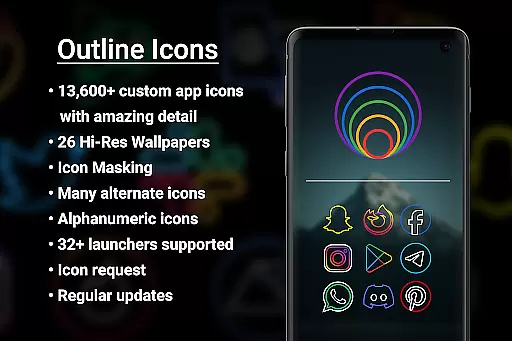

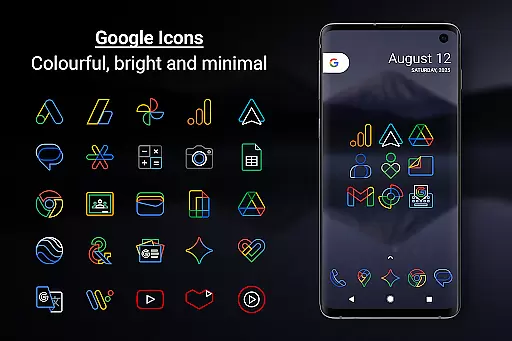
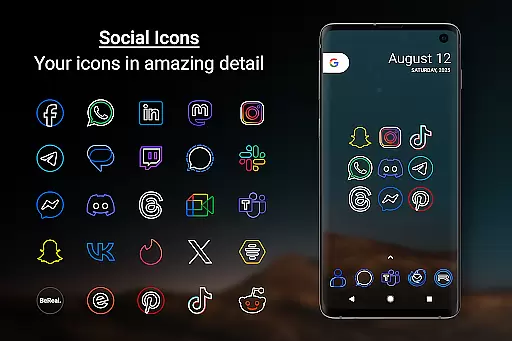
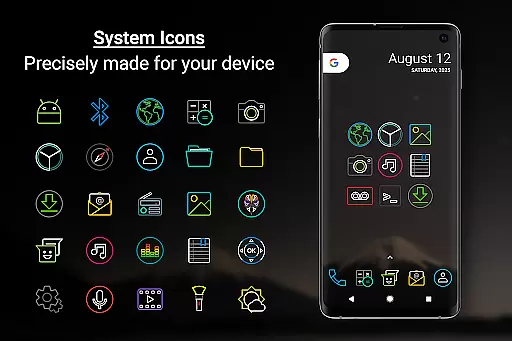
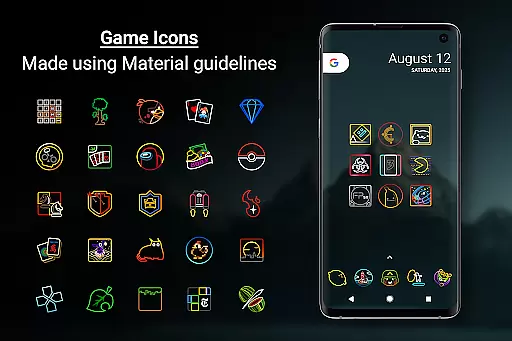
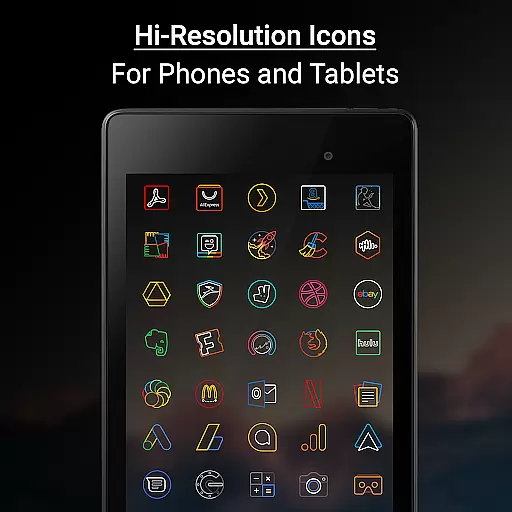

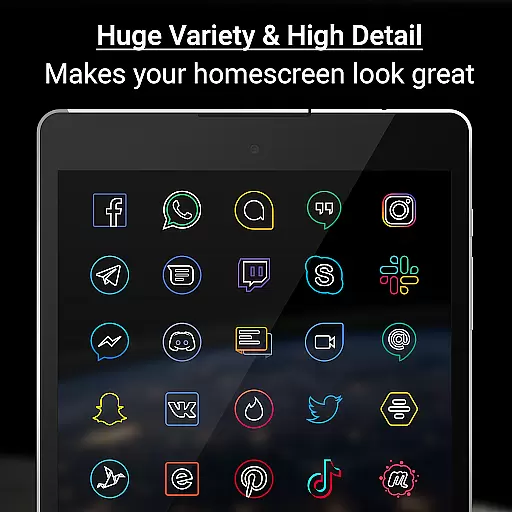
Outline Icons is a premium icon pack that transforms your device's home screen with a unique outline design. Featuring over 13,600 handcrafted HD icons in bright colors and precise details, these icons meet material design standards and work seamlessly on both phones and tablets. The pack includes 26 high-resolution wallpapers that complement the minimalistic style of the icons.
This icon pack supports 32+ launchers and offers additional features like icon masking for unthemed icons, dynamic calendar support, and category folders in various colors. Whether you're using Nova Launcher, Samsung devices, or other supported launchers, Outline Icons ensures your home screen stands out with its clean, colorful, and minimal iconography.
Outline Icons offers an impressive range of features that make it a top choice for personalizing your device. With over 13,600 handcrafted HD icons, each meticulously designed at 192x192 pixels (xxxhdpi), users can enjoy sharp and detailed icons on any screen size. The inclusion of alternate color system icons and alphanumeric icons in 10 colors provides further customization options.
The pack also includes 26 royalty-free high-resolution wallpapers that perfectly match the minimal and subtle style of the icons. Additional features such as icon masking, dynamic calendar support, and regular updates ensure that your device maintains a fresh and cohesive look. Users can also take advantage of the icon request feature to suggest new icons, while premium requests are fulfilled faster.
Outline Icons offers an extensive range of customization options that cater to personal preferences and device aesthetics. With over 13,600 hand-crafted HD icons, users can transform their home screens into a visually cohesive space.
The inclusion of 32+ launcher supports ensures compatibility with a wide array of devices and launchers, providing flexibility in icon application. Users can enjoy features like Icon Masking for unthemed icons, which helps maintain a consistent look across all app icons.
Additionally, the pack includes Alphabet icons in 10 colors and Alternate Colors for system icons, allowing further personalization. These options enable users to tailor their device's appearance to reflect their unique style while ensuring a professional design standard is maintained.
Theme compatibility is a standout feature of Outline Icons, ensuring that these icons work seamlessly with various launchers and devices. Supporting over 32 launchers, including popular ones like Nova Launcher and Samsung's OneUI, this icon pack guarantees a smooth integration process.
For Samsung users, especially those with OneUI 4.0 or newer, the Samsung Theme Park app facilitates the use of Outline Icons without needing an alternative launcher. This compatibility extends the icon packu2019s versatility, making it accessible to a broader audience.
Moreover, high-resolution wallpapers complement the minimal and subtle style of the icons, enhancing the overall visual experience. Whether on phone or tablet, the 192 x 192 pixel dimensions ensure sharpness and detail, offering users a premium thematic consistency regardless of their device type.
Extensive icon library
Vibrant color palette
High-quality design
Regular updates
No ads included
Premium features cost extra
Limited launcher compatibility
Manual application required
Advanced settings needed
Device-specific issues

A retro cartoon style watch face and a punch right in the face of the copyright
 4.60
4.60
Unique Android Launcher
4.60
Ultimate widget creator. Design custom widgets for a truly unique home screen!
3.90
The definitive Icon pack maker and editor
4.30
⭐ OneUI inspired Fluffy Icon Pack – Soft. Stylish. Standout. ⭐
4.2
Nothing Icon pack with more than 3750+ highly crafted icons.
4.70
Organize and manage your photos and videos effortlessly with Photo Gallery
4.20
200+ Material Inspired Widgets
4.50
400+ Beautifully crafted widgets inspired by NOTHING.
4.70
350+ widgets with a premium glass-style finish, perfect for home & lock screens.
4.70
Make your phone look simple & luxury, like iDevice
4.60
Icons made of colorful linear lines
4.60
Launcher OS™ Pro without ads help make your phone simple and pretty
4.30
Unique Fonts, typefaces and stylish text. Fonts for Instagram, Whatsapp & others
4.20
Unleash Your Creativity and Connect with Loved Ones with Lockscreen Drawing!
4.20 4.10
4.10
Your go to Weather App & Home Screen. Get your weather at a swipe of a finger!
3.80
Capture moments that pass like a storm, second by second.
4.5
Custom edge gestures for volume control, brightness, apps, and shortcuts.
4.2


User Reviews