
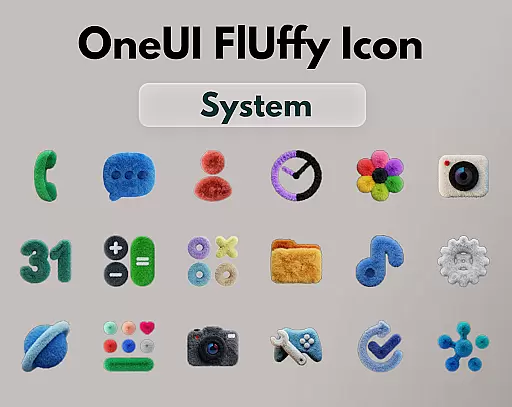
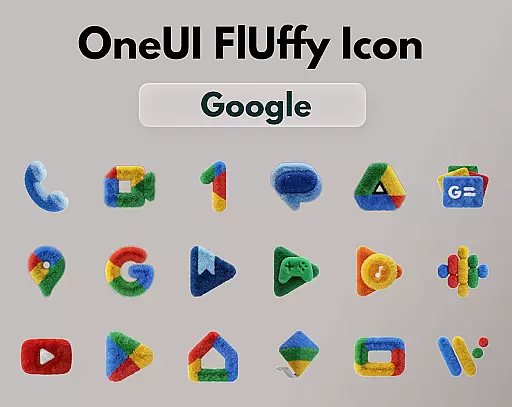
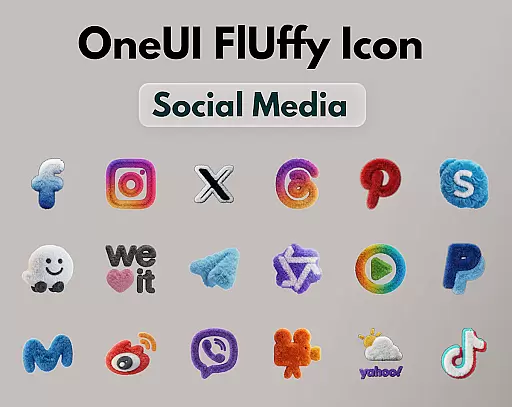
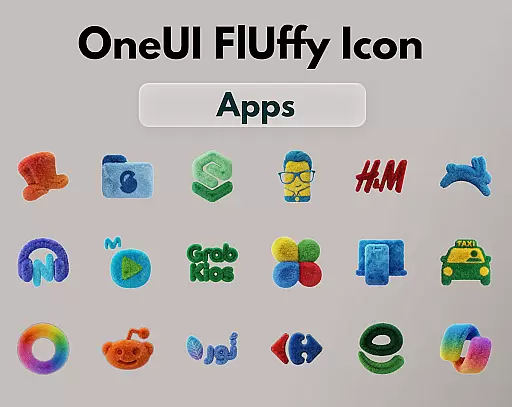
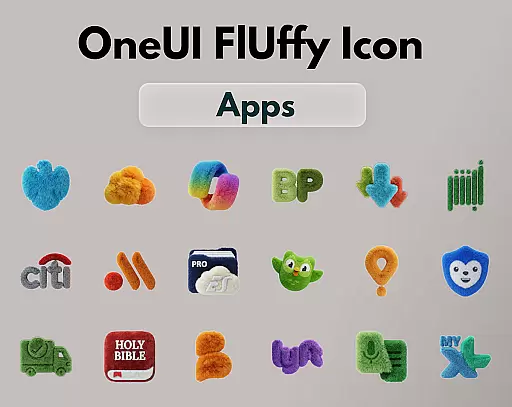
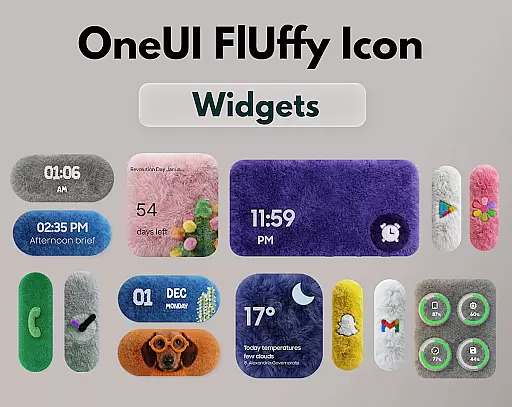
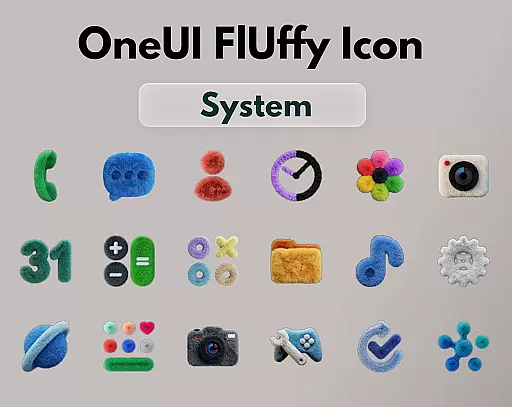
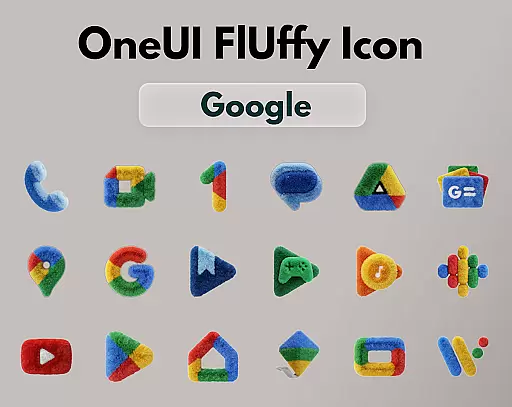
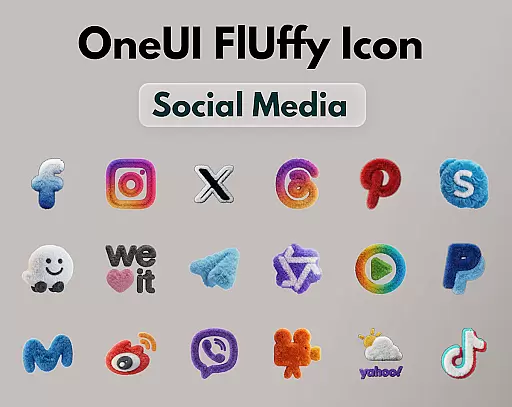
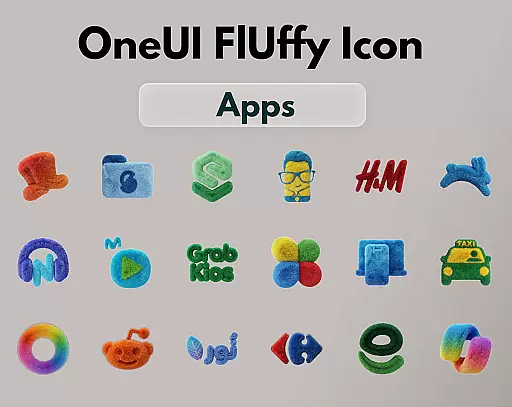
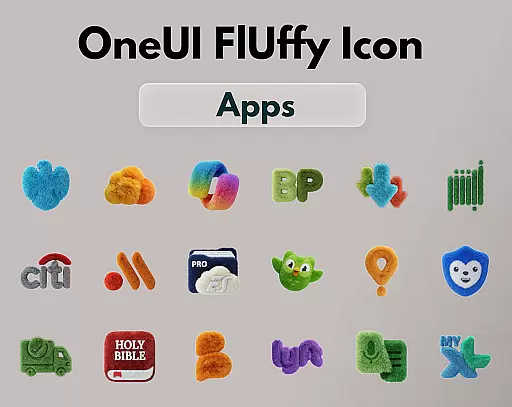
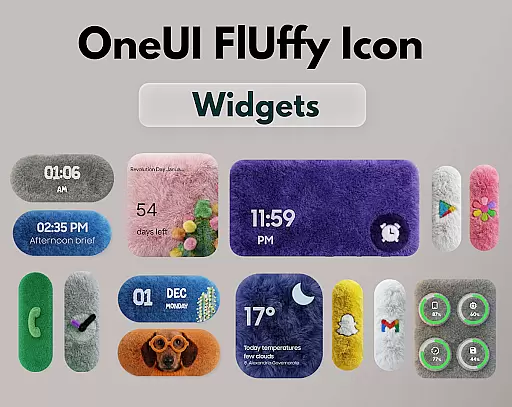
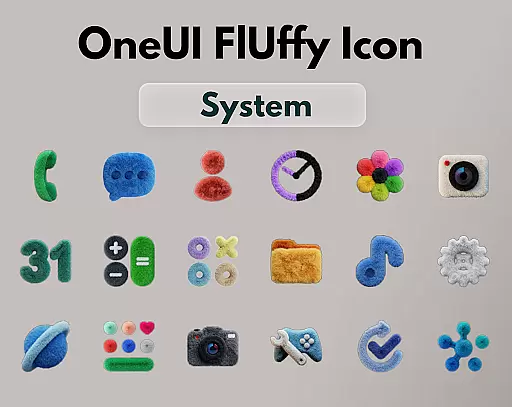
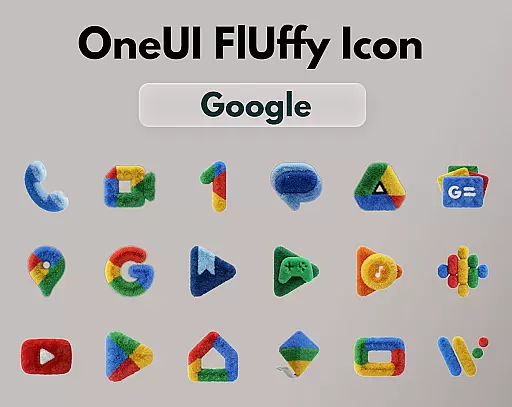
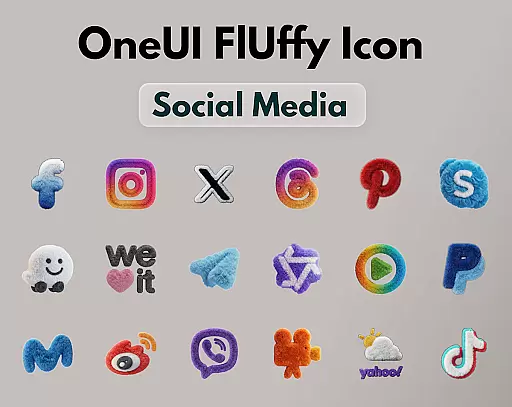
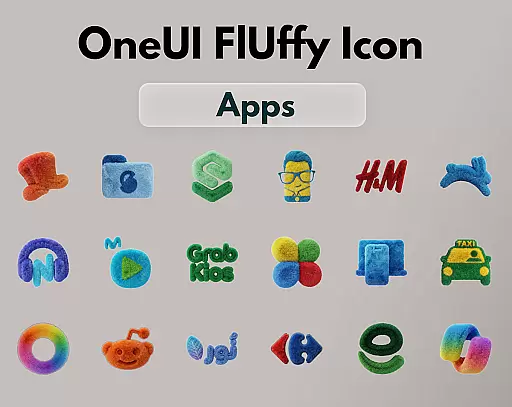
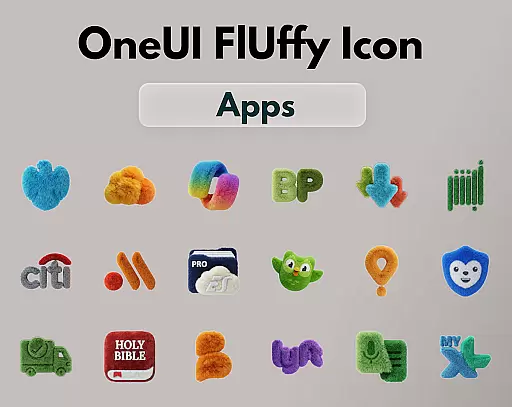
OneUI Fluffy Icon Pack is a premium icon set that gives your home screen a warm and fresh makeover. Inspired by the beloved OneUI style, it introduces a unique fluffy, soft 3D twist to bring icons to life. With over 1185 handcrafted icons, professional widgets, and exclusive wallpapers, this pack offers a complete customization experience.
The ultra-high resolution icons ensure a crisp and clean look while maintaining a friendly and stylish appearance. The pack is regularly updated with new icons and refinements, ensuring compatibility and freshness. Compatible with popular launchers like Nova Launcher, Lawnchair, and more, it allows users to personalize their devices with a comforting and modern aesthetic.
OneUI Fluffy Icon Pack stands out with its meticulously handcrafted fluffy-style icons, designed to blend modern OneUI-inspired shapes with playful textures. Each icon is created with an ultra-high resolution for optimal clarity on any screen.
In addition to the extensive icon collection, the pack includes professionally designed fluffy widgets that perfectly match the overall theme. Users can also access a selection of exclusive wallpapers curated to complement the fluffy style. With open icon requests, the pack evolves based on user needs, ensuring that frequently used apps receive the fluffy treatment.
OneUI Fluffy Icon Pack offers an extensive range of customization options that cater to personal preferences. With over 1185 handcrafted fluffy-style icons, users can give their home screens a unique makeover.
The pack includes professionally designed fluffy widgets that perfectly match the icon theme, ensuring visual consistency across the interface. Additionally, a collection of exclusive wallpapers has been carefully selected to complement the overall fluffy aesthetic.
Users have the opportunity to request specific icons during the limited-time open request period. This feature allows the icon pack to expand based on real user needs, making it adaptable and personalized for each individual's commonly used apps.
Beyond its charming design, OneUI Fluffy Icon Pack ensures broad theme compatibility with many popular launchers. It supports various launchers such as Nova Launcher, Lawnchair, Niagara Launcher, Smart Launcher, and Hyperion Launcher, among others.
This compatibility means that regardless of the launcher you prefer, you can integrate the soft and tactile icons seamlessly into your system. The pack is also compatible with OneUI Home through third-party tools, offering even more flexibility.
Future updates are planned to refine the pack further and add more icons, ensuring lasting compatibility and continued freshness for users who value a harmonious and stylish home screen setup.
Unique fluffy design
High-resolution icons
Regular updates
Wide launcher support
Customizable experience
Limited initial icons
Third-party tool required
No live icon support
Premium price tag
Launcher compatibility issues

Stunningly Different look with Line Icons and Neon Colors
 4.60
4.60
Capture moments that pass like a storm, second by second.
4.2
Only for Wear OS devices!
4.90
Glass style colourful icons with a One UI look and feel
4.60
Customizable flower power digital watch face for Wear OS watches.
4.00
Wear Os Watch Face - Seasonal - Animated Snow Effect - 9 Animals
4.20
Gun Chase - Let the chase begin.
4.80
Turn your lock screen into fun with smile live wallpapers & animated wallpapers!
2.50
Nothing Icon pack with more than 3750+ highly crafted icons.
4.70
100+ Stylish Fonts, Emojis, Symbols keyboard for Instagram & TikTok!
4.80
Personalize your phone with stunning HD and 4K wallpapers!
4.70
Over 28,000 high quality icons to bring color & homogeneity to your phone.
4.60
Icons made of colorful linear lines
4.60
Handcrafted pixel art icons, widgets & wallpapers
4.60
Turn text & photos into stunning AI videos, art, and creative visual stories.
4.50
Transform your device in a game console
4.40
App Icon Changer & Shortcut Creator. Customize your icons without any watermarks
4.30
Emoji Maker app - Design custom emojis and effortlessly blend them with Mixer
3.80
HappyLighting is a Bluetooth lamp control software.
3.40


User Reviews