
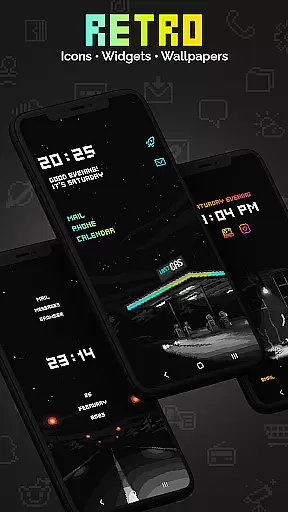
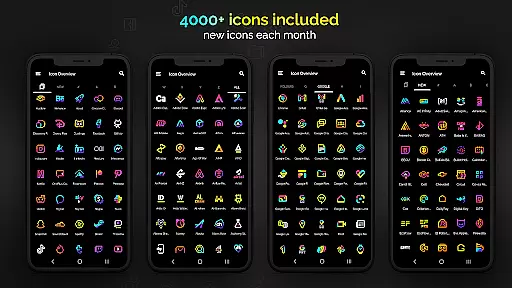
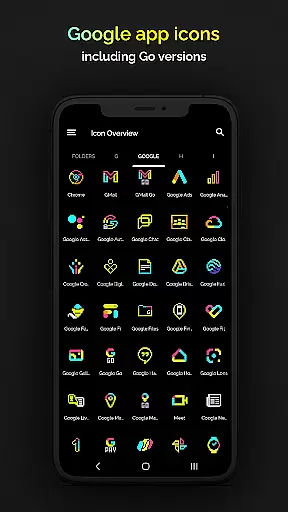
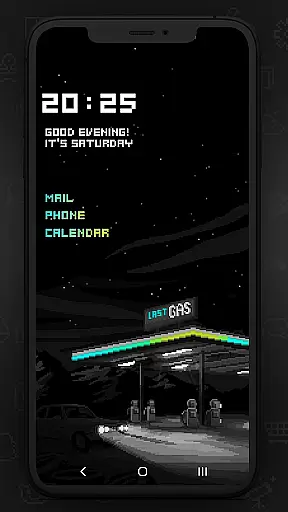
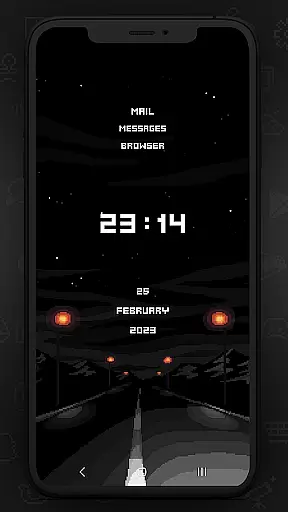
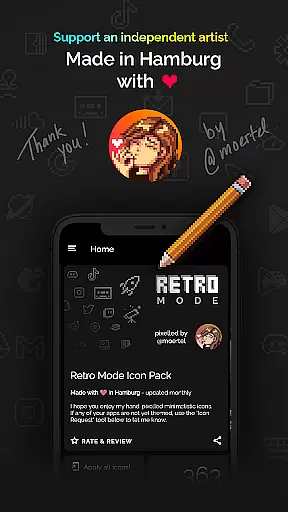
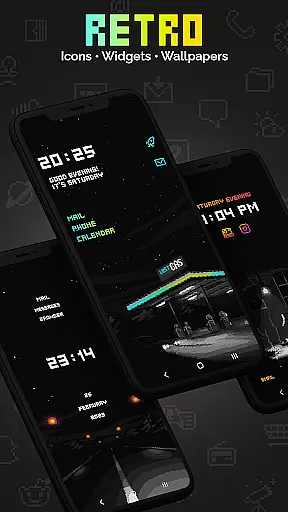
Retro Mode - Icon Pack (Neon) is a premium pixel art icon pack meticulously crafted by pixel artist Moertel. This Hamburg-made icon pack offers the most complete collection of pixel art icons on the Play Store, updated monthly to ensure users have access to the latest designs. With its vibrant neon colors and nostalgic 90s aesthetic, it transforms your smartphone into a digital time capsule.
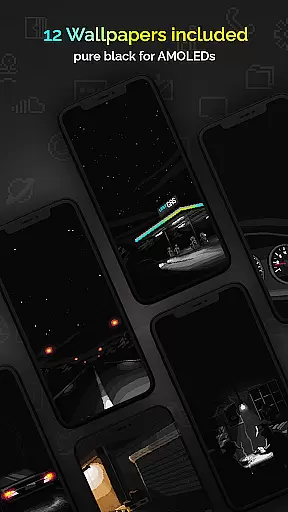
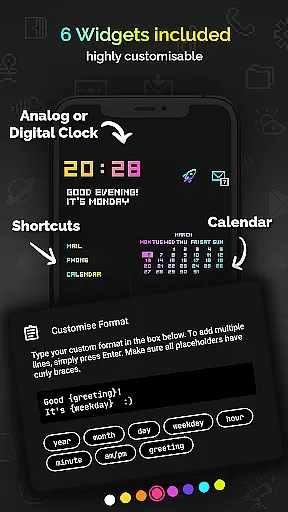
The pack includes over 4050 unique pixel-perfect icons, 12 wallpapers, and 6 customizable widgets that support various functionalities like digital clocks, analog clocks, date displays, greetings, calendar views, and text shortcuts. Compatible with more than 20 launchers, this icon pack caters to a wide range of devices and user preferences. Whether you're looking to relive the past or simply appreciate pixel art, Retro Mode delivers both style and functionality.
This icon pack stands out through its comprehensive feature set tailored for customization enthusiasts. The core offering includes 4050 handcrafted pixel art icons designed on a tiny 20x20 pixel canvas, ensuring crisp visuals even when scaled up. Each icon is created without shadows or outlines, maintaining a clean and consistent look across all applications.
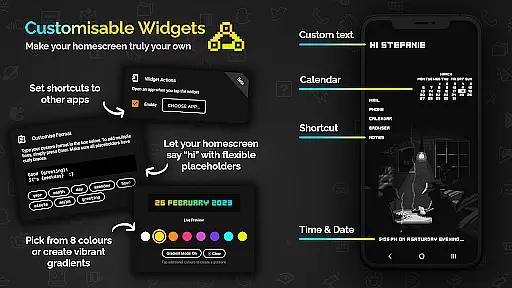
Beyond icons, Retro Mode provides 12 high-quality wallpapers and 6 versatile widgets. These widgets allow users to display dynamic content such as time, date, and personalized messages in configurable colors and gradients. Users can choose from 8 widget color options and combine them into gradients, while placeholders enable real-time updates for day, month, year, hour, minute, AM/PM, greeting, and weekday information.
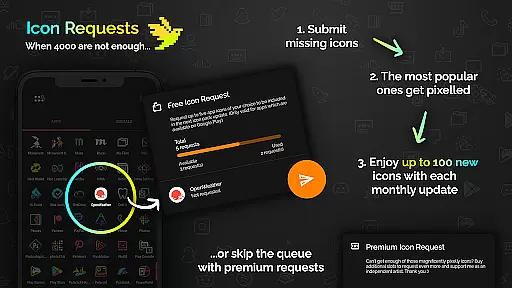
Compatibility is another key strength, supporting over 20 launchers including popular choices like Nova, Action, ADW, and Lawnchair. Monthly updates introduce new icons and features based on user requests, ensuring the pack remains fresh and relevant. Additionally, users can request up to five free custom icons per month, with premium options available for additional requests.
Retro Mode - Icon Pack (Neon) offers an extensive range of customization options, ensuring users can tailor their smartphone experience to their unique preferences. With over 4050 pixel-perfect icons included, the pack covers a vast array of popular apps, while also providing 5 free icon requests per user. This allows for personal touches and ensures that even less common apps can receive the retro treatment.
In addition to the rich icon library, the pack includes 12 vibrant wallpapers and 6 versatile widgets, ranging from digital and analog clocks to date displays and personalized text shortcuts. Users can choose from 8 different widget colors or combine them into gradients, offering further customization possibilities. The ability to configure text in widgets with up to 500 characters adds another layer of personalization, making each user's home screen not only visually striking but also uniquely functional.
Supporting over 20 launchers, this icon pack is compatible with a wide variety of devices and operating systems. Whether you're using Nova, Action, or Samsung's OneUI 4.0 with Theme Park, Retro Mode seamlessly integrates, allowing users to enjoy its nostalgic aesthetic across platforms. Monthly updates ensure that the collection remains fresh and relevant, continuously expanding its compatibility and appeal.
The theme compatibility of Retro Mode - Icon Pack (Neon) stands out as one of its key features, designed to work harmoniously across multiple platforms and devices. Created by pixel artist Moertel, this pack supports over 20 different launchers including popular choices like Nova, ADW, and Go EX. Such broad compatibility ensures that regardless of your device or launcher preference, you can apply these crisp pixel art designs without compromise.
For users on specific systems such as Samsung's OneUI 4.0, the inclusion of the Theme Park app facilitates easy application of the icon pack directly through Samsungu2019s native interface. Meanwhile, Google Pixel, Motorola, and Xiaomi users are encouraged to switch to supported launchers like Nova to fully utilize the pack's capabilities. This adaptability highlights the pack's commitment to accessibility and user convenience.
Moreover, the pack's design philosophy emphasizes visual consistency without shadows or outlines, maintaining a clean and uniform appearance throughout all icons and widgets. Updated monthly with new icons and features, Retro Mode guarantees sustained relevance and compatibility. By focusing on both breadth of support and aesthetic coherence, it delivers a cohesive theming experience that enhances any device's interface with its distinctive neon-colored pixel art style.
Extensive icon library
Vibrant neon design
Monthly updates
Customizable widgets
Wide launcher support
Limited stock launcher support
Additional icon requests cost extra
No shadow effects
Requires third-party launchers
Some features need newer Android versions

A light in the dark, a unique style and an andless cutomization!
 4.30
4.30
A launcher for Samsung Good Lock and Good Guardians modules without ads
4.70
More than 3000+ themes and 9000+ wallpapers for everybody!
4.10 3.50
3.50
Color phone with cool effects for call screen, flash alert & ringtones music
4.50
Customize your home screen with stunning themes, blur, widgets & icons.
4.60
Unleash Your Creativity and Connect with Loved Ones with Lockscreen Drawing!
4.20
Your go to Weather App & Home Screen. Get your weather at a swipe of a finger!
3.80
Customize phone with anime themes, 3D icons, aesthetic widgets & wallpapers
4.80
400+ Beautifully crafted widgets inspired by NOTHING.
4.70
Shimeji adds cute animated characters to your screen, lively and fun.
4.70
Stunningly Different look with Line Icons and Neon Colors
4.60
Add cute Shimeji pets to screen, interact with them and relax with cute motions
4.60
Turn text & photos into stunning AI videos, art, and creative visual stories.
4.50 4.50
4.50
Transform your device in a game console
4.40
Create unique, fun emojis with Funny Emoji Maker! Unlimited creativity!
4.00
Interactive Miniature Painting Catalogue
3.30
Modern Glass Icon Pack with glossy icons, clean minimal theme & aesthetic style
4.0


User Reviews