
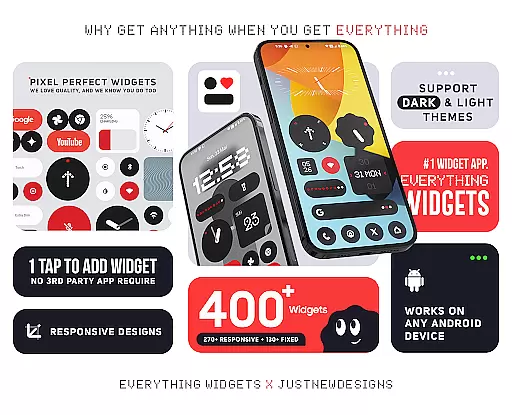
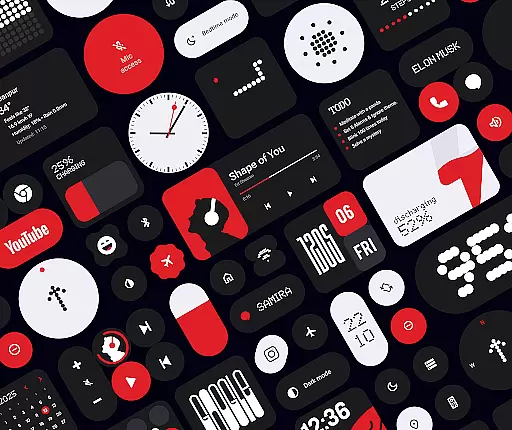
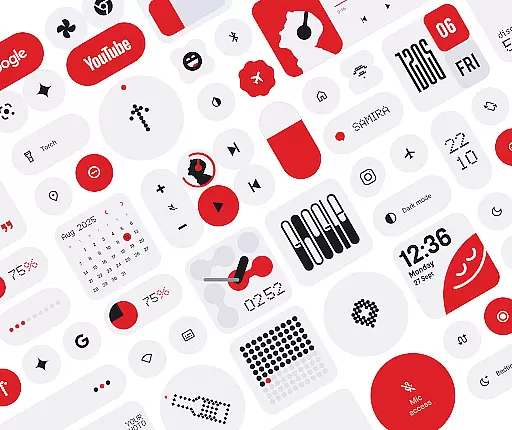
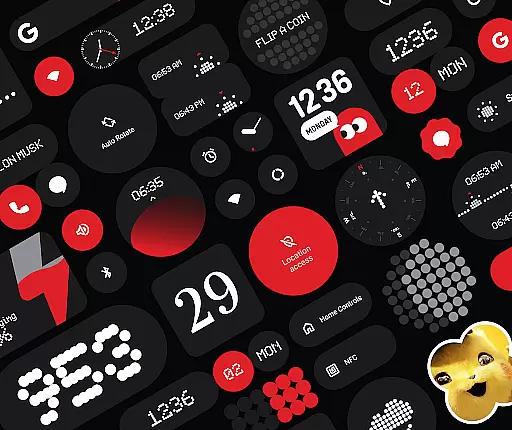
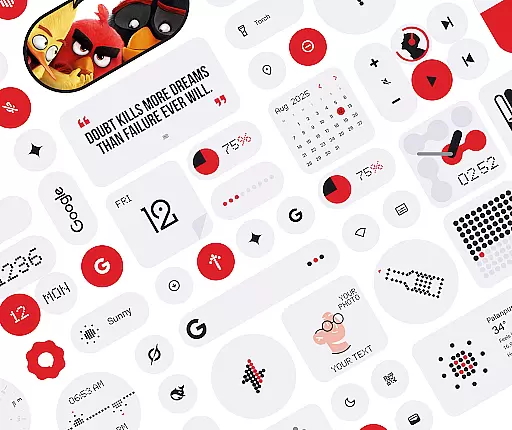
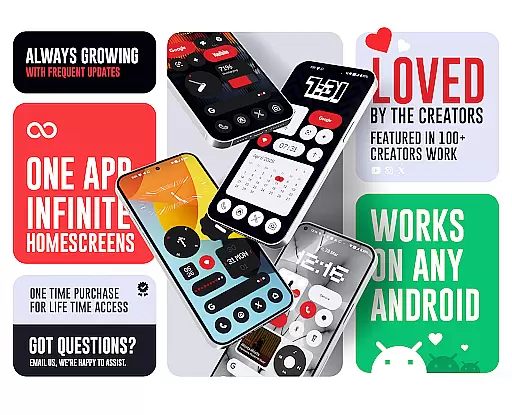
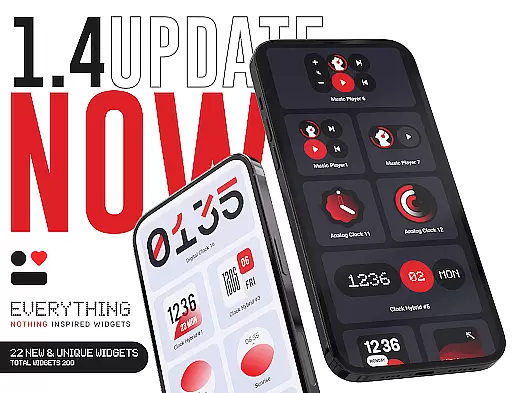
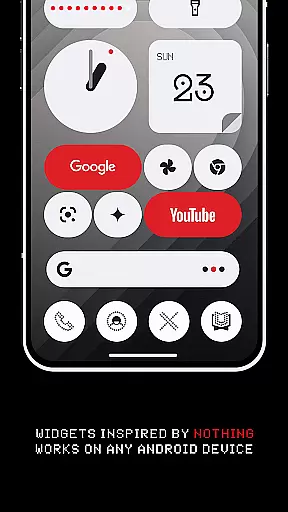
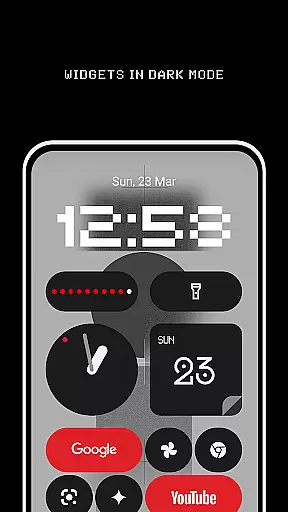
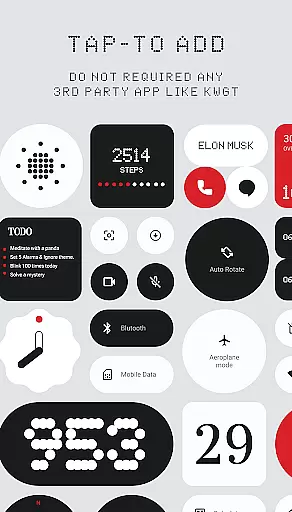
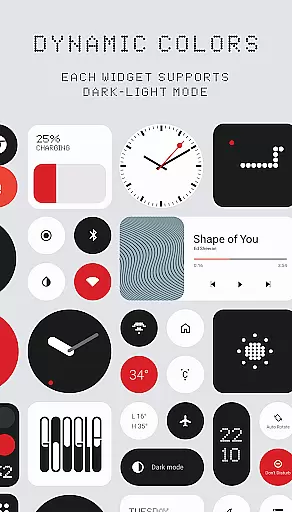
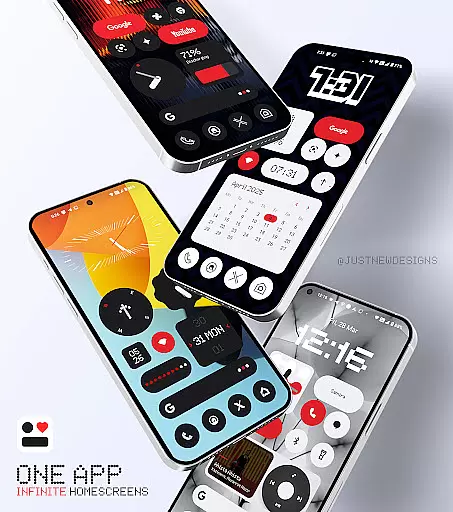
Everything Widgets is a comprehensive widget pack designed to enhance your Android home screen with over 400 beautifully crafted widgets. Inspired by the Nothing OS aesthetic, it offers a wide range of functional and stylish widgets that work natively without requiring additional apps.
The app provides various widget categories including Clock & Calendar, Battery, Weather, Quick Settings, and more. These widgets are not only visually appealing but also fully resizable, allowing users to customize their home screens precisely. With added features like matching wallpapers and regular updates, Everything Widgets ensures a personalized and dynamic mobile experience.
Everything Widgets stands out with its extensive collection of over 400 native widgets, eliminating the need for third-party apps like KWGT. The widgets cover essential functions such as clock, weather, battery monitoring, and quick settings, alongside creative options like game widgets and quote displays.
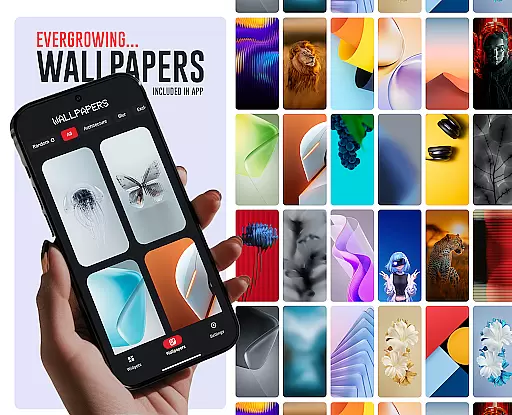
Each widget is designed with a minimalist and modern aesthetic, ensuring they complement the overall look of your home screen. The app also includes 100+ matching wallpapers, providing a cohesive design experience. Regular updates and a focus on quality ensure that users receive only the most useful and innovative widgets, making Everything Widgets a top choice for personalization enthusiasts.
Everything Widgets offers an extensive range of customization options, ensuring that users can tailor their home screens to reflect their personal style and needs. With over 400 beautifully designed widgets inspired by the Nothing OS aesthetic, this app provides a diverse selection that caters to various preferences.
The app includes clock and calendar widgets, battery indicators, weather forecasts, quick settings toggles, contact shortcuts, photo frames, Google app integrations, utility tools, productivity enhancers, pedometer displays, inspirational quotes, and even game widgets. Each widget is crafted not only for functionality but also with elegance in mind, allowing users to create a home screen that's both unique and practical.
Users benefit from the ability to resize most widgets, adjusting them from small to large sizes for a perfect fit on any device's home screen. This flexibility ensures that whether you have a compact phone or a spacious tablet display, your widgets will look just right. The inclusion of matching wallpapers further enhances the customization experience, providing exclusive designs that complement the widgets perfectly.
Theme compatibility is at the heart of Everything Widgets' design philosophy. The app seamlessly integrates with Android devices without requiring additional apps like KWGT or third-party support. Users can tap to add widgets directly onto their home screens, experiencing native performance while enjoying themes that align with their deviceu2019s existing aesthetics.
This native integration means smoother operation and less clutter on your device since no extra apps are needed to manage the widgets. It simplifies the process of customizing your home screen significantlyu2014just select a widget, tap to add it, and instantly see your personalized setup come to life.
By focusing on quality over quantity, Everything Widgets ensures each widget complements popular themes across different devices. Whether you prefer minimalist designs or vibrant interfaces, these widgets adapt effortlessly, maintaining visual consistency throughout your digital environment. Such attention to detail guarantees an intuitive user interface where every element feels cohesive and purposeful.
User-friendly interface
Wide variety of widgets
Fully resizable options
Regular updates
Matching wallpapers
Limited to Android
No iOS support
Some widgets basic
Occasional bugs
Premium feel

A Colorful and Minimal icon pack in an Outline Style - Over 13,600 icons!
 4.70
4.70
Glass style colourful icons with a One UI look and feel
4.60
Fingerprint Lock Screen & Live Animations with 4K Wallpapers as Live Wallpaper
4.40
Themes - Widget & Wallpaper: Customize home screen, icon changer w unique themes
4.30
Turn text & photos into stunning AI videos, art, and creative visual stories.
4.50
Adaptive Dot Style IconPack with Light & Dark Theme.
3.70
HappyLighting is a Bluetooth lamp control software.
3.40
Unleash Your Creativity and Connect with Loved Ones with Lockscreen Drawing!
4.20
Transform your device in a game console
4.40
Wallpaper HD 4K Live - Thousands of high-quality Anime backgrounds for you.
4.80
Personalize your phone with stunning HD and 4K wallpapers!
4.70
Want to make your phone more special than ever?
4.60
300+ Beautifully crafted widgets inspired by OneUI.
4.60
Beautiful realistic hybrid watch face with numerous customization options.
4.50
The definitive Icon pack maker and editor
4.30
Romantic Kiss Stickers App. Start romantic messaging now!
4.30
Organize and manage your photos and videos effortlessly with Photo Gallery
4.20
More than 3000+ themes and 9000+ wallpapers for everybody!
4.10
Struggling to find apps? Use this app to locate and open any app on your phone!
2.20


User Reviews