
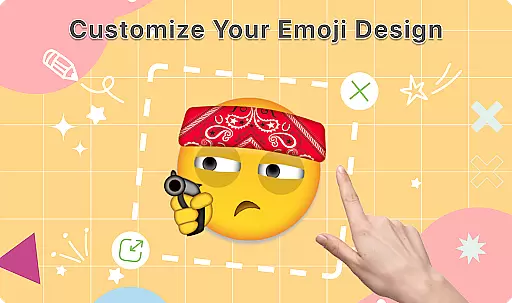
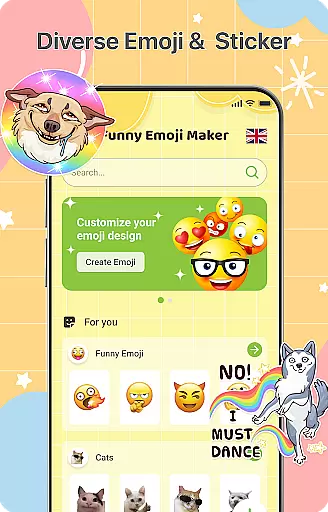
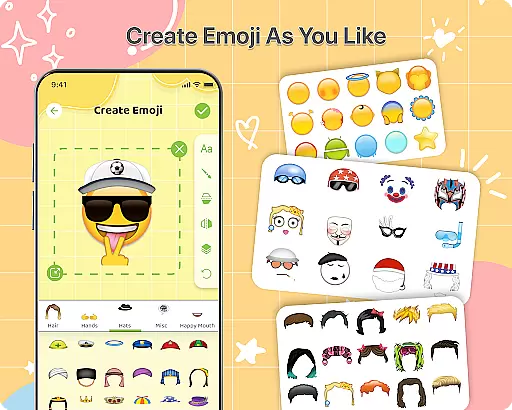
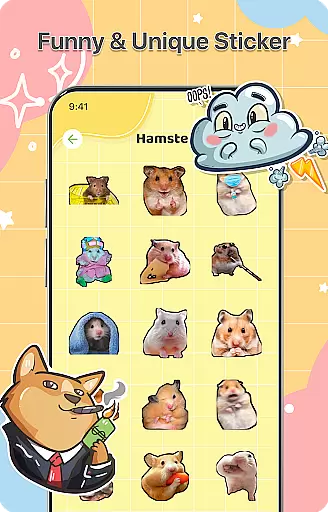
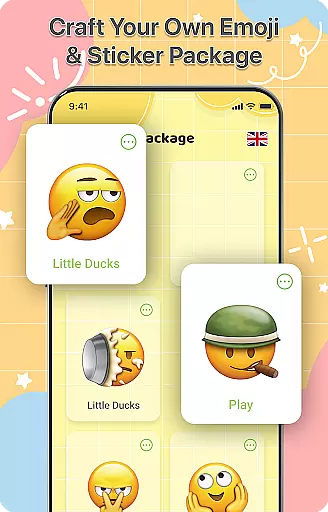
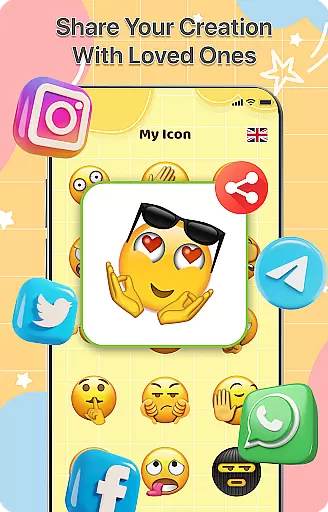
DIY Emoji is a creative personalization app that allows users to design their own unique emojis. With over 500 accessories including eyes, mouths, hats, and glasses, the app provides endless customization possibilities. Users can draw details, add text with various fonts, and layer elements to create perfect emoji designs.
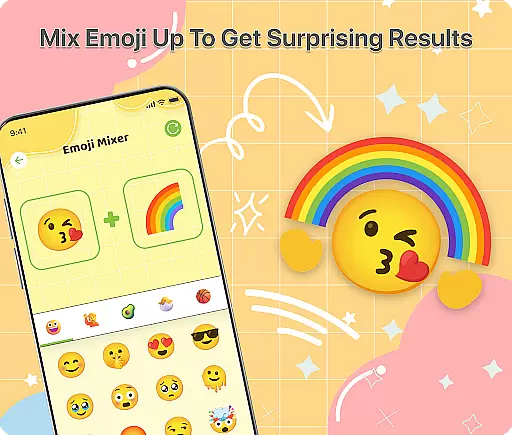
The app also features an innovative Emoji Mixer that lets users combine any two emojis for unique effects. The built-in Emoji Library helps manage and store all custom creations, while frequent updates ensure a growing collection of accessories. Whether you want to express yourself in chats or simply enjoy creative fun, DIY Emoji offers a complete solution for personalized emoticons.
DIY Emoji stands out with its comprehensive set of features designed for maximum creativity. The Emoji Maker tool provides precise control over every detail, allowing users to flip elements, use drawing tools, and experiment with different fonts and colors. This level of customization ensures each emoji is truly unique.
The Emoji Mixer feature takes creativity to another level by enabling users to blend existing emojis into new combinations. The app's intuitive interface makes it easy to save and share these creations. Additionally, the organized Emoji Library and regular content updates enhance the user experience, making DIY Emoji not just a maker but a complete emoji management system.
DIY Emoji offers an extensive range of customization options, allowing users to express their creativity through personalized emojis. With over 500 accessories including eyes, mouths, hats, and glasses, the possibilities are virtually endless.
The app's intuitive design lets users flip elements for unique effects, draw details with fun tools, and add text with various fonts and colors. This level of customization ensures that each emoji can be tailored to the user's exact preferences.
Layering elements is another powerful feature, enabling perfect emoji designs that stand out in any conversation. The ability to mix any two emojis adds another layer of creativity, making it easy to craft funny and unique combinations.
While DIY Emoji focuses on creating custom emojis, its features ensure seamless integration with various messaging themes and platforms. Users can design emojis that not only reflect their personality but also match different chat environments.
The app maintains compatibility with standard emoji formats, ensuring that your creations will display correctly across different devices and platforms. This universal compatibility makes it easy to share your custom emojis with friends and family.
Additionally, the app's frequent updates and new content additions keep your emoji library fresh and relevant. The dedicated emoji library feature allows for efficient management and quick access to all your creations, regardless of the messaging platform you use.
User-friendly interface
Extensive customization options
Regular content updates
Innovative mixing feature
Easy sharing functionality
Limited advanced tools
Occasional performance issues
Some features require purchase
Learning curve for beginners
Interface can feel cluttered

Over 28,000 high quality icons to bring color & homogeneity to your phone.
 4.60
4.60
Ultimate widget creator. Design custom widgets for a truly unique home screen!
3.90
The definitive Icon pack maker and editor
4.30
100+ Stylish Fonts, Emojis, Symbols keyboard for Instagram & TikTok!
4.80 4.50
4.50
300+ widgets inspired by Material You and Material 3 expressive design.
4.60
200+ Material Inspired Widgets
4.50
Transform your device in a game console
4.40
set a new experience for the Android mobile phone
4.20
Gun Chase - Let the chase begin.
4.80
Glass style colourful icons with a One UI look and feel
4.60
Choose your keyboard with RGB colors effect, themes, fonts, emojis.
4.60
300+ Beautifully crafted widgets inspired by OneUI.
4.60
Ninja Turtles Cowabunga SE watch face for Wear OS
4.50
Customizable screen pets that play, climb, and keep you company.
4.50
Adult video chat, dating, making friends, random matching
4.20
Run multiple accounts of the same app on a single device
4.10
Adaptive Dot Style IconPack with Light & Dark Theme.
3.70
Modern Glass Icon Pack with glossy icons, clean minimal theme & aesthetic style
4.3


User Reviews