
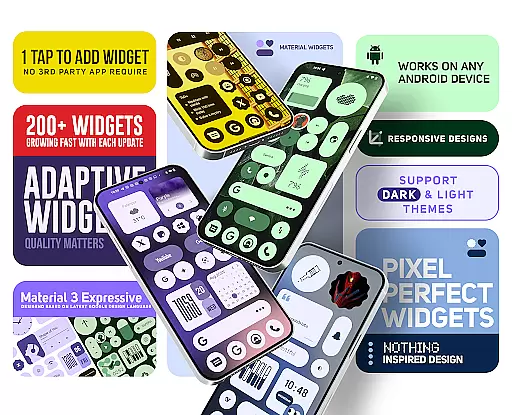
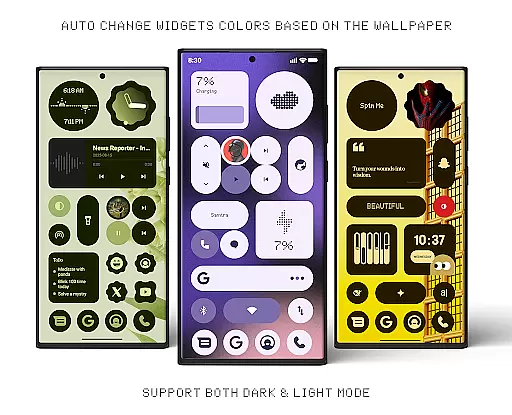
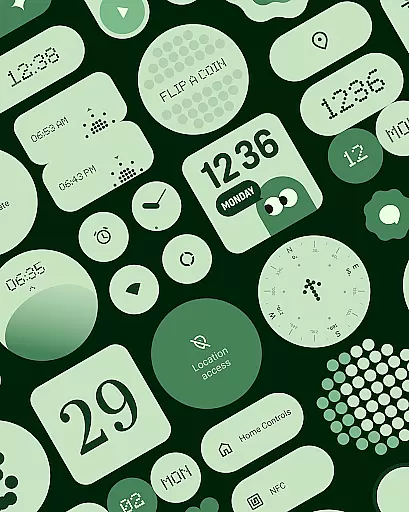
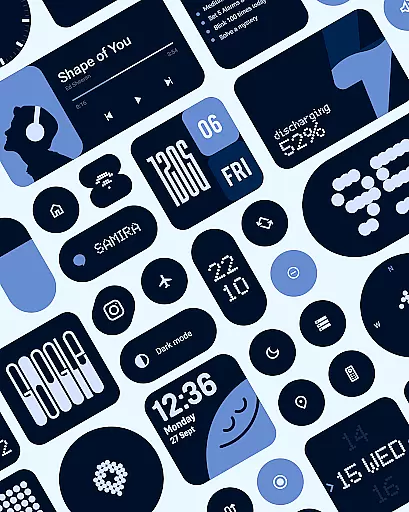
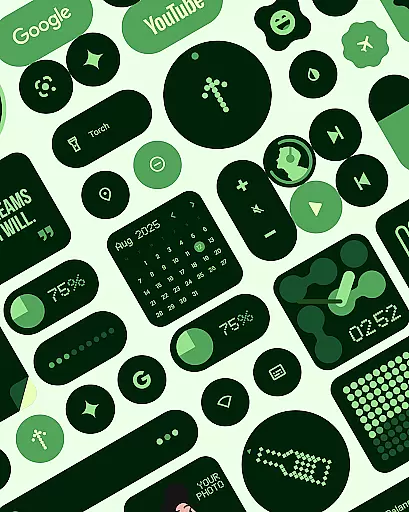
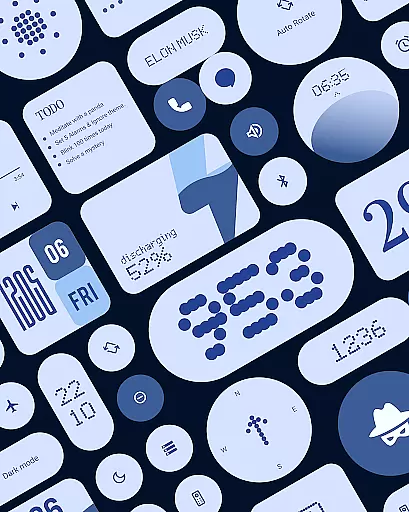
Material Widgets is a personalization app that brings Google's Material 3 design to your home screen. With over 200 widgets, it offers dynamic theming that adapts to your wallpaper and system colors, ensuring a fresh and personalized look.
The app provides a variety of widget types including clocks, calendars, weather, and quick settings, all resizable and adaptive. It eliminates the need for third-party apps, allowing users to add widgets natively and effortlessly.
Whether you want to enhance productivity or simply beautify your device, Material Widgets delivers both functionality and aesthetics, making it an ideal choice for those who appreciate expressive design.
One of the standout features of Material Widgets is its native functionality. Unlike other widget packs, it doesn't require additional apps like KWGT, simplifying the process of customizing your home screen.
Each widget is crafted following Google’s Material 3 guidelines, featuring modern shapes, bold typography, and automatic color adjustments based on your wallpaper. This ensures a cohesive and visually appealing interface.
Users can also access over 100 wallpapers designed to complement the widgets. The app is regularly updated with new widgets, focusing on quality and usability, thus offering an ever-expanding suite of personalization options.
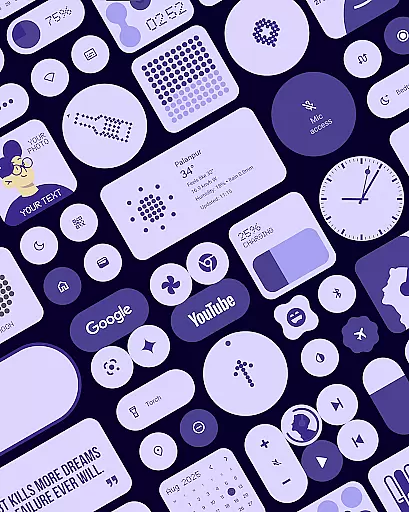
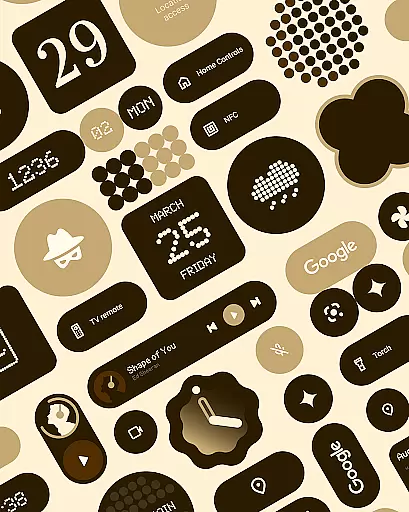
Material Widgets offers an extensive range of customization options that allow users to tailor their home screens with over 200 widgets. These widgets include clocks, calendars, weather indicators, and productivity tools, all designed to adapt seamlessly to different screen sizes and themes.
The app's adaptive design ensures that every widget can be resized and styled according to user preferences. This flexibility enables a personalized experience where each element on the home screen can mirror individual tastes and functional needs.
Users benefit from dynamic theming which automatically adjusts colors based on wallpapers or system settings. This feature not only enhances aesthetic appeal but also maintains visual harmony across devices, ensuring consistency in appearance regardless of changes in background images or modes.
Theme compatibility is at the core of Material Widgets' design philosophy, integrating effortlessly with various Android themes. The application supports both light and dark modes, providing optimal visibility and comfort during day or night usage.
Each widget within the collection aligns perfectly with Googleu2019s Material 3 guidelines, featuring modern shapes and bold typography. This adherence ensures uniformity in style and behavior, enhancing overall usability while maintaining a contemporary look.
By eliminating the need for third-party apps like KWGT, Material Widgets simplifies theme management. Users enjoy streamlined access to expressive designs directly through native functionality, allowing quick adjustments without additional software installations.
Native widget support
Dynamic theming
Resizable widgets
Regular updates
Variety of designs
Limited to Android
No iOS version
Design-centric only
Advanced features lacking
Third-party integrations limited

Customizable flower power digital watch face for Wear OS watches.
 4.00
4.00
Transform your phone with Launcher iOS 26 - Smooth & elegant iOS experience
4.50
Themes - Widget & Wallpaper: Customize home screen, icon changer w unique themes
4.30
Unique Android Launcher
4.60
Dark icon pack based on One 8
4.80
Unique Fonts, typefaces and stylish text. Fonts for Instagram, Whatsapp & others
4.20
Transfer your live wallpapers from Windows to Android using Wallpaper Engine!
4.00
Unleash Your Creativity and Connect with Loved Ones with Lockscreen Drawing!
4.20
Struggling to find apps? Use this app to locate and open any app on your phone!
2.20
A retro cartoon style watch face and a punch right in the face of the copyright
4.60
Make your phone look simple & luxury, like iDevice
4.60
Embrace the Night. Unleash the power of darkness with Raven Dark Icon Pack
4.60
Ninja Turtles Cowabunga SE watch face for Wear OS
4.50
Turn text & photos into stunning AI videos, art, and creative visual stories.
4.50
A light in the dark, a unique style and an andless cutomization!
4.30
Organize and manage your photos and videos effortlessly with Photo Gallery
4.20
Design your screen with unique, vibrant clocks
3.80
Interactive Miniature Painting Catalogue
3.30
Modern Glass Icon Pack with glossy icons, clean minimal theme & aesthetic style
4.5


User Reviews