
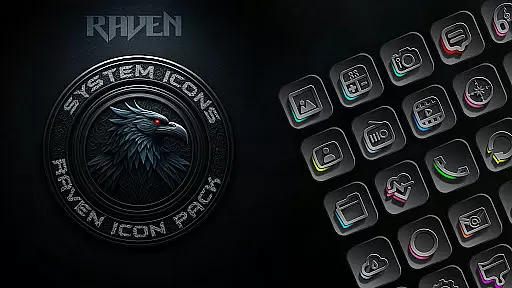
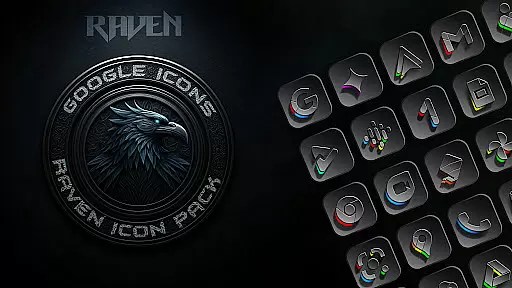
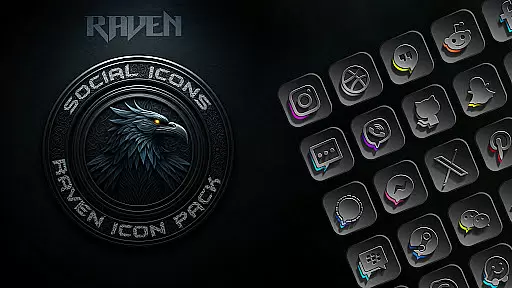
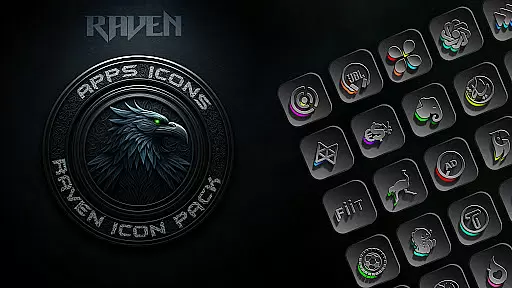
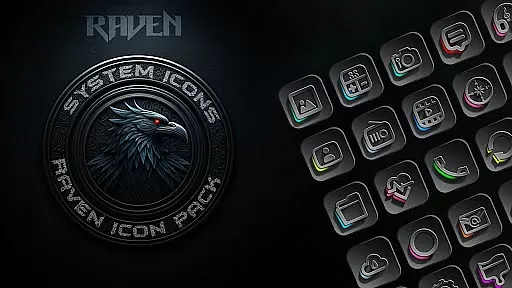
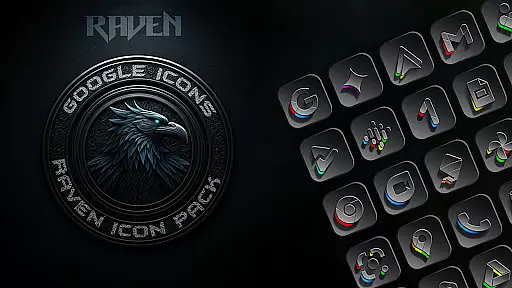
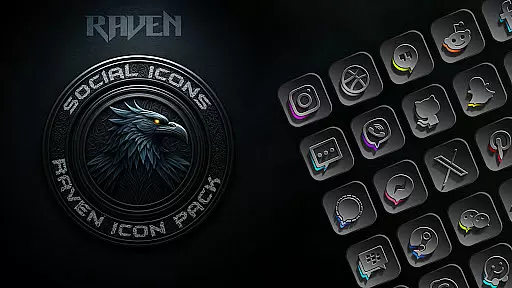
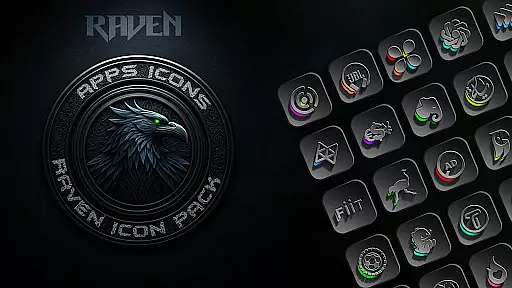
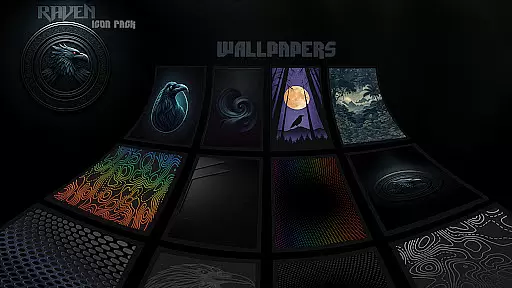
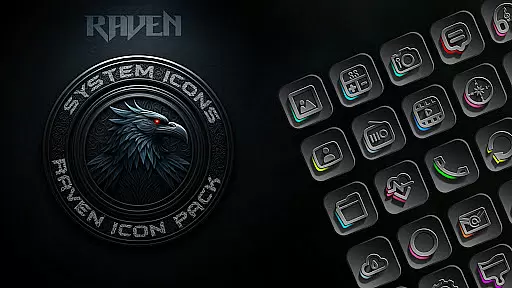
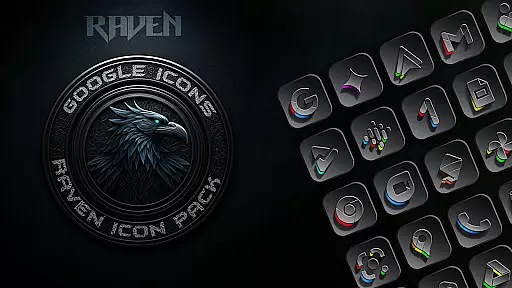
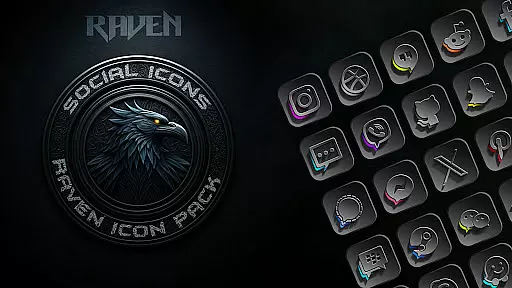
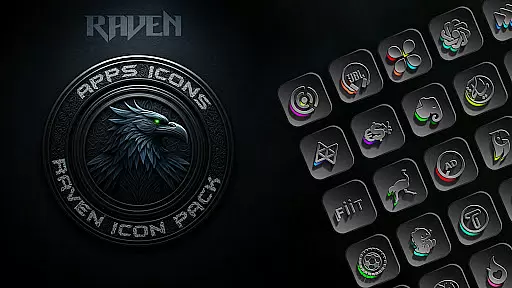
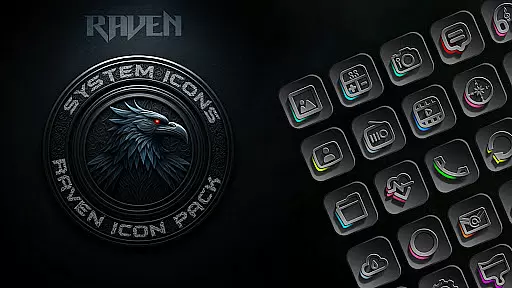
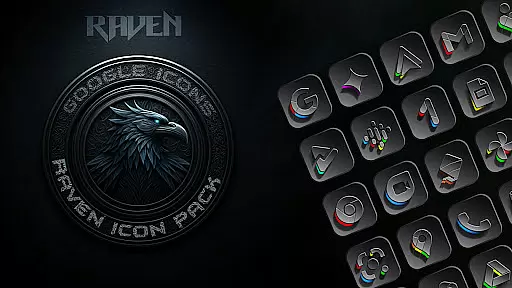
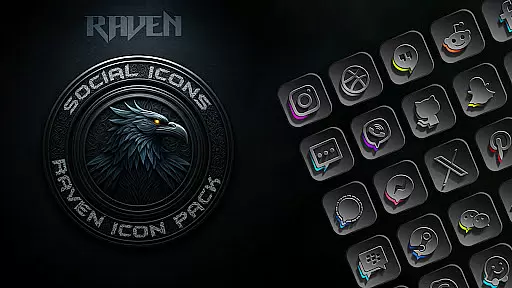
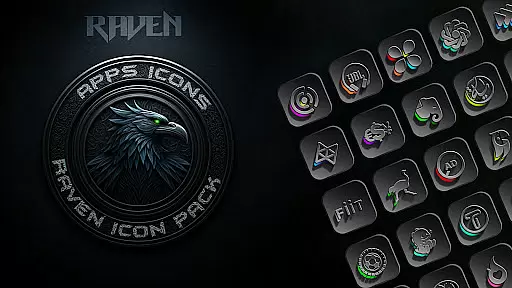
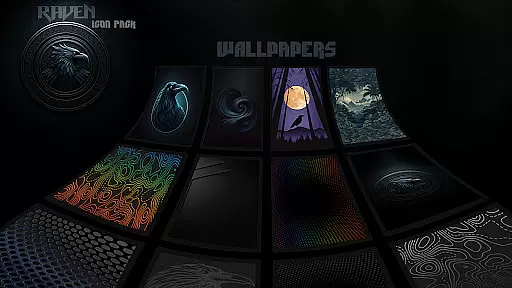
Raven Dark Icon Pack offers a sleek and mysterious collection of dark-themed icons, perfect for users who appreciate minimalist and elegant aesthetics. With over 4500 meticulously designed icons, it provides a complete transformation for your Android device's interface.
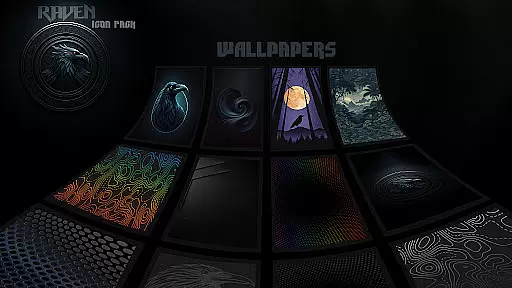
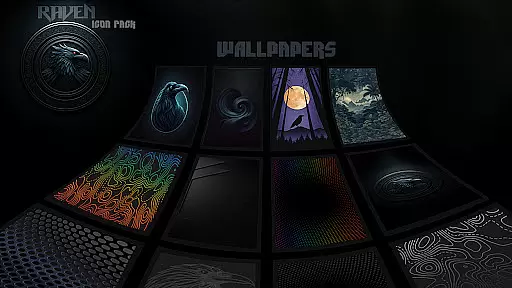
The pack features a dark and moody aesthetic with deep blacks, greys, and subtle color accents, alongside regular updates that include user-requested icons. It also offers cloud-based wallpapers and an easy icon request tool, ensuring a personalized experience.
Compatible with most Android launchers, this icon pack allows for effortless customization of your home screen. Whether you're using Nova Launcher or other popular options, Raven Dark Icon Pack delivers a stylish and cohesive look that elevates your device's appearance.
This icon pack stands out with its extensive library of unique icons, offering alternate designs for popular apps. The minimalist design prioritizes functionality while maintaining visual harmony, making your home screen both beautiful and practical.
Users can enjoy regular updates that respond to icon requests, ensuring the pack stays relevant and comprehensive. The inclusion of cloud-based wallpapers provides additional customization options, perfectly complementing the dark theme.
With compatibility across numerous launchers and an intuitive application process, personalizing your device has never been easier. Samsung users can also integrate these icons using the Theme Park app, providing even more versatility for customization enthusiasts.
Customization is at the heart of the Raven Dark Icon Pack, offering users a vast array of unique icons to personalize their Android devices. With over 4500 meticulously designed icons, this pack caters to those who appreciate diversity in their home screen aesthetics. Each icon is crafted to ensure compatibility with a wide range of popular launchers, providing alternate icons for frequently used apps.
The pack's dedication to user choice extends beyond just icons; it includes cloud-based wallpapers that perfectly match the dark and moody aesthetic of the icons. This feature allows users to create a cohesive look across their device, enhancing the overall visual experience. The inclusion of an icon request tool further empowers users, enabling them to ask for specific app icons not initially included in the pack.
Regular updates are a testament to the pack's commitment to customization and user satisfaction. These updates not only add new icons but also respond directly to user requests, ensuring that the icon pack evolves with its community. Such responsiveness guarantees that your device can maintain a fresh and personalized appearance, standing out with a minimalist and elegant style.
Theme compatibility is a crucial aspect of the Raven Dark Icon Pack, ensuring seamless integration with most Android launchers. Whether you're using Action Launcher, Nova Launcher, or any other from the extensive list of supported launchers, you can effortlessly apply the dark-themed icons. This broad compatibility underlines the pack's versatility, making it accessible to a wide audience seeking to revamp their device's interface.
For Samsung users, the pack requires Android 12 with Samsung One UI 4.0 or newer, alongside the Theme Park app from GOOD LOCK on the Samsung store. This ensures that even those with specific device requirements can enjoy the sleek and mysterious collection of icons. However, it's important to note that some launchers like Google Now Launcher do not support icon packs, emphasizing the need for a compatible launcher to fully utilize the theme.
The pack's ability to transform your device's appearance through compatible themes showcases its strength in personalization. By following simple stepsu2014installing a supported launcher, selecting the desired icon pack, and applying itu2014you can achieve a stylish and chic home screen setup. This ease of use, combined with the pack's comprehensive compatibility, highlights its value in delivering a refined and visually harmonious interface tailored to individual preferences.
Stylish dark theme
Extensive icon library
Regular updates
User-friendly customization
Cross-launcher compatibility
Requires compatible launcher
No Google Now support
Limited Samsung integration
Some features need updates
Premium price tag

Classic analogue watch face. For wear os devices.
 4.60
4.60
Fingerprint Lock Screen & Live Animations with 4K Wallpapers as Live Wallpaper
4.40
Transform your phone with Launcher iOS 26 - Smooth & elegant iOS experience
4.50
Ultimate widget creator. Design custom widgets for a truly unique home screen!
3.90
Unique Fonts, typefaces and stylish text. Fonts for Instagram, Whatsapp & others
4.20 3.50
3.50
Adaptive Dot Style IconPack with Light & Dark Theme.
3.70
HappyLighting is a Bluetooth lamp control software.
3.40
set a new experience for the Android mobile phone
4.20
One 8 icons glass color version
4.80
Wallpaper HD 4K Live - Thousands of high-quality Anime backgrounds for you.
4.80
Personalize your phone with stunning HD and 4K wallpapers!
4.70
Customize your home screen with stunning themes, blur, widgets & icons.
4.60 4.50
4.50
Color phone with cool effects for call screen, flash alert & ringtones music
4.50
Vibrant Adaptive Icons with Material You and Enhanced Monet Colors.
4.50
Unleash Your Creativity and Connect with Loved Ones with Lockscreen Drawing!
4.20
Adorable pets roam and play right on your phone screen!
3.30
Struggling to find apps? Use this app to locate and open any app on your phone!
2.20


User Reviews