
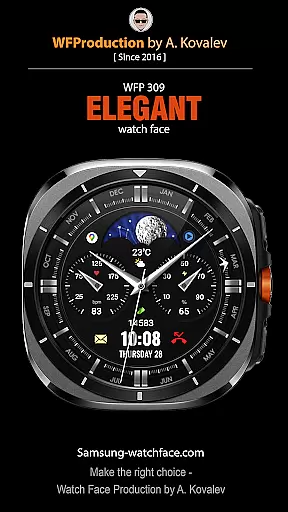
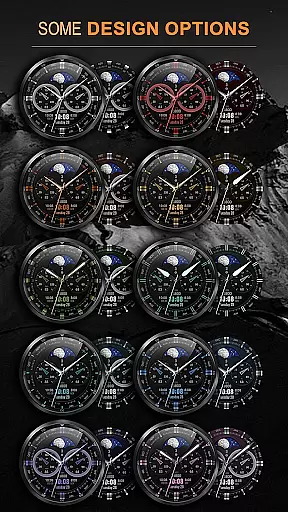

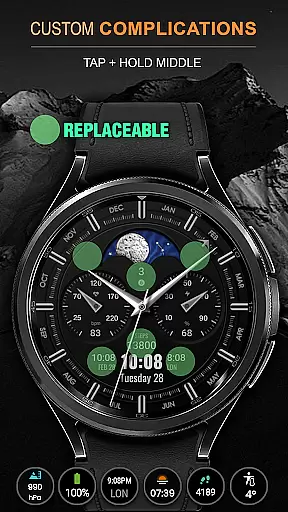
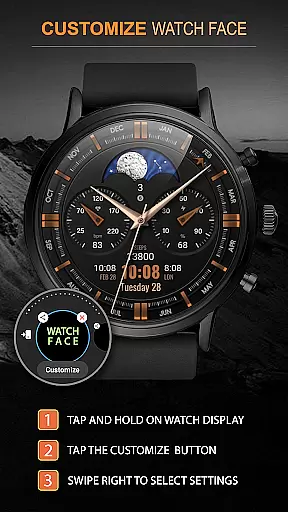
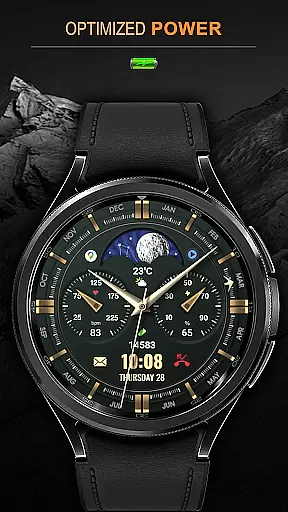
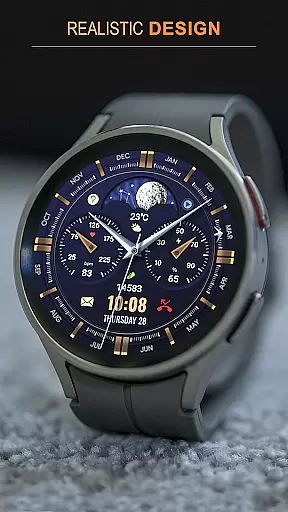
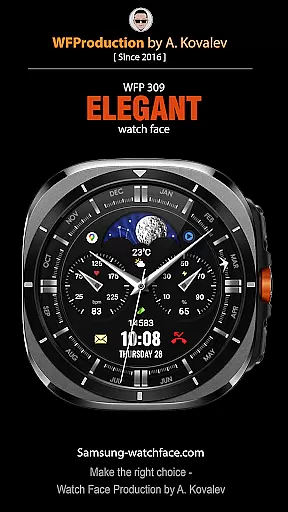
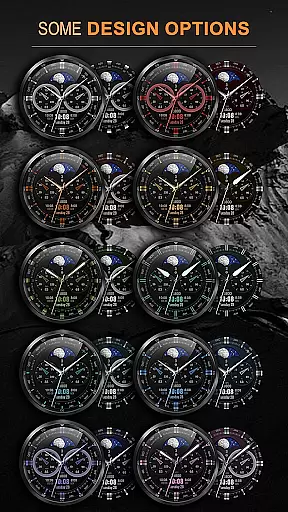

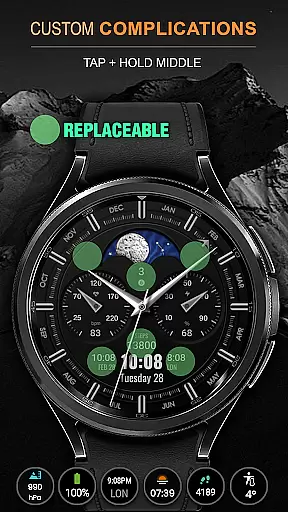
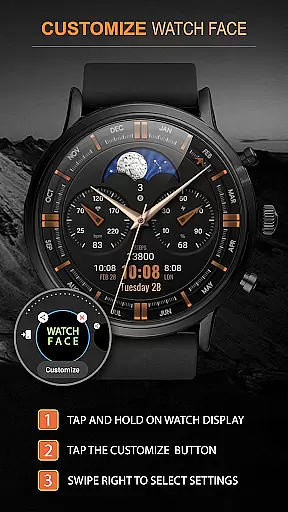
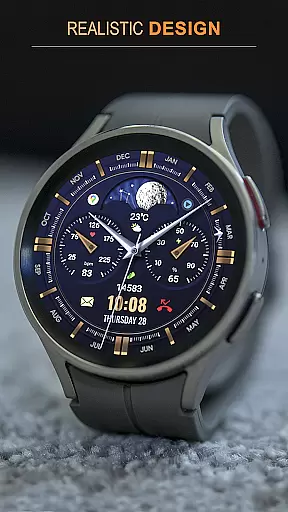
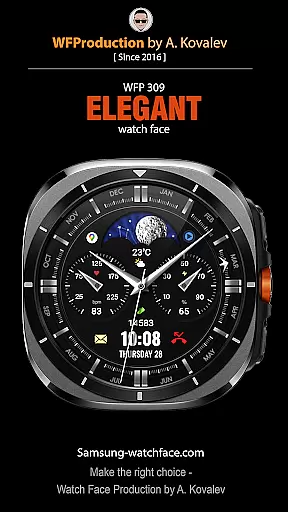
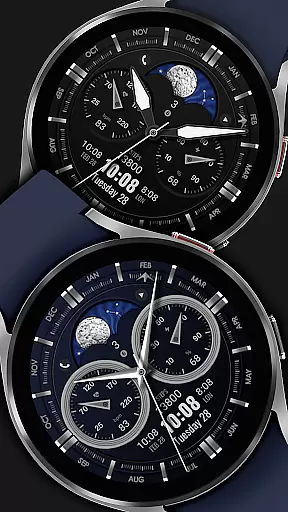
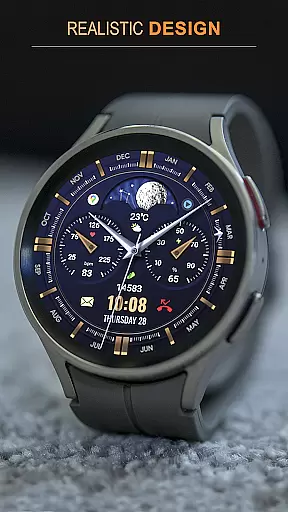
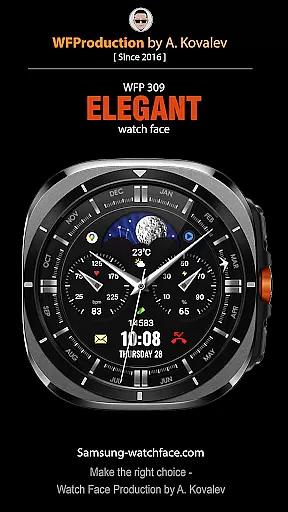
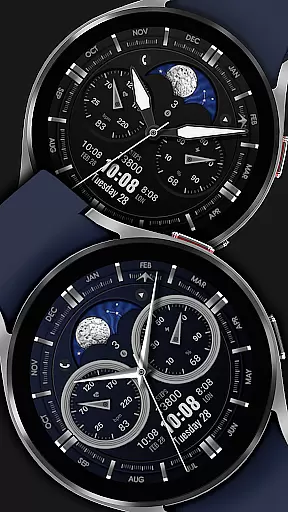
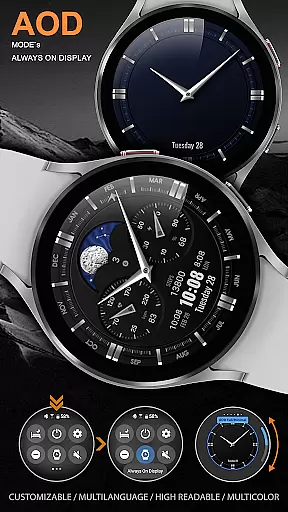
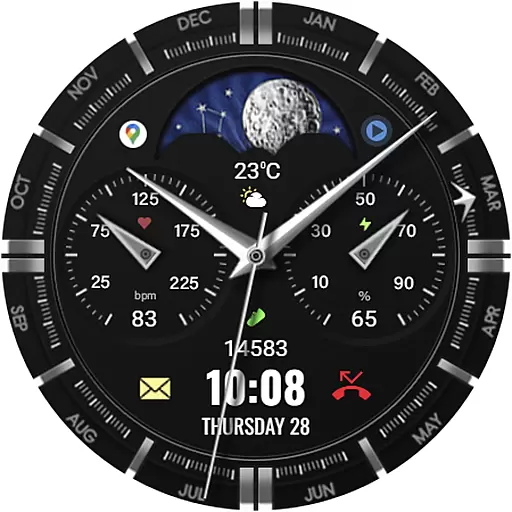
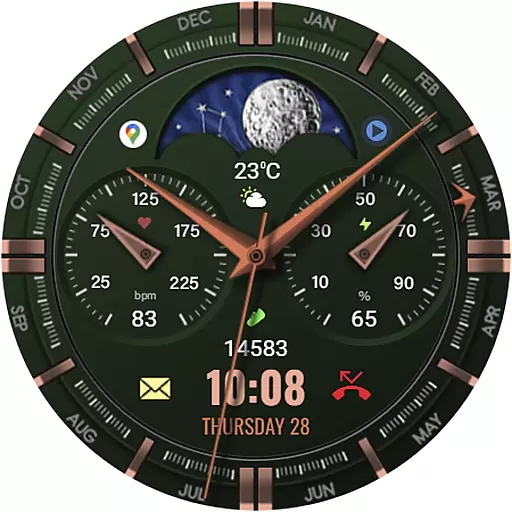
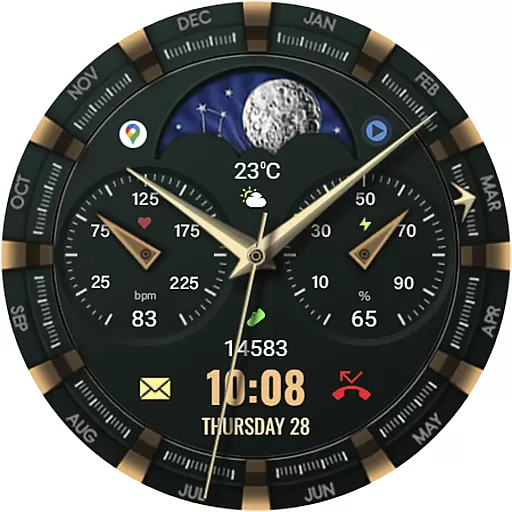
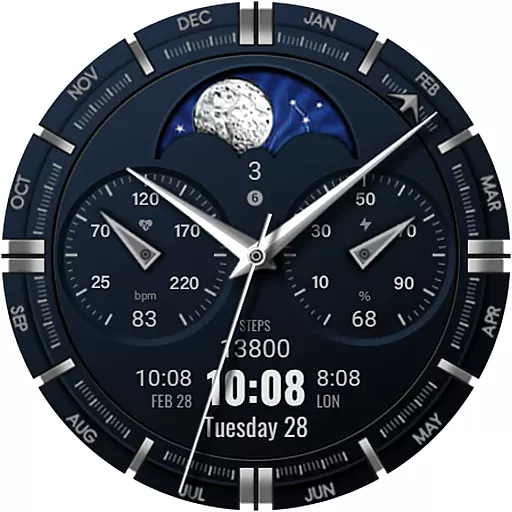
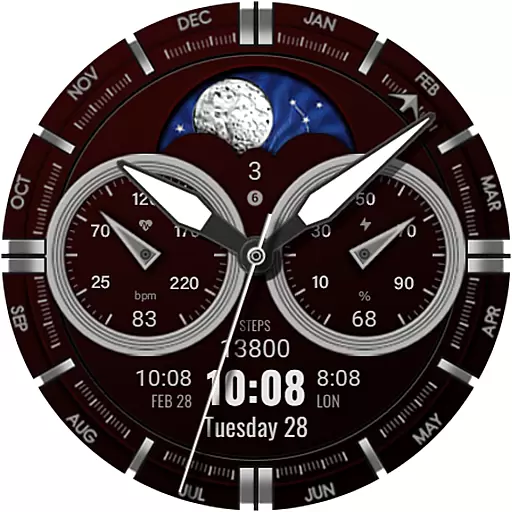
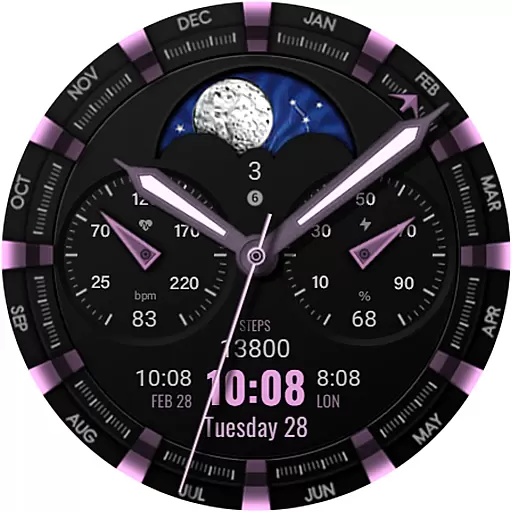
WFP 309 Elegant watch face is a sophisticated personalization tool designed for users of WearOS 4 devices with API Level 30+. This beautifully crafted watch face offers an improved version over its predecessors, featuring an animated tourbillon that adds a touch of elegance to your smartwatch display. Compatible with Samsung devices, it supports a wide range of customization options and widgets, making it not only visually appealing but also highly functional.
The watch face stands out with its support for phone charge widgets, fitness stats like calories and floors climbed, and multilingual settings. Whether you're interested in tracking daily activities or simply looking to enhance the aesthetic appeal of your device, WFP 309 provides a versatile solution. Its compatibility with both 12 and 24-hour time formats, weather display options, and day/night or moon phase indicators ensures that every user can tailor their experience to suit their preferences.
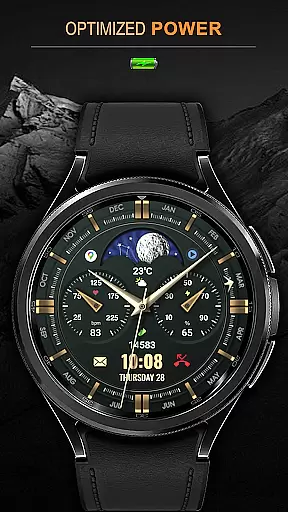
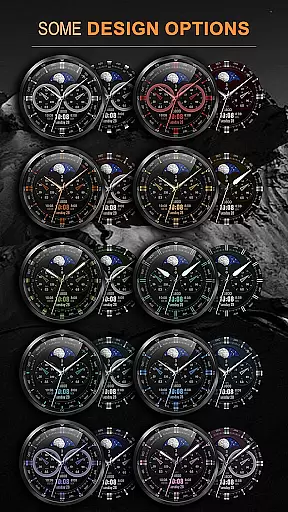
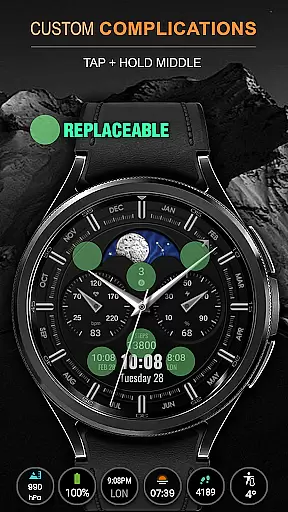
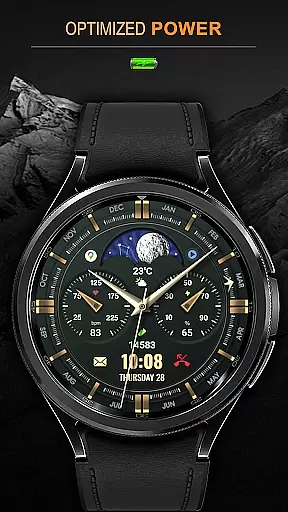
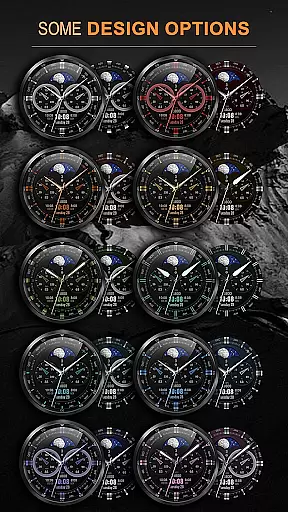
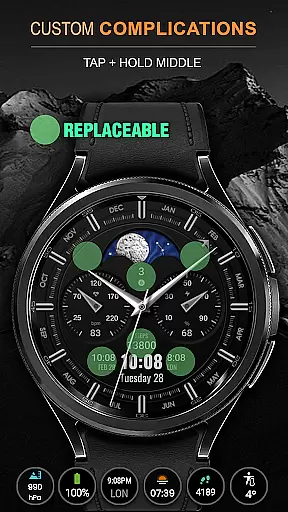
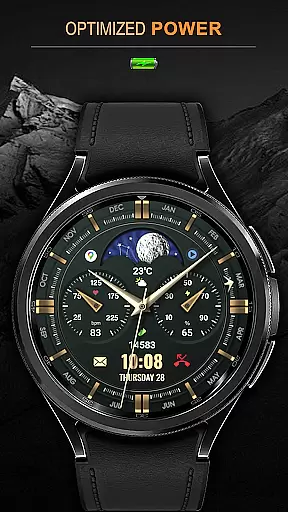
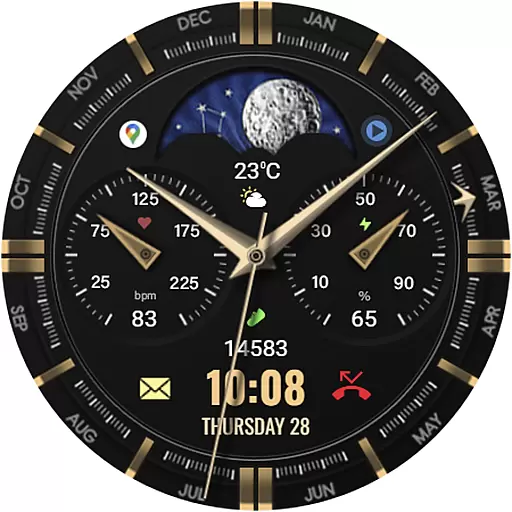
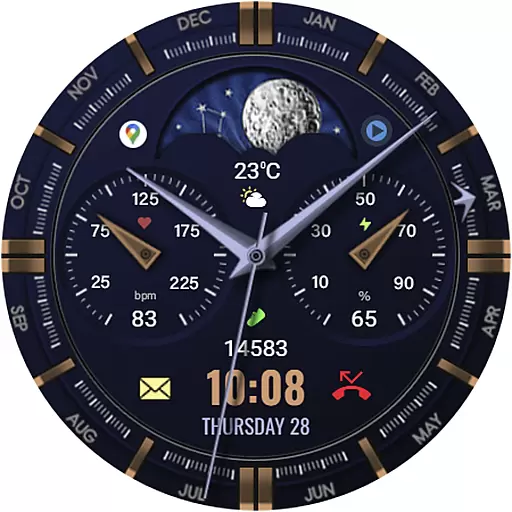
One of the standout features of WFP 309 Elegant watch face is its extensive customization capabilities. With support for 5 complications and widgets, 30 color combinations, and high-resolution graphics, users can personalize nearly every aspect of their watch face. The inclusion of high optimization techniques ensures low battery consumption without sacrificing performance, making it ideal for everyday use.
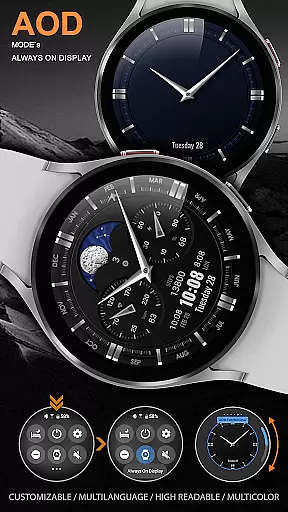
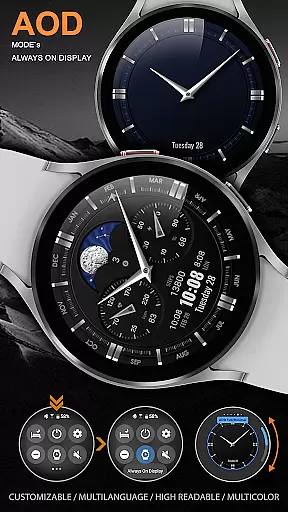
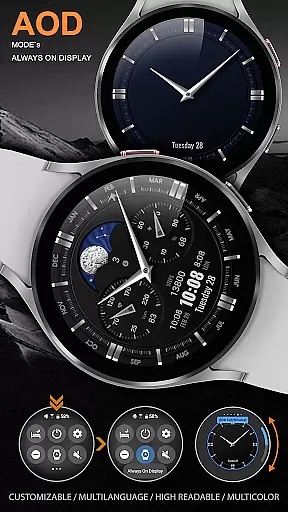
Additionally, this watch face offers unique functionalities such as custom application shortcuts, customizable Always-On Display (AOD) modes in full or minimal configurations, and the choice between different types of hands and bezel indexes. These features collectively provide a personalized and engaging user experience, allowing individuals to express their style while enjoying practical benefits like weather updates in Fahrenheit or Celsius and fitness tracking.
When it comes to personalizing your smartwatch, the WFP 309 Elegant watch face offers an impressive array of customization options. With support for 5 complications and widgets, users can tailor their watch face to display the information most important to them. Whether it's tracking fitness goals or staying updated with notifications, this feature ensures that your watch face is as functional as it is stylish.
In addition to complications, the watch face provides 30 color combinations, allowing users to match their device with personal style or mood. High resolution and optimization guarantee that colors and details remain sharp and vibrant, while low battery consumption ensures that beauty doesn't come at the expense of performance. The ability to switch between 12/24 hour time formats and choose Fahrenheit/Celsius for weather updates adds another layer of personal adaptation.
For those who appreciate intricate design, the watch face includes 4 types of hands and 6 types of bezel indexes. These options enable users to fine-tune the appearance of their watch face down to the smallest detail. Custom application shortcuts and a customizable Always-On Display (AOD) mode further enhance user experience by providing quick access to frequently used apps and ensuring essential information is visible even when the watch is not active.
The WFP 309 Elegant watch face excels in theme compatibility, ensuring that users can seamlessly integrate this stylish accessory into their digital life. Designed for devices running WearOS 4 and API Level 30+, it leverages the latest technology to deliver a smooth and visually appealing experience. This compatibility ensures that users benefit from the newest features and security updates provided by the operating system.
Moreover, multilingual support makes this watch face accessible to a global audience, breaking language barriers and enhancing usability across different regions. Users can enjoy the elegance of animated tourbillon and other sophisticated design elements regardless of their geographical location or preferred language.
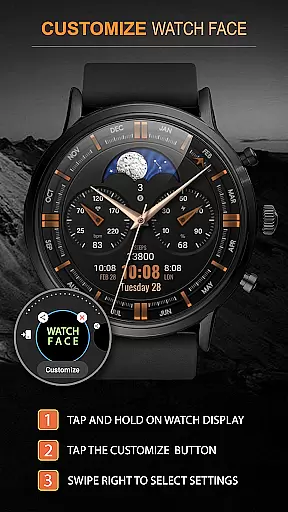
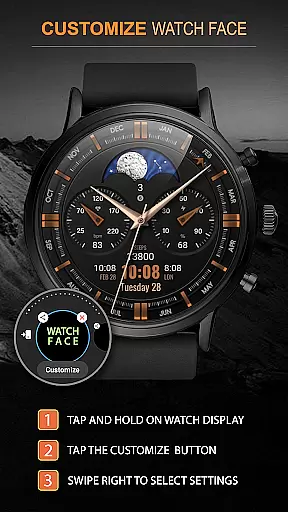
By following the provided installation instructions and settings guides, customers can effortlessly set up their watch face and start customizing it right away. Links to detailed instructions and promotional offers are readily available, making it easy for users to take full advantage of all features. Whether you're looking to personalize your watch face with custom widgets or explore various aesthetic options, the WFP 309 Elegant watch face delivers a versatile and compatible solution tailored to meet diverse user needs.
Highly customizable
Low battery usage
Supports multiple languages
Animated tourbillon feature
Versatile widget options
Limited to WearOS 4
API level 30+ required
Premium features may cost extra
Complex setup for beginners
Some features need additional apps

A Colorful and Minimal icon pack in an Outline Style - Over 13,600 icons!
 4.70
4.70
Prank your friends with realistic broken screen and cracked HD effects!
4.4
Unique Android Launcher
4.60
Want to make your phone more special than ever?
4.60
Romantic Kiss Stickers App. Start romantic messaging now!
4.30 4.10
4.10 3.50
3.50
Your home screen, just the way you like it.
4.30
Enjoy a variety of amazing live wallpapers and colorful EDGE lighting borders!
4.80
Dark icon pack based on One 8
4.80
Over 28,000 high quality icons to bring color & homogeneity to your phone.
4.60
Customize your home screen with stunning themes, blur, widgets & icons.
4.60
Icons made of colorful linear lines
4.60
Ultra realistic gold analog watch face with lots of customization options.
4.50
Transform your device in a game console
4.40
The definitive Icon pack maker and editor
4.30
Customizable flower power digital watch face for Wear OS watches.
4.00
Struggling to find apps? Use this app to locate and open any app on your phone!
2.20
Custom edge gestures for volume control, brightness, apps, and shortcuts.
4.3


User Reviews