
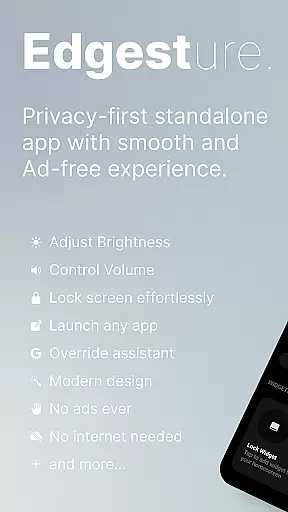
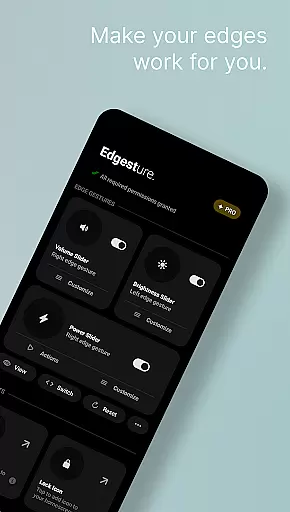
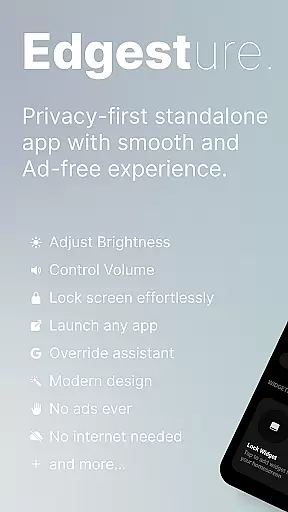
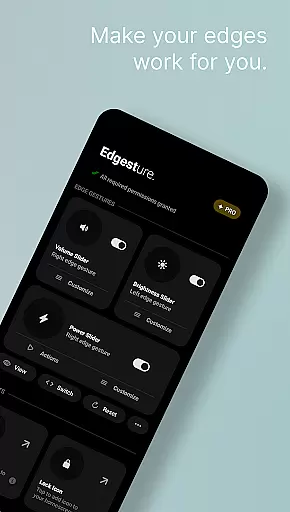

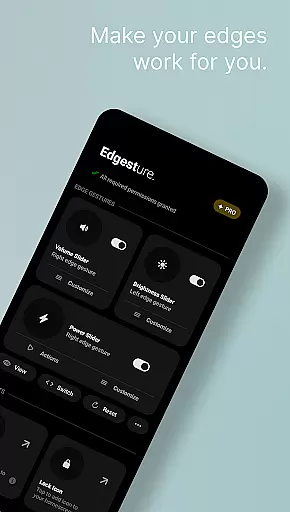
Edgest is a powerful personalisation tool that revolutionises the way you interact with your smartphone through intuitive edge gestures and custom controls. The app allows users to effortlessly navigate their devices, adjust settings like volume and brightness instantly, and create personalised gesture shortcuts for favourite apps and actions.
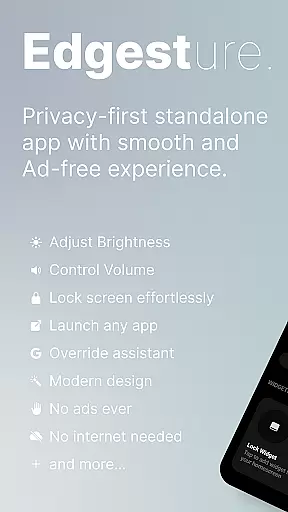
Built with simplicity in mind, Edgest offers a seamless experience without ads, tracking, or hidden charges. Whether it's launching apps, controlling media playback, or locking the screen with a single tap, this app enhances productivity while maintaining a lightweight, battery-friendly footprint. It's an ideal solution for power users seeking efficient device control.
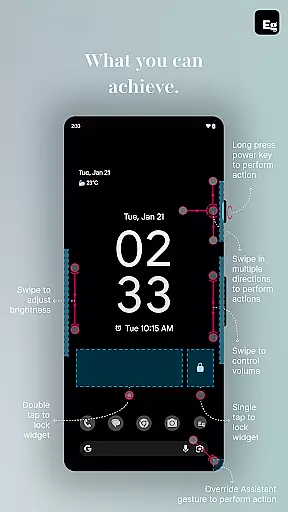
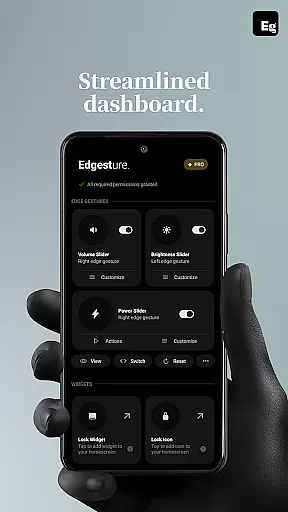
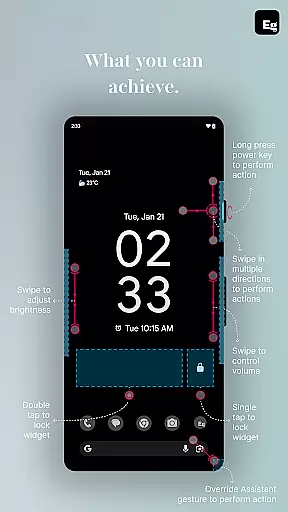
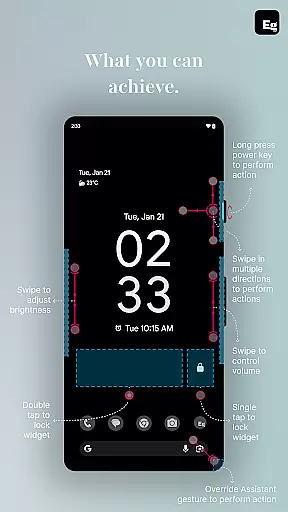
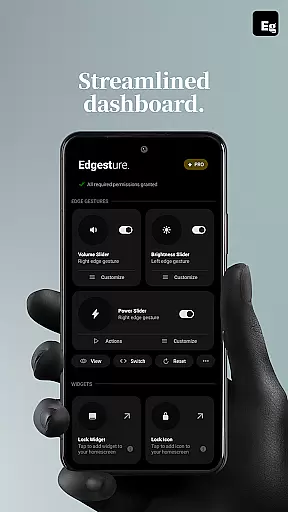
Edgest stands out with its comprehensive feature set tailored for enhanced smartphone interaction. Key features include smart edge gestures for navigation, volume and brightness sliders accessible directly from the screen edge, and fully customisable gesture shortcuts. These allow users to perform tasks such as opening apps, toggling settings, or taking screenshots with ease.
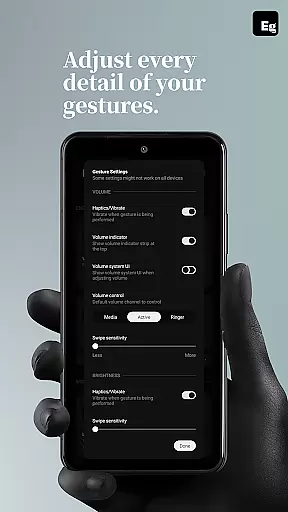
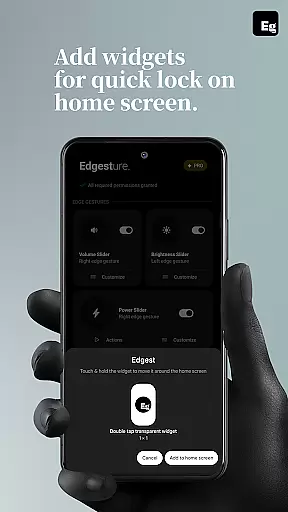
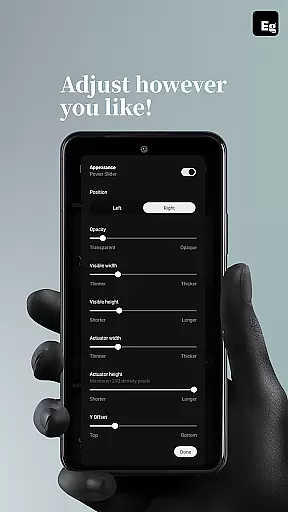
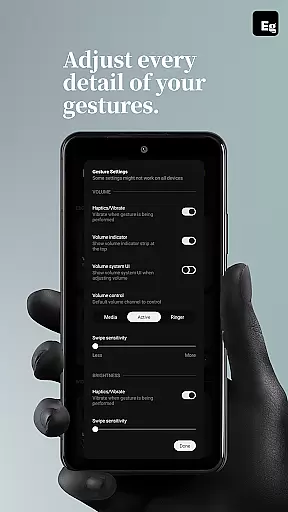
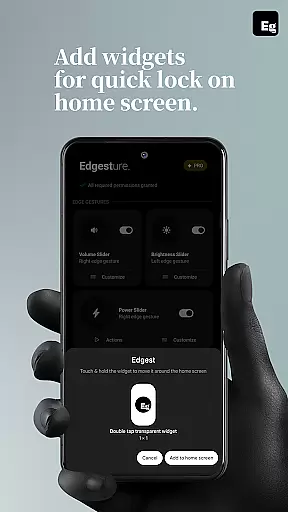
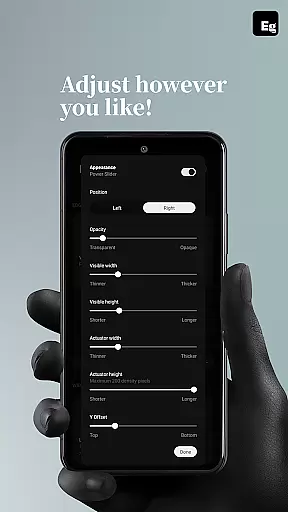
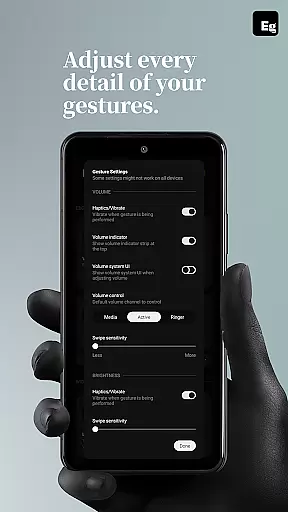
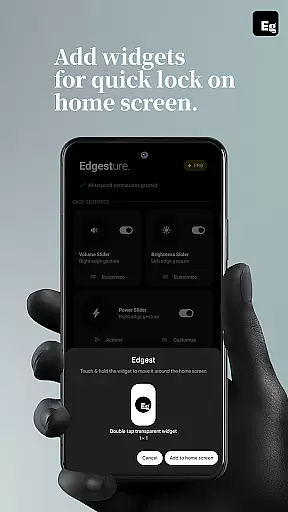
The app also includes productivity-boosting tools like quick settings tiles, lock screen widgets, and media control options. With adjustable gesture sensitivity, animation speed, and feedback, users can personalise their experience down to the smallest detail. Its use of AccessibilityService API ensures secure execution of system-level commands while maintaining user privacy.
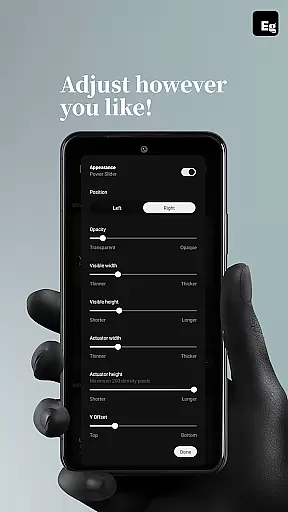
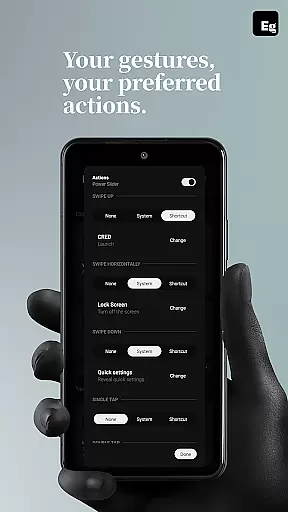
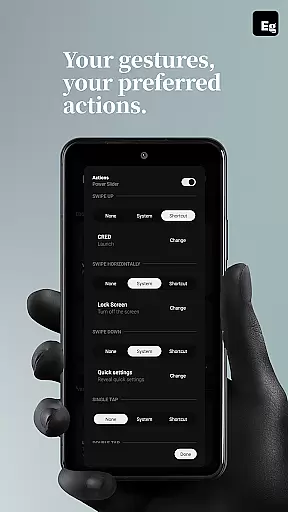
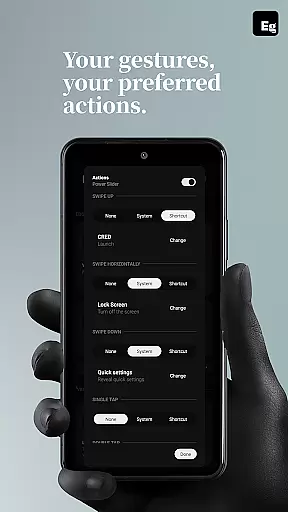
Edgest Edge Gestures & Control offers an extensive range of customization options that allow users to tailor their device interaction according to personal preferences. The app supports custom gestures which can be mapped to various actions such as launching apps, opening system menus, or triggering shortcuts.
This level of customization extends to controlling media playback, adjusting volume and brightness directly from the screen's edge, and even locking the screen with simple tap gestures. Users are not just limited to predefined functions; they have the freedom to create gesture shortcuts for a multitude of tasks including opening URLs and taking screenshots.
The benefit to users is a more intuitive and faster navigation experience tailored specifically to their workflow. With personalized gesture shortcuts, accessing favorite apps or performing daily tasks becomes significantly quicker. This flexibility ensures that whether you're looking to enhance productivity or simply streamline your smartphone experience, Edgest provides the tools necessary for a personalized setup.
While Edgest Edge Gestures & Control focuses on gesture-based navigation and control, it also ensures seamless theme compatibility across different devices and Android versions. This means that regardless of the visual theme applied to your device, Edgest maintains its functionality without disrupting the user interface aesthetics.
The application integrates effortlessly with system settings, providing consistent performance whether using light or dark themes, and irrespective of any specific manufacturer skins. Such compatibility is crucial for maintaining an uninterrupted user experience where gestures work smoothly within the visual framework chosen by the user.
By ensuring high-quality integration with various themes, Edgest guarantees that users enjoy both form and function. The ability to blend into any design language while delivering powerful customization features underscores the appu2019s commitment to enhancing usability without compromising on style or coherence in visual presentation.
Intuitive gesture navigation
Highly customisable shortcuts
No ads or tracking
Lightweight and battery-friendly
Enhances productivity
Limited to Android devices
Requires accessibility permission
Learning curve for new users
Premium features may require payment
Some gestures might conflict with system defaults

Stunningly Different look with Line Icons and Neon Colors
 4.60
4.60
Vertically oriented rectangular icons
4.70
Realistic animated snow on your wrist, with 10 images landscapes to choose from
4.00
Make your phone look simple & luxury, like iDevice
4.60
Turn your lock screen into fun with smile live wallpapers & animated wallpapers!
2.50
Icons made of colorful linear lines
4.60
200+ Material Inspired Widgets
4.50
Struggling to find apps? Use this app to locate and open any app on your phone!
2.20
350+ widgets with a premium glass-style finish, perfect for home & lock screens.
4.70
300+ Stunning and well-designed widgets inspired by NOTHING.
4.70
Ninja Turtles Cowabunga SE watch face for Wear OS
4.50
Aesthetic Widgets, HD Wallpapers, Themes in Mico Widget for Home and Lock Screen
4.50 4.50
4.50
A light in the dark, a unique style and an andless cutomization!
4.30
Crystal-clear, square icon provides a sleek and sophisticated visual upgrade
4.00
Transform your phone with stunning video wallpapers and a unique, personal touch
3.80
Adaptive Dot Style IconPack with Light & Dark Theme.
3.70
Interactive Miniature Painting Catalogue
3.30
Capture moments that pass like a storm, second by second.
4.0


User Reviews