
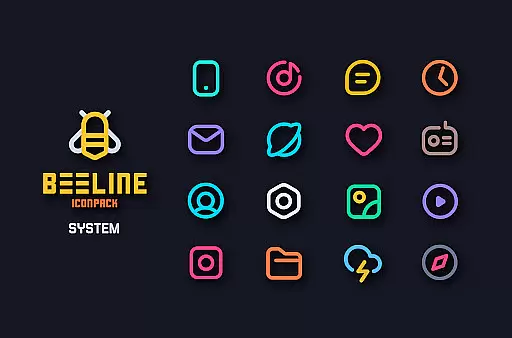
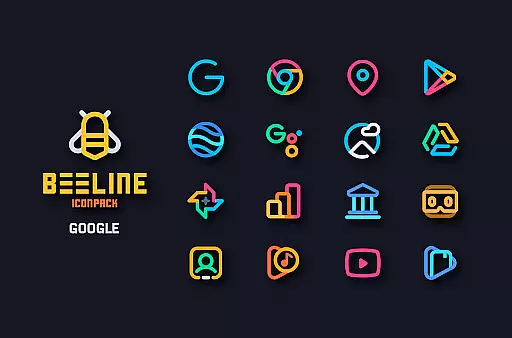
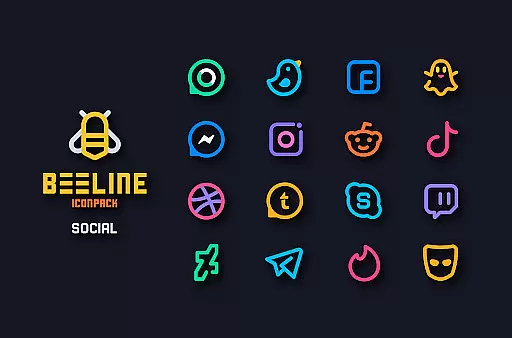
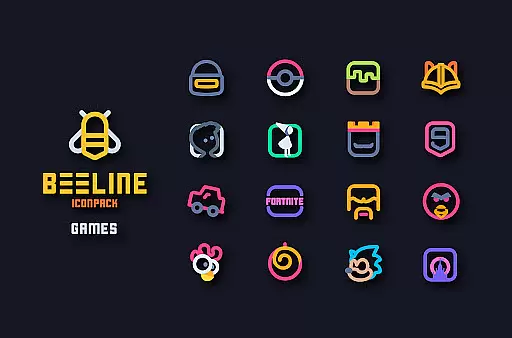
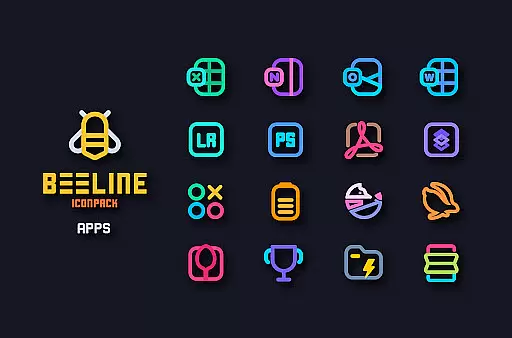
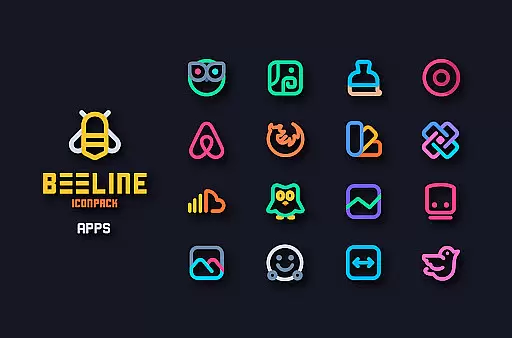
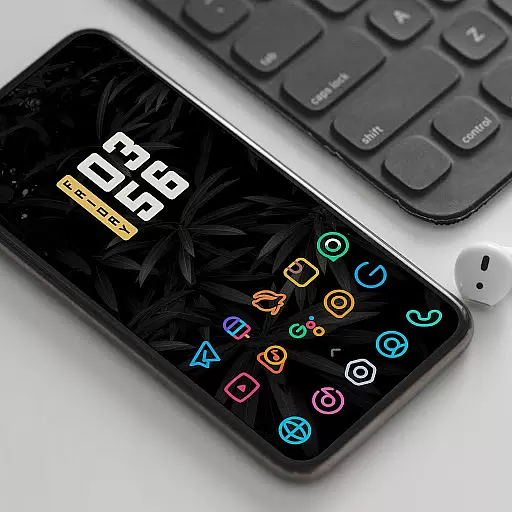
BeeLine Icon Pack is a vibrant collection of over 3000 linear icons designed to enhance both dark and light mobile interfaces. This icon pack stands out with its unique colorful design, inspired by Google's Material Design guidelines while incorporating creative touches that make each icon a crafted masterpiece.
The pack includes features such as alternative icons for popular apps, cloud-based wallpapers, support for Muzei Live Wallpaper, and a server-based icon request system. With frequent updates and additional functionalities like custom folder icons, icon preview, and dynamic calendar support, BeeLine offers a comprehensive customization experience for Android users.
BeeLine Icon Pack distinguishes itself through meticulous attention to detail in its 3000+ icons, ensuring top-notch quality for a personalized smartphone interface. Each icon is crafted with precision, adhering to Material Design principles while offering a distinct aesthetic appeal.
Functionality extends beyond static icons; users can access matching wallpapers, utilize a slick material dashboard, and benefit from dynamic calendar support. The inclusion of alternative icons for various apps and system functions ensures compatibility across different applications, enhancing user experience with cohesive design language.
Moreover, the pack supports icon requests, allowing users to suggest additional icons which are then considered for inclusion in future updates. This responsive approach guarantees that BeeLine Icon Pack remains relevant and continues to meet user needs effectively.
BeeLine Icon Pack offers an extensive range of customization options that cater to personal preferences and device aesthetics. With over 3000 icons, it provides users the flexibility to alter their home screens dramatically.
The pack includes alternative icons for popular apps and system applications, ensuring a consistent look across all app icons. Additionally, custom folder icons and app drawer icons allow for a personalized organizational structure within the device.
Dynamic Calendar support and a slick Material Dashboard further enhance user experience by providing functional yet visually appealing features. These elements collectively contribute to a unique interface that reflects individual style while maintaining usability.
Compatibility is a crucial aspect of any icon pack, and BeeLine excels in this area. It supports a wide array of launchers including Nova Launcher, Action Launcher, Apex Launcher, and many others, making it versatile for different devices and user preferences.
For users with specific launcher requirements, BeeLine ensures seamless integration without compromising on design or functionality. The inclusion of Muzei Live Wallpaper support adds another layer of visual customization, enhancing the overall theme experience.
Even though some stock launchers like Google Now Launcher and ONE UI do not support third-party icon packs, BeeLine's broad compatibility ensures that most users can enjoy its vibrant designs regardless of their chosen launcher.
Stylish and modern design
Extensive icon coverage
Frequent updates
Vibrant color palette
User-friendly interface
Requires compatible launcher
No Google Now support
Some features need third-party apps
Initial learning curve
Limited stock launcher support

Customizable Glass widgets. Over 360+ stunning widgets and more!
 4.70
4.70
Ninja Turtles Cowabunga SE watch face for Wear OS
4.50
Make your phone look simple & luxury, like iDevice
4.60
Personalize your phone with stunning HD and 4K wallpapers!
4.70
Dark icon pack based on One 8
4.80
Unique Fonts, typefaces and stylish text. Fonts for Instagram, Whatsapp & others
4.20 4.50
4.50
Transform your device in a game console
4.40
Custom ringtones songs, music ringtones for Android phones
4.60
Only for Wear OS devices!
4.90
Sparkle your screen with Glitter Wallpapers For Girls and Cute Backgrounds!
4.80
A retro cartoon style watch face and a punch right in the face of the copyright
4.60
Want to make your phone more special than ever?
4.60
Customizable screen pets that play, climb, and keep you company.
4.50
AI-powered Copilot. Personalized keyboard with gifs, stickers & themes
4.40
Yandex Browser — stylish and secure, with voice search and data compression
4.40
Transfer your live wallpapers from Windows to Android using Wallpaper Engine!
4.00
Customize glowing edges, wallpapers, and caller screen with EdgeAura.
3.50
Turn your lock screen into fun with smile live wallpapers & animated wallpapers!
2.50


User Reviews