
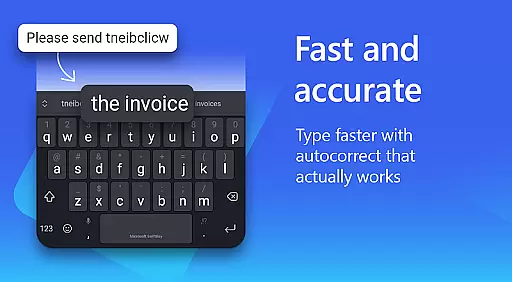
Microsoft SwiftKey AI Keyboard is a cutting-edge personalization tool designed to enhance typing efficiency and style. This intelligent keyboard learns individual writing patterns, offering personalized autocorrect and predictions that adapt to user-specific slang, nicknames, and even emoji usage.
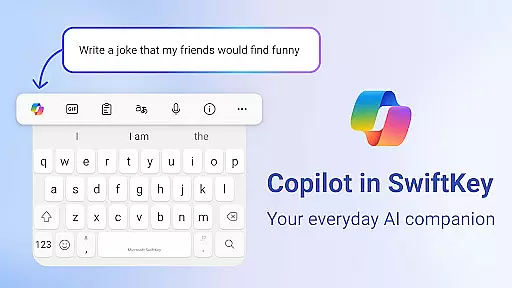
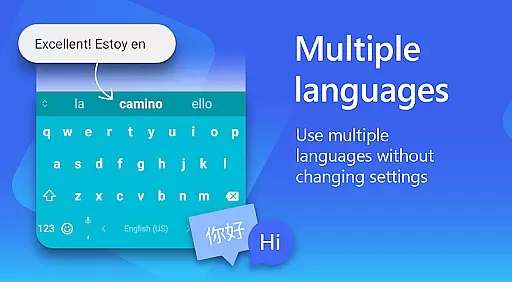
The app's standout feature is Copilot, an integrated AI companion that assists with queries across favorite apps. With support for over 700 languages and the ability to enable up to five simultaneously, SwiftKey caters to a global audience. Users can customize their typing experience through various themes, layouts, and content options including GIFs and stickers.
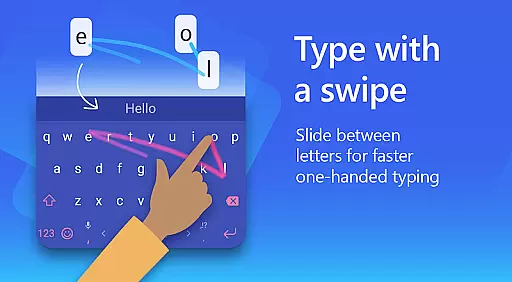
Whether you prefer swiping or tapping, Microsoft SwiftKey optimizes both methods while providing helpful tools like spell check, text transformation capabilities, and an adaptive emoji keyboard. The customization extends to keyboard size, layout modifications, and creating unique themes using personal photos as backgrounds.
Microsoft SwiftKey AI Keyboard offers an array of advanced features that redefine mobile typing. Its AI-powered prediction engine provides accurate suggestions, enabling faster communication with fewer errors. The swipe-to-type functionality, combined with an intelligent learning system, creates a seamless typing experience tailored to each user's style.
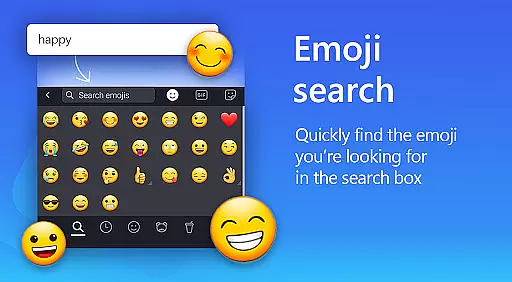
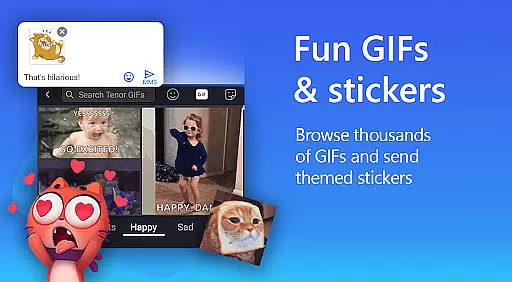
A key highlight is the custom keyboard toolbar featuring quick shortcuts and text rewriting options in different tones. For creative expression, users can access searchable emojis, GIFs, and stickers. The adaptive emoji keyboard predicts favorite emoticons, while the AI-powered meme generator helps craft unique images.
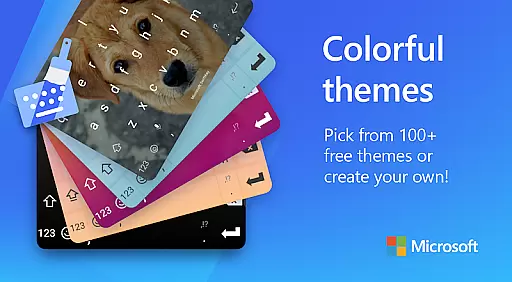
Extensive customization options include over 100 colorful themes, adjustable keyboard dimensions, and multilingual support for up to five languages simultaneously. Optional permissions enhance functionality through voice-to-text, image insertion, contact integration, and camera access, though these aren't required for core operations.
Microsoft SwiftKey AI Keyboard offers an impressive range of customization options that cater to individual preferences and styles. With over 100 colorful keyboard themes, users can select a design that best matches their personality or mood. The ability to create a custom keyboard theme using personal photos as the background adds a unique touch, making the typing experience truly one's own.
In addition to aesthetic personalization, Microsoft SwiftKey provides functional customization. Users have the flexibility to adjust keyboard size and layout, ensuring comfort and efficiency while typing. This adaptability is crucial for accommodating different hand sizes and typing habits, thus enhancing user satisfaction. Such comprehensive customization ensures that every aspect of the keyboard can be tailored to fit the user's specific needs.
The adaptive nature of Microsoft SwiftKey extends to its emoji keyboard, which learns and predicts favorite emoticons, streamlining communication with frequently used expressions. By integrating these personalized elements, the app not only improves typing speed but also makes digital conversations more engaging and expressive. This level of customization empowers users to type less and do more, without sacrificing personality or precision in their communications.
Theme compatibility in Microsoft SwiftKey AI Keyboard ensures a seamless integration of visual designs across various devices and operating systems. The app supports a wide array of themes, each crafted to maintain visual consistency and aesthetic appeal regardless of the platform. This compatibility allows users to enjoy a uniform look and feel, preserving their chosen style whether they are on Android or other supported systems.
Moreover, Microsoft SwiftKey's dedication to theme compatibility is evident in its attention to detail. Themes are designed to be visually cohesive, with colors, fonts, and layouts that align perfectly with the app's core interface. This meticulous design approach ensures that switching between different sections of the app remains intuitive and visually pleasing, enhancing overall usability.
By prioritizing theme compatibility, Microsoft SwiftKey guarantees that updates or changes to the app will not disrupt the user's customized experience. Users can trust that their selected themes will continue to function smoothly, maintaining both form and function. This commitment to compatibility underscores Microsoft SwiftKey's focus on delivering a reliable, personalized typing experience that adapts to the user's evolving preferences and technological advancements.
Highly accurate AI predictions
Extensive language support
Versatile customization options
Innovative Copilot integration
User-friendly interface design
Optional permissions needed
Some features are limited
Requires adaptation period
Occasional prediction errors
Advanced options may overwhelm

Classic analogue watch face. For wear os devices.
 4.60
4.60
Glass style colourful icons with a One UI look and feel
4.60
3D, live, and moving wallpapers & themes in 4K and HD for your device.
4.50
Transform your phone with Launcher iOS 26 - Smooth & elegant iOS experience
4.50
Sparkle your screen with Glitter Wallpapers For Girls and Cute Backgrounds!
4.80
More than 3000+ themes and 9000+ wallpapers for everybody!
4.10
Transfer your live wallpapers from Windows to Android using Wallpaper Engine!
4.00 4.50
4.50
Unleash Your Creativity and Connect with Loved Ones with Lockscreen Drawing!
4.20
Only for Wear OS devices!
4.90
Add cute Shimeji pets to screen, interact with them and relax with cute motions
4.60
Icons made of colorful linear lines
4.60
Stylish Pink Cute Hippo keyboard with 10000+ customized keyboard themes!
4.60
300+ Beautifully crafted widgets inspired by OneUI.
4.60
Themes - Widget & Wallpaper: Customize home screen, icon changer w unique themes
4.30
The definitive Icon pack maker and editor
4.30
Romantic Kiss Stickers App. Start romantic messaging now!
4.30
HappyLighting is a Bluetooth lamp control software.
3.40
Struggling to find apps? Use this app to locate and open any app on your phone!
2.20


User Reviews