
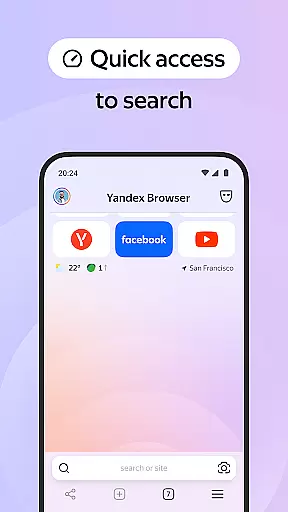
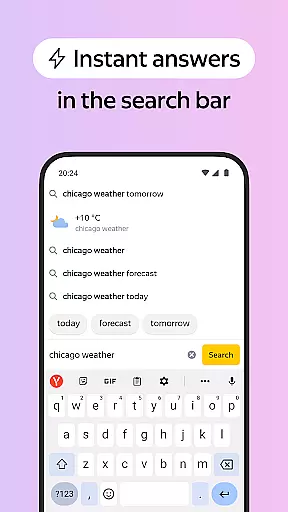

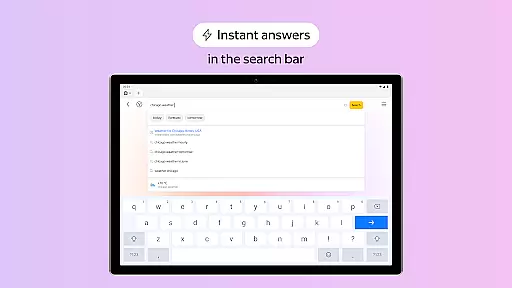
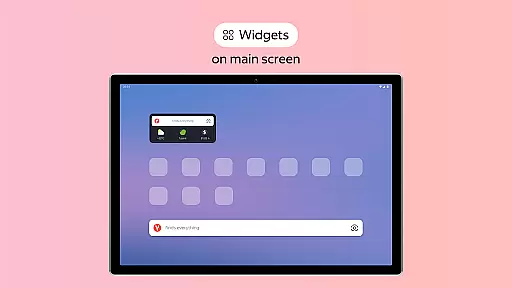
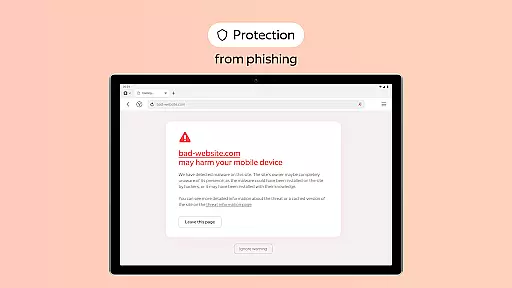
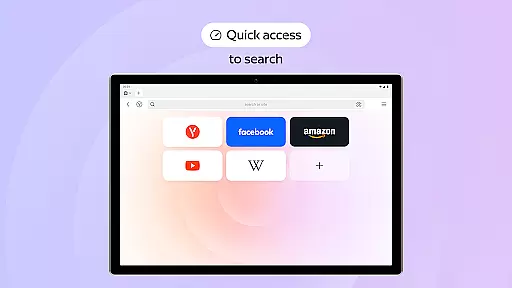
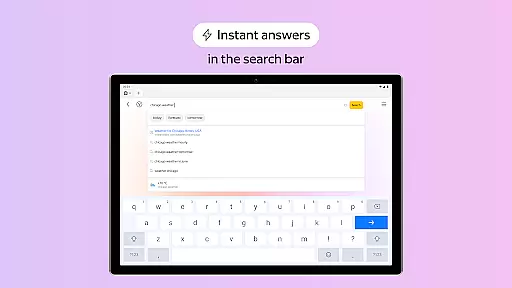
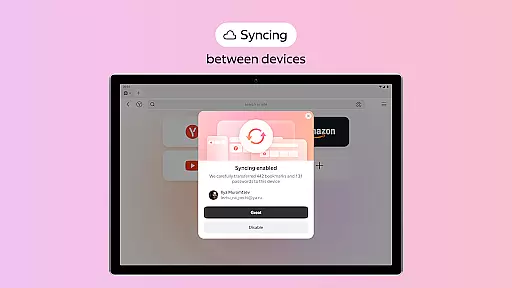
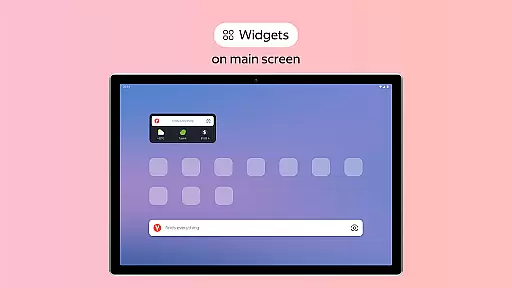
Yandex Browser with Protect is a stylish and secure mobile browser that offers advanced features for an optimal browsing experience. It includes voice search functionality, data compression to reduce internet usage, and an active security system called Protect that safeguards users' personal data on public Wi-Fi networks. The browser also provides tools like Reader Mode for clutter-free reading, Incognito Mode for private browsing sessions, and cross-device syncing through Yandex account integration.
This browser stands out with its customization options, allowing users to personalize their interface with various wallpapers and themes. Additionally, it supports third-party ad-blocking apps to eliminate intrusive advertisements. These features make Yandex Browser particularly suitable for users who prioritize both aesthetics and security while browsing the web.
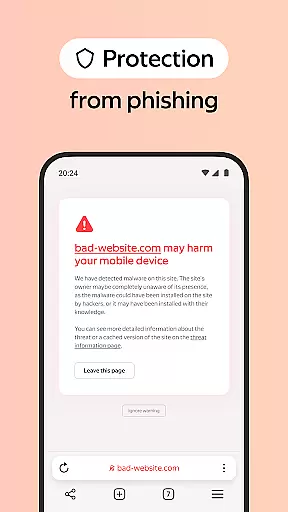
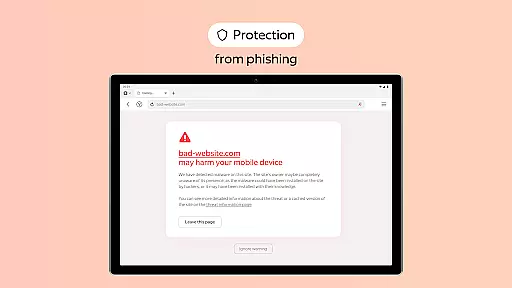
Yandex Browser boasts several notable features that enhance user experience. Its Protect security system actively shields users from harmful or fraudulent websites, especially when connected to public Wi-Fi networks. The integrated voice search function allows for hands-free navigation, while data compression helps in reducing bandwidth consumption without compromising page load speeds.
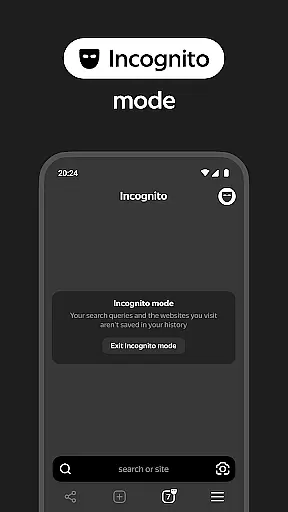
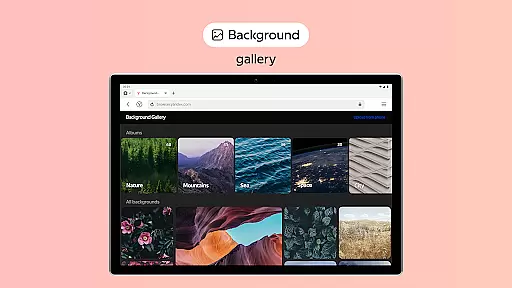
Another key feature is Reader Mode, which removes unnecessary interface elements such as ads and menus, leaving only essential text and images for a cleaner reading experience. Users can also browse privately using Incognito Mode, ensuring no trace of passwords, search queries, or history is left behind. Furthermore, the browser's extensive wallpaper library lets users customize their home screens according to their preferences, making each browsing session uniquely personal.
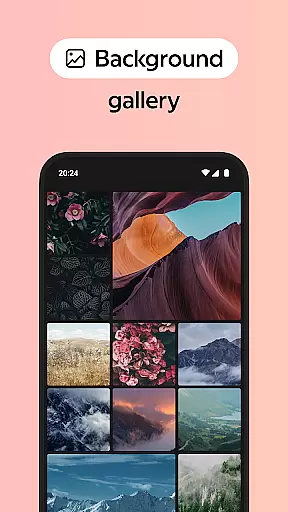
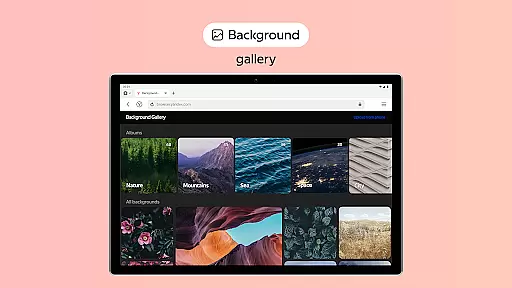
Customization is at the heart of user experience, and Yandex Browser with Protect offers a rich array of options to tailor your browsing environment. The browser provides an extensive wallpaper library, allowing users to personalize their interface with backgrounds that suit various styles and moods. This feature not only enhances aesthetic appeal but also allows users to create a more engaging and enjoyable browsing atmosphere.
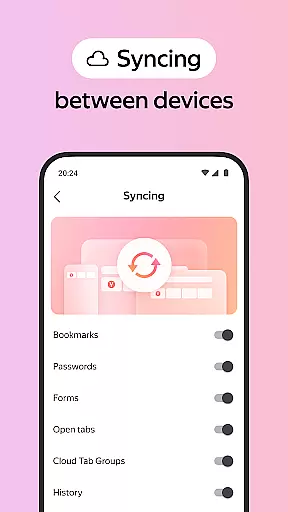
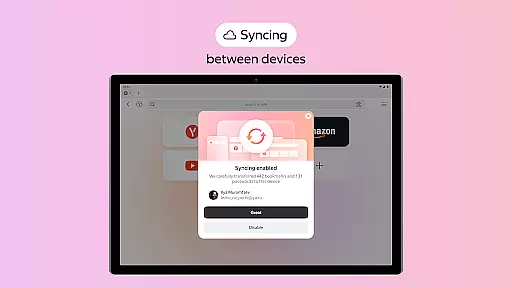
In addition to visual customization, Yandex Browser supports functional personalization through its syncing capabilities. Users can access their favorite websites and bookmarks across multiple devices by simply linking their data via a Yandex account. This seamless integration ensures that your personalized settings and essential data are available wherever you go, providing both convenience and continuity in your web surfing experience.
The ability to integrate third-party blocking apps for ad-free browsing adds another layer of customization. By removing annoying ads, users can focus on content that matters most to them without distraction. This level of control over the browsing environment empowers users to craft an online space that aligns perfectly with their preferences and needs.
Theme compatibility is crucial for ensuring a cohesive and visually pleasing browsing experience. Yandex Browser excels in this area by offering broad support for different themes, which allows users to maintain visual consistency across their digital life. Whether you prefer minimalist designs or vibrant, colorful interfaces, the browser's theme options cater to diverse tastes and requirements.
Beyond just aesthetics, Yandex Browser ensures that these themes do not compromise usability. Each theme is designed to work harmoniously with the browseru2019s features, such as Reader Mode and Incognito Mode, preserving functionality while enhancing visual appeal. This thoughtful design guarantees that users can enjoy a streamlined interface without sacrificing any core capabilities of the browser.
Moreover, the active security system Protect integrates seamlessly with all available themes, maintaining high standards of safety without disrupting the chosen visual style. This balance between security features and theme compatibility underscores Yandex Browser's commitment to delivering both protection and personalization, making it a versatile choice for discerning users who value both form and function in their browsing tools.
Advanced security features
Voice search functionality
Data compression technology
Customizable interface
Cross-device synchronization
Limited third-party extensions
Higher memory usage
No built-in ad blocker
Occasional slow performance
Fewer privacy controls

3D, live, and moving wallpapers & themes in 4K and HD for your device.
 4.50
4.50
Fingerprint Lock Screen & Live Animations with 4K Wallpapers as Live Wallpaper
4.40
Interactive Miniature Painting Catalogue
3.30
Wallpaper HD 4K Live - Thousands of high-quality Anime backgrounds for you.
4.80
Run multiple accounts of the same app on a single device
4.10
Romantic Kiss Stickers App. Start romantic messaging now!
4.30
Choose your keyboard with RGB colors effect, themes, fonts, emojis.
4.60
Transform your phone with stunning video wallpapers and a unique, personal touch
3.80
Emoji Maker app - Design custom emojis and effortlessly blend them with Mixer
3.80
300+ Stunning and well-designed widgets inspired by NOTHING.
4.70
Shimeji adds cute animated characters to your screen, lively and fun.
4.70
Ultimate Gallery Lock App - Hide Pictures, Videos and Lock Apps Instantly!
4.60
Customize your home screen with stunning themes, blur, widgets & icons.
4.60 4.50
4.50
Art & Emoji Keyboard with Cool Fonts, Cute Themes and Custom Designs.
4.40
Unleash Your Creativity and Connect with Loved Ones with Lockscreen Drawing!
4.20
Magic fluids wallpaper 4D: Relax with stunning fluid simulation wallpaper app
4.20
Crystal-clear, square icon provides a sleek and sophisticated visual upgrade
4.00
Capture moments that pass like a storm, second by second.
4.2


User Reviews