
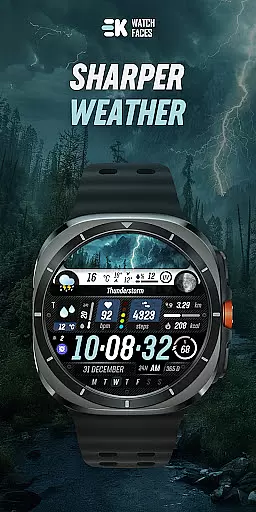
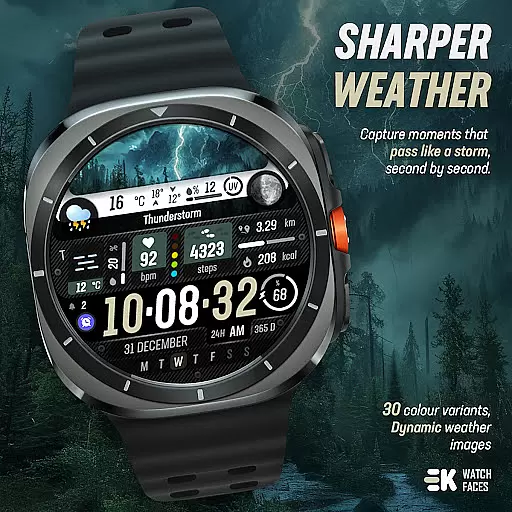
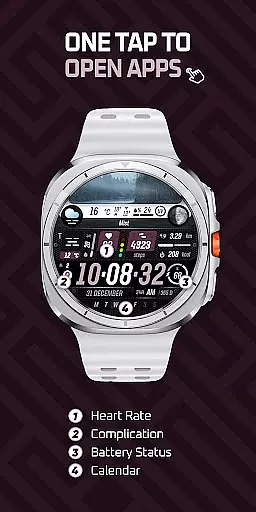
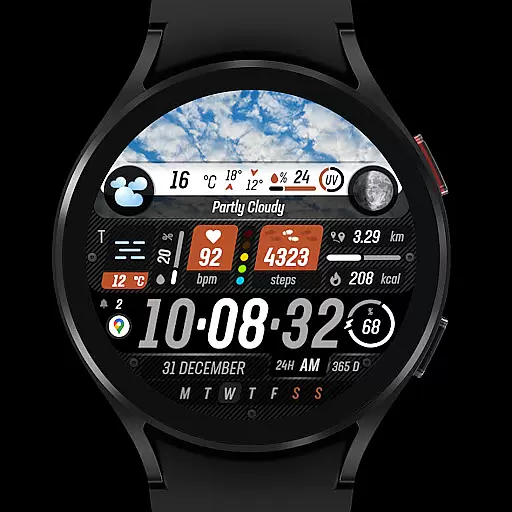
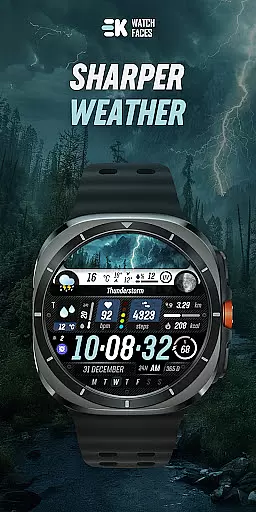
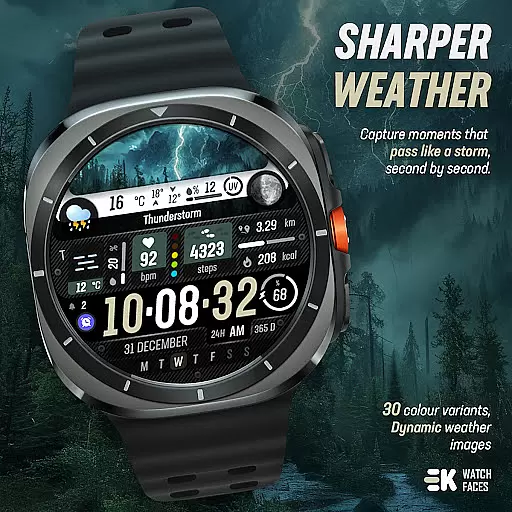
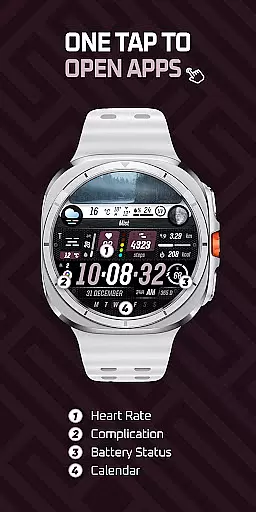
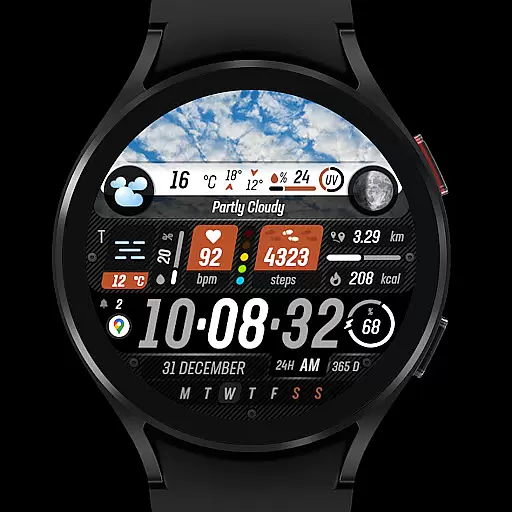
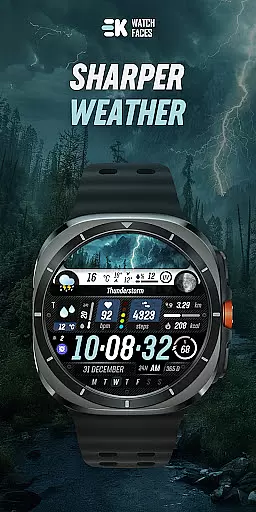
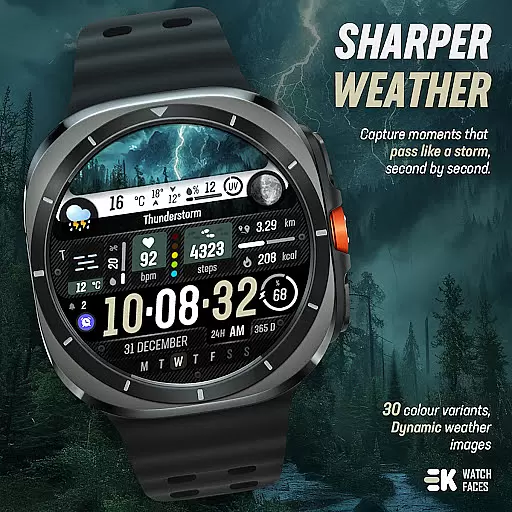
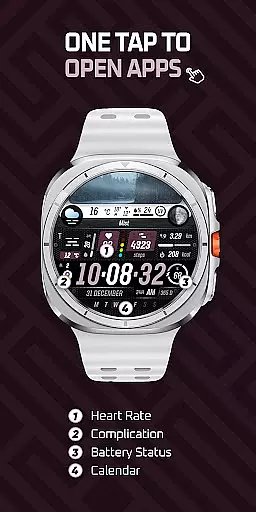
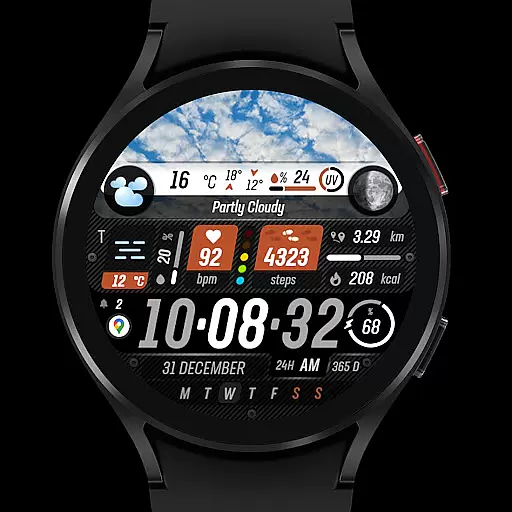
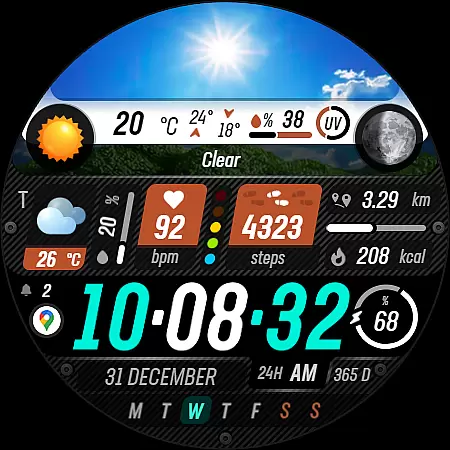
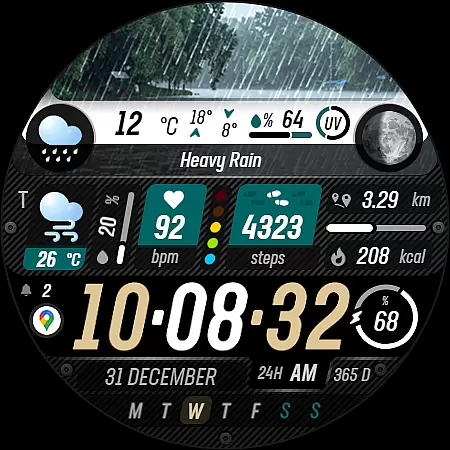
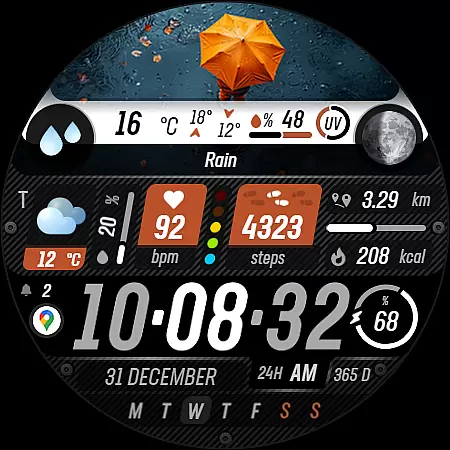
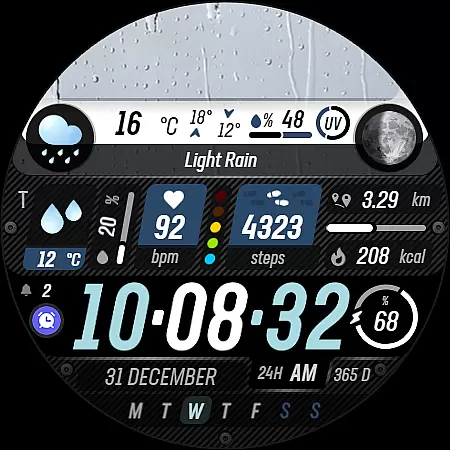
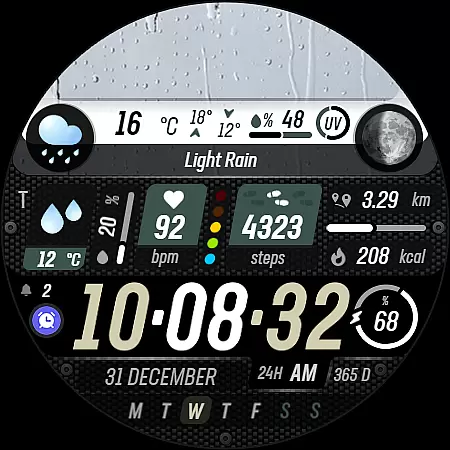
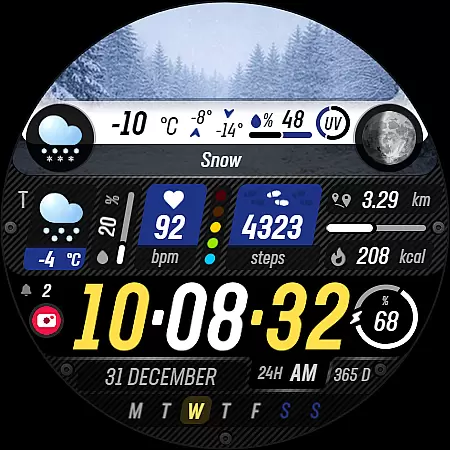
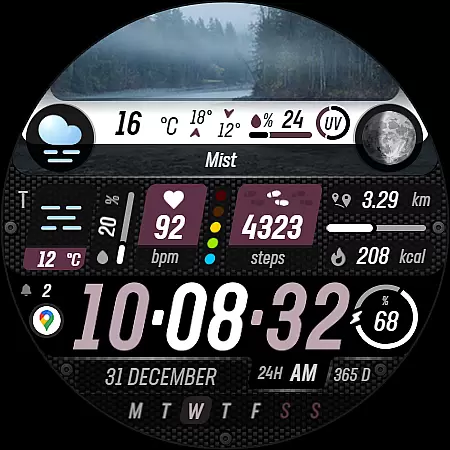
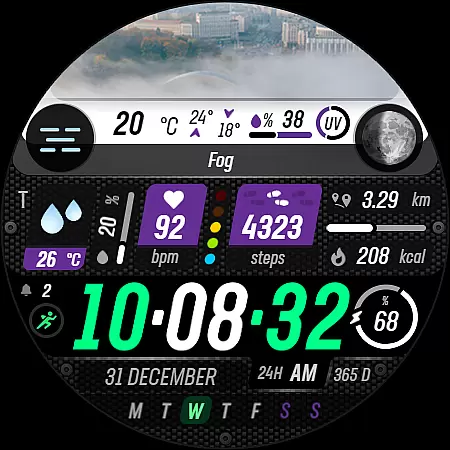
Sharper Weather is a feature-rich watch face designed exclusively for Wear OS devices, offering users an enhanced and personalized timekeeping experience. With its visually striking design and comprehensive weather tracking capabilities, this app transforms your smartwatch into a dynamic personal assistant.
The watch face provides real-time weather updates through animated icons and condition-specific imagery, ensuring you stay informed about changing weather patterns throughout the day. It also includes practical features like temperature ranges, precipitation forecasts, and UV index indicators, making it an essential tool for outdoor planning.
Beyond weather functionality, Sharper Weather incorporates fitness tracking elements such as step counting, distance measurement, and heart rate monitoring. The customizable interface allows users to adjust settings based on their preferences while maintaining compatibility with both 12-hour and 24-hour time formats.
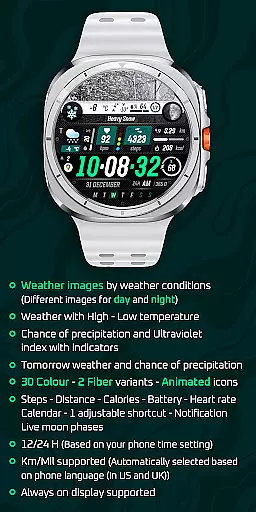
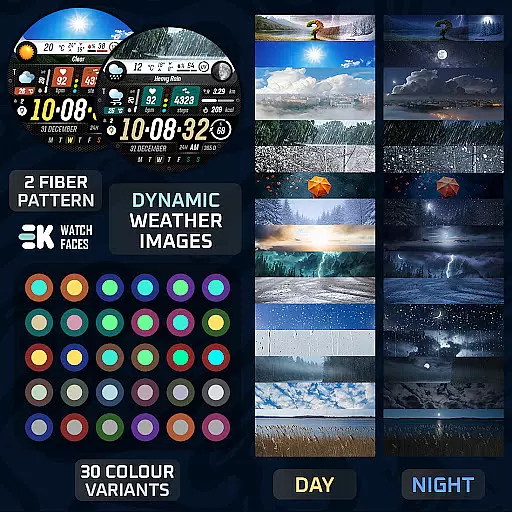
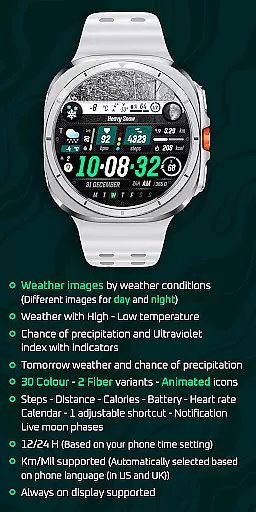
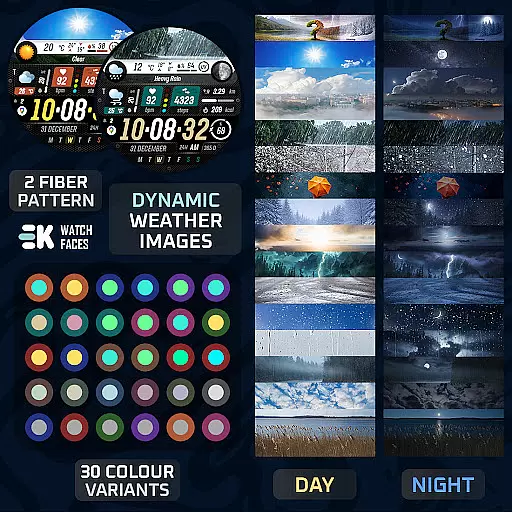
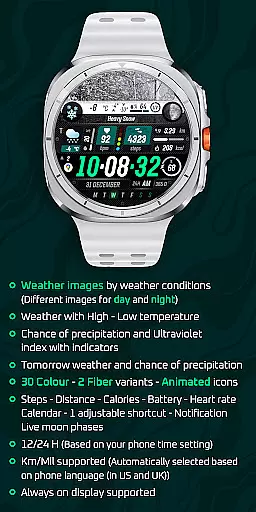
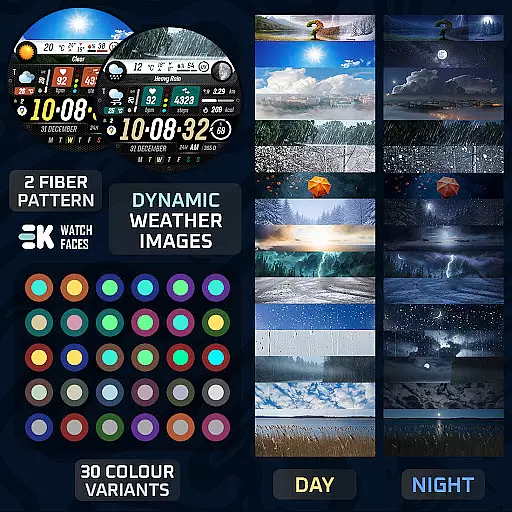
Sharper Weather stands out with its extensive customization options and advanced functionality set. The application offers over 30 color variations and 2 fiber variants, enabling users to tailor their watch face to match their personal style. Its animated icons provide intuitive visual cues for various weather conditions, creating a more engaging user experience.
The integration of comprehensive health and fitness tracking features makes this watch face particularly valuable for active individuals. Users can monitor their daily steps, track calories burned, measure distances traveled, and even check their heart rate directly from their wrist. Additional practical features include battery status display, calendar notifications, and adjustable shortcuts.
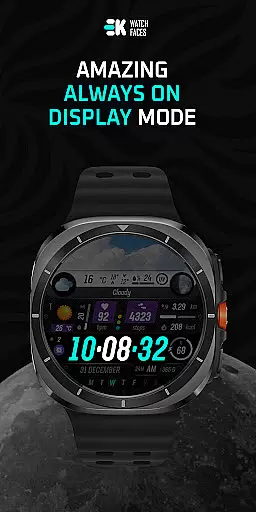
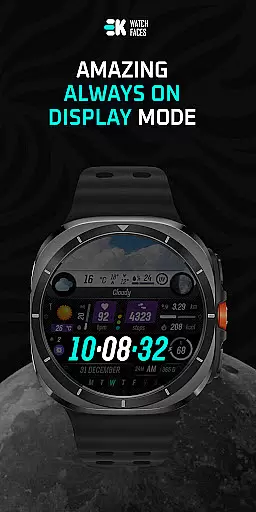
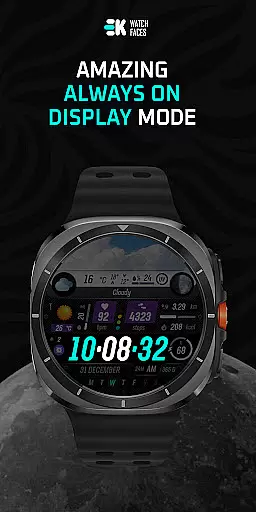
One of the key advantages of Sharper Weather is its seamless adaptation to different regional settings. The application automatically adjusts between metric and imperial units based on the user's location while supporting multiple languages. Furthermore, its always-on display capability ensures important information remains accessible at all times without compromising battery life.
Sharper Weather offers an extensive range of customization options that allow users to tailor their Wear OS experience according to their preferences. With 30 color choices and 2 fiber variants, the watch face can be personalized to match individual style or mood.
In addition to aesthetic personalization, the application provides animated icons and supports both 12-hour and 24-hour time formats based on the phone's time setting. Users can also choose between metric and imperial units for distance, which is automatically selected based on the phoneu2019s language settings, ensuring a seamless transition from phone to wearable.
The inclusion of features such as weather images that change with conditions and time of day, high-low temperature displays, chance of precipitation, ultraviolet index indicators, tomorrow's forecast, and live moon phases provide functional customization. This ensures that users receive pertinent information at a glance, enhancing their interaction with the smartwatch.
By offering these diverse customization options, Sharper Weather empowers users to create a unique and practical interface that caters to both their aesthetic desires and informational needs.
Theme compatibility is crucial for a cohesive user experience across devices, and Sharper Weather excels in this area by providing a versatile watch face that integrates smoothly with various Wear OS themes. The design takes into account different user preferences and system settings, ensuring that the watch face looks harmonious regardless of the chosen theme.
Users can enjoy consistent aesthetics with support for always-on display functionality, which means the carefully crafted visuals remain visible even when the watch is in ambient mode. This feature maintains readability without compromising the visual appeal, aligning perfectly with the deviceu2019s native behavior.
Moreover, the app respects the phoneu2019s language settings, adapting measurements like distance units accordingly. Such attention to detail ensures that whether a user prefers kilometers or miles, the transition from phone to watch feels natural and intuitive.
With its thoughtful approach to theme compatibility, Sharper Weather enhances usability while maintaining a visually pleasing interface, making it an ideal choice for those seeking a synchronized and adaptable wearable experience.
User-friendly interface
Comprehensive weather data
Customizable design options
Advanced fitness tracking
Real-time notifications
Limited device compatibility
Potential installation issues
Requires manual permissions
No standalone functionality
Premium price point

Wear Os Watch Face - Seasonal - Animated Snow Effect - 9 Animals
 4.20
4.20
Shimeji adds cute animated characters to your screen, lively and fun.
4.70
Over 28,000 high quality icons to bring color & homogeneity to your phone.
4.60 3.50
3.50
Nothing Icon pack with more than 3750+ highly crafted icons.
4.70
Vibrant Adaptive Icons with Material You and Enhanced Monet Colors.
4.50
300+ Beautifully crafted widgets inspired by OneUI.
4.60
400+ Beautifully crafted widgets inspired by NOTHING.
4.70
Magic fluids wallpaper 4D: Relax with stunning fluid simulation wallpaper app
4.20
Wallpaper HD 4K Live - Thousands of high-quality Anime backgrounds for you.
4.80
Customizable Glass widgets. Over 360+ stunning widgets and more!
4.70
Unique Android Launcher
4.60
Ultimate Gallery Lock App - Hide Pictures, Videos and Lock Apps Instantly!
4.60
Transform your phone with Launcher iOS 26 - Smooth & elegant iOS experience
4.50 4.50
4.50
Organize and manage your photos and videos effortlessly with Photo Gallery
4.20
Realistic animated snow on your wrist, with 10 images landscapes to choose from
4.00
Transform your phone with stunning video wallpapers and a unique, personal touch
3.80
⭐ OneUI inspired Fluffy Icon Pack – Soft. Stylish. Standout. ⭐
4.3


User Reviews