
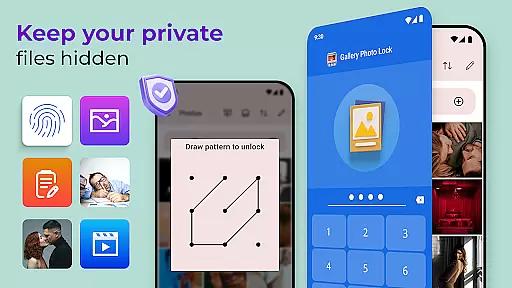
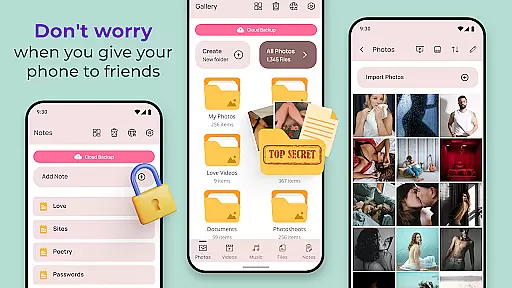
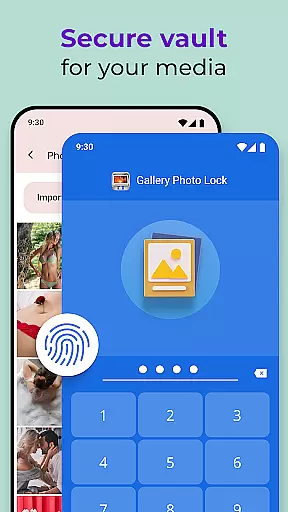
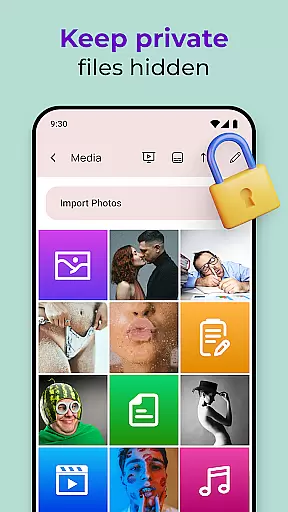
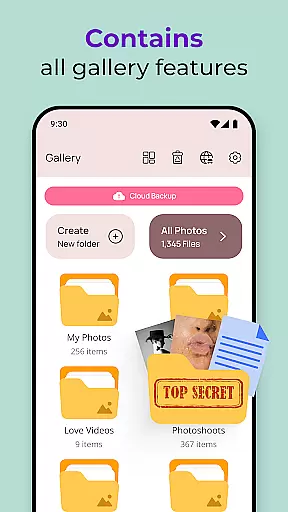
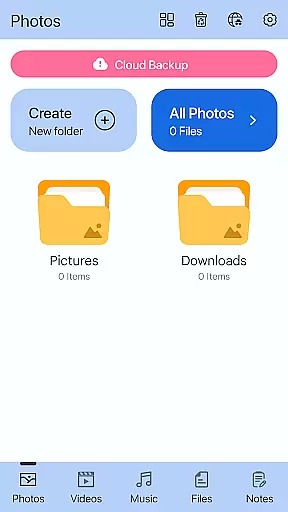
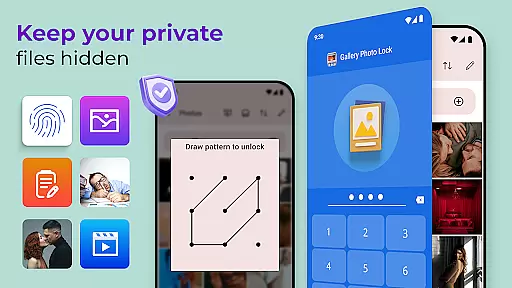
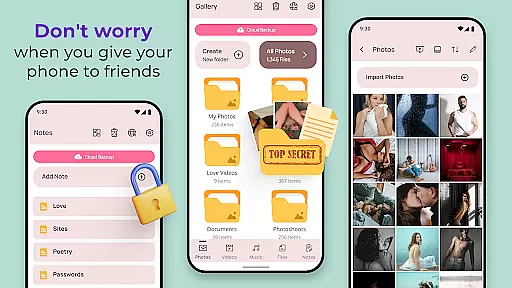
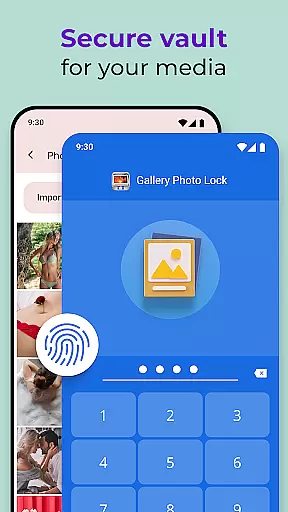
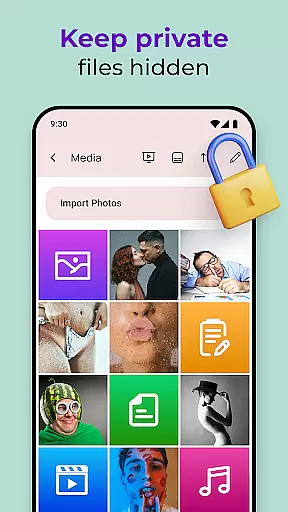
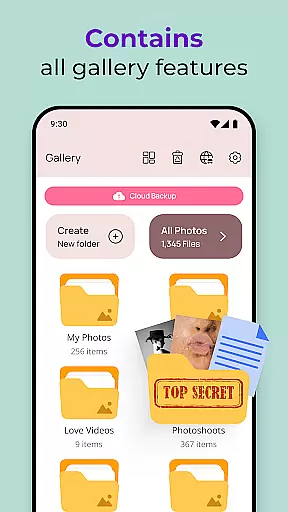
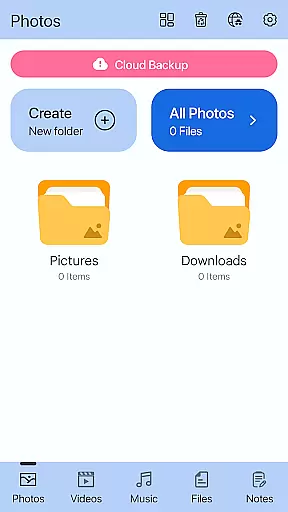
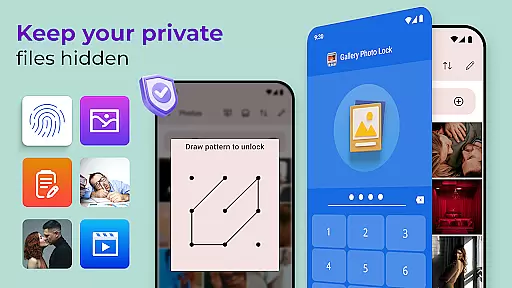
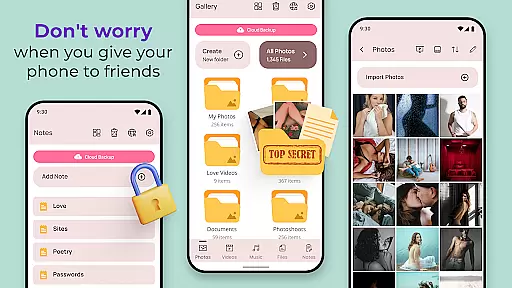
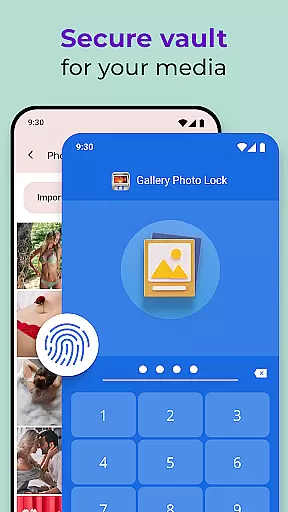
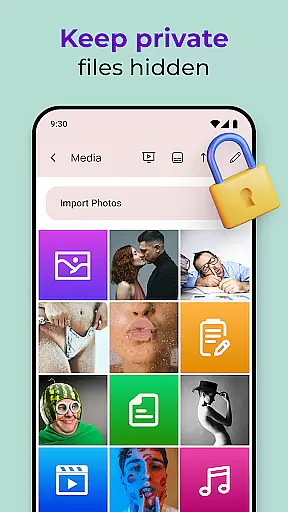
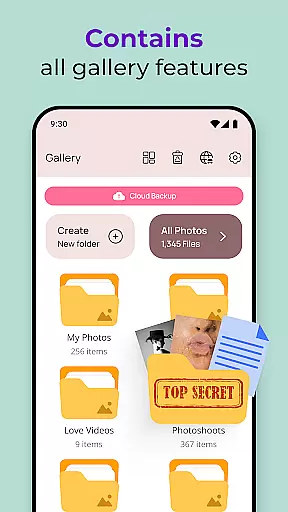
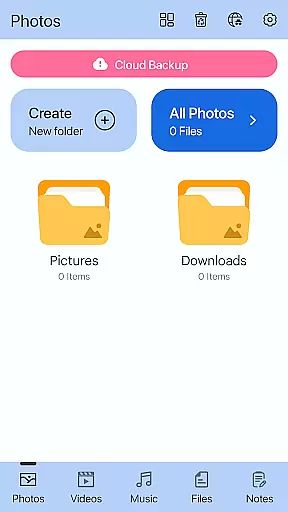
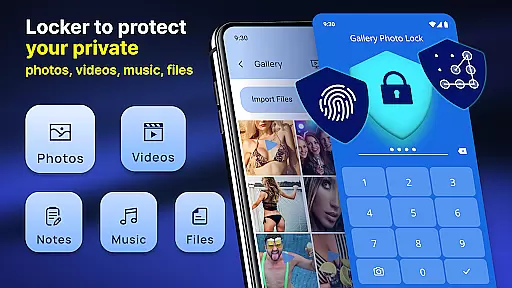
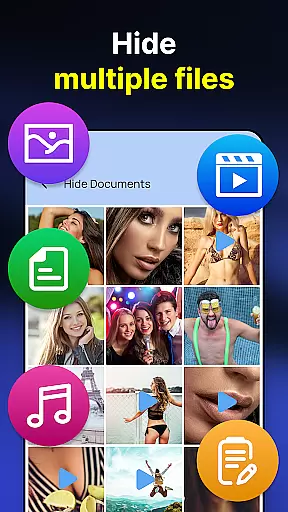
Gallery Photo Locker is a comprehensive privacy protection app designed to safeguard your personal media files. This application allows users to effortlessly hide an unlimited number of images and videos, ensuring that sensitive content remains secure. With features like fingerprint authentication and cloud backup, the app provides both security and convenience.
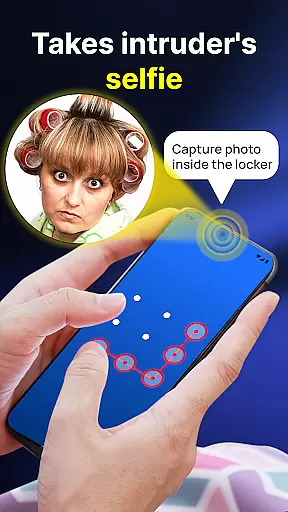
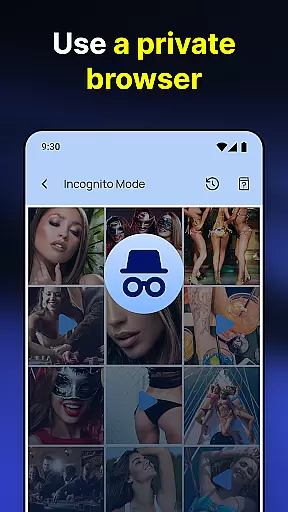
The app's functionality extends beyond basic photo hiding. It includes options such as private note storage, a safe browser for secure internet browsing, and direct downloading into the hidden vault. Additionally, advanced features like intruder selfies and face-down locking enhance user privacy. Suitable for anyone looking to maintain a discreet digital presence, Gallery Photo Locker offers peace of mind in an increasingly connected world.
Gallery Photo Locker stands out with its robust set of features tailored for privacy-conscious users. The app supports biometric authentication through fingerprint unlock, providing quick and secure access. Its cloud backup functionality ensures that even if you lose your device, your hidden files remain safe and can be restored easily.
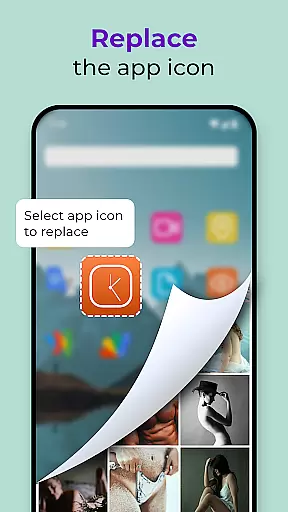
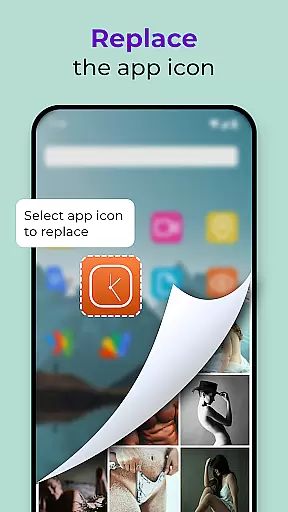
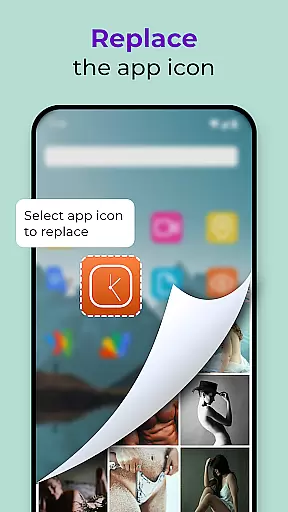
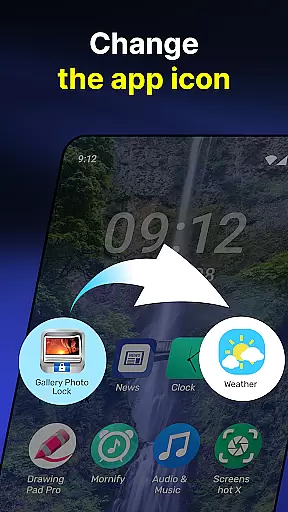
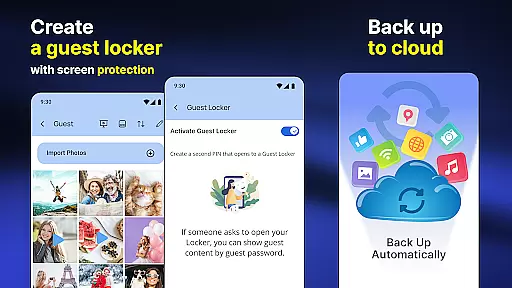
Another notable feature is the ability to replace the app icon with common icons like news or weather, effectively camouflaging it. The inclusion of a guest locker option allows users to create a decoy space with a different password, adding an extra layer of security. These features collectively ensure that your private life stays private, making Gallery Photo Locker an essential tool for anyone serious about their digital privacy.
Customization is at the heart of the Gallery Photo Locker experience, offering users a versatile way to personalize their privacy settings. This app provides multiple customization features that cater to individual preferences and needs.
Users can replace the app icon with alternatives like news, weather, or radio icons, effectively disguising the app's true purpose. Additionally, the Galerie Lock Themes feature allows users to customize the appearance of the Private Photo Vault, making the interface both familiar and unique to each user.
The ability to create a Guest Locker adds another layer of personalization. This feature enables users to set up a decoy gallery with a separate password, further protecting their real private media from prying eyes.
These customization options empower users to tailor their privacy protection in a way that suits their lifestyle, ensuring both security and convenience are maintained.
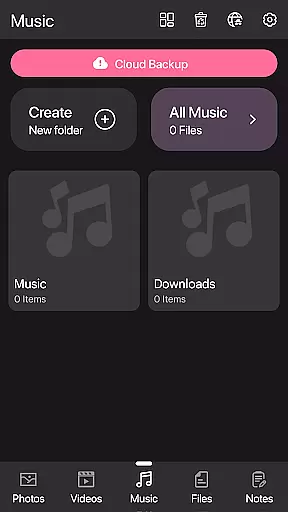
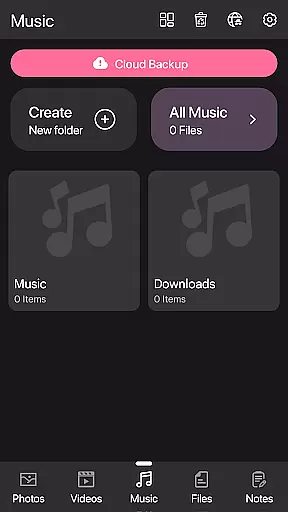
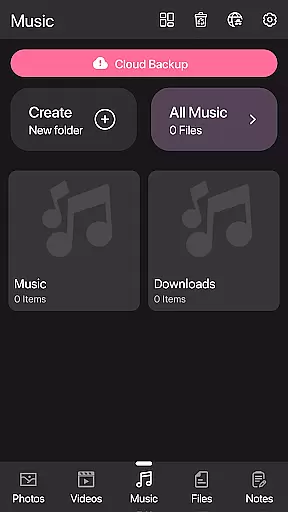
Theme compatibility is crucial for users who desire both functionality and aesthetic appeal in their privacy apps. The Gallery Photo Locker excels in this area by providing a range of themes through its Galerie Lock Themes feature.
This app ensures that users can select themes that resonate with their personal style while maintaining the high-security standards expected from a photo vault app. The availability of various themes means that users won't feel confined to a single look and can switch themes as often as they like.
Beyond visual customization, theme compatibility extends to functional elements such as the Calculator Lock App feature. This disguise not only changes the appearance but also serves a practical purpose by masking the app's primary function.
By focusing on theme compatibility, the Gallery Photo Locker ensures that users enjoy a personalized experience without compromising on the essential privacy features they rely on to protect their sensitive data.
User-friendly interface
Secure cloud backup
Fingerprint authentication
Icon camouflage feature
Guest locker option
Premium features require payment
Occasional bugs reported
Limited free storage
Ads in free version
Complex setup for beginners

Stunningly Different look with Line Icons and Neon Colors
 4.60
4.60
Ultra realistic gold analog watch face with lots of customization options.
4.50
Beautiful realistic hybrid watch face with numerous customization options.
4.50
Unique Android Launcher
4.60
Personalize your phone with stunning HD and 4K wallpapers!
4.70
Want to make your phone more special than ever?
4.60 4.10
4.10
Yandex Browser — stylish and secure, with voice search and data compression
4.40
set a new experience for the Android mobile phone
4.20
Winter's Journey: digital watch face for Galaxy Watch & Wear OS
4.80
Gun Chase - Let the chase begin.
4.80
One 8 icons glass color version
4.80
A launcher for Samsung Good Lock and Good Guardians modules without ads
4.70
300+ widgets inspired by Material You and Material 3 expressive design.
4.60
Transform your device in a game console
4.40
Unique Fonts, typefaces and stylish text. Fonts for Instagram, Whatsapp & others
4.20
Ultimate widget creator. Design custom widgets for a truly unique home screen!
3.90
Adorable pets roam and play right on your phone screen!
3.30
⭐ OneUI inspired Fluffy Icon Pack – Soft. Stylish. Standout. ⭐
4.3


User Reviews