

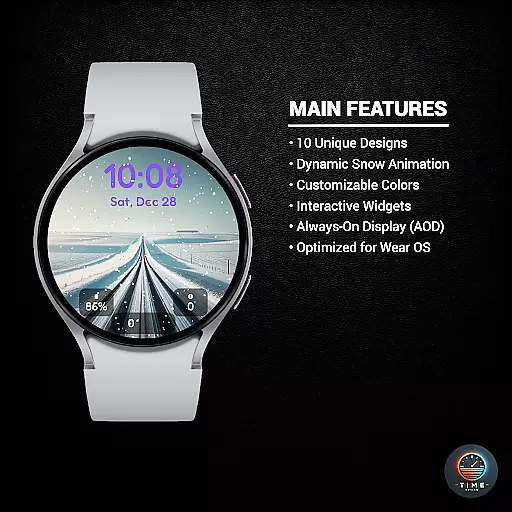
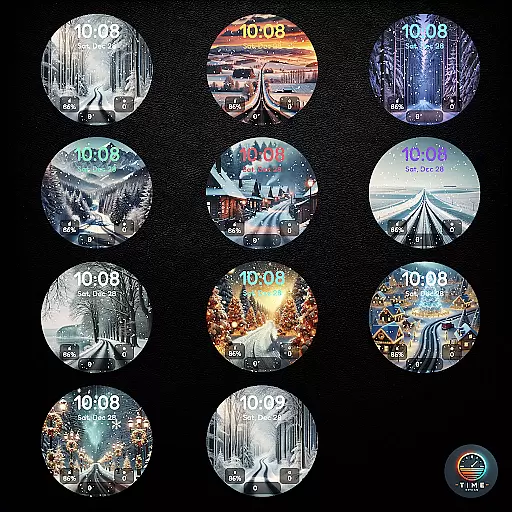
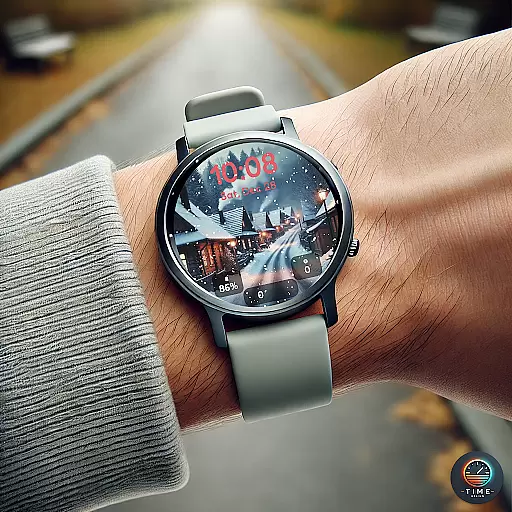
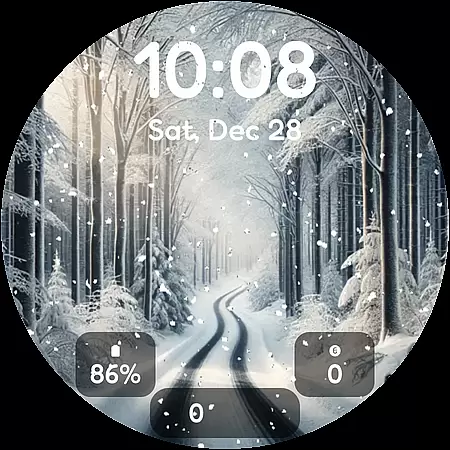
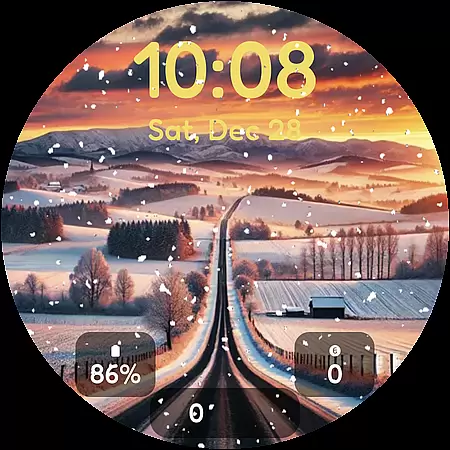
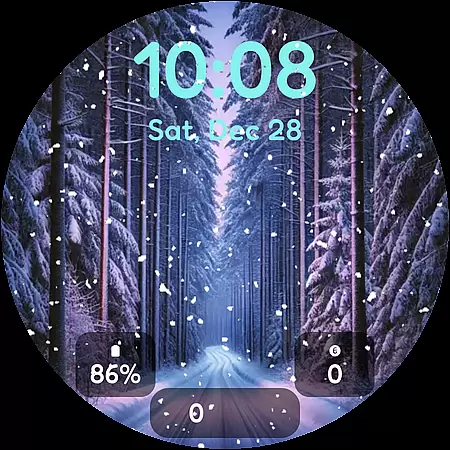
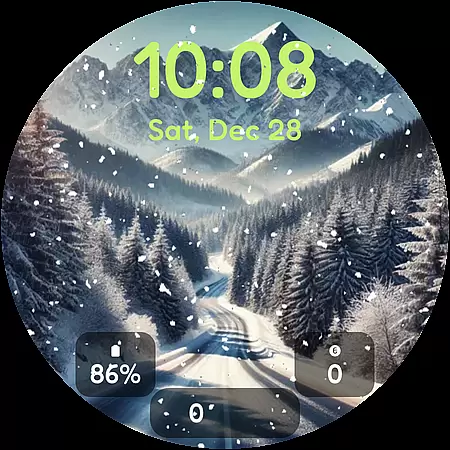
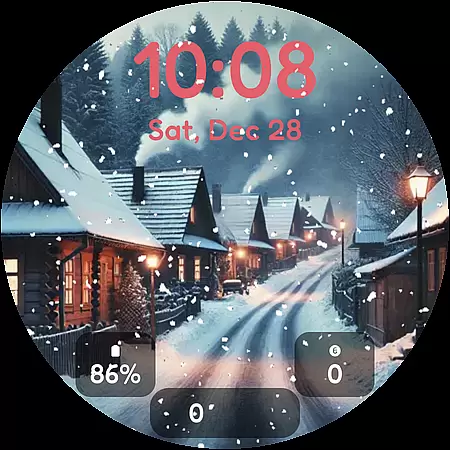
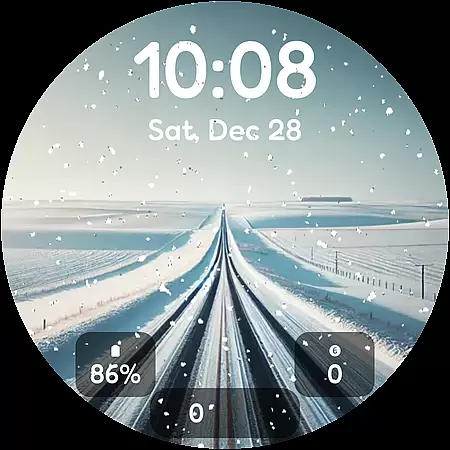
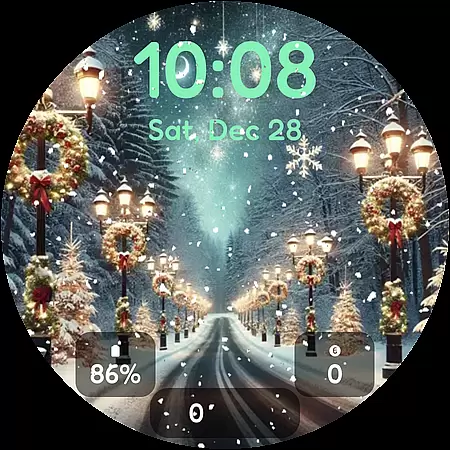

Winter's Journey Watch Face brings the tranquil beauty of winter to your smartwatch with its stunning collection of 10 unique watch face designs. Each design features mesmerizing snow animations that create a dynamic and eye-catching display on compatible devices such as Samsung Galaxy Watches, Google Pixel Watches, and all Wear OS 6+ smartwatches.
This personalization app is perfect for those who appreciate modern aesthetics and desire a touch of seasonal charm on their wearable tech. With support for color themes, custom widgets, and Always-On Display (AOD), users can tailor their watch faces to match their style while enjoying optimized performance specifically designed for Wear OS.
Winter's Journey Watch Face stands out with its array of key features tailored for personalization enthusiasts. The app offers ten distinctive designs, each capturing the serene essence of winter through intricate details and lively snow animations that bring each watch face to life.
Users have the flexibility to customize their experience with various color themes and widgets, ensuring their smartwatch not only looks good but also provides quick access to essential information. Optimized for Wear OS, this app guarantees smooth performance and compatibility across multiple devices including Samsung Galaxy Watches and Google Pixel Watches.
With support for Always-On Display (AOD), Winter's Journey ensures that time is always visible at a glance without sacrificing battery life or visual appeal. This feature set makes it an ideal choice for owners looking to infuse their devices with both functionality and festive flair.
Customization is at the heart of personalizing your smartwatch experience, and Winter's Journey Watch Face excels in offering a wide array of options to suit individual tastes. With 10 unique designs, users can choose a look that resonates with their style while enjoying the dynamic snow animation that brings a serene winter vibe to their device.
The application provides multiple color themes, allowing users to further tailor the appearance of their watch face. Whether you prefer a classic winter white or a more vibrant palette, the customization possibilities ensure that your watch reflects your personality and mood.
In addition to aesthetic choices, Winter's Journey includes custom widgets that enhance functionality without compromising on style. Users can personalize what information is displayed on their watch face, such as weather updates or fitness stats, making it not only a fashion statement but also a practical tool in daily life.
Theme compatibility is crucial for ensuring that the watch face you choose works seamlessly across different devices and operating systems. Winter's Journey Watch Face is optimized for Wear OS, guaranteeing a smooth and visually consistent experience whether you're using a Samsung Galaxy Watch or a Google Pixel Watch.
This compatibility extends to various models, including the latest Samsung Galaxy Watch 8, Ultra, 7, 6, 5, and Google Pixel Watch 4, 3, 2. Such broad support means that regardless of your device, you can enjoy the same level of quality and design fidelity, ensuring that your watch face looks as intended.
Furthermore, the inclusion of AOD (Always-On Display) support demonstrates the app's commitment to maintaining visual integrity even when the watch is in low-power mode. This feature ensures that users can enjoy the beautiful designs and animations without worrying about battery drain or compromised aesthetics.
Unique Designs
Snow Animation
Color Themes
Custom Widgets
AOD Support
Limited Compatibility
Long Load Time
Fewer Features
No Free Trial
High Battery Use

A light in the dark, a unique style and an andless cutomization!
 4.30
4.30
Ultra realistic gold analog watch face with lots of customization options.
4.50
Transform your phone with Launcher iOS 26 - Smooth & elegant iOS experience
4.50
Add cute Shimeji pets to screen, interact with them and relax with cute motions
4.60
Wallpaper HD 4K Live - Thousands of high-quality Anime backgrounds for you.
4.80 4.10
4.10
400+ Beautifully crafted widgets inspired by NOTHING.
4.70
350+ widgets with a premium glass-style finish, perfect for home & lock screens.
4.70
Your home screen, just the way you like it.
3.80
A minimalist productivity launcher. One-hand-friendly. Zero ads.
4.70
Customizable screen pets that play, climb, and keep you company.
4.50
Vibrant Adaptive Icons with Material You and Enhanced Monet Colors.
4.50
AI-powered Copilot. Personalized keyboard with gifs, stickers & themes
4.40
Launcher OS™ Pro without ads help make your phone simple and pretty
4.30
More than 3000+ themes and 9000+ wallpapers for everybody!
4.10
Customizable flower power digital watch face for Wear OS watches.
4.00
Design your screen with unique, vibrant clocks
3.80
Capture moments that pass like a storm, second by second.
4.3
Custom edge gestures for volume control, brightness, apps, and shortcuts.
4.2


User Reviews