
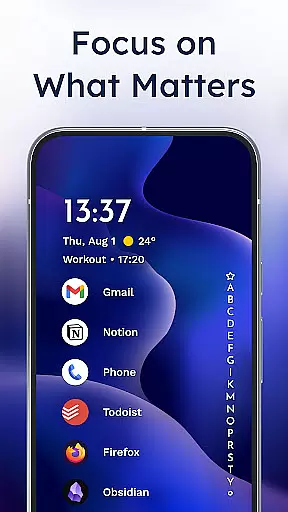
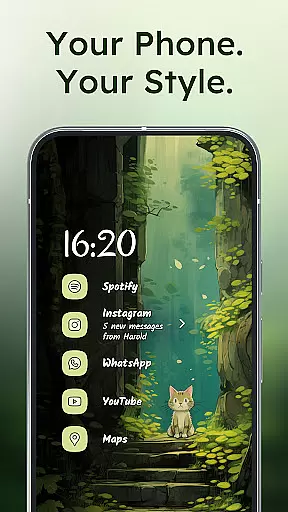
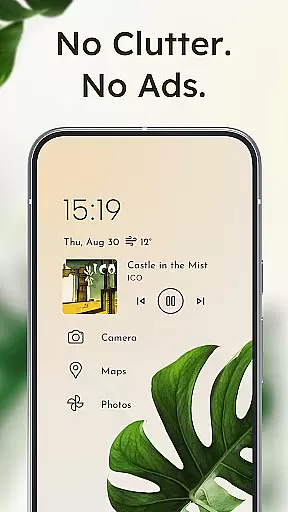
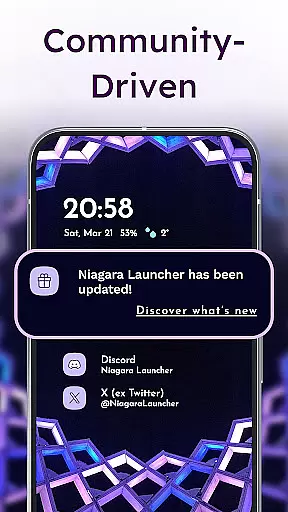
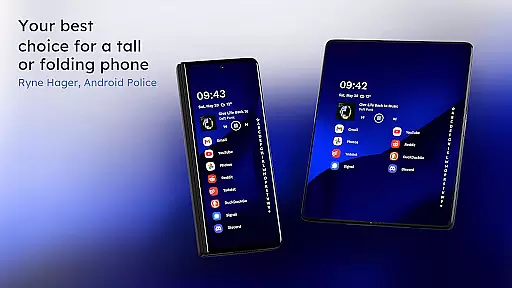
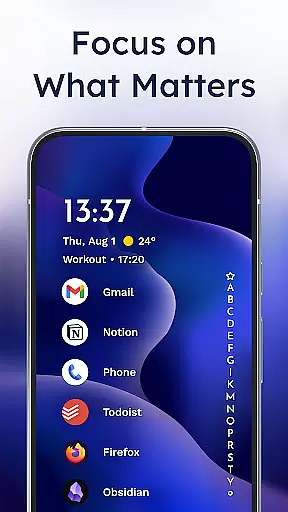
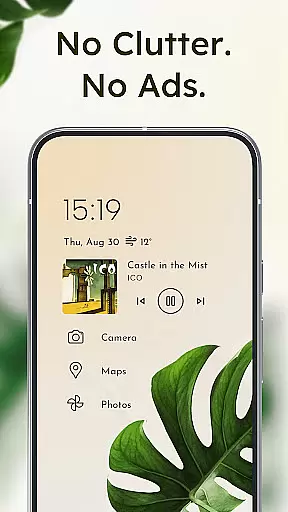
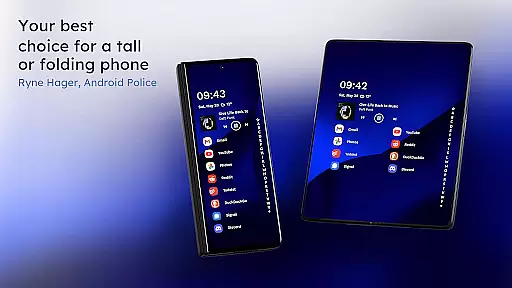
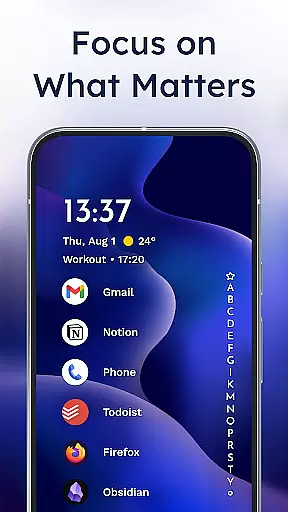
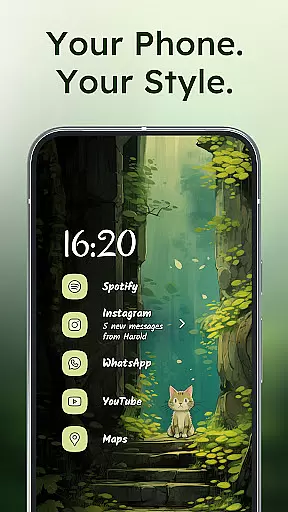
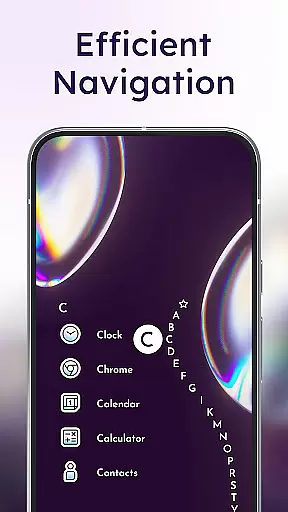
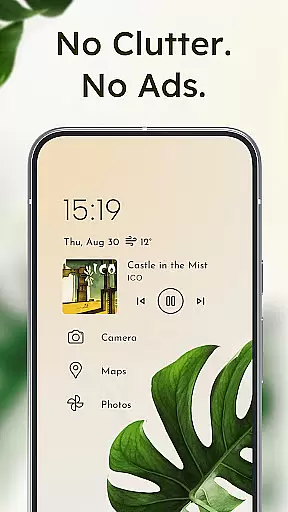
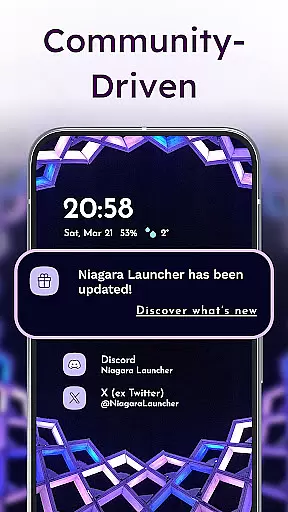
Niagara Launcher is a minimalist home screen app designed to make smartphone navigation more efficient and user-friendly. Unlike traditional launchers, it focuses on one-handed operation regardless of phone size. The launcher features an adaptive list layout that dynamically displays important information like media controls, messages, and calendar events when needed.
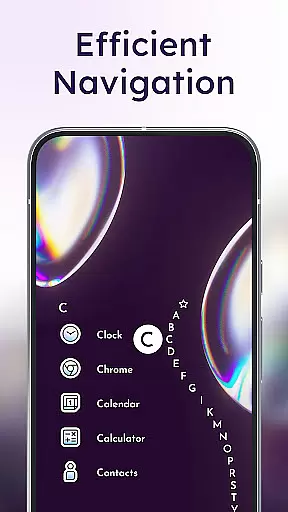
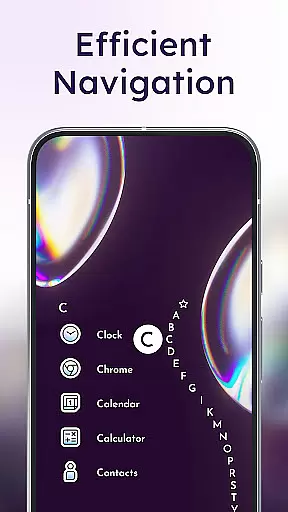
Key functionalities include the unique wave alphabet navigation for easy app access, embedded notifications that allow direct interaction from the home screen, and a distraction-free minimalist design. It also offers Material You theming for personalized aesthetics, and maintains high performance with its lightweight architecture. Niagara Launcher is particularly suitable for users who value both form and function in their Android experience.
Niagara Launcher stands out with several distinctive features that enhance the Android user experience. Its hallmark is the ergonomic one-hand operation, allowing users to reach every corner of the screen effortlessly. The adaptive list layout replaces the conventional grid system, creating a dynamic interface where relevant widgets and notifications appear contextually.
The launcher's wave alphabet navigation provides a satisfying and efficient way to access apps without needing an app drawer. Embedded notifications go beyond simple notification dots by enabling users to read and respond directly from the home screen. Additionally, the app embraces Google's Material You design language, offering extensive customization options while maintaining a clean and modern aesthetic. These features collectively deliver a launcher that is both highly functional and visually appealing.
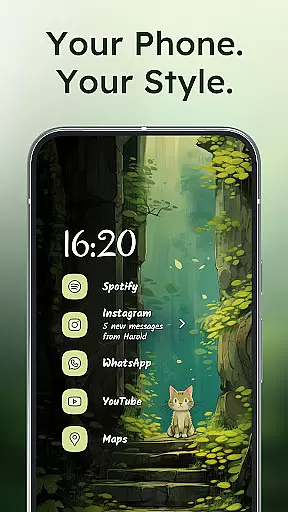
Niagara Launcher offers a wide array of customization options that allow users to tailor their home screen experience according to their preferences. With integrated icon packs, fonts, and wallpapers, the launcher provides tools for personal expression right at your fingertips.
The adaptive list feature is a standout element, enabling dynamic integration of media controls, notifications, and calendar events directly into the home screen interface. This flexibility ensures that the most relevant information is always accessible without cluttering the display.
For those seeking further personalization, Niagara Launcher supports custom themes through Material You Theming. Users can set unique wallpapers and watch as the system automatically adjusts colors to create a cohesive look that feels distinctly personal.
This extensive customization capability not only enhances aesthetic appeal but also contributes to improved usability by allowing users to organize their apps and information in ways that best suit their daily routines.
Theme compatibility is a crucial aspect of Niagara Launcher's design philosophy. The launcher fully embraces Material You, Android's modern design language, ensuring that visual elements like colors and icons harmonize seamlessly with user-selected wallpapers.
This deep integration extends beyond basic theming by backporting Material You features to all Android versions. Regardless of device specifications, users can enjoy consistent and responsive theming across their entire interface.
The launcher maintains visual consistency while offering flexibility in theme application. Whether choosing from predefined options or creating custom combinations, users benefit from smooth transitions and uniform application of style elements throughout their home screen.
This approach to theme compatibility demonstrates Niagara Launcher's commitment to delivering both aesthetic appeal and functional coherence, making it an ideal choice for users who value visual harmony alongside practical usability.
One-handed usability
Adaptive list layout
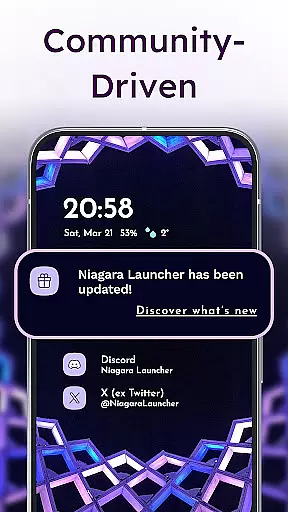
Embedded notifications
Lightweight performance
Material You theming
Limited widget support
No native Google integration
Steeper learning curve
Fewer visual effects
Basic icon pack

Ultra realistic gold analog watch face with lots of customization options.
 4.50
4.50
Ultra realistic high quality analog watch face for Wear OS.
4.60
Bring adorable pets to life on your screen. Playful, interactive and full of fun
4.60 4.50
4.50 4.10
4.10
Stylish Pink Cute Hippo keyboard with 10000+ customized keyboard themes!
4.60
Your go to Weather App & Home Screen. Get your weather at a swipe of a finger!
3.80
Transform your device in a game console
4.40
350+ widgets with a premium glass-style finish, perfect for home & lock screens.
4.70
One 8 icons glass color version
4.80
A Colorful and Minimal icon pack in an Outline Style - Over 13,600 icons!
4.70
Vertically oriented rectangular icons
4.70
Nothing Icon pack with more than 3750+ highly crafted icons.
4.70
Make your phone look simple & luxury, like iDevice
4.60
Over 28,000 high quality icons to bring color & homogeneity to your phone.
4.60
Zip lock screen with magic wallpaper to decorate your phone with fun zipper lock
4.60
Aesthetic Widgets, HD Wallpapers, Themes in Mico Widget for Home and Lock Screen
4.50
Ultimate widget creator. Design custom widgets for a truly unique home screen!
3.90
Transform your phone with stunning video wallpapers and a unique, personal touch
3.80


User Reviews