
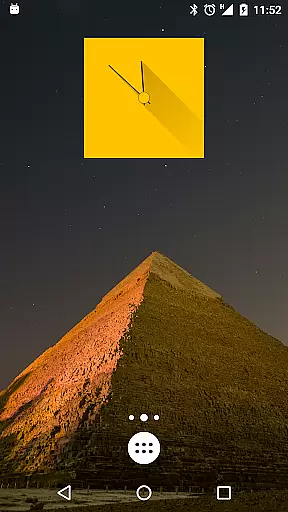
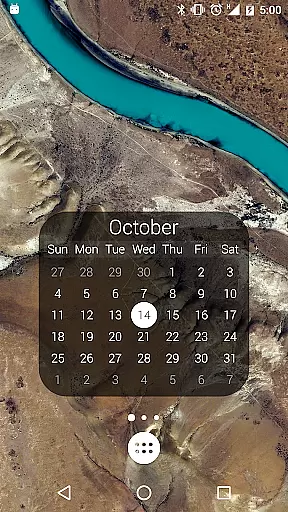
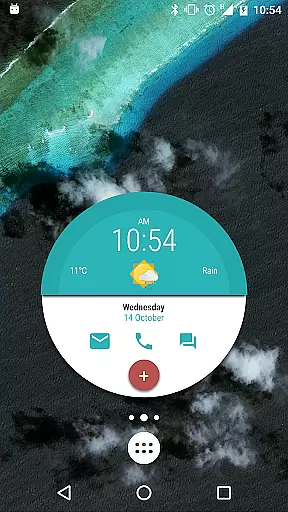
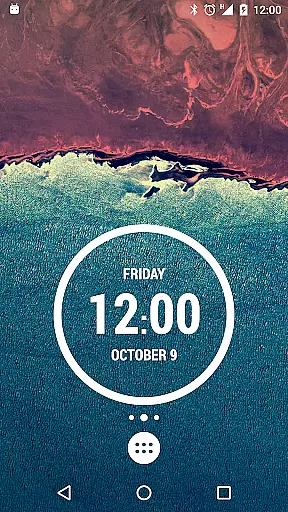
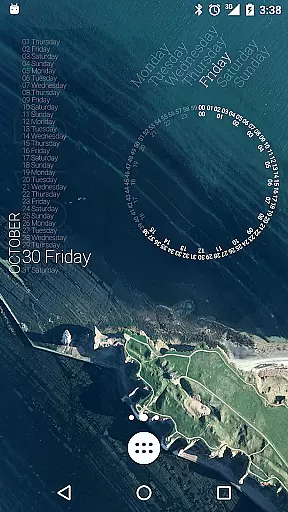
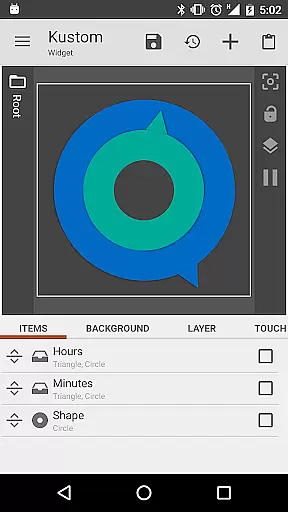
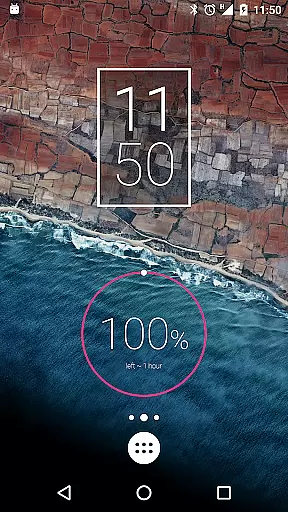
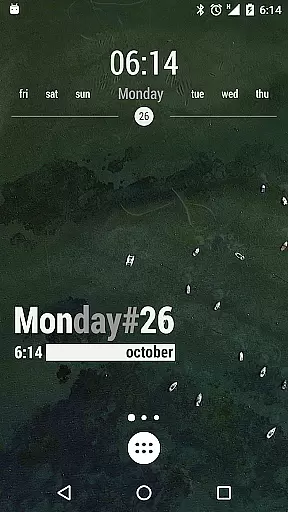
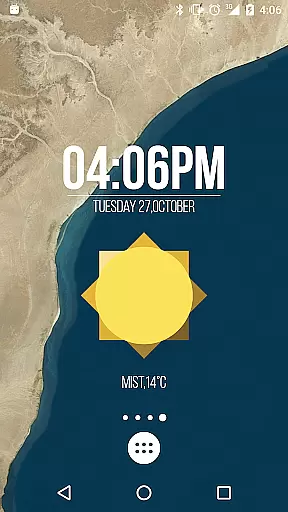
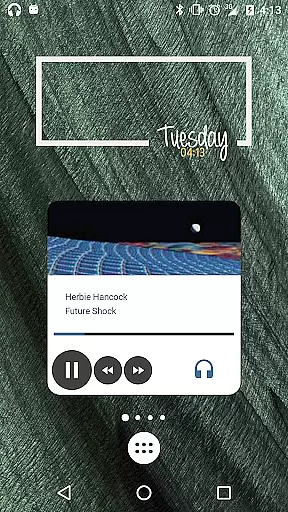
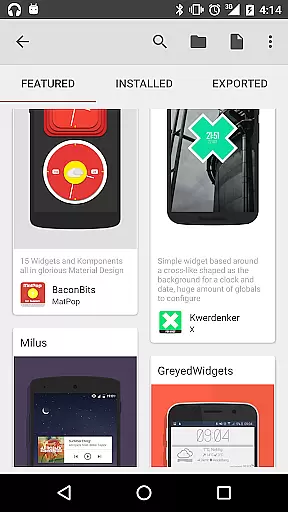
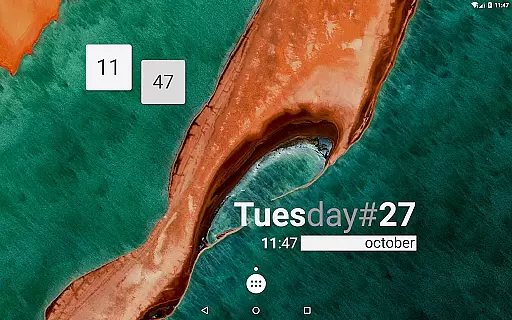
KWGT Kustom Widget Maker is the ultimate tool for Android users seeking to personalize their home screens. This powerful widget maker allows you to design custom widgets that display any data you need, exactly how you want it.
With its WYSIWYG editor, KWGT gives you total control over your widget's layout, including text, shapes, images, and interactive elements. Whether you're creating aesthetic photo widgets or sophisticated system monitors, KWGT provides all the tools necessary to unleash your creativity.
This app is perfect for power users who demand advanced functionality. You can use complex logic, dynamic data sources, and Tasker integration to create truly unique and personalized widgets.
KWGT stands out with its unparalleled customization options. The app includes a full suite of design tools such as custom fonts, color filters, and layer effects, allowing you to create professional-looking widgets.
Beyond basic aesthetics, KWGT supports advanced features like complex logic programming, dynamic data downloads via HTTP, and seamless Tasker integration. These capabilities enable users to build widgets that are not only visually stunning but also highly functional.
Whether you're designing custom clocks, weather displays, or system monitors, KWGT provides the flexibility and power needed to bring your ideas to life. With access to vast data sources and interactive elements, the possibilities are truly endless.
Customization is at the heart of KWGT Kustom Widget Maker, offering users an extensive array of options to tailor their Android home screens. With its powerful WYSIWYG editor, users can manipulate every aspect of their widgets' appearance and functionality.
The level of detail provided by KWGT is impressive; users have total text control with custom fonts, colors, sizes, and effects such as 3D transformations and shadows. The ability to work with shapes, images, and Scalable Vector Graphics adds another layer of personalization, allowing for widgets that are not only functional but also visually striking.
Interactive elements can be added to widgets, providing a dynamic user experience. Whether it's launching apps or toggling settings, KWGT ensures each widget is not just a static display but a functional part of the user's interaction with their device.
KWGT Kustom Widget Maker excels in theme compatibility, ensuring that every widget created can seamlessly integrate into the user's chosen aesthetic for their home screen. This flexibility allows for a cohesive look that reflects personal style or brand identity.
Users can design widgets that range from minimalist to data-rich, matching the overall theme of their device. Whether it's a sleek photo gallery or a detailed weather display, KWGT supports themes that cater to both form and function.
Furthermore, KWGT's support for complex logic and dynamic data means that even the most sophisticated system monitors and personalized music players can adhere to the selected theme, maintaining visual consistency across the home screen.
Highly customizable
Powerful WYSIWYG editor
Extensive design options
Advanced logic capabilities
Vibrant user community
Steep learning curve
Requires KWGT Pro for full features
Some features may be overwhelming
Limited free presets
Occasional bugs in complex setups

A light in the dark, a unique style and an andless cutomization!
 4.30
4.30
Winter's Journey: digital watch face for Galaxy Watch & Wear OS
4.80
Want to make your phone more special than ever?
4.60 4.50
4.50
Adorable pets roam and play right on your phone screen!
3.30
Handcrafted pixel art icons, widgets & wallpapers
4.60
Transform your device in a game console
4.40
Your home screen, just the way you like it.
4.30
Install amazing sticker packs: endless styles, always cool.
4.70
Enjoy a variety of amazing live wallpapers and colorful EDGE lighting borders!
4.80
Glass style colourful icons with a One UI look and feel
4.60
300+ widgets inspired by Material You and Material 3 expressive design.
4.60
Beautiful realistic hybrid watch face with numerous customization options.
4.50 4.50
4.50
Organize and manage your photos and videos effortlessly with Photo Gallery
4.20
Crystal-clear, square icon provides a sleek and sophisticated visual upgrade
4.00
Your go to Weather App & Home Screen. Get your weather at a swipe of a finger!
3.80
Emoji Maker app - Design custom emojis and effortlessly blend them with Mixer
3.80
Turn your lock screen into fun with smile live wallpapers & animated wallpapers!
2.50


User Reviews