
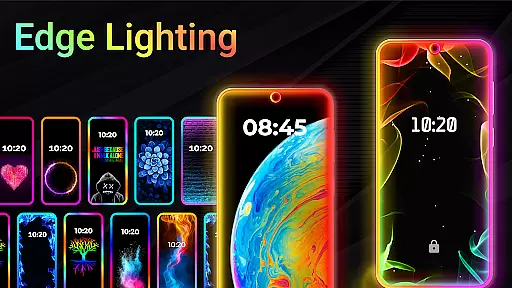
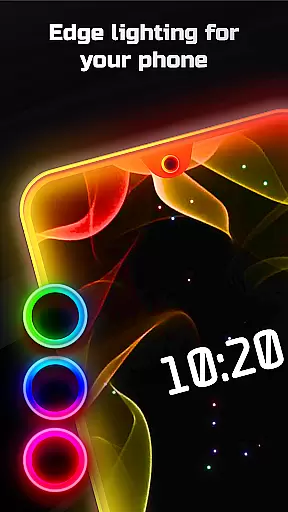
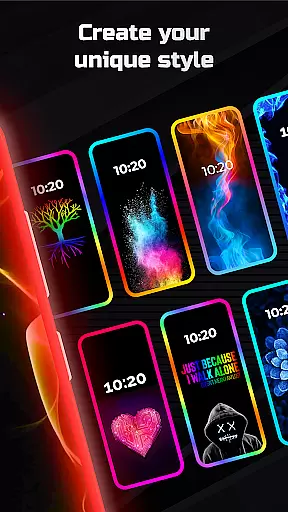
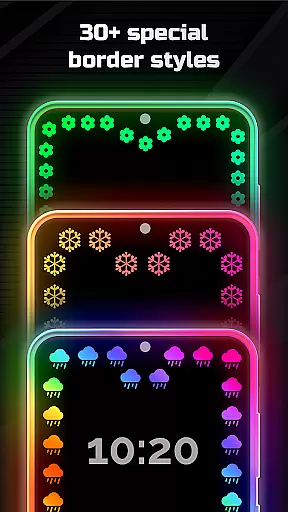
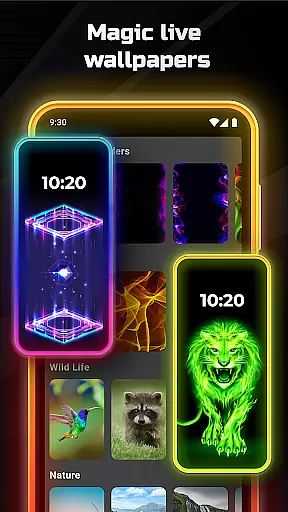
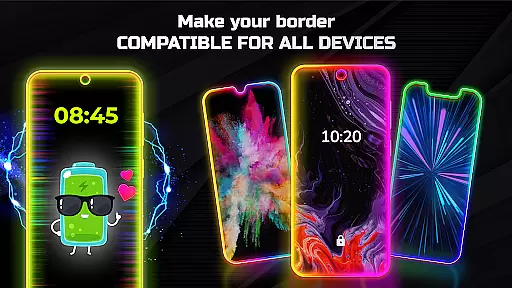
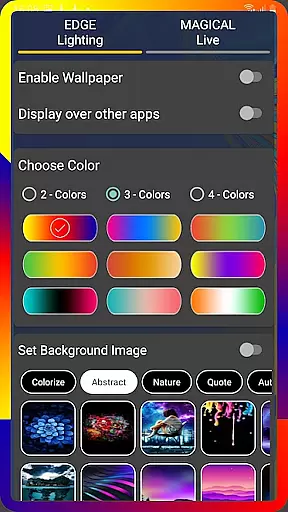
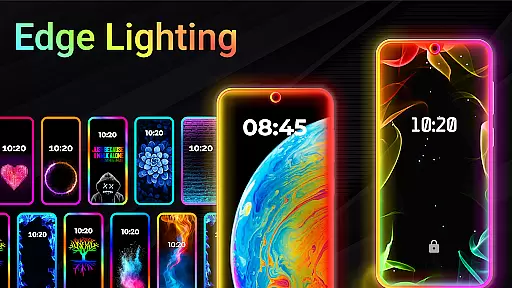
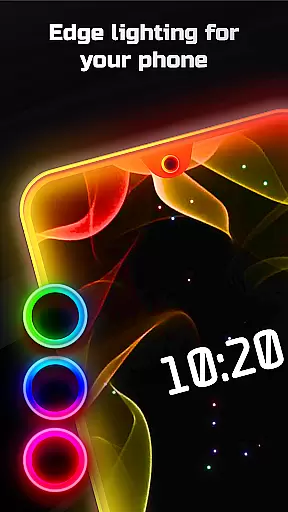
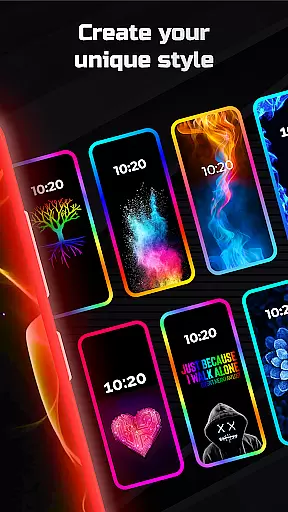
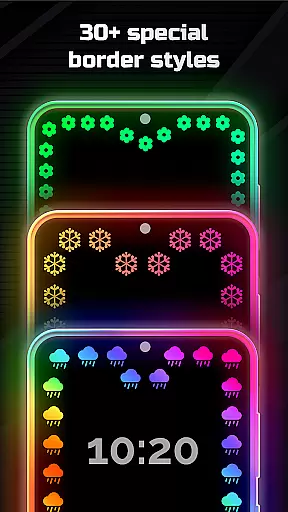
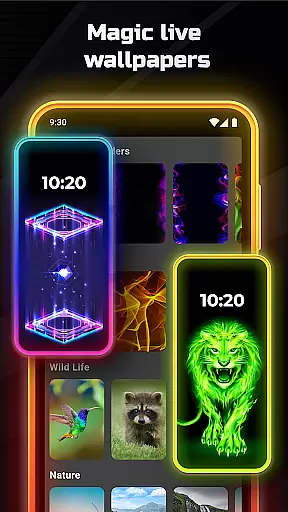
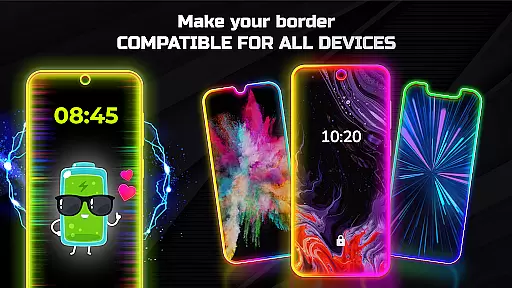

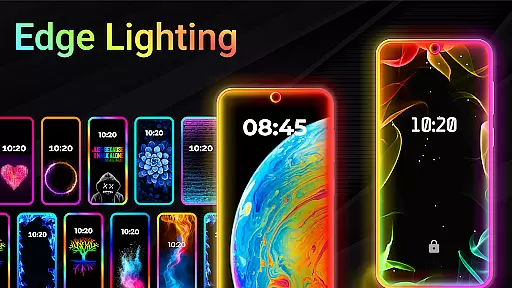
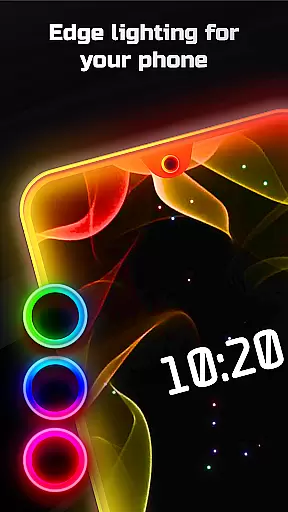
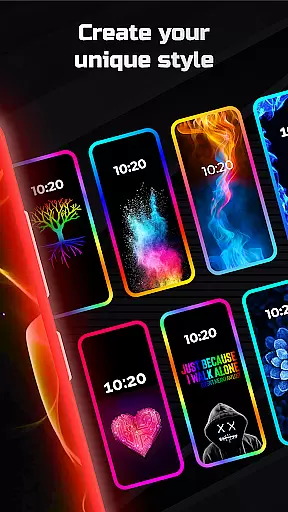
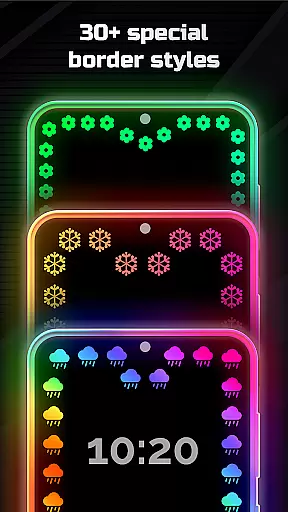
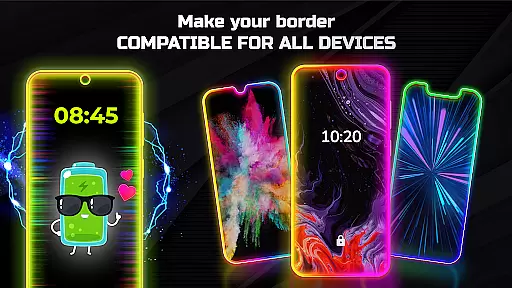
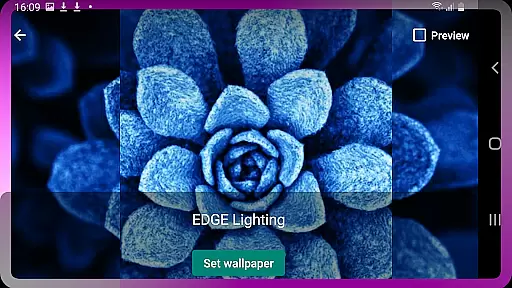
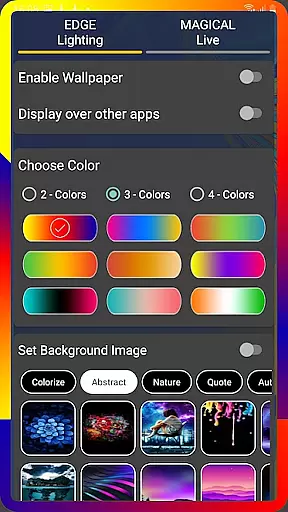
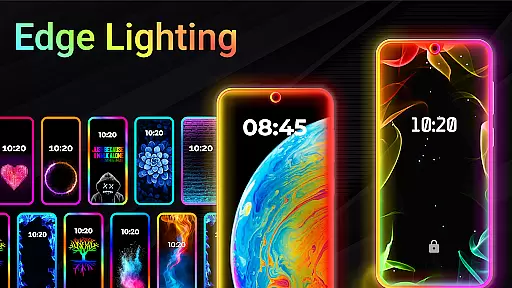
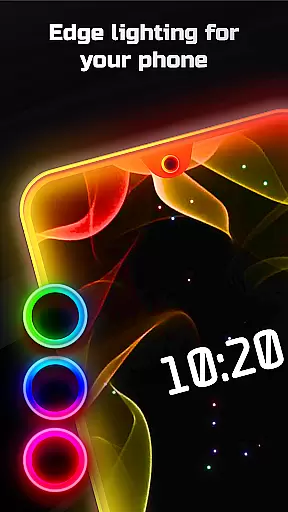
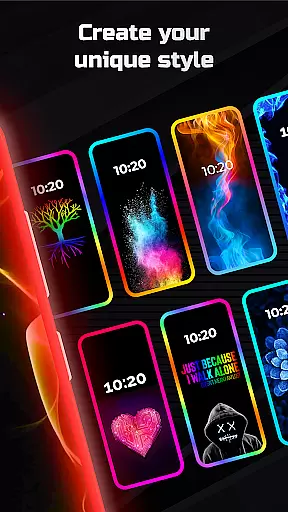
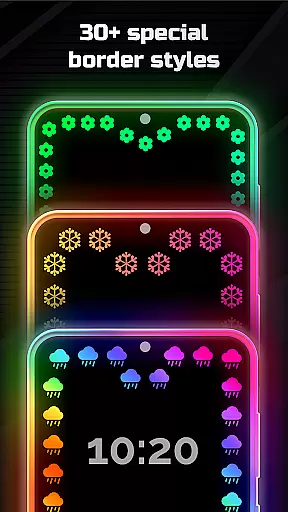
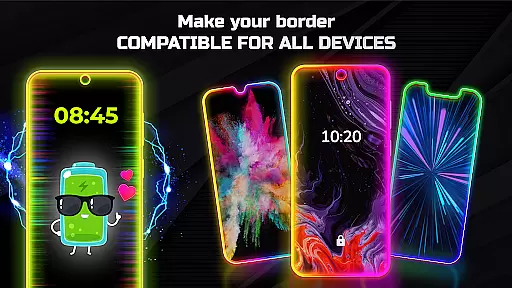
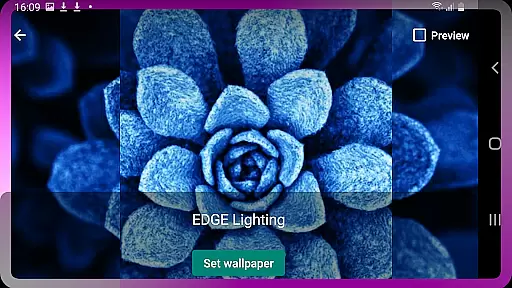
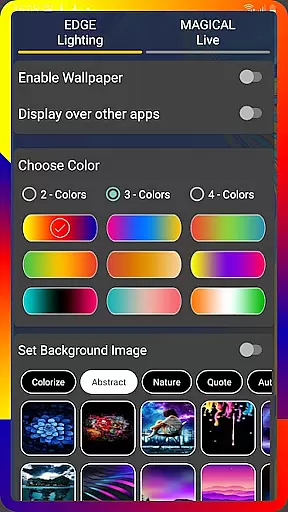
Edge Lighting is a versatile personalization app that allows users to enhance their Android devices with visually appealing edge lighting effects. The application supports all types of screens, including Infinity U, Infinity V, and Notch displays, making it compatible with a wide range of smartphones from Samsung Galaxy to OnePlus and Xiaomi. Users can customize the edge lighting by adjusting colors, width, animation speed, and choosing from over 15 border types such as Heart, Bird, Sun, and more.
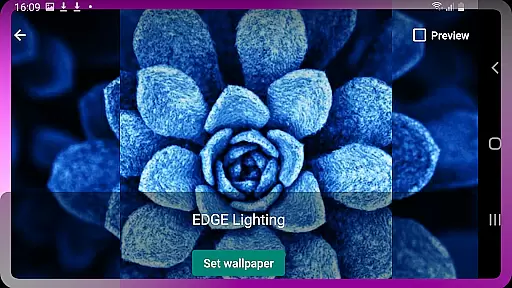
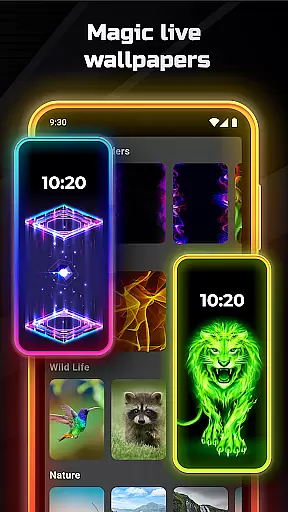
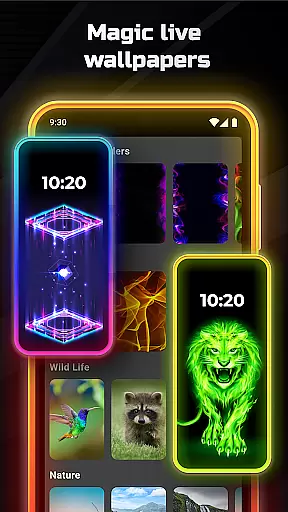
In addition to its core functionality, Edge Lighting offers magical RGB edge effects in multiple colors and the ability to set live wallpapers. This feature-rich app enables users to display edge lighting over other applications, creating an immersive visual experience. Whether you want to personalize your home screen or lock screen, this app provides a comprehensive solution for aesthetic enhancement of mobile displays.
The app's value lies in its extensive customization options and compatibility with various devices. By offering features like 4K background wallpapers and the ability to use personal photos as wallpapers within the edge lighting frame, it caters to users seeking both functionality and personal expression in their mobile experience.
Edge Lighting stands out through its diverse feature set that goes beyond basic screen customization. The app offers advanced control over edge lighting parameters, allowing users to fine-tune animation speed, curve radius, and notch dimensions specific to their device model. With support for over 30 magical edge lighting effects and color customization options, users can create unique combinations that suit their personal style.
A key differentiator is the app's ability to function across different Android devices while maintaining optimal performance. The inclusion of specialized features such as RGB edge lightning in multiple colors and round light effects demonstrates the developer's attention to detail. Furthermore, the application's capability to display over other apps enhances its practical value, ensuring that the visual enhancements remain visible during regular device usage.
The true innovation lies in how these features are implemented - from the intuitive settings menu to the one-click application of magical edge lighting effects. The app successfully combines aesthetic enhancement with functional utility, providing users with both visual appeal and practical screen customization options that work seamlessly across different Android platforms.
EDGE Lighting offers an extensive range of customization options that allow users to tailor their mobile experience precisely to their liking. With the ability to adjust colors, animation speed, width, and curve radius, users can create a personalized aesthetic for both home and lock screens.
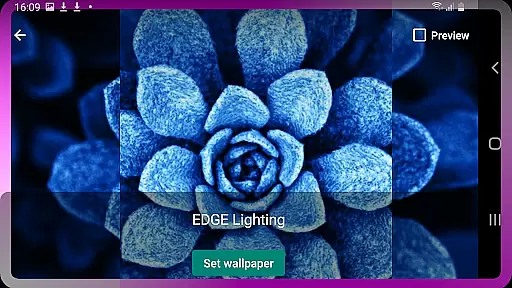
The application provides over 15 types of borders including Heart, Bird, Sun, Lotus, and more, ensuring that every user finds a style that resonates with them. This level of personalization extends to setting 4K backgrounds or even personal photos as wallpapers within the EDGE lighting screen, enhancing the visual appeal.
Users can also choose from more than 30 types of Magical EDGE Lighting effects, which can be set with a single click. The RGB Edge Lightning feature allows for vibrant color schemes in multiple hues, making each device not just functional but a true extension of the user's personality.
Theme compatibility is a crucial aspect of any personalization app, and EDGE Lighting excels in this domain by offering features that work seamlessly across different Android devices. Whether it's Samsung Galaxy, OnePlus, Xiaomi, or Nokia, the app ensures consistent performance and appearance on all screen types.
Support for various display notches such as Infinity U, Infinity V, Infinity O, and New Infinity means that no matter the device model, EDGE Lighting adapts perfectly without compromising on design integrity. Users can fine-tune notch settings like width, height, and radius to match their specific device specifications.
This adaptability guarantees that whether you're using a newer model or an older version, the EDGE Lighting experience remains uniform and visually pleasing. Such comprehensive theme compatibility makes it easy for anyone to enjoy a customized look without worrying about technical limitations.
Wide device compatibility
Extensive customization options
Unique border designs
Live wallpaper integration
Cross-app display functionality
Premium features locked
May impact battery life
Interface complexity
Limited iOS support
Occasional performance issues

Glass style colourful icons with a One UI look and feel
 4.60
4.60
Winter's Journey: digital watch face for Galaxy Watch & Wear OS
4.80
Transform your phone with Launcher iOS 26 - Smooth & elegant iOS experience
4.50
Unleash Your Creativity and Connect with Loved Ones with Lockscreen Drawing!
4.20
200+ Material Inspired Widgets
4.50
Modern Glass Icon Pack with glossy icons, clean minimal theme & aesthetic style
4.1
Your home screen, just the way you like it.
4.30
set a new experience for the Android mobile phone
4.20
Install amazing sticker packs: endless styles, always cool.
4.70
Vertically oriented rectangular icons
4.70
A minimalist productivity launcher. One-hand-friendly. Zero ads.
4.70
Unique Android Launcher
4.60
Want to make your phone more special than ever?
4.60
Customizable screen pets that play, climb, and keep you company.
4.50 4.50
4.50
Themes - Widget & Wallpaper: Customize home screen, icon changer w unique themes
4.30
Design your screen with unique, vibrant clocks
3.80
Turn your lock screen into fun with smile live wallpapers & animated wallpapers!
2.50
Capture moments that pass like a storm, second by second.
4.4


User Reviews