
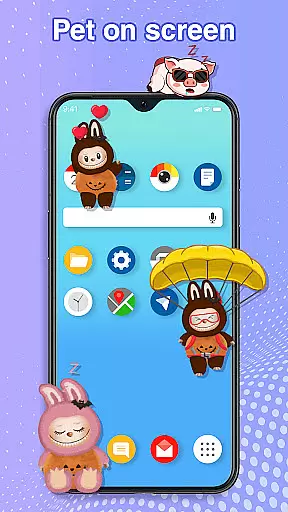
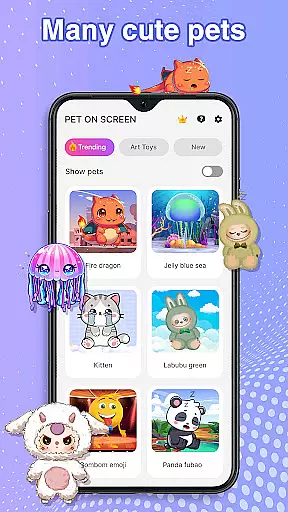
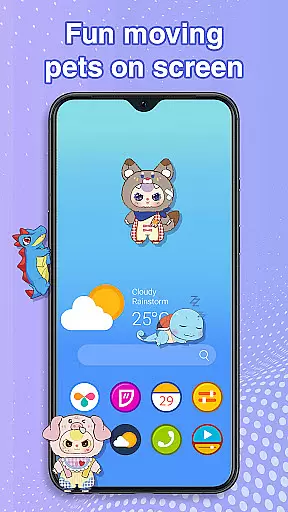
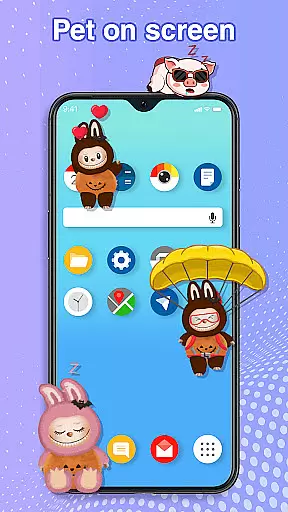
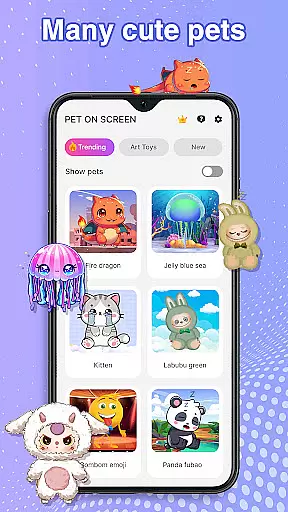
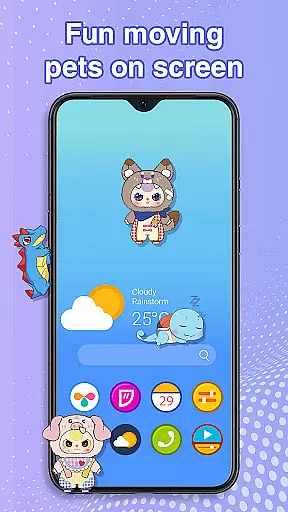
Pet On Screen - Desktop Pet is a delightful personalization app that brings charming virtual pets to your mobile screen. With an extensive collection of unique and colorful creatures, this app allows users to customize their phone experience with playful companions like Jellyfish, Fire Dragon, Labubu, Panda, Turtle, and Parrot.
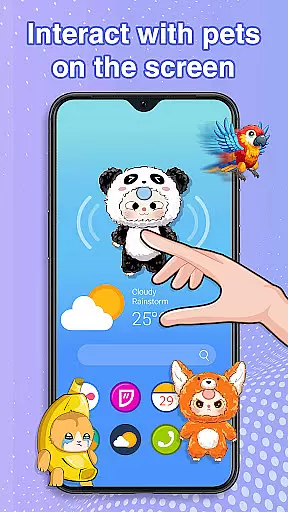
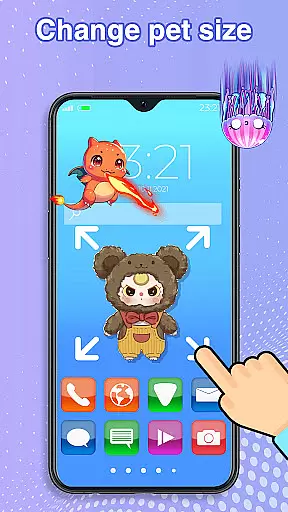
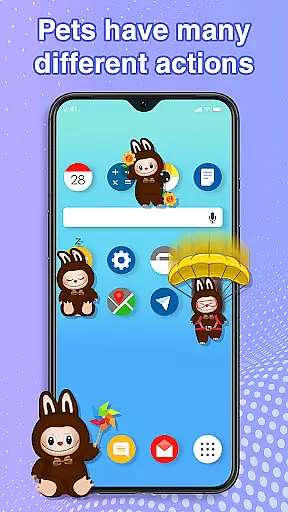
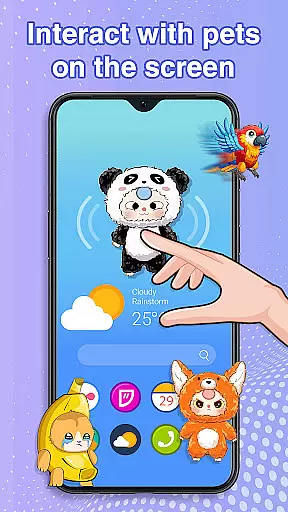
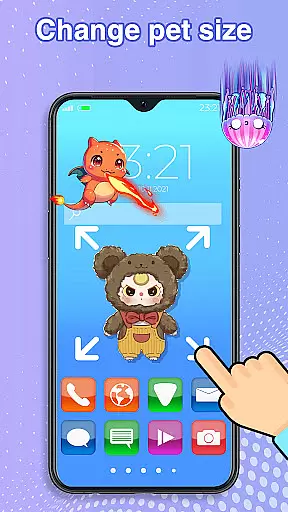
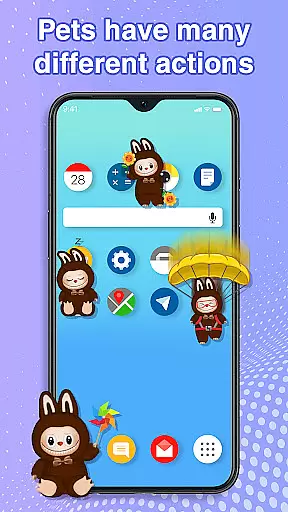
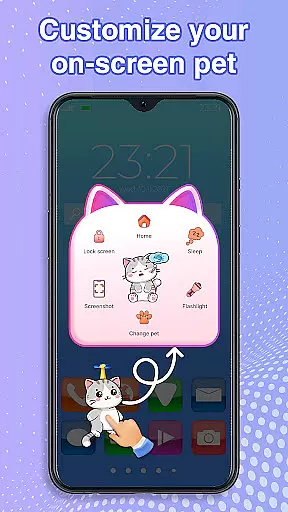
The app's standout feature is its interactive functionality. Users can freely drag and drop their pets across the screen, watch them respond to touch, and even care for them by putting them to sleep or waking them up. The pets' random movements create an engaging and dynamic user experience. Additionally, the app offers customization options for pet size and movement speed, ensuring smooth performance without disrupting other activities.
Pet On Screen - Desktop Pet distinguishes itself through its diverse range of interactive features. The app showcases a wide variety of virtual pets, each with unique characteristics and animations. Users can enjoy the gentle floating of Jellyfish, the majestic presence of Fire Dragon, and the playful energy of Labubu, among others.
A key innovation is the app's interactive elements. It enables users to manipulate their pets through drag-and-drop functionality while providing responsive touch interactions. The customization options are particularly noteworthy, allowing users to adjust pet size and movement speed according to their preferences. The app also includes practical features such as the ability to toggle between different pets and manage accessibility permissions for optimal performance.
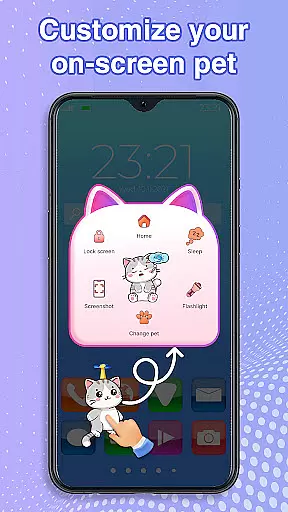
Customization is at the heart of Pet On Screen - Desktop Pet, allowing users to tailor their experience with a diverse range of options.
This app offers an extensive selection of pets, each with unique characteristics and animations, ensuring there's a perfect companion for every user's preference. From majestic Fire Dragons to playful Labubu, customization extends beyond just choosing a pet.
Users can adjust the size and movement speed of their virtual companions, creating a personalized environment that fits their lifestyle and mood. This flexibility ensures that your desktop pet remains a delightful addition to your mobile world.
The ability to switch between pets effortlessly adds another layer of personalization, keeping the experience fresh and engaging over time.
Pet On Screen - Desktop Pet excels in theme compatibility, seamlessly integrating with various device themes and interfaces.
Whether you prefer a minimalist design or vibrant colors, these digital pets adapt to your chosen aesthetic without compromising performance or visual appeal. The app's smooth operation ensures it doesn't interfere with other applications or system functions.
Accessibility features are thoughtfully incorporated, requiring permission to draw on the home screen and status bar while maintaining user privacy. This thoughtful approach guarantees that your desktop pet enhances your device's appearance without causing disruptions.
By combining versatile customization options with robust theme compatibility, Pet On Screen creates a harmonious balance between functionality and personal expression.
User-friendly interface
Wide pet variety
Interactive features
Customizable options
Smooth performance
Limited free content
Requires permissions
Battery consumption
Premium features cost
Occasional glitches

Capture moments that pass like a storm, second by second.
 4.5
4.5
Add cute Shimeji pets to screen, interact with them and relax with cute motions
4.60
Want to make your phone more special than ever?
4.60
Zip lock screen with magic wallpaper to decorate your phone with fun zipper lock
4.60 3.50
3.50
Choose your keyboard with RGB colors effect, themes, fonts, emojis.
4.60
One 8 icons glass color version
4.80
Handcrafted pixel art icons, widgets & wallpapers
4.60
Magic fluids wallpaper 4D: Relax with stunning fluid simulation wallpaper app
4.20
100+ Stylish Fonts, Emojis, Symbols keyboard for Instagram & TikTok!
4.80
A launcher for Samsung Good Lock and Good Guardians modules without ads
4.70
300+ Stunning and well-designed widgets inspired by NOTHING.
4.70
Unique Android Launcher
4.60
300+ Beautifully crafted widgets inspired by OneUI.
4.60
Vibrant Adaptive Icons with Material You and Enhanced Monet Colors.
4.50
200+ Material Inspired Widgets
4.50
Unleash Your Creativity and Connect with Loved Ones with Lockscreen Drawing!
4.20
Transfer your live wallpapers from Windows to Android using Wallpaper Engine!
4.00
⭐ OneUI inspired Fluffy Icon Pack – Soft. Stylish. Standout. ⭐
4.1


User Reviews